TypeButler 1.13.0 for Windows
SHA-256 listed
Pastes saved words and text blocks with a keystroke or mouse wheel
All ages
Age rating
Screenshots
Description
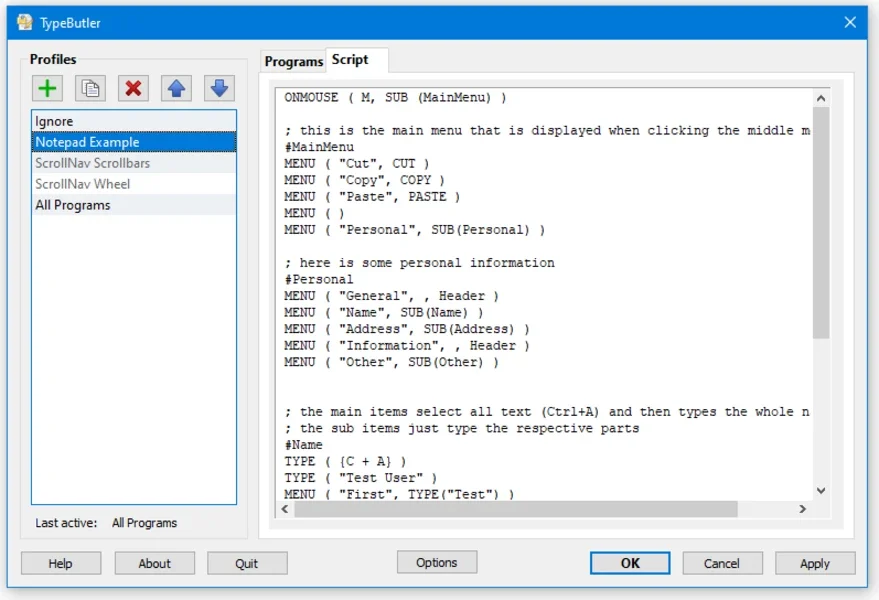
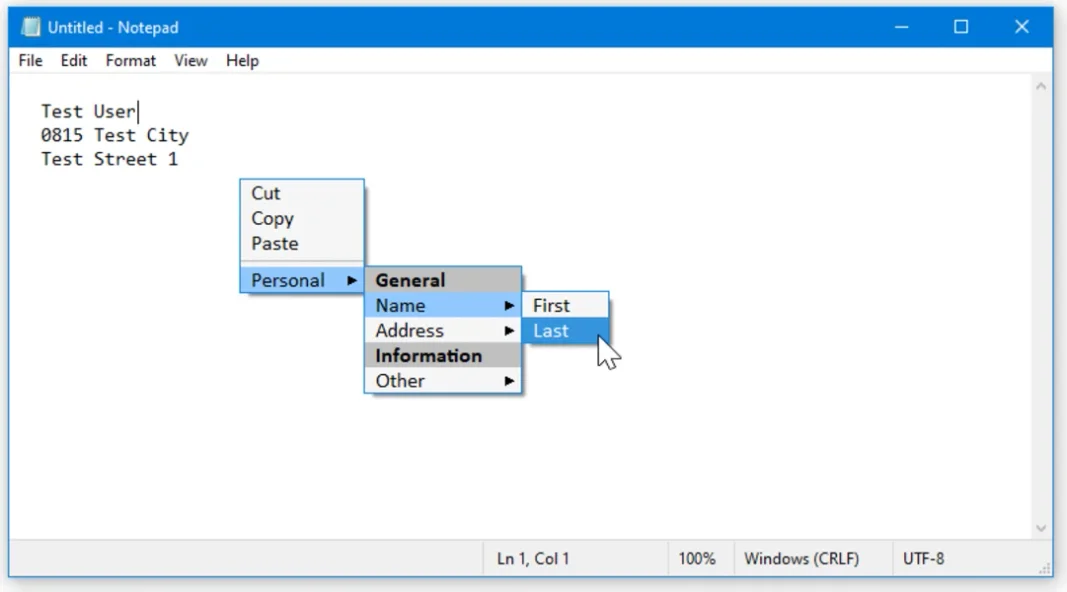
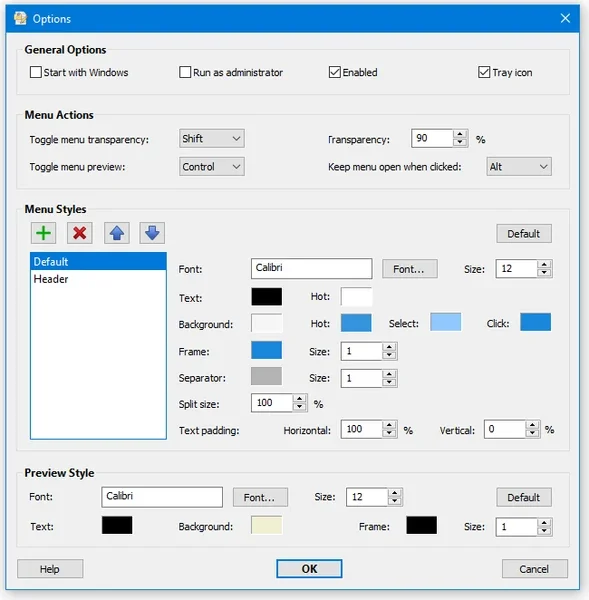
TypeButler saves the words and text blocks you type again and again, then inserts them with one click. After installation you build your own word structures and text blocks. A block or a single word can be tied to a key combination, and the mouse wheel can trigger the paste too.
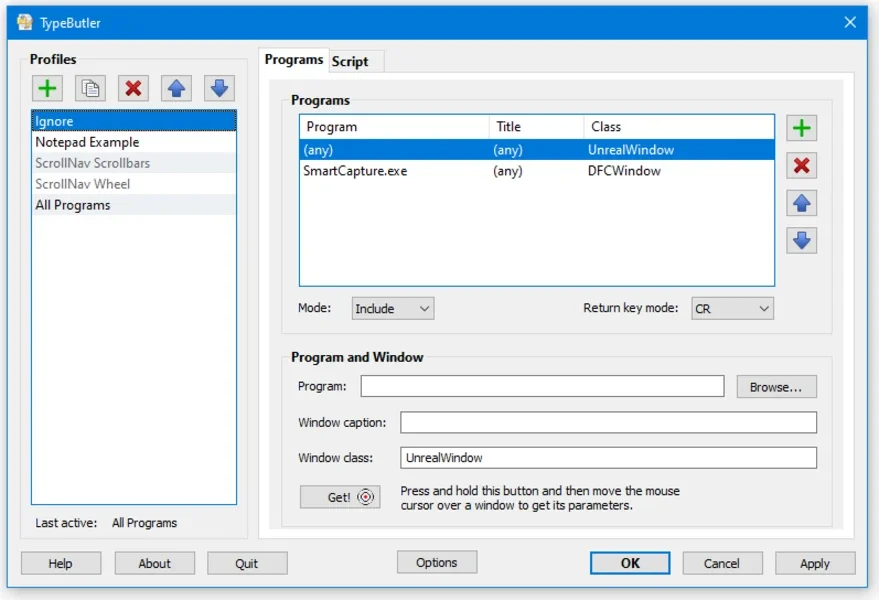
Different behavior per program
The app can behave differently in a word processor than in a web browser, and you set your structures up per program to match. It is meant for people who write regularly, especially long repetitive text, and it cuts down on spelling and other mistakes that come with fatigue. It runs on Windows Vista through Windows 11.
Download files
File1.13.0EXE
Version1.13.0
ReleasedDec 10, 2025
Size1.2 MB
SHA-256
Get
dfc0dbc34aa95e8bd2c30cf3a2fb648231b64503ef510996b7387d691dfe88e6
No digital signatureFiletypebutler-1.9.1.exeEXE
Version1.9.1
ReleasedJul 24, 2024
Size1.2 MB
SHA-256
Get
d72e298317c9f0c0d1baee5763c220c59e5515b1854125998f8abd514140a605
Filetypebutler-1.3.1.exeEXE
Version1.3.1
ReleasedFeb 15, 2023
Size1.2 MB
SHA-256
Get
f77ab445cf9cff6db53584827a7e010fb66486ca64585511dedde7798a235d78
Filetypebutler-1.2.0.exeEXE
Version1.2.0
ReleasedSep 20, 2022
Size1.2 MB
SHA-256
Get
9d3a98b94a2f26f43cd4adfb0b7bf75762cf655395f86c9276041571d7143642
System requirements
Available on:
Additional information
Developer
Latest release
1.13.0 · Dec 10, 2025
Size
1.2 MB
Category
File type
EXE
SHA-256
dfc0dbc34aa95e8bd2c30cf3a2fb648231b64503ef510996b7387d691dfe88e6
Digital signature
No digital signature





