
Slices 3D models into G-code for FDM printers, with profiles and plugins
You are on macOS — this is the Windows version. See the macOS version
Screenshots
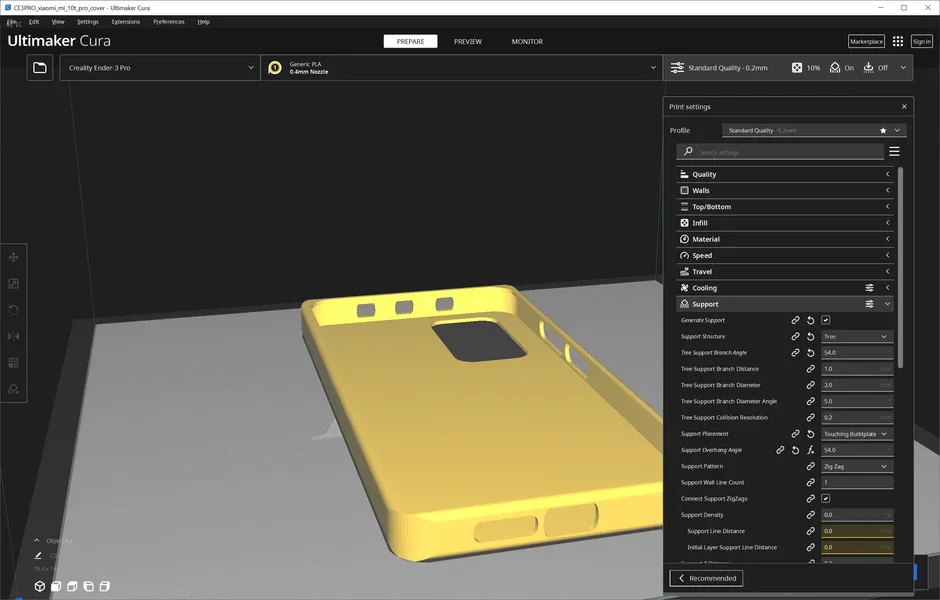
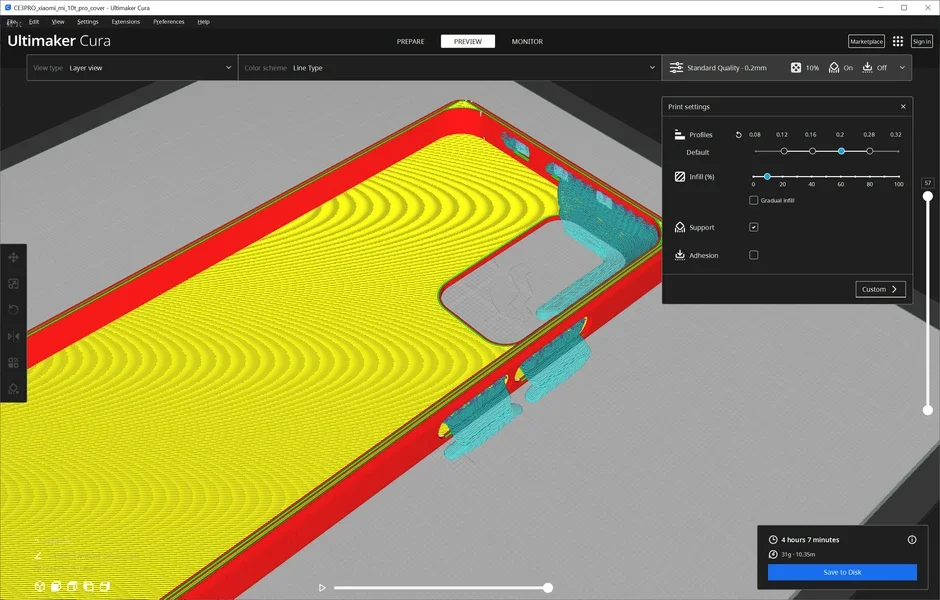
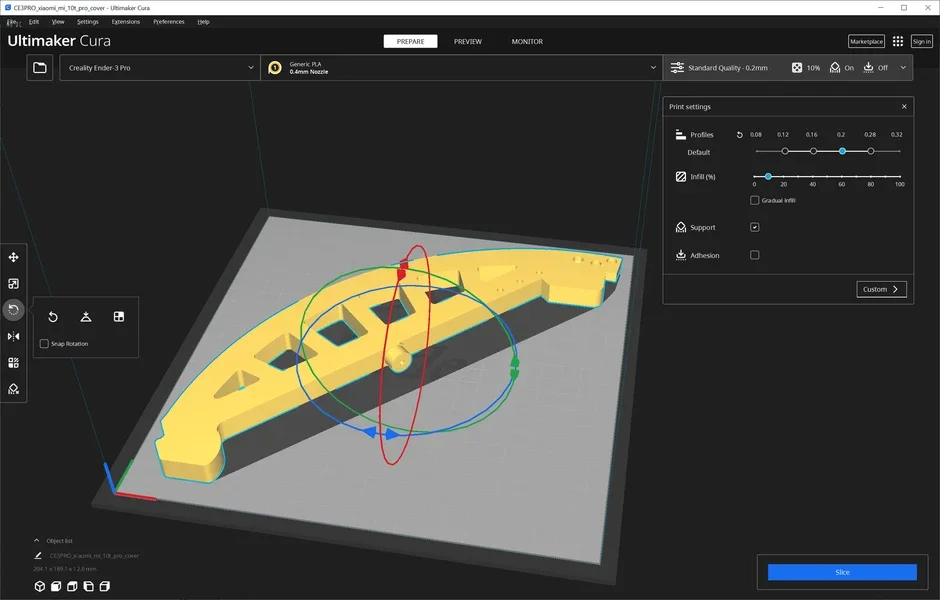
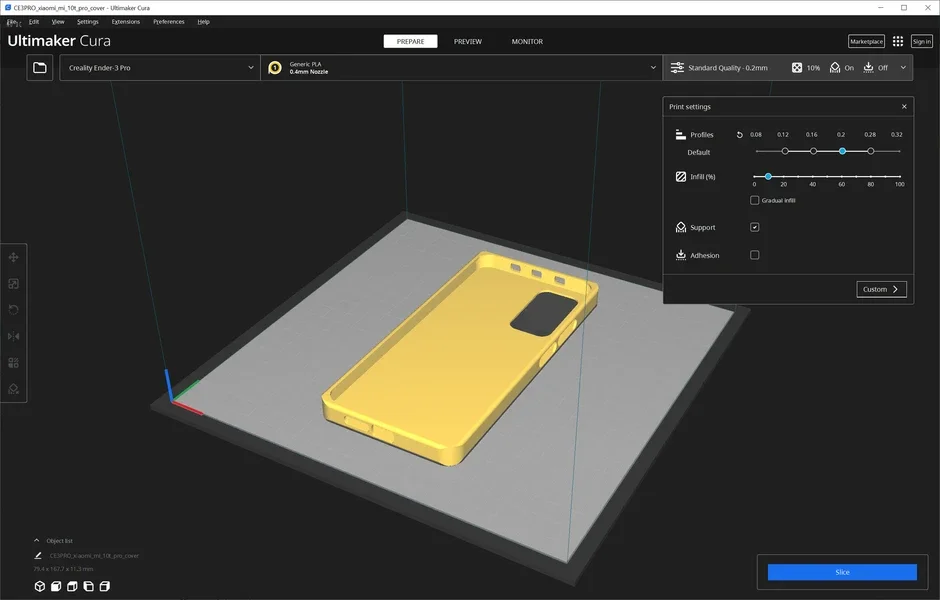
Description
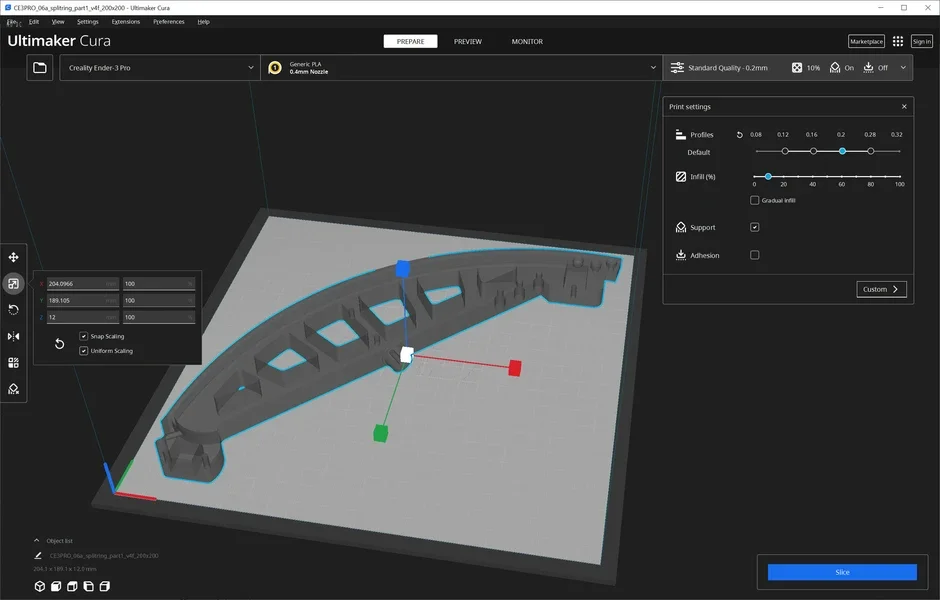
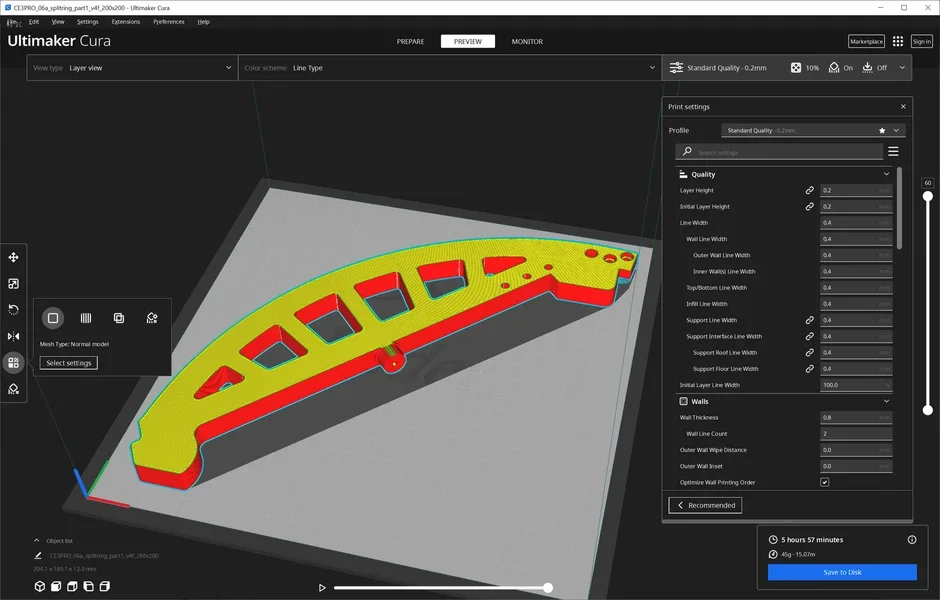
Ultimaker Cura turns 3D models into print-ready output for desktop FDM printers. It reads common 3D file formats and produces G-code, with precise control over the result.
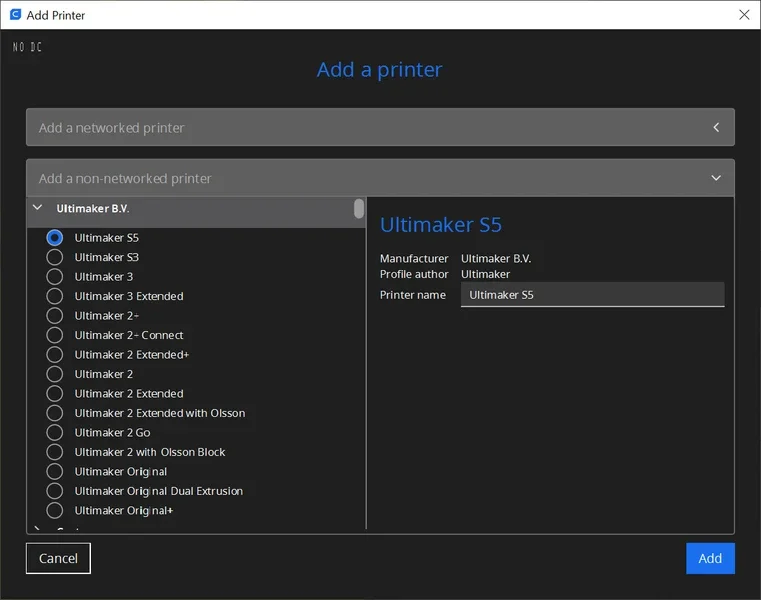
- Prepared profiles ship for a few hundred FDM machines from other makers.
- You can build your own profiles for unusual hardware.
- A plugin ecosystem adds verified material profiles, remote printing, export and monitoring tools.
- Plugins and scripts from third parties extend the app; the core stays untouched.
- Plugins connect it to professional CAD packages on the usual platforms.
- Teams can share scripts and customizations across installations.
CuraEngine, the core, is open source and maintained by the developer with the global community. On Windows it needs a 64-bit build of Windows 10 or newer, and the machine needs a graphics card that supports OpenGL 2.0 and at least 4 GB of RAM. The developer suggests a stronger OpenGL profile for fuller 3D rendering. Advanced optimization takes time to learn, so anyone after a fast first print should expect a configuration period before the advanced benefits arrive.
Download files
d7dc8f59bb3d428d057d19ba0700eceabce1e0f3a78736572a47d06381db7753
Signed by UltiMaker BV · valid until Jan 19, 20276edb3c4394e6e4ecb6b00f3e96d70e1ea53652c57a9626b58f8fda56e291aa6d
Signed by UltiMaker BV · valid until Jan 19, 20273a8d3b34d3fc7aafd495630a0ad07cfc19badb50a2a99c22597d4adb971c78da
Signed by UltiMaker BV · valid until Jan 19, 20273525bfe5c73ab77e4c26050efb8cb415ea43240ff1714cb1a3abb7800b5f2a35
Signed by UltiMaker BV · valid until Jan 19, 2027294d4c3907137e789b16b15990bab64380eff5df7c7d9d0d06ec83966f36ffa0
System requirements
Available on:
Additional information
Developer
Latest release
Size
Category
File type
SHA-256
d7dc8f59bb3d428d057d19ba0700eceabce1e0f3a78736572a47d06381db7753