
Vibe 3.3.8 for Windows
Offline speech-to-text for files, links and live mic input
You are on macOS — this is the Windows version. See the macOS version
Screenshots
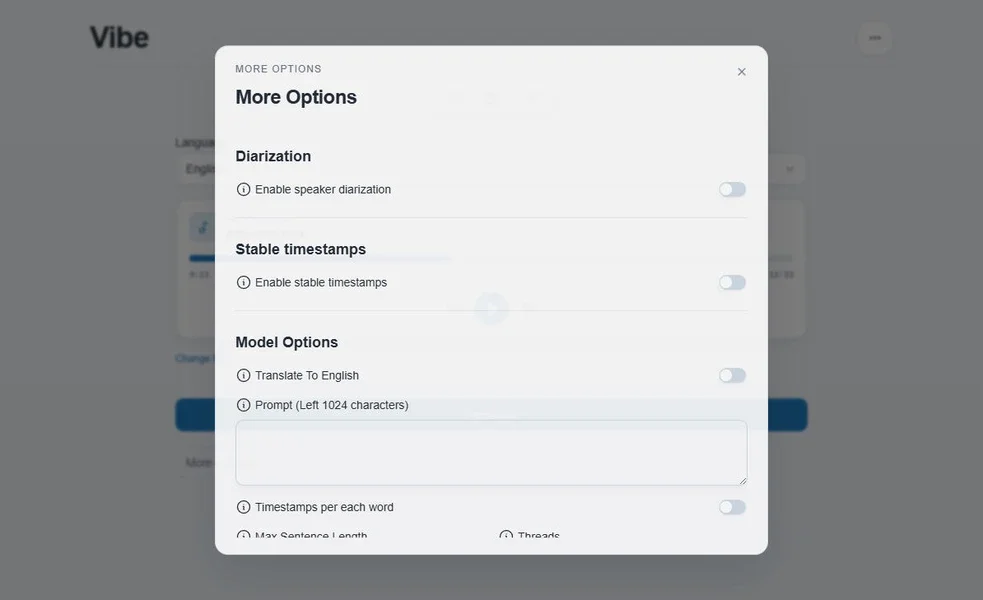
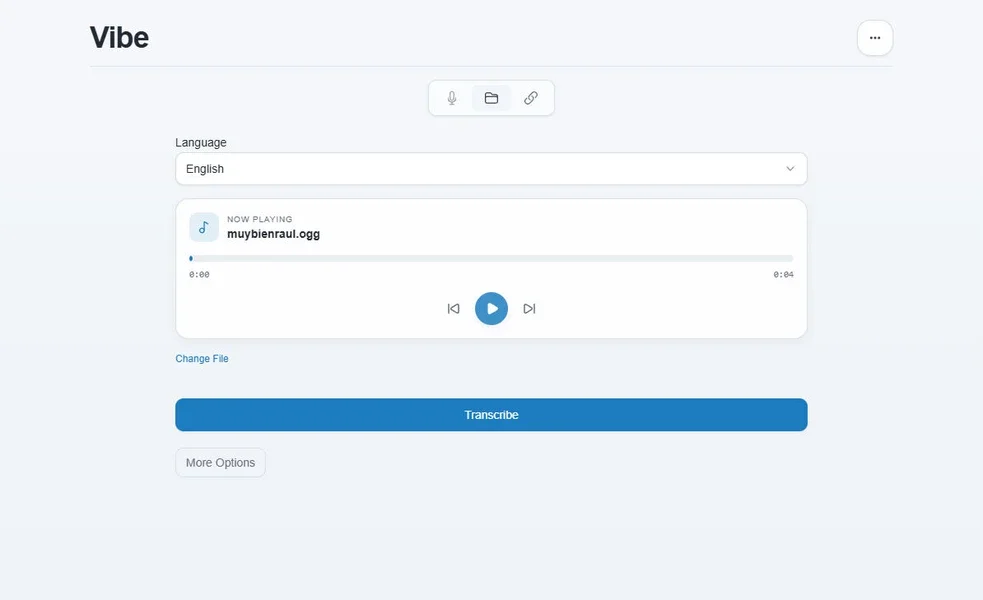
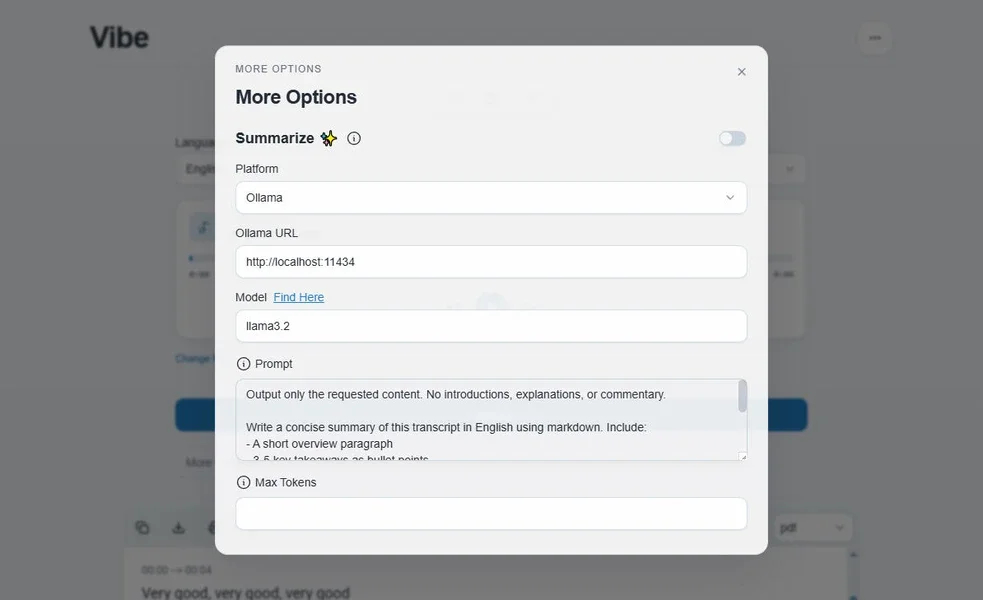
Description
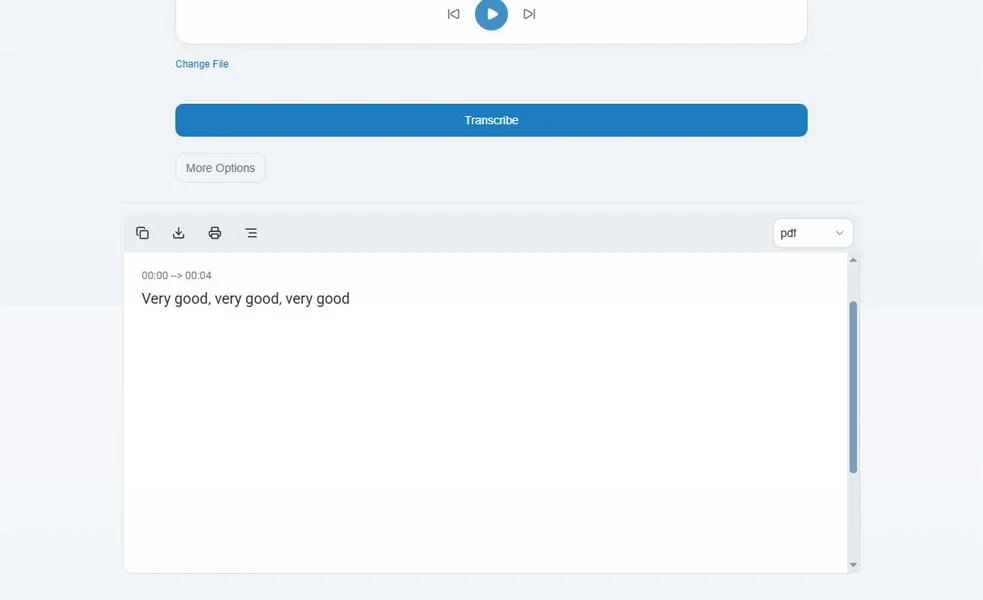
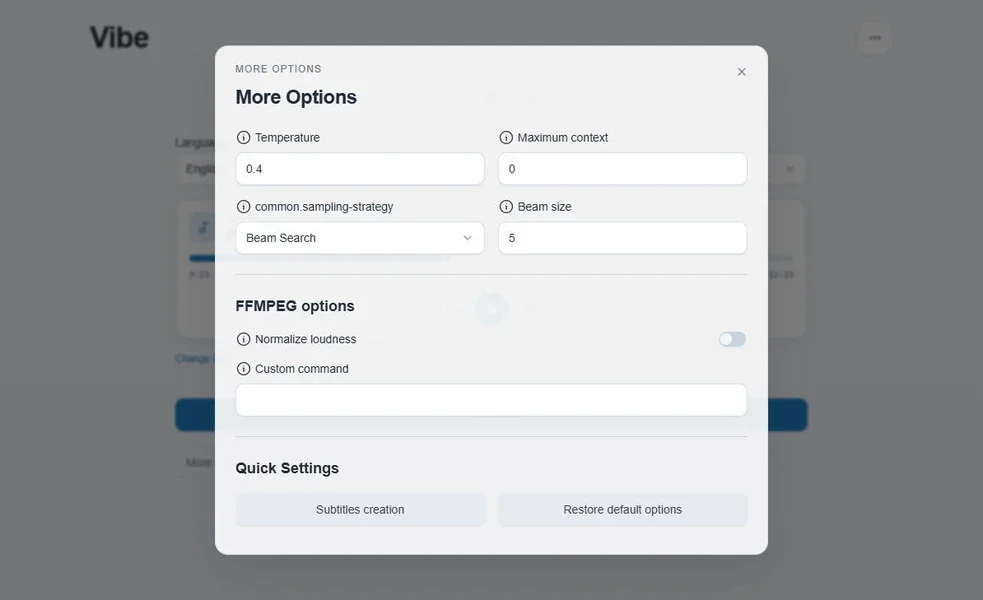
Vibe is a desktop client for Windows that turns speech into text. You give it an audio or video file and it writes out what was said. Transcription runs on your own machine, so the content stays on your PC and the program works fully offline. No Internet connection is needed.
MP3, OGG, WAV and FLAC are accepted as audio, along with MPEG-4, Matroska, AVI, QuickTime and WebM video containers, plus other popular formats. On video links from sites such as YouTube, Vimeo and Facebook, transcribing requires installing ytdlp first. A microphone attached to the PC can be transcribed in real time as you speak. Batches of files are handled too, working through several large audio files gradually rather than all at once. More than 100 languages are supported, with automatic detection on by default; you can also pick the language by hand. Accuracy varies between languages. Results can be exported as PDF, DOCX, TXT, HTML or JSON, among other formats, and an SRT export produces subtitles for a video.
It is free to download and runs on Windows.
Download files
0dc1d82390fa2dc51d5a25cbcebc96ba7818f5711e3dc4ec0e727f0d91bcabdd
Signed by Yaakov Kolani · valid until Feb 17, 2027d66166c5749e0140309716bff52ec01b0b41d6e48693050a7327555d2e052cc5
Signed by Yaakov Kolani · valid until Feb 17, 2027f002953fe2e543d496d4a6087217eb41e8fdefb299021e8e5d5b0b8f34ee1eeb
Signed by Yaakov Kolani · valid until Feb 17, 2027e2437fa44ac32b3bc4ed636c1a1141f8b8cca38bb841e7c4535e5ef6e3971081
Signed by Yaakov Kolani · valid until Feb 17, 2027f0709688edc1d7d0d99f737d575462eaf3aa4232be8c23c5209b2f813e2ea47b
Signed by Yaakov Kolani · valid until Feb 17, 2027System requirements
Available on:
Minimum OS:
Windows XP or later
Additional information
Developer
Latest release
Size
Category
File type
SHA-256
0dc1d82390fa2dc51d5a25cbcebc96ba7818f5711e3dc4ec0e727f0d91bcabdd