
VidClipper Video Editor 4.0.0.1 for Windows
Beginner video editor with templates, drag-and-drop editing and a screen recorder
Screenshots
Description
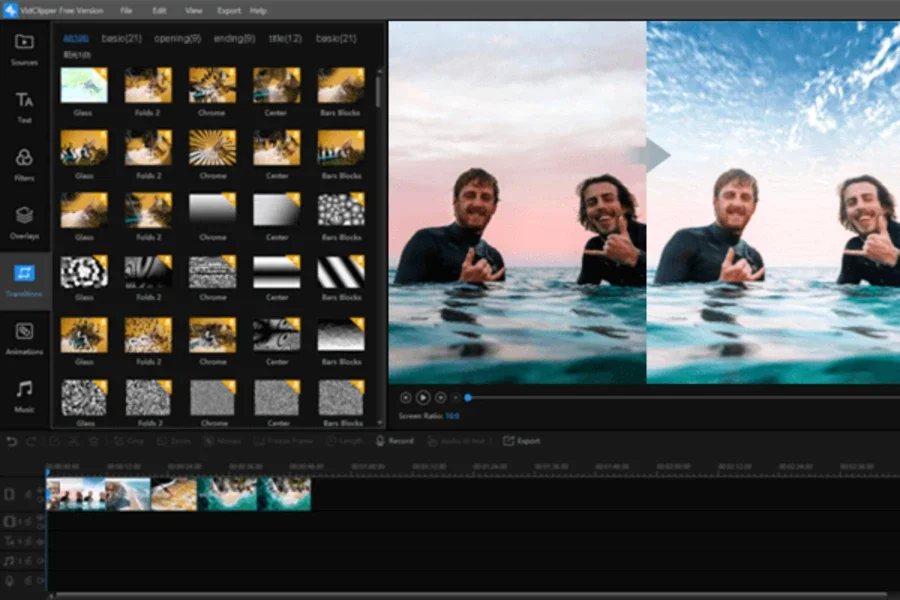
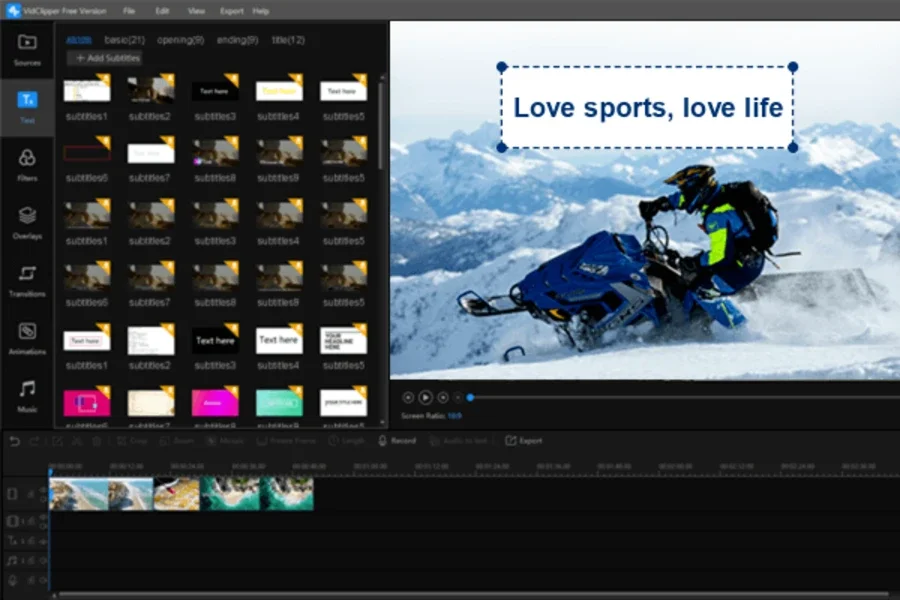
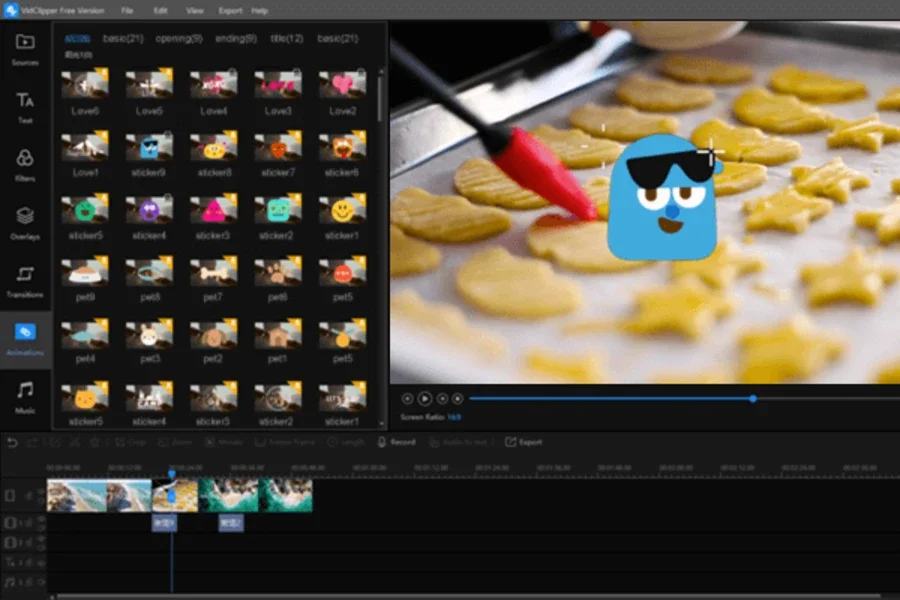
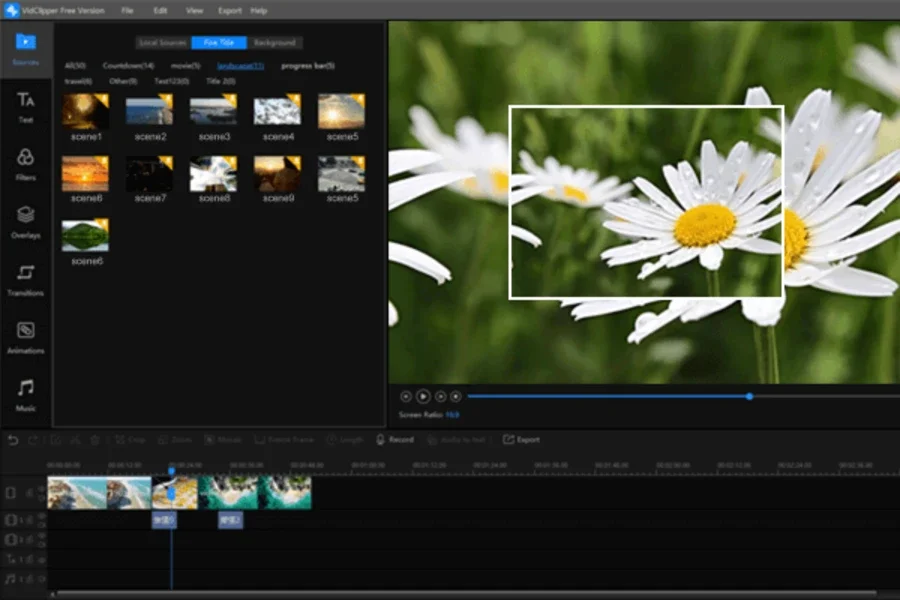
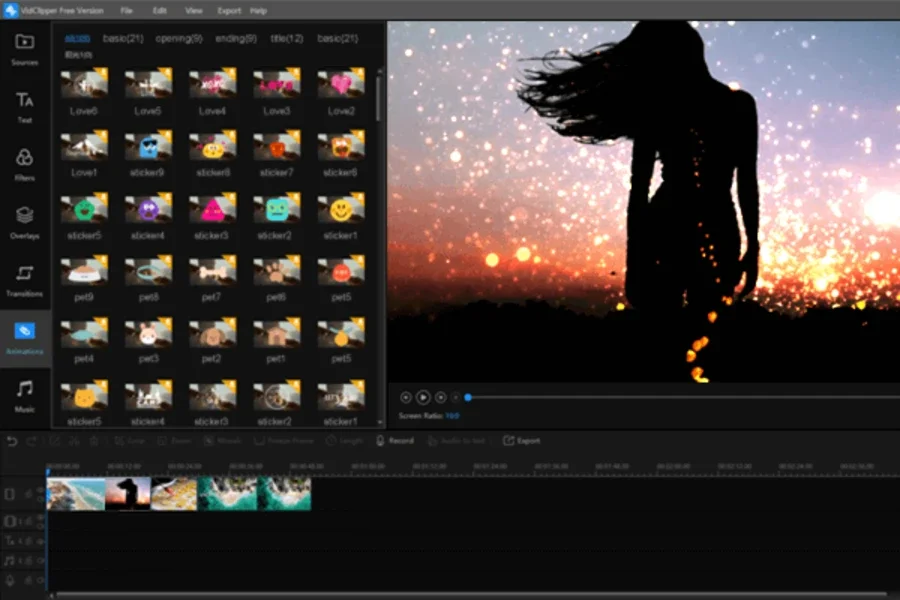
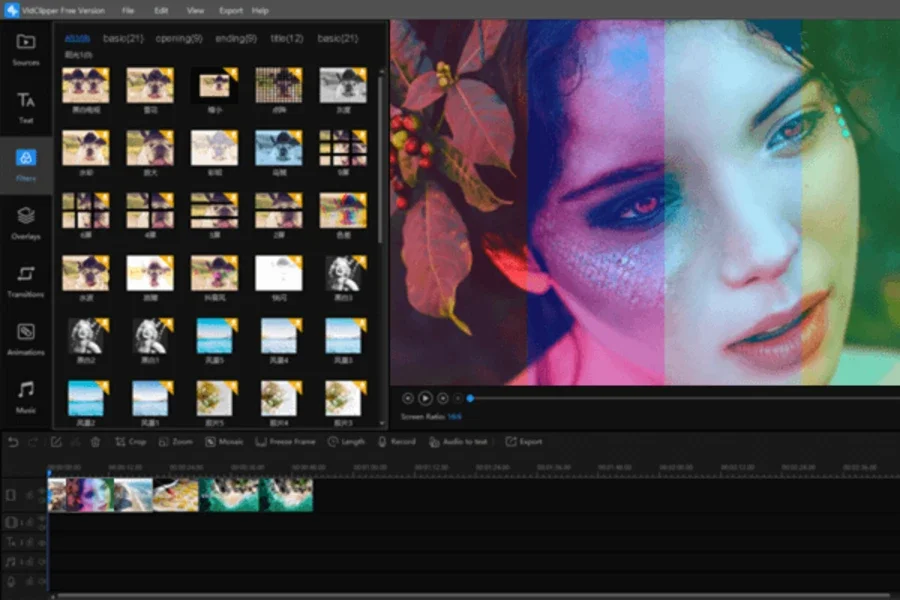
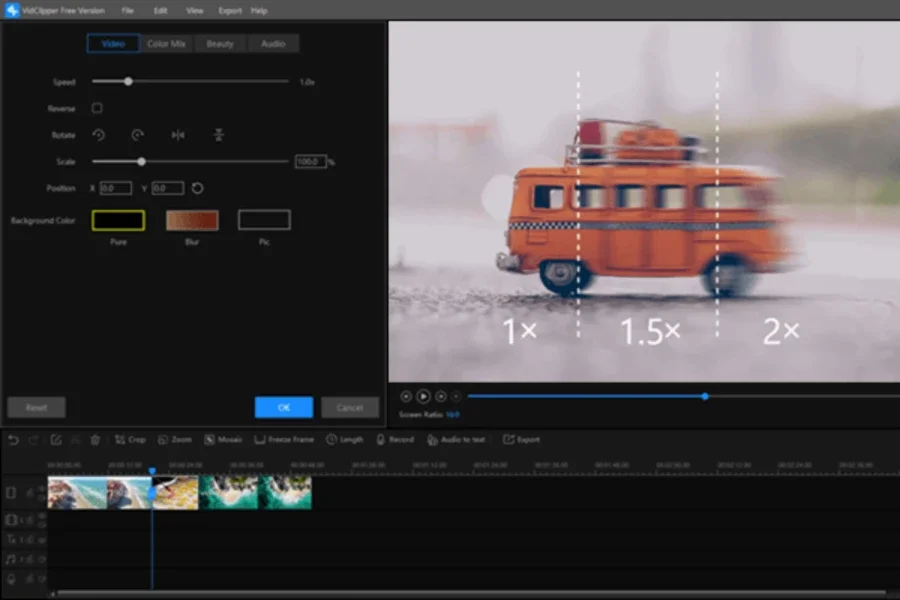
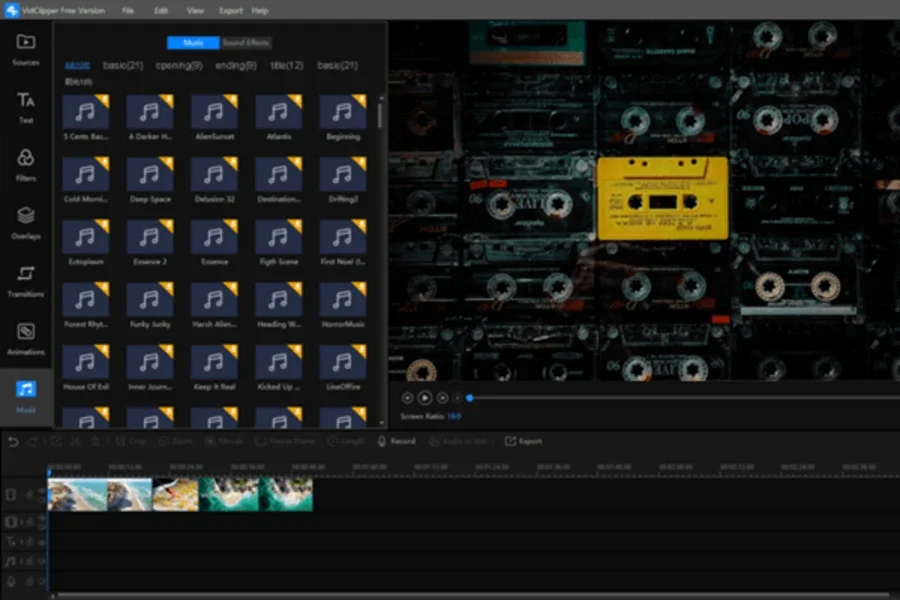
VidClipper Video Editor opens on templates, filters, motion effects, text overlays and transitions, and it lets you drag clips into place while a real-time preview shows the result. That is the heart of it: cutting, splitting, merging and cropping, plus a compressor, a watermark eraser and an AI-powered background remover. The program runs on Windows and supports multiple formats.
Before export you can adjust audio, resolution, frame rate and bitrate. Output covers MP4, MKV, AVI and MOV. Alongside the editing tools it bundles a screen recorder, a video converter, a text-to-audio converter, and splitters and mergers. Its console features include color correction, denoising, freezing and pixelation.
The program is aimed at beginners, and the tool set reflects that. You will not find multi-track editing, intricate effect work, or sophisticated color work at the level of a dedicated grading tool. Customization options are fewer than in competing editors, and some tools are too basic for experienced users. Large or demanding projects push against its limits. Export offers MP4, MKV, AVI and MOV output.
Download files
88b86ed578a3699b1b46207390304bfcb674fdcdbaa49e0e17d77098eaba4ef7
Signed by Shanghai Hudun Information Technology Co., Ltd. · valid until Mar 7, 202475a71831a78f9f4dc6eb3daf04561079ff813cb5fb200649acdbb13caae9795b
Signed by Shanghai Hudun Information Technology Co., Ltd. · valid until Mar 7, 2024System requirements
Available on:
Additional information
Developer
Latest release
Size
Category
File type
SHA-256
88b86ed578a3699b1b46207390304bfcb674fdcdbaa49e0e17d77098eaba4ef7