
Vidnoz AI 1.0 for Windows
Turns scripts into avatar videos in the browser
Screenshots
Description
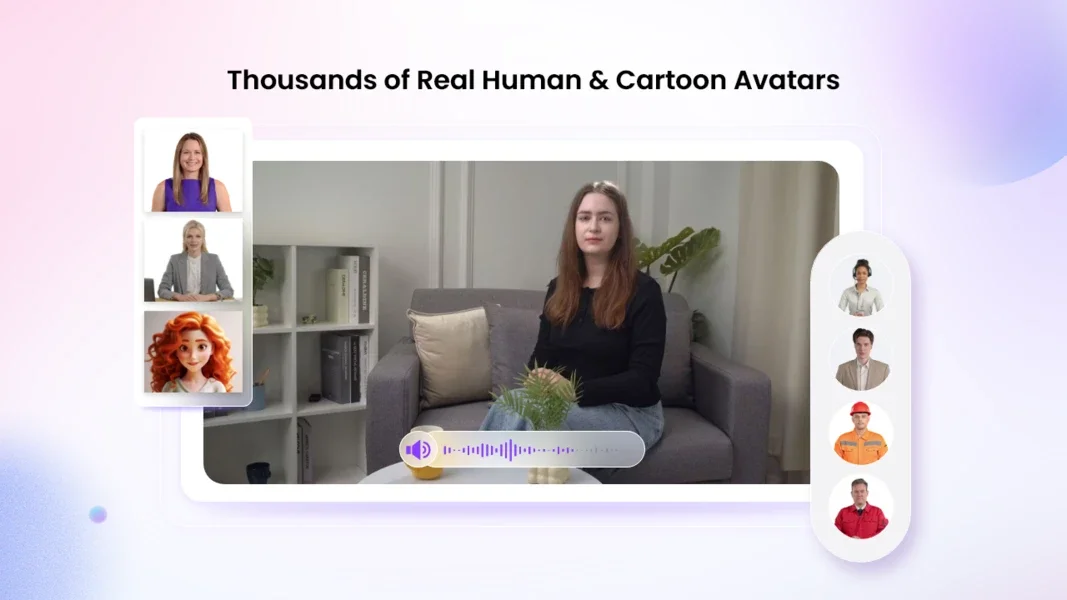
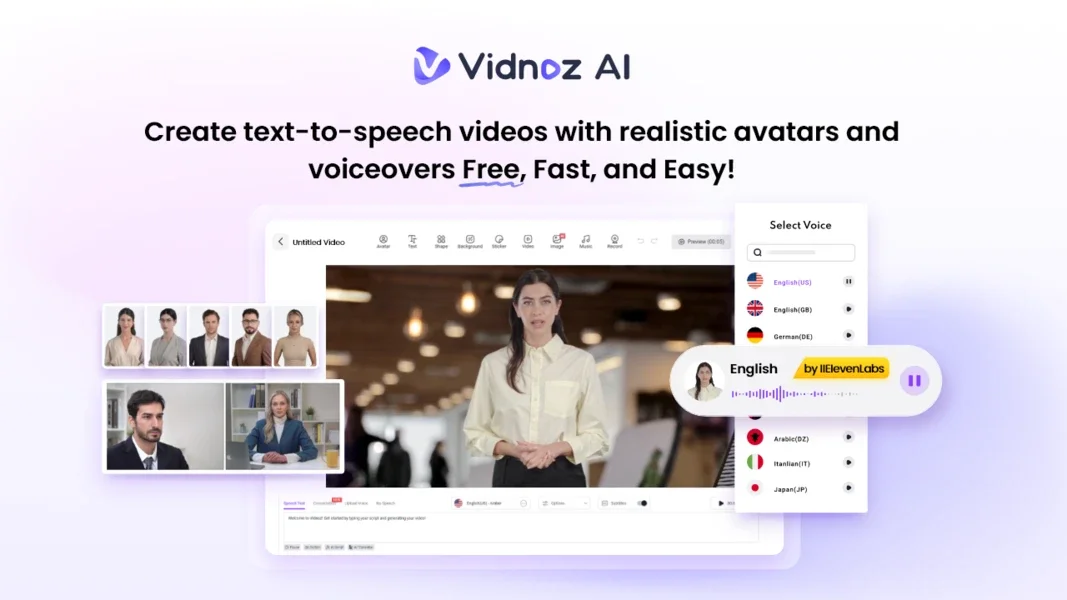
You write a script, pick an avatar and a voice, and Vidnoz AI builds the video from there. The script reading and voiceover sync happen on their own, so you are not lining up audio by hand. Avatars can be customized, voices cloned, and the whole thing runs in the browser on a drag-and-drop canvas. It needs a stable internet connection to work properly. Projects and edits live in cloud storage, which is also how you share them.
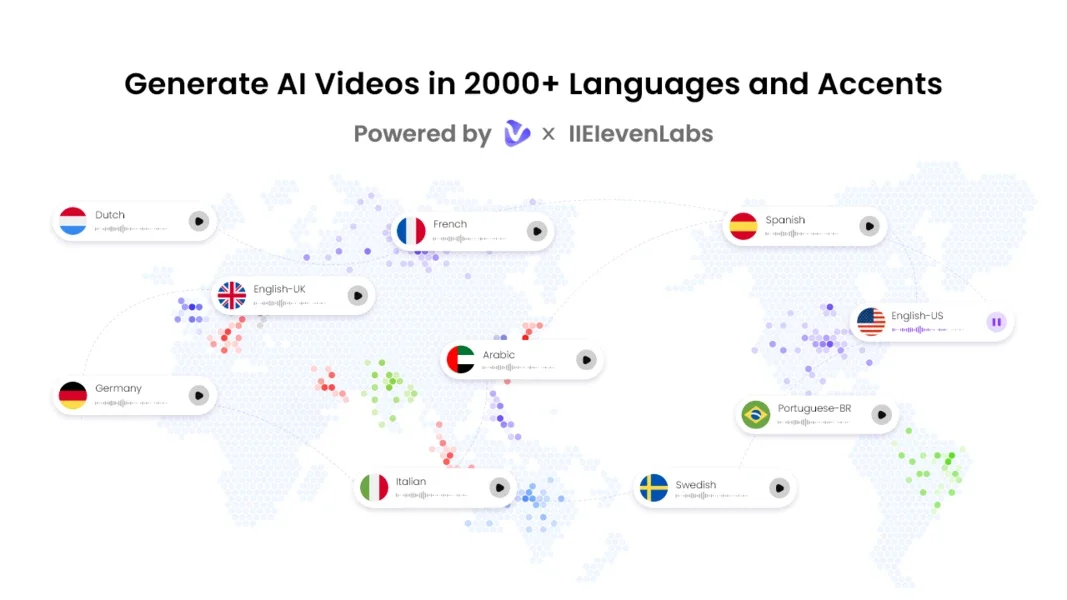
There are pre-built templates for explainers, tutorials, promo clips and social posts. You edit a template by changing its text, background or avatar. The interface is friendly, the tool speaks several languages and accents, and it is meant for marketing, education, training and social content. Set it against traditional editors like Canva Video or Synthesia and the tradeoff shows: fewer customization options, no advanced video editing, and some post-production tools are absent. AI avatars, text-to-speech and templates are what you get instead.
There is a free version and a paid one, and the free version puts watermarks on your output.
Download files
1b3b7cb321f2b35d359b46cf22cfff531e7ec91f6d3a4369d70fd119e38dd36e
Signed by ORANGE VIEW LIMITED · valid until Oct 22, 2023System requirements
Available on:
Minimum OS:
Windows 7 or later
Additional information
Developer
Latest release
Size
Category
File type
SHA-256
1b3b7cb321f2b35d359b46cf22cfff531e7ec91f6d3a4369d70fd119e38dd36e