
VSO Image Resizer 4.1.0.2 for Windows
SHA-256 listed
Resizes and converts images from the Windows right-click menu
All ages
Age rating
Screenshots
Description
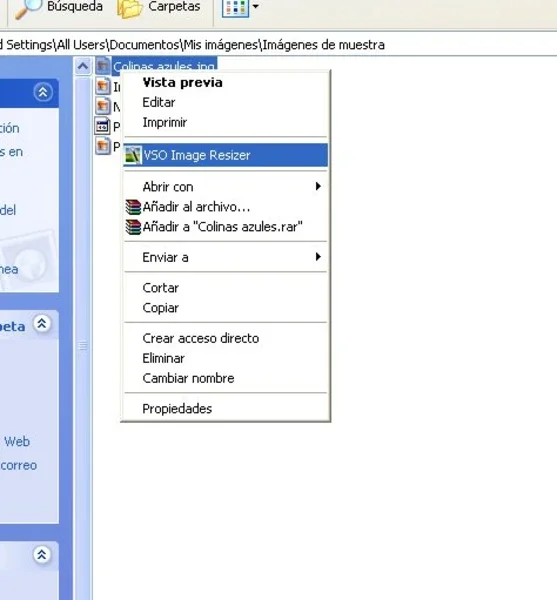
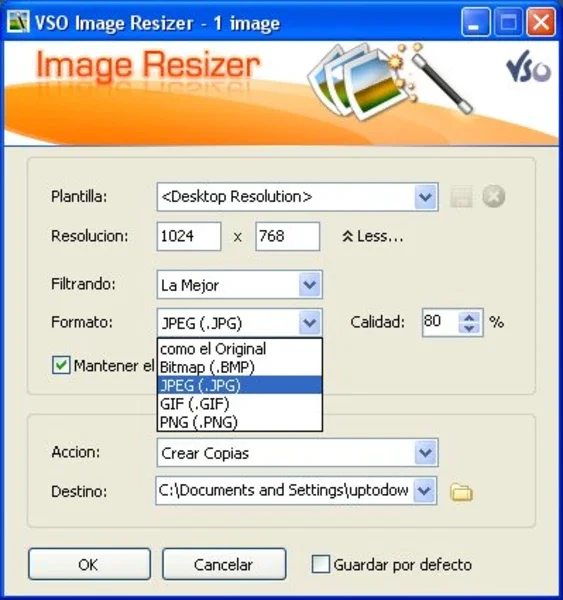
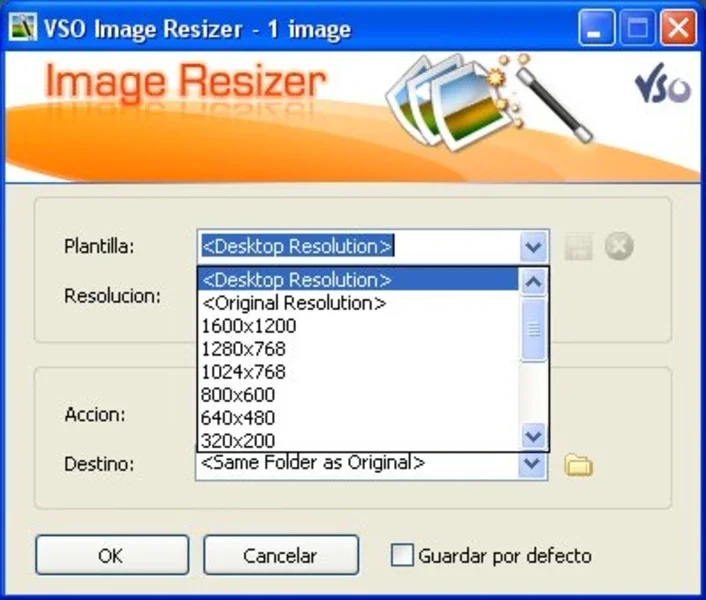
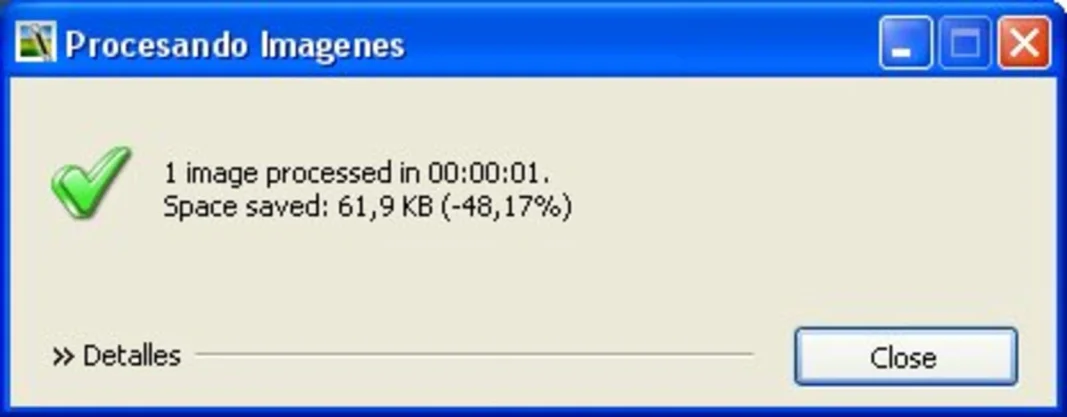
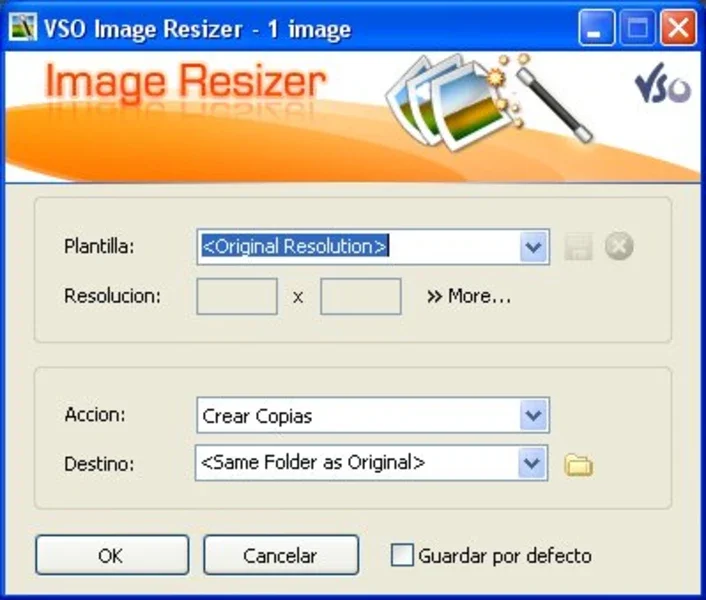
Right-click an image file in Windows and you get a VSO Image Resizer entry in the context menu. Pick it, choose a size, and the file is modified in one click. The program includes some standard sizes, and you can also create a custom size of your own. Picking the file and entering the size you want is the whole workflow.
Beyond dimensions, VSO Image Resizer can modify pictures and their quality, and it converts between BMP, JPG, GIF and PNG. It is a lite program for resizing image files, free to use.
Download files
File4.1.0.2EXE
Version4.1.0.2
ReleasedDec 2, 2011
Size9.3 MB
SHA-256
Get
8efc3288e0f28ffba44e23083ea6ae4f4ddc64ff0bab63a02ae6b7f300226ce9
No digital signatureFilevso-image-resizer-4.0.0.46.exeEXE
Version4.0.0.46
ReleasedJul 21, 2010
Size7.4 MB
SHA-256
Get
97400ba1f83c899e028cf935650861bdb9beaf8b494e8cc71717c1e27a4c5263
System requirements
Available on:
Additional information
Developer
Latest release
4.1.0.2 · Dec 2, 2011
Size
9.3 MB
Category
File type
EXE
SHA-256
8efc3288e0f28ffba44e23083ea6ae4f4ddc64ff0bab63a02ae6b7f300226ce9
Digital signature
No digital signature