
WebCopier 25.0 for Windows
Downloads complete websites for offline viewing and browsing
You are on macOS — this is the Windows version. See the macOS version
Screenshots

Description
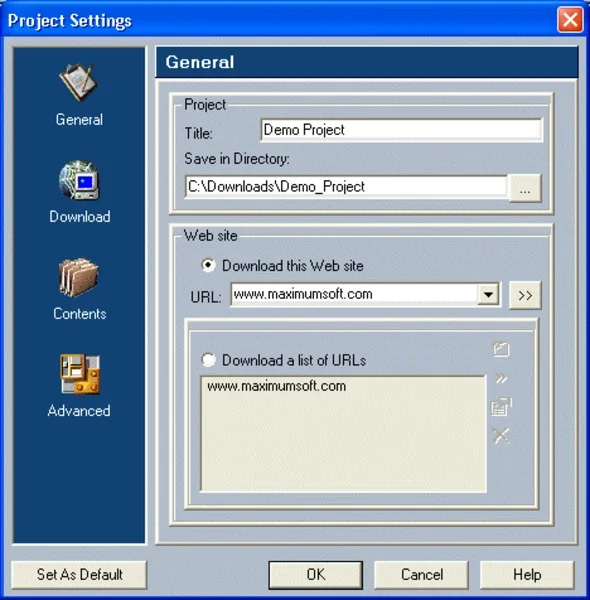
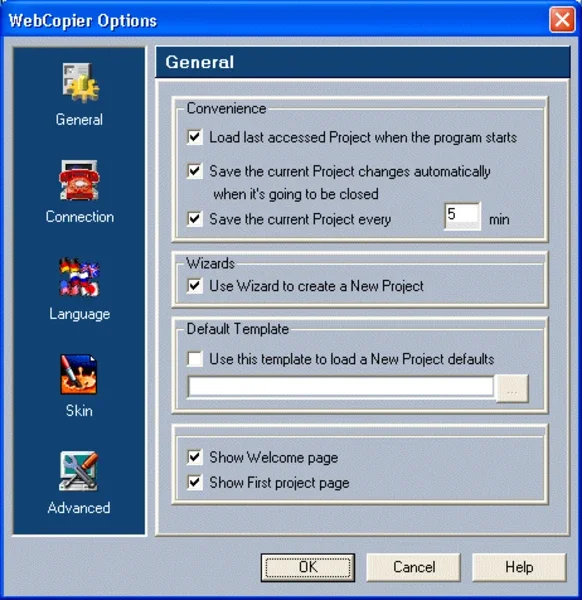
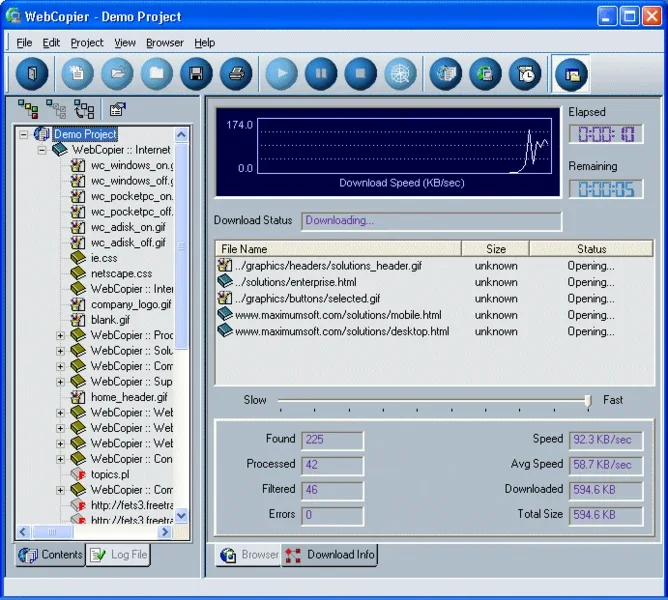
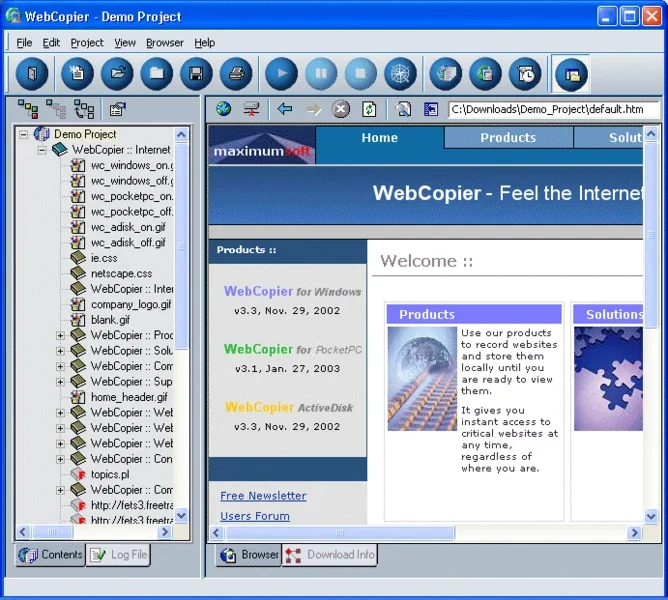
WebCopier downloads complete websites to a computer so you can view and browse them offline. It saves the whole site, not individual pages, and supports JavaScript so scripted content still works when you open the saved copy. That makes it useful when the internet connection is poor: download the site once, then keep it for use online or offline.
The program can search for web links, which helps it find pages to include in a download. It can download up to 100 files at the same time. Related pages are pulled in together, and the saved copy keeps the site's structure so you can move between pages as you would on the live site.
It runs on Windows. A trial version is available.
Download files
181eb508f8d41a4afa7c1aba52dd96430074b9d24434396385e104d8a4f51459
80222eb63c3d3b6d584179ae95f01cb9e226628b2363e1e401ede41b2c00674d
5a8edee9ff5e2b0c18e49ca203838c0689fa0b9067af90b668342aa653b8c6d2
c522b4103f72fe9700acba1da40f6cb3f9d690735bc24e1fa7d17fcdb7e039b3
80222eb63c3d3b6d584179ae95f01cb9e226628b2363e1e401ede41b2c00674d
System requirements
Available on:
Minimum OS:
Windows XP or later
Additional information
Developer
Latest release
Size
File type
SHA-256
181eb508f8d41a4afa7c1aba52dd96430074b9d24434396385e104d8a4f51459