
WeChat 4.2.0.52 for Windows
Free messaging app for Windows that syncs with your phone
You are on macOS — this is the Windows version. See the macOS version
Screenshots
Description
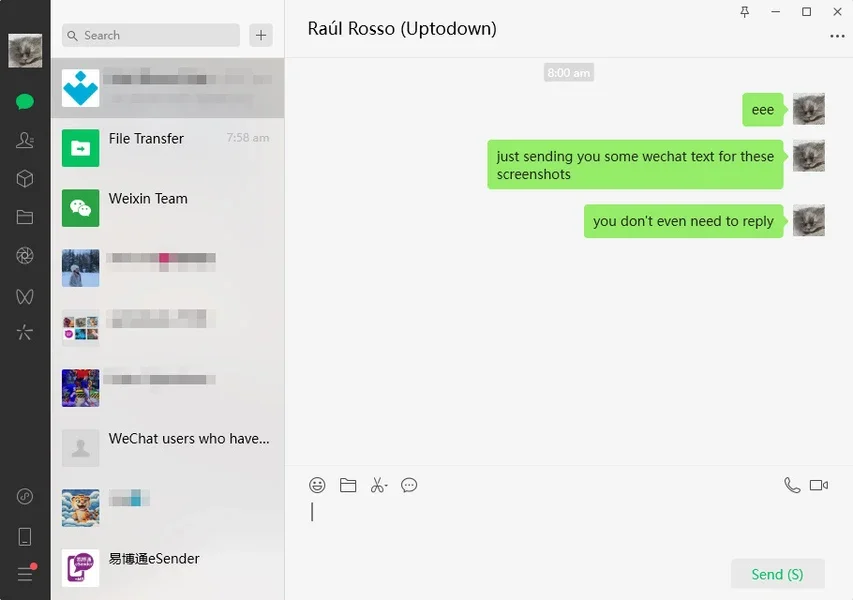
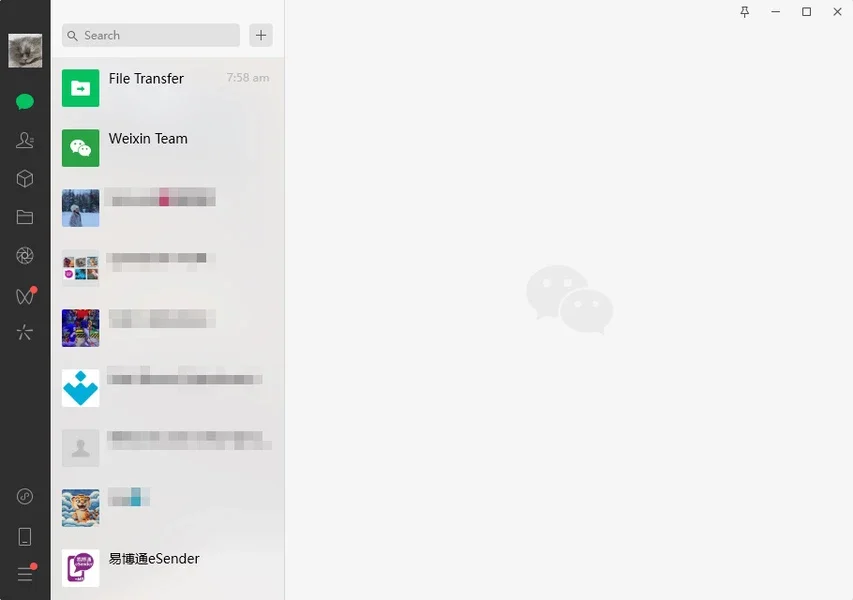
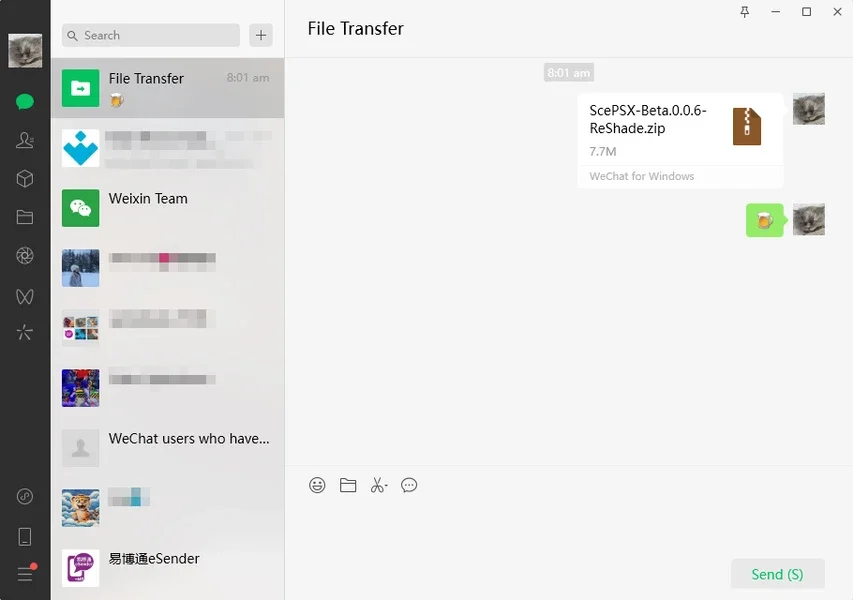
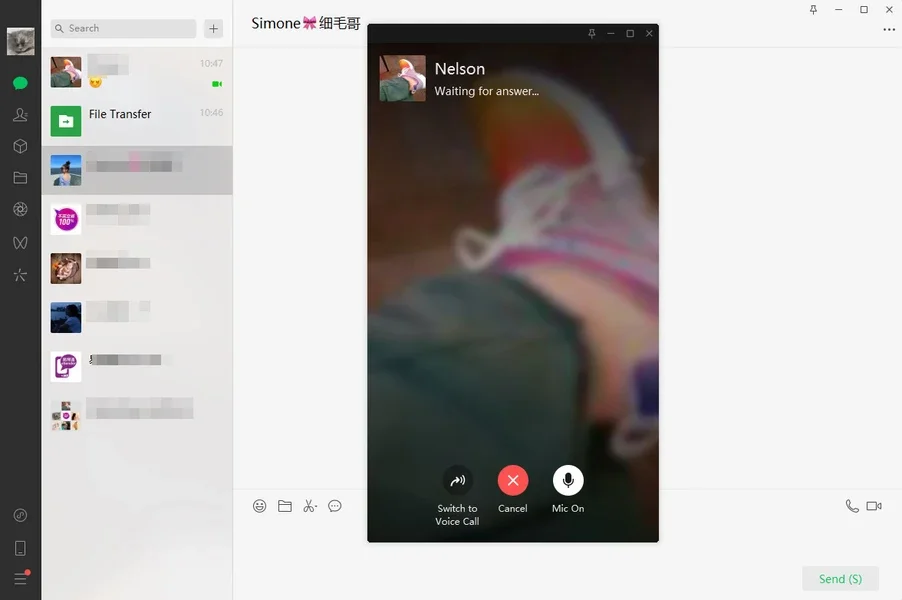
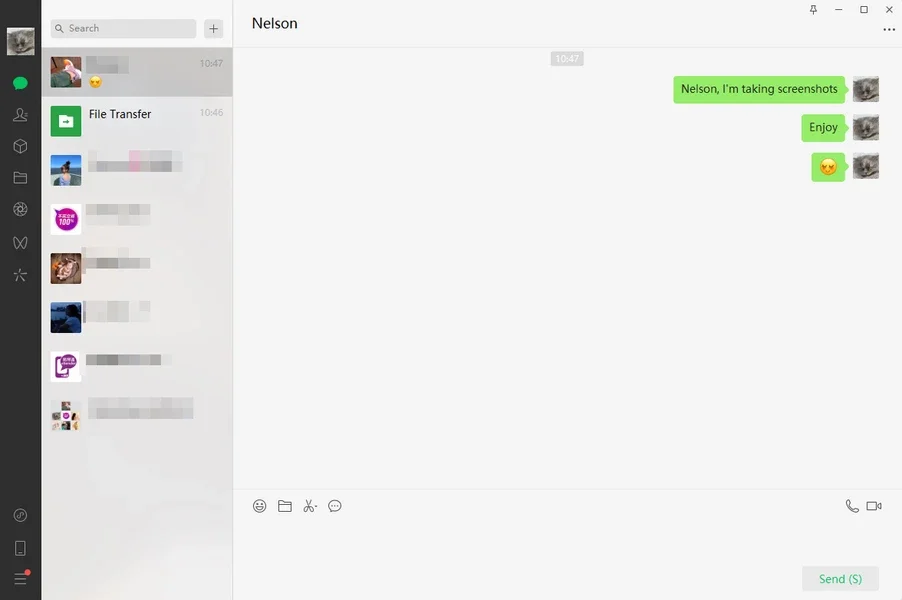
WeChat is a free communication app for Windows. The desktop app doesn't work on its own: the mobile app has to be installed and logged in, and you authenticate by scanning a QR code on the screen with the phone's QR scanner. Click a contact on the home screen to open a window where you can message or call them. One-on-one texting, group chats and multimedia sharing all run through that window. Groups can hold over 500 people, and the face icon in the top-right corner of a chat lets you add more people to it.
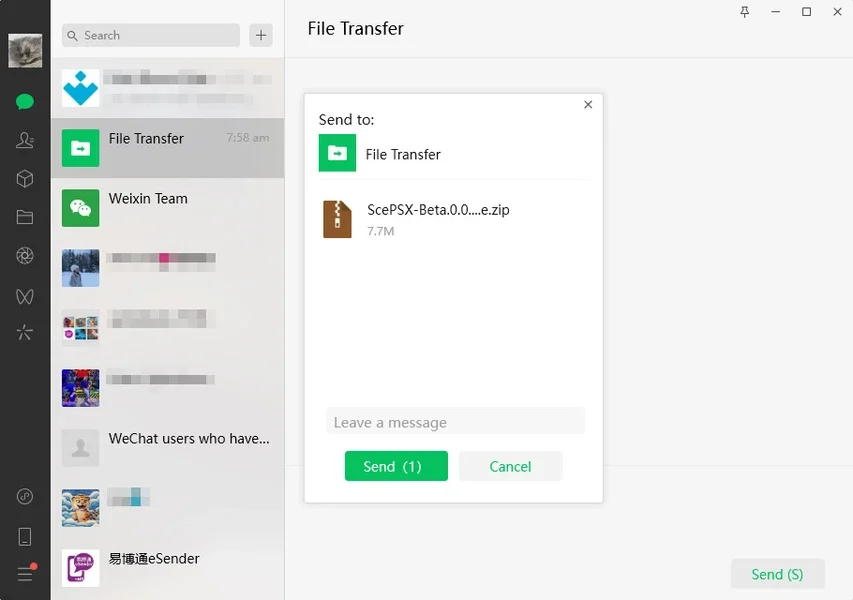
Chats take stickers, GIFs and emoticons. A snapshot tool grabs part of the desktop, lets you edit it and sends it to contacts. Messages from contacts and Moments posts can be translated. Files, media and documents on the computer can go out from the desktop app, and cloud storage lets you drag a file from the phone into a chatbox and download it later on the computer. Messages appear on the phone as well. After login, mobile data syncs to the computer: messages, shared media and social pages.
- Shake pairs you with users who shake their phone at the same moment.
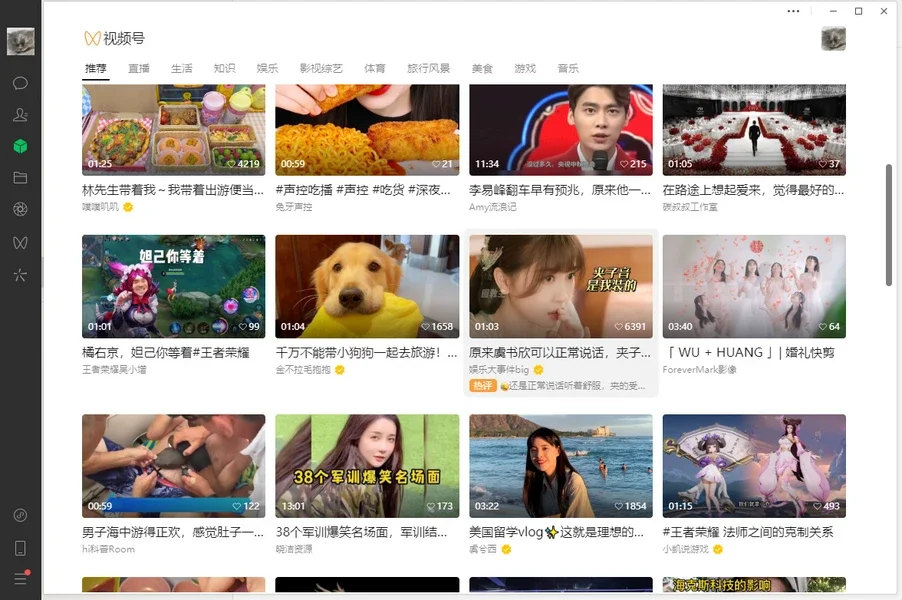
- Moments works like a Facebook wall; images and videos can take filters or effects before posting, posts can go to other social accounts, and visibility is set per contact.
- Some things stay on the phone: video calls, WeChat Pay, real-time location, LookAround and Shake.
- Privacy settings can turn off features that let strangers find and connect with you.
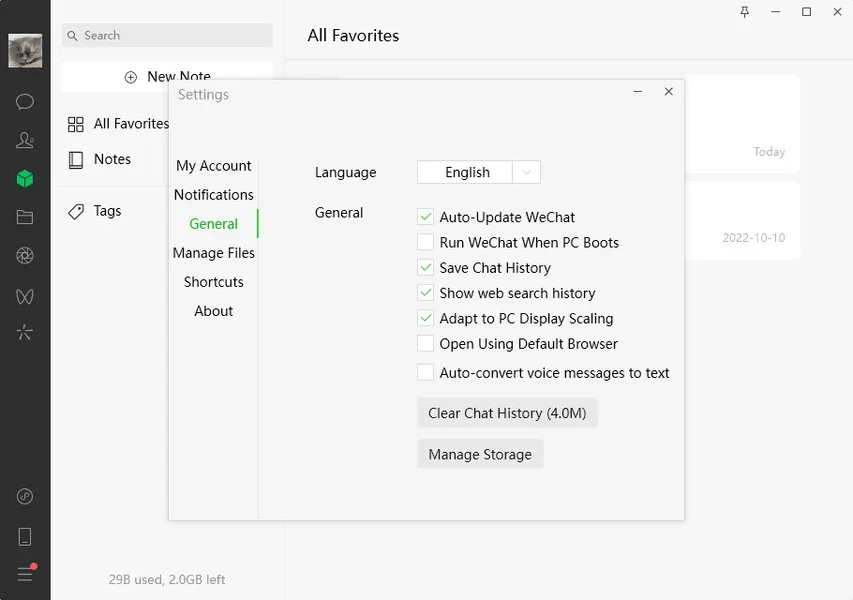
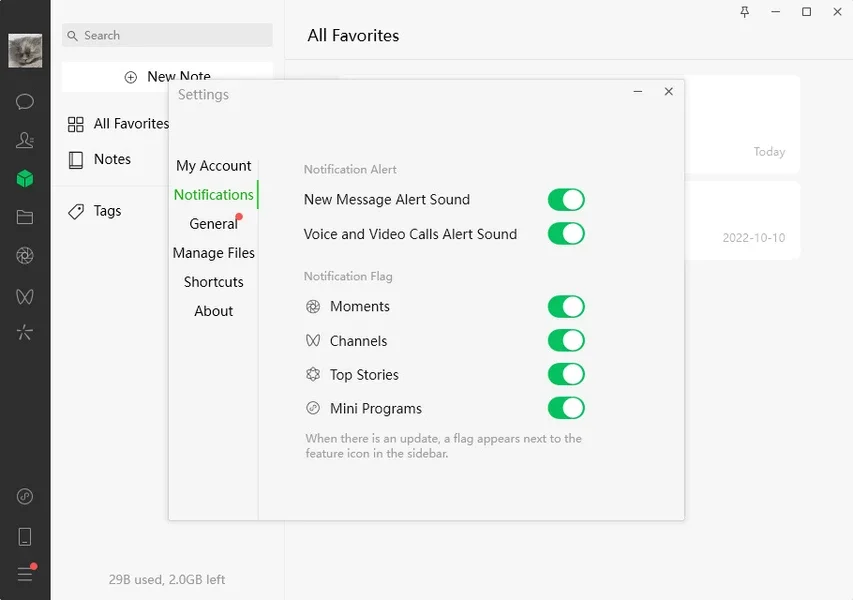
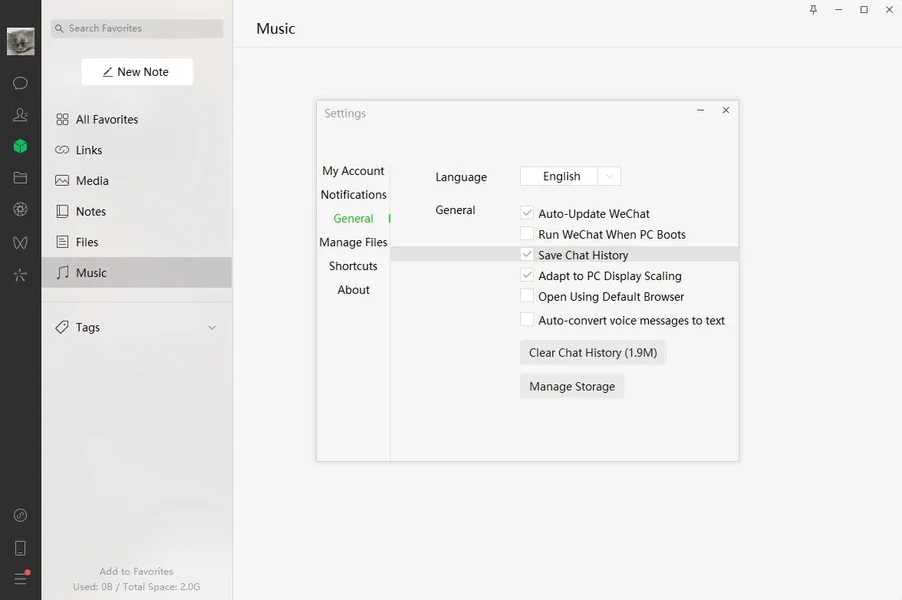
The built-in keyboard records and sends voice messages, adds emoticons and shares images or videos. Everything else can be switched off too, and the app is certified by TRUSTe. It supports over 20 languages, including English. Both phone and desktop need an active internet connection, and the Windows app can make a backup of essential data on the computer.
Download files
67a53601ae597f0dff821155706e31dbfef36ee972caadb868097eb4d972c11a
Signed by Tencent Technology (Shenzhen) Company Limited · valid until Nov 4, 2028fce15d1659d2ff4e1fbc3abe8704160d3e9376b88ef2e832961f8274bec4406c
Signed by Tencent Technology (Shenzhen) Company Limited · valid until Nov 4, 202886d16fe03416126b262fde7e14199e20f074b938e295fde0e0a3e0d7c2f7da69
Signed by Tencent Technology (Shenzhen) Company Limited · valid until Oct 12, 2028fc948730e854ae0e03e64ac57ffde0f61b530d7a571d16df411914bad30a1526
Signed by Tencent Technology (Shenzhen) Company Limited · valid until Nov 4, 2028d5f3bb4232c0f172bce53141db90bf60f5f0a53eb137663ab8d32e74e04b9f4f
Signed by Tencent Technology (Shenzhen) Company Limited · valid until Nov 4, 2028System requirements
Available on:
Additional information
Developer
Latest release
Size
Category
File type
SHA-256
67a53601ae597f0dff821155706e31dbfef36ee972caadb868097eb4d972c11a