
WeChat for Windows 10 4.2.0 for Windows
Free Windows messaging client tied to a WeChat mobile account
Screenshots
Description
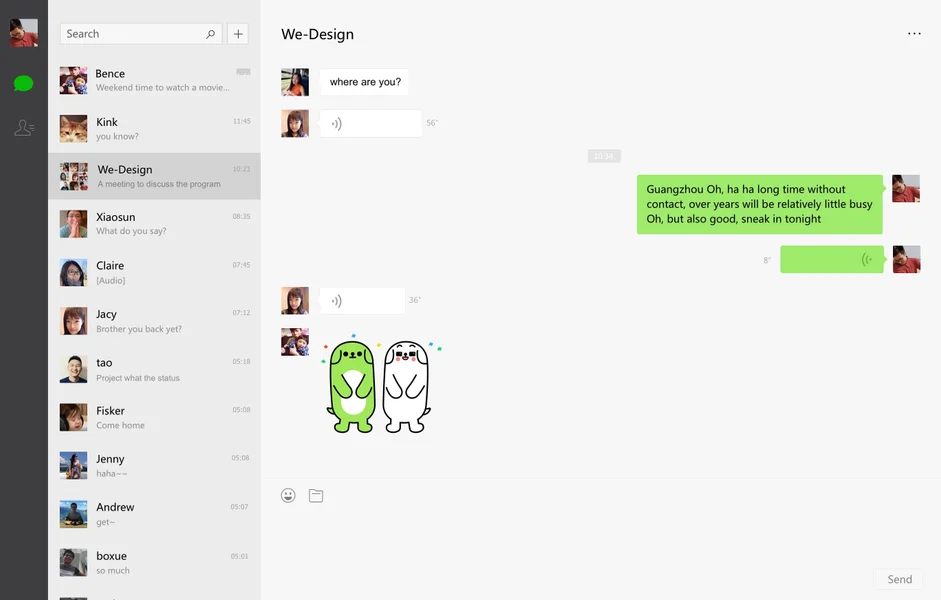
WeChat for Windows 10 is the desktop client of the WeChat messaging service. It is free, and it can't be used on its own: you need a mobile WeChat account to sign in.
Signing in and setting up
An account starts on the phone. You download the mobile app, enter a mobile number, then enter the verification code that gets sent to you. On the PC, open the mobile app and photograph the QR code shown on the screen. After that step, WeChat for Windows opens with a look and feel similar to the mobile version.
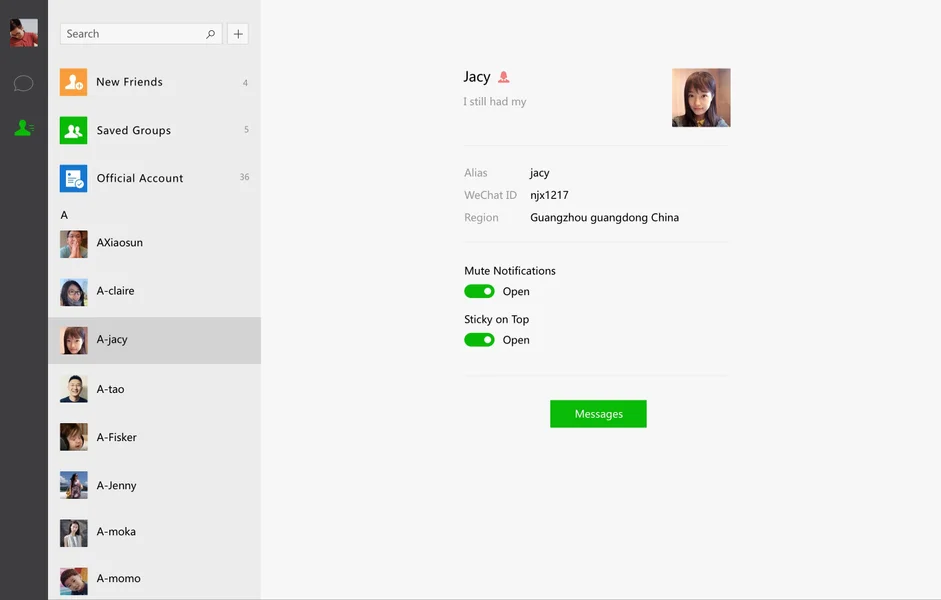
Granting contact access lets you see which of your contacts already use WeChat.
What you can do from the desktop
Chatting and sharing files work as they do on mobile. You can chat with contacts from the desktop and receive notifications when someone contacts you. Any type of file can be sent through WeChat, along with screenshots and emoji. The screenshot tool automatically contracts around windows you hover over.
There is no video or voice chat.
Download files
a463110fed2dad8f27a313a1e5118cfbbe8b9de2b9296db8015a496e07191052
Signed by Tencent Technology (Shenzhen) Company Limited · valid until Apr 7, 2027c3032fedf2e4025bf7ef87504fd98e46d0fd6db4e5e82ea3d1d0b70e85143cd0
Signed by Tencent Technology (Shenzhen) Company Limited · valid until Oct 12, 20284b20516bdc757f3db02557842bcd365ad86a518ff1e71ad762f15031905b5b9f
04a668ea0d36cd8963acc2b9c0f0aff0c0a7c73f46127863ea1f90e942664171
Signed by Tencent Technology (Shenzhen) Company Limited · valid until Oct 17, 202576b4d0f4dc28a679bea09b2471444956e43680982b31eec9584e9ccf695046d9
Signed by Tencent Technology (Shenzhen) Company Limited · valid until Oct 17, 2025System requirements
Available on:
Additional information
Developer
Latest release
Size
File type
SHA-256
a463110fed2dad8f27a313a1e5118cfbbe8b9de2b9296db8015a496e07191052
Digital signature
Price
Report a problem
Nothing here yet.