WhatsApp Desktop Beta 2.2647.101.0 for Windows
Beta Windows client for WhatsApp messaging and calls
You are on macOS — this is the Windows version. See the macOS version
Screenshots
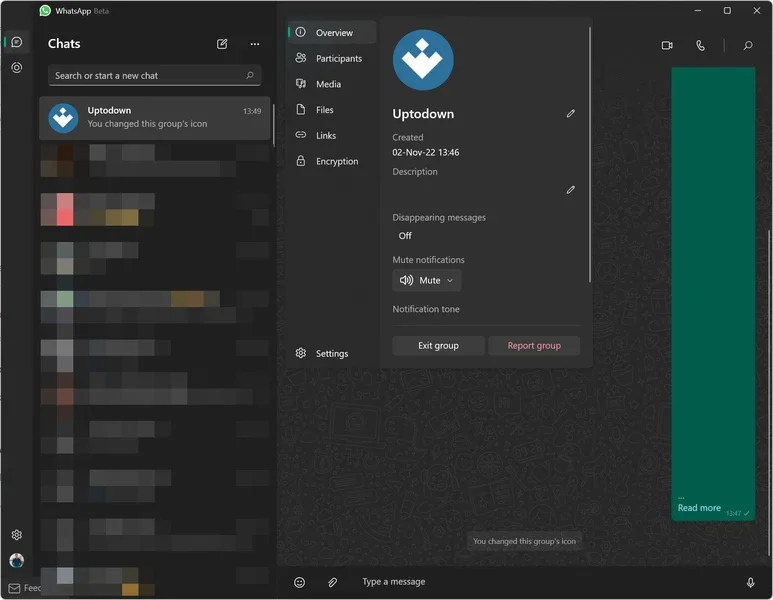
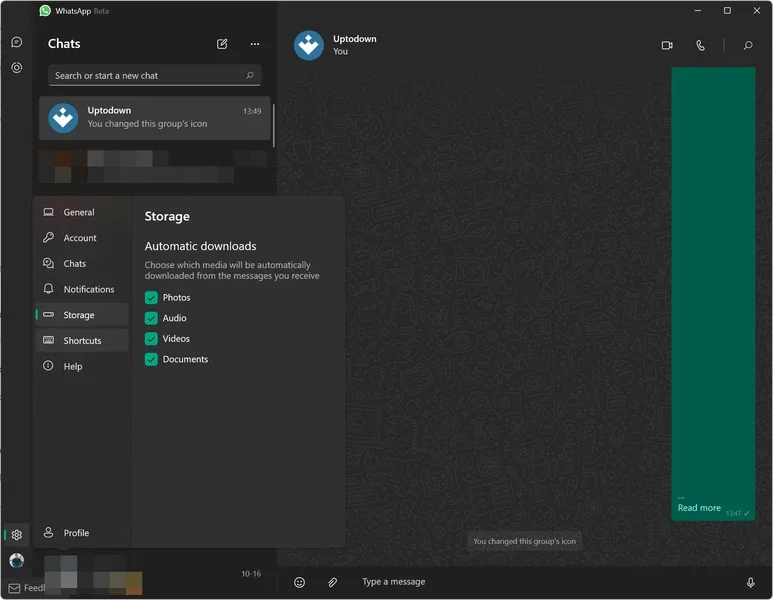
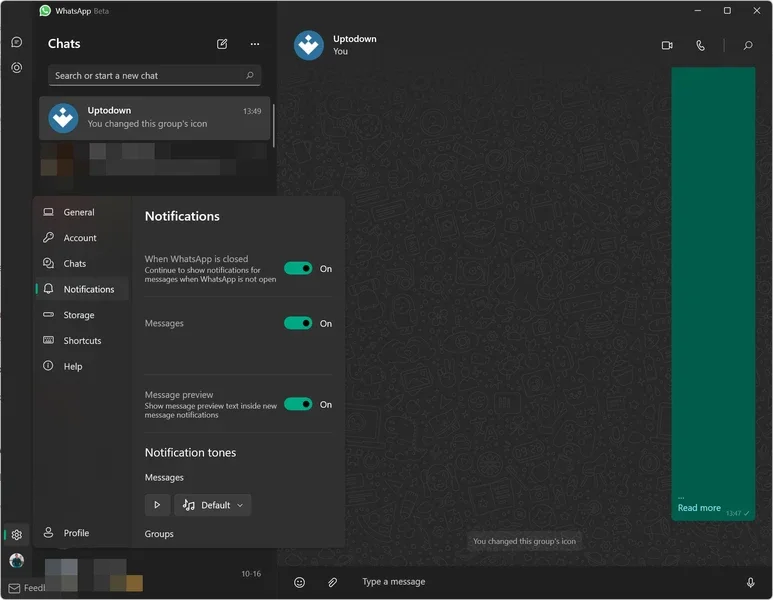
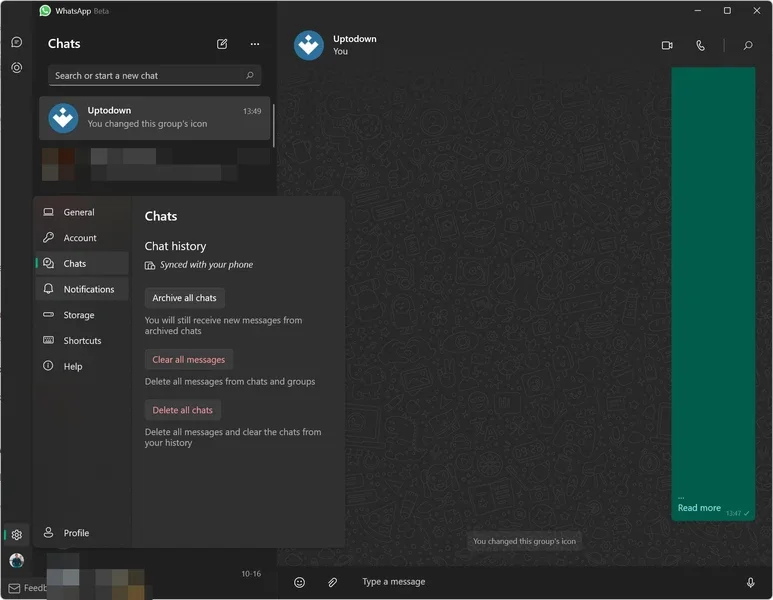
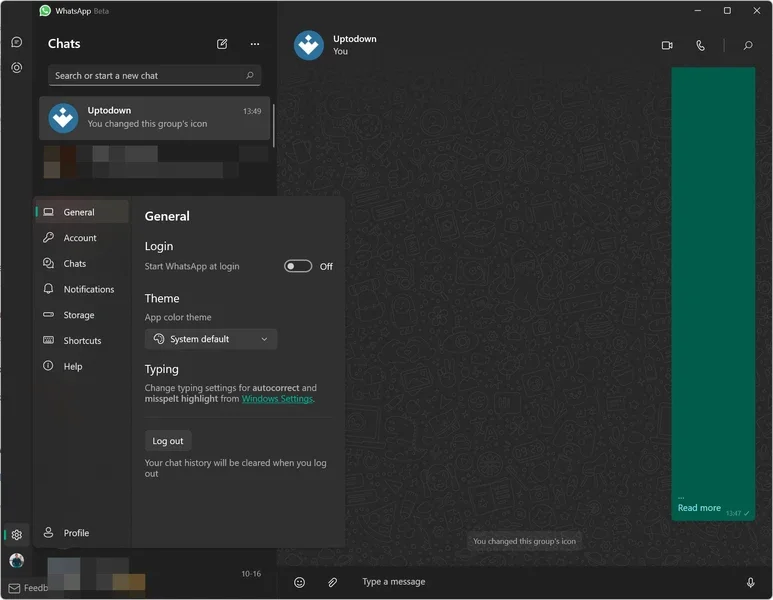
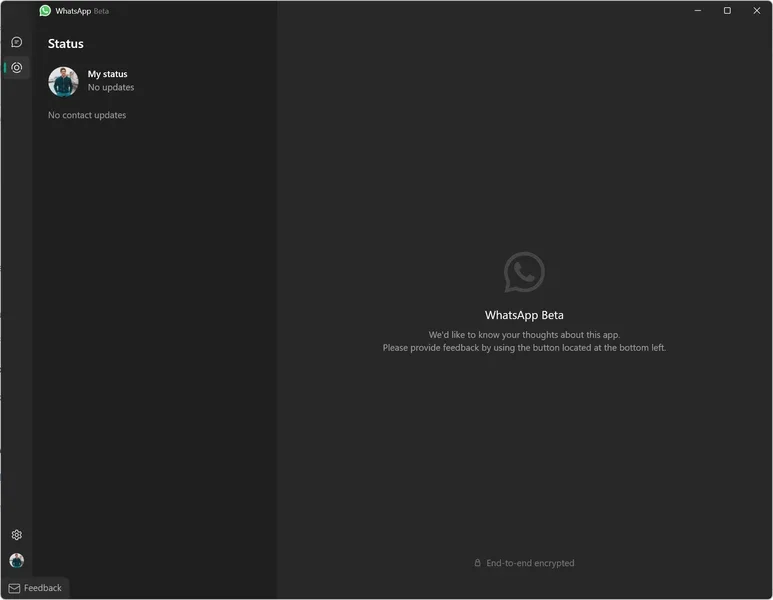
Description
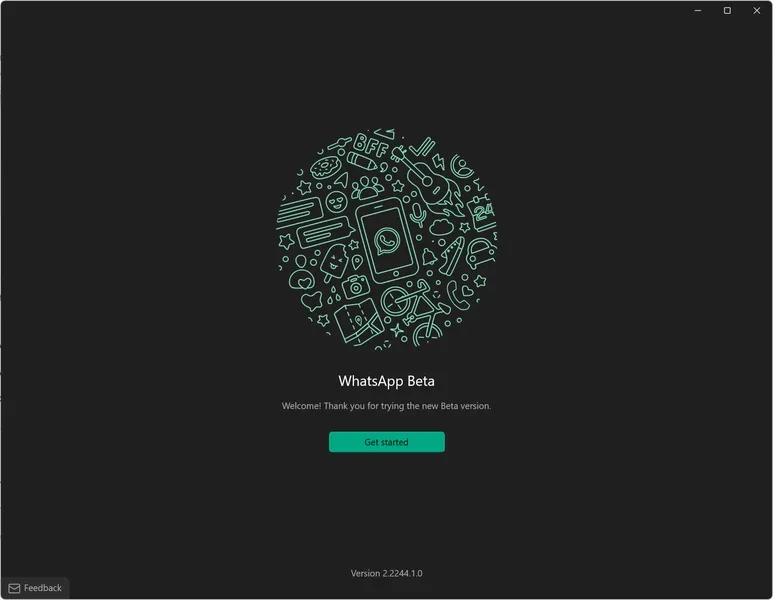
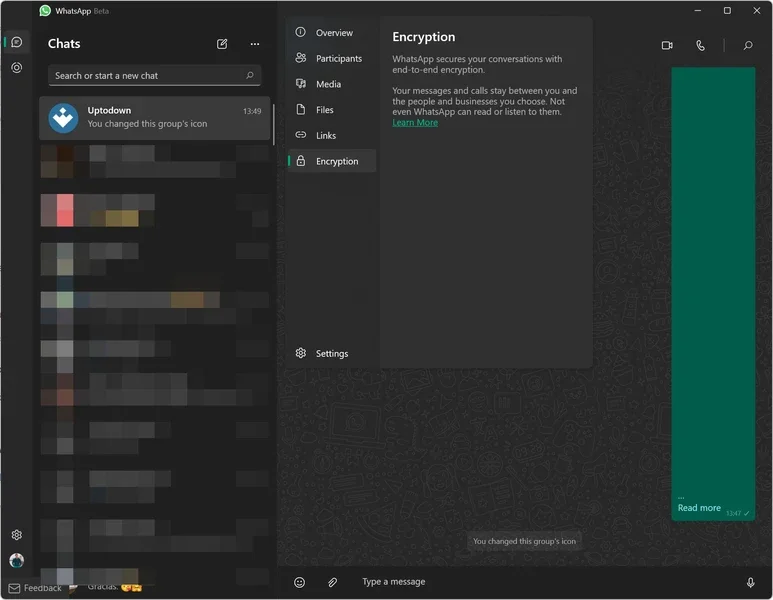
WhatsApp Desktop Beta is the test build of the official WhatsApp Desktop app for Windows. It exists so people can try the newest Windows app features before they reach the stable version, which in practice means weeks or months of early access.
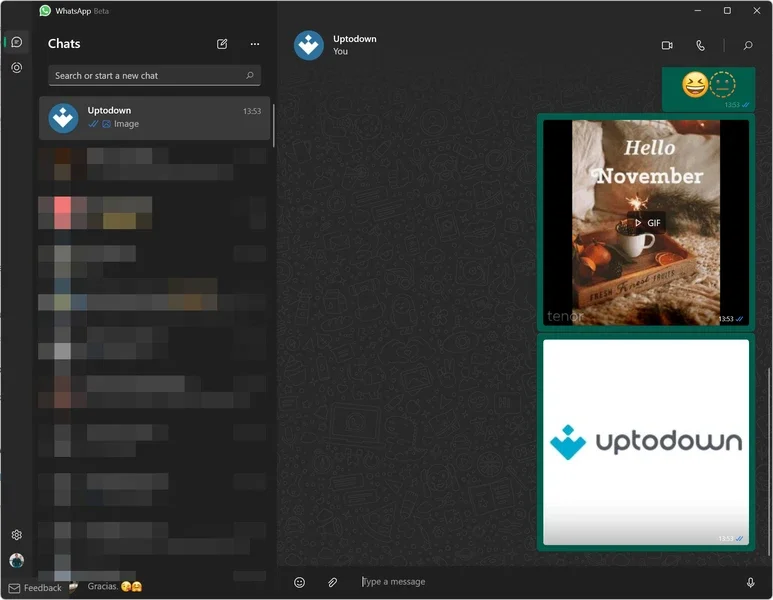
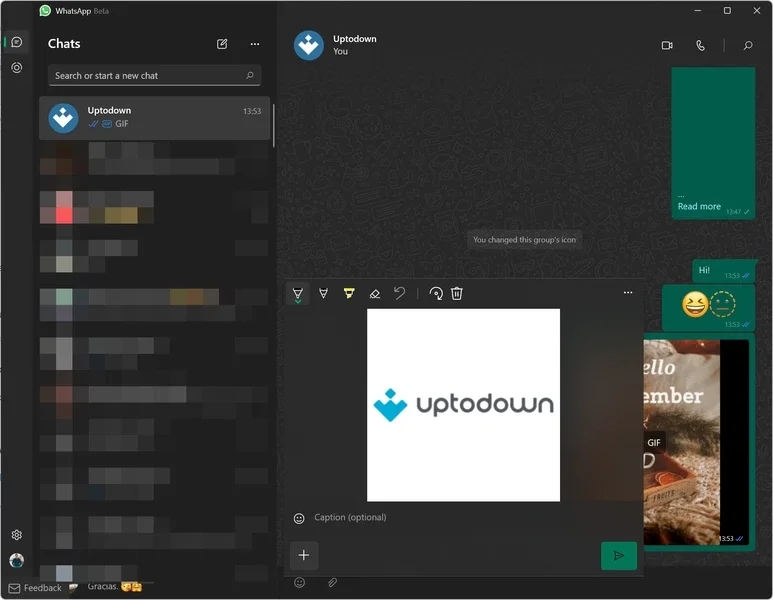
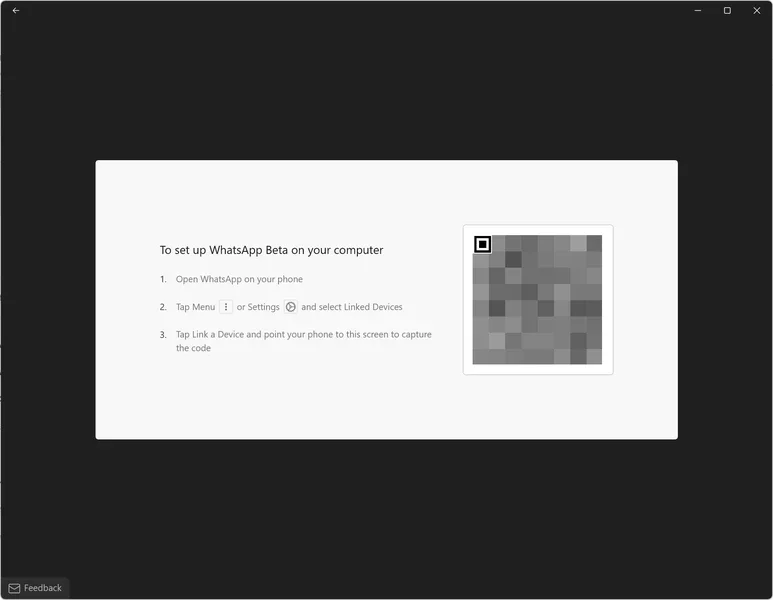
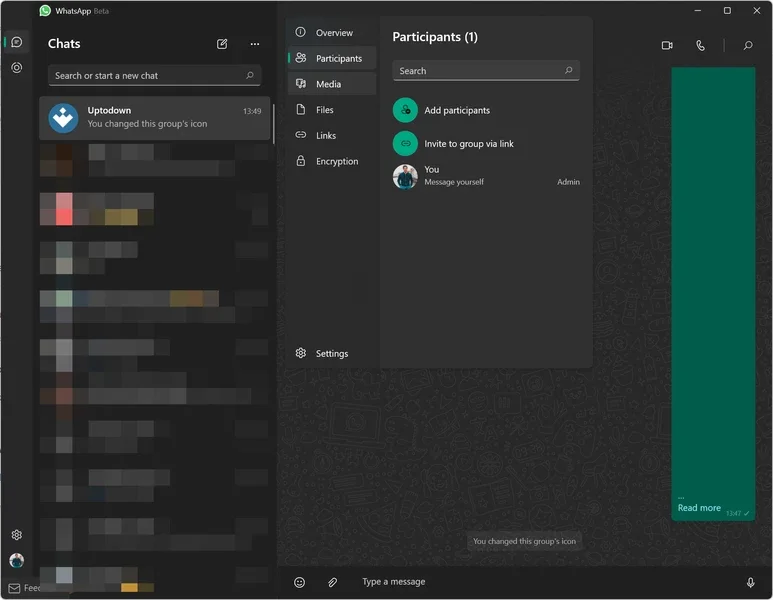
Setup starts with a QR code: install the app, then scan it with the WhatsApp app on your smartphone. Once paired, the account runs on Windows even if the phone has no Internet connection, because the app works independently. Chats work as usual, with the basic instant messaging options, plus stickers and GIFs, group creation, and voice and video calls made straight from the computer.
It works the same way as the normal version. WhatsApp usually introduces untested code into the beta, so stability or performance problems can occur.
Download files
1013626c14d461c572506ba1fb2fa3bf2e19a24ed80c84bbc7d006ec8275e513
Signed by 24803D75-212C-471A-BC57-9EF86AB91435 · valid until Nov 28, 20269a9605b18266a3d87c871ac93f7ebbe192a4b3915eae24b9c12cc7c7749ab4e7
Signed by 24803D75-212C-471A-BC57-9EF86AB91435 · valid until Nov 21, 2026fcb2d3119eaefb7ede40908d5106d9df7b0b5d283b515344aa712c07a114fefd
Signed by 24803D75-212C-471A-BC57-9EF86AB91435 · valid until Nov 14, 20267d70d4ef0d37ff4e42cc257b55dd9490316cbe0f932959f54b3861b02387d518
Signed by 24803D75-212C-471A-BC57-9EF86AB91435 · valid until Nov 7, 2026526ad83259bcba3125f3a0e282849ace1484343cf428f3c3b6971fa29c1b5a8f
Signed by 24803D75-212C-471A-BC57-9EF86AB91435 · valid until Oct 31, 2026System requirements
Available on:
Additional information
Developer
Latest release
Size
Category
File type
SHA-256
1013626c14d461c572506ba1fb2fa3bf2e19a24ed80c84bbc7d006ec8275e513