
Wikiebox 3.0 for Windows
Wikipedia content on the desktop, searched from a bar
Screenshots
Description
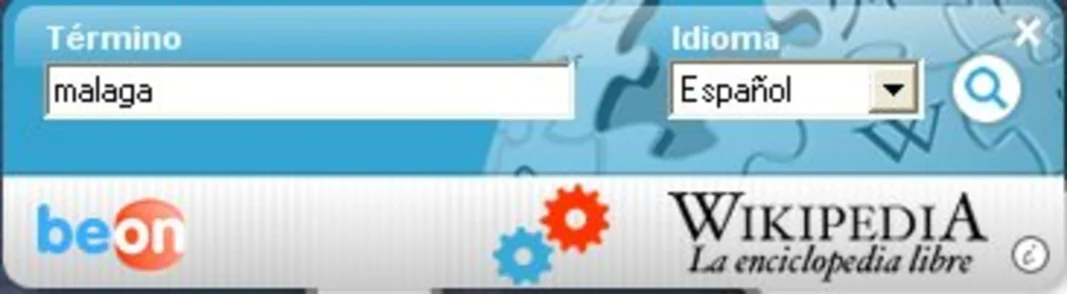
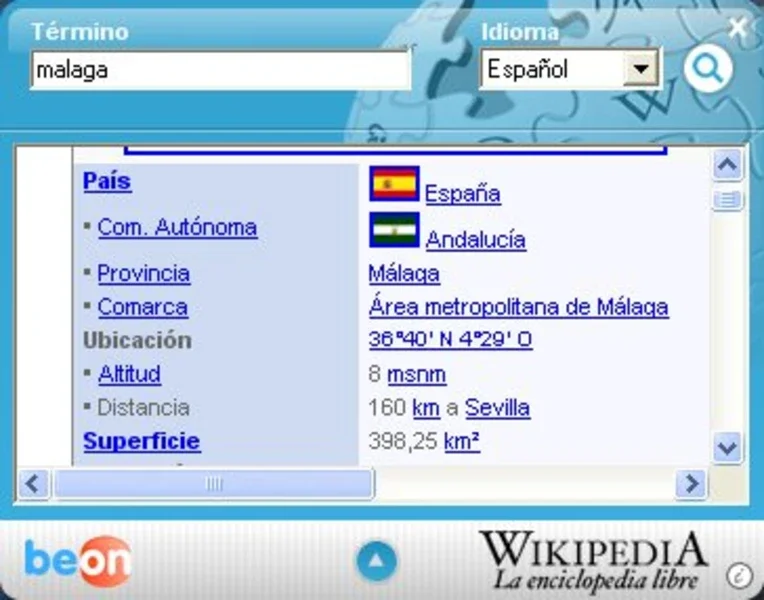
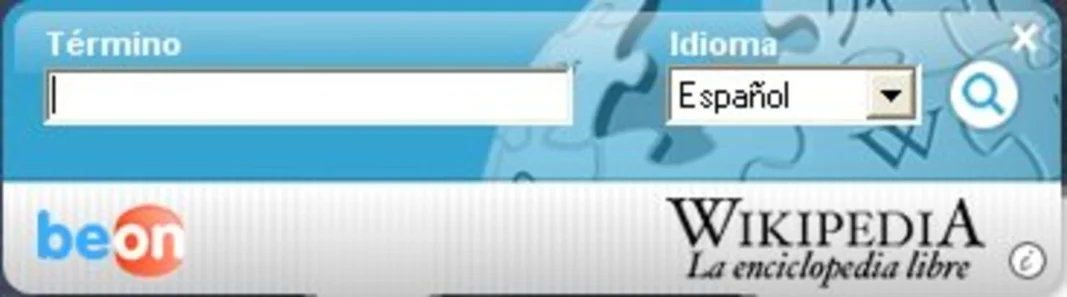
Type a term into Wikiebox's search bar and results from Wikipedia appear within seconds. The program puts Wikipedia content on the computer desktop, so the reading happens there instead of in a browser. Beon Networks Solutions, SL builds it on Beon technology, and the aim is to deliver what the user seeks without external intermediaries such as browsers, search engines or portals.
It runs minimized in the taskbar, which keeps it within reach without taking up screen space. Resource use is low, so leaving it running in the background costs little. The search bar takes a term and returns results in seconds, and the content itself comes from Wikipedia. When you are done reading, the window goes back down to the taskbar and waits for the next term.
Wikiebox is a proprietary program for Windows. It is free to download. The current version is 3.0.
Download files
3fa41e52ebb67e0b2aab1eff615c0521b84da5b0ae6d9045afec8d989d333e2c
No digital signatureSystem requirements
Available on:
Additional information
Latest release
Size
Category
File type
SHA-256
3fa41e52ebb67e0b2aab1eff615c0521b84da5b0ae6d9045afec8d989d333e2c