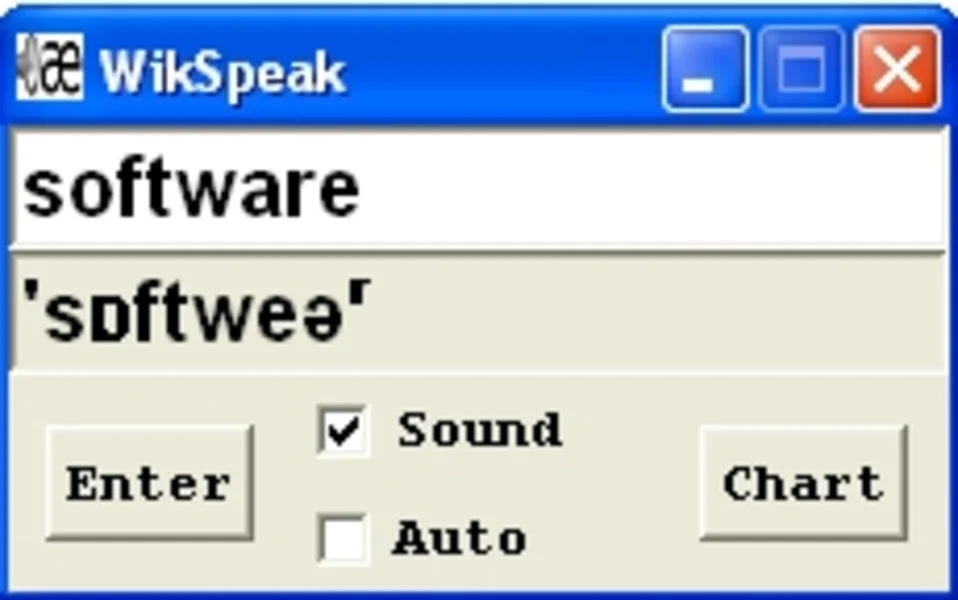

WikSpeak 1.1 for Windows
Types a word, shows its phonetics, says it aloud
Screenshots
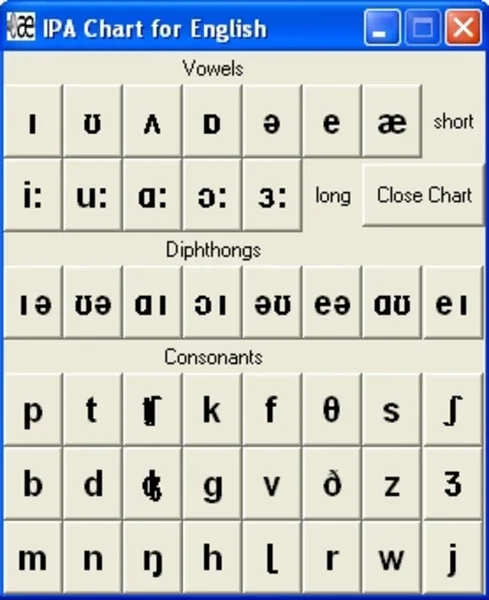
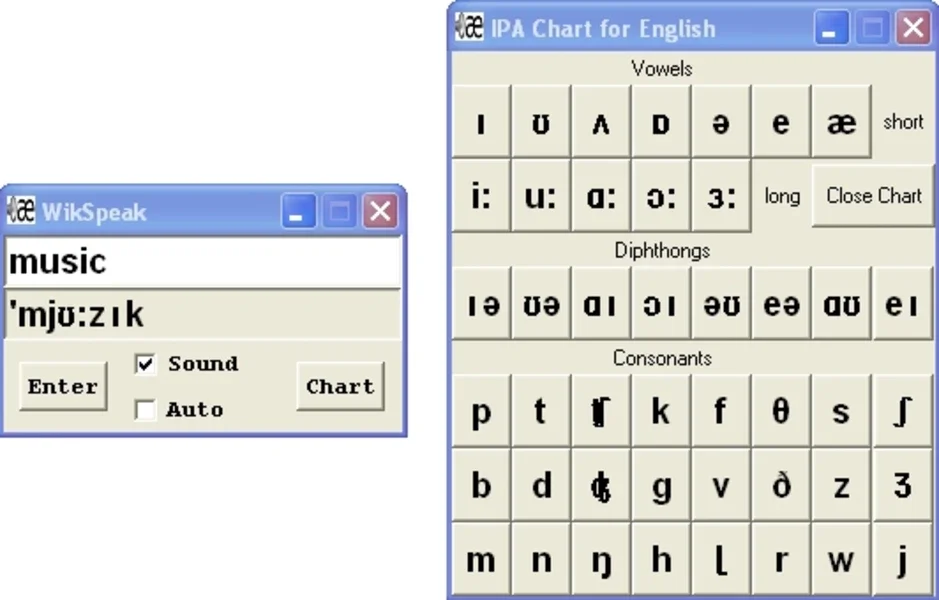
Description
WikSpeak turns a typed English word into a phonetic transcription and speaks it through your speakers. The transcription comes from wordreference.com; the audio is downloaded from learnersdictionary.com.
It has two modes. In the first, you type the word into a text box and press Enter, and WikSpeak fetches the transcription, displays it and plays the word. The second mode is automatic: WikSpeak watches the clipboard and does both operations whenever a word is copied, so you can highlight text in another program and get the phonetics and the audio without switching back. Transcription and playback are handled the same way in each mode; only the trigger differs.
The program is built for improving English pronunciation and for transcribing words into phonetic symbols. It runs on Windows. Version 1.1 is under GPL 2.0 and is free.
Download files
ffb5fe5fa7d3c605082f5b0ffe81b73627a7f0a3e5f940e3559b0bfbd99a5c45
System requirements
Available on:
Minimum OS:
Windows Windows 95 or later
Additional information
Developer
Latest release
Size
Category
File type
SHA-256
ffb5fe5fa7d3c605082f5b0ffe81b73627a7f0a3e5f940e3559b0bfbd99a5c45