Windows Camera 2022.2608.1.0 for Windows
Official Windows app that shows any connected camera on screen
Screenshots
Description
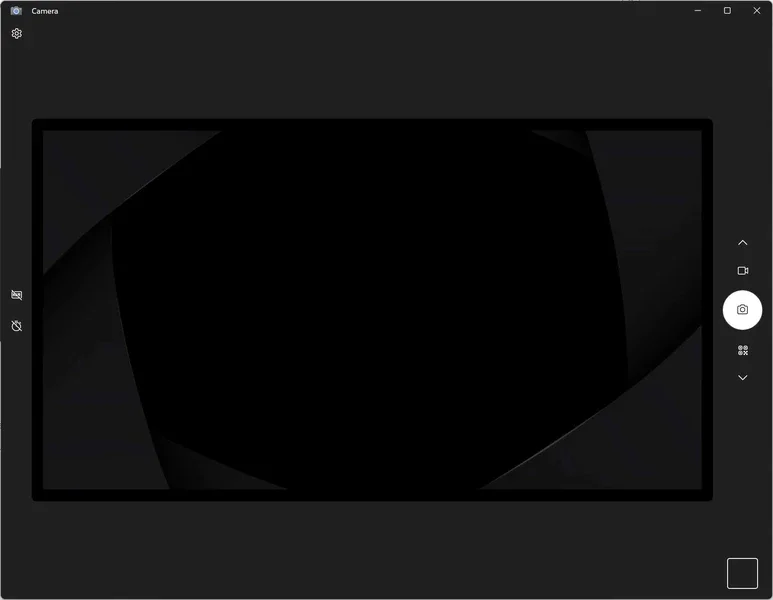
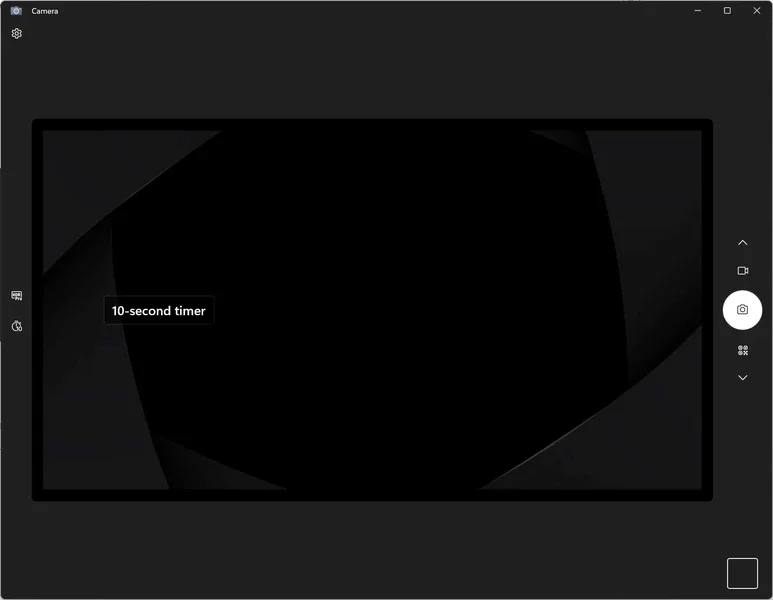
Windows Camera shows whatever camera is attached to the computer, and the built-in webcam if the laptop has one. That makes it a quick way to confirm a camera actually works. It takes photos, and you can fire the shutter by clicking anywhere on the screen. A timer is there too, set to 2, 3, 5, or 10 seconds. HDR mode evens out dark and light areas in both photos and video, and electronic stabilization helps when the laptop is sitting somewhere unsteady. If the camera supports it, you can digitize a document by photographing it.
Video records with sound. Recording can stop and start again whenever you like, and the app joins all the recorded parts into a single file, so no extra program is needed.
Content can be synced straight to OneDrive from the app.
Download files
762ebf175147ab82ece34d2d738513a3fed928e25e0263ebd0f3b4584510a2da
Signed by Microsoft Corporation · valid until Sep 20, 20268a837955e34f42278a450adaf8e489ad249268a97f1207ce0d13fce09b16b5fb
Signed by Microsoft Corporation · valid until Aug 8, 20268ccb3d3d1024129cbce987732a06ee8644a3e4f655a882cdbda23c75d31e0bed
Signed by Microsoft Corporation · valid until Jun 4, 2026c5b035c8fa4e41640602e7e45b9948d18c339b2441cb496b95eff69e63dd2c35
c14d5c0ad4047714829b4d0b17162a6463b259ce3c5cb00381e1462ca66e2653
System requirements
Available on:
Additional information
Developer
Latest release
Size
Category
File type
SHA-256
762ebf175147ab82ece34d2d738513a3fed928e25e0263ebd0f3b4584510a2da