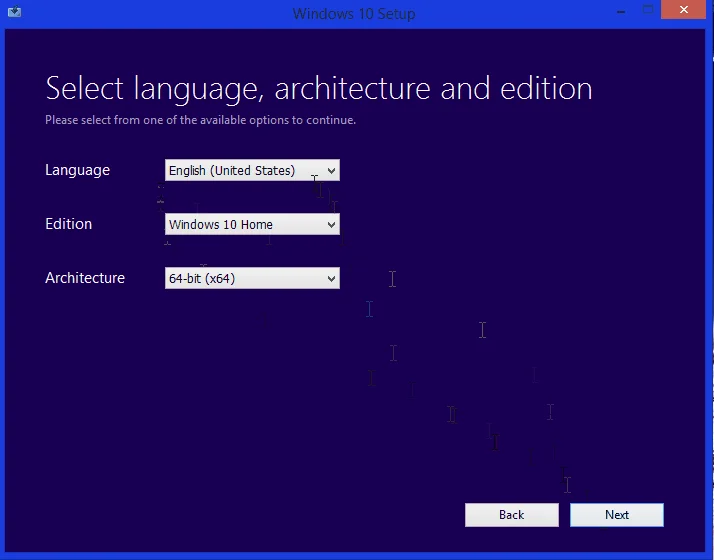

Screenshots
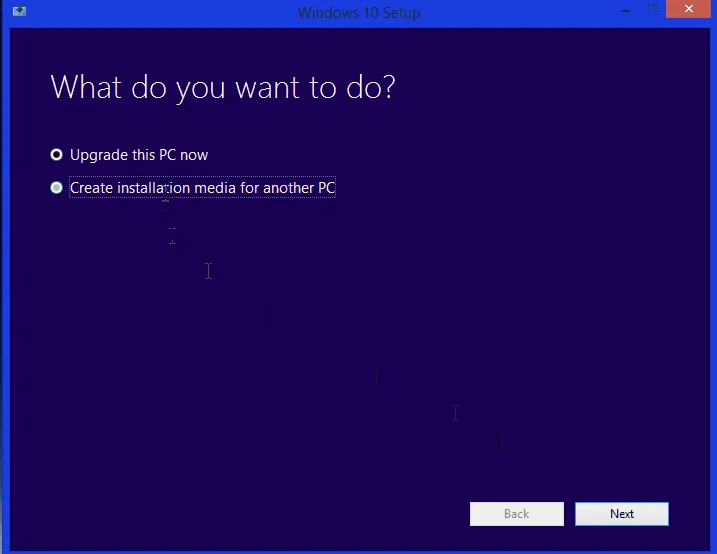
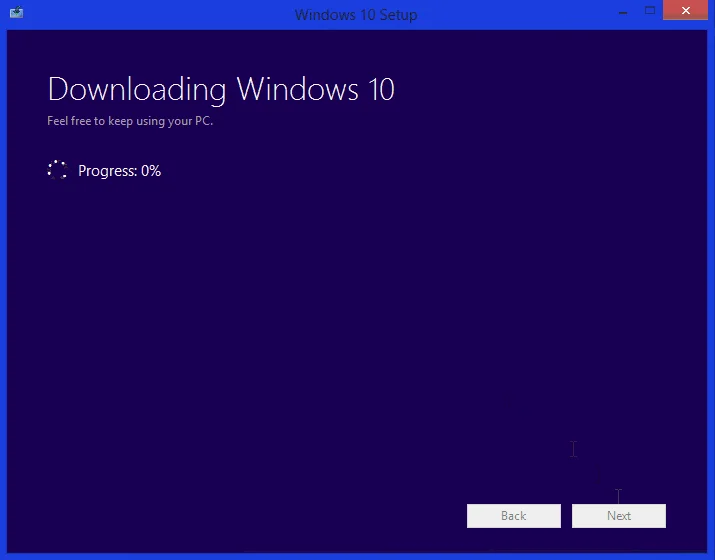
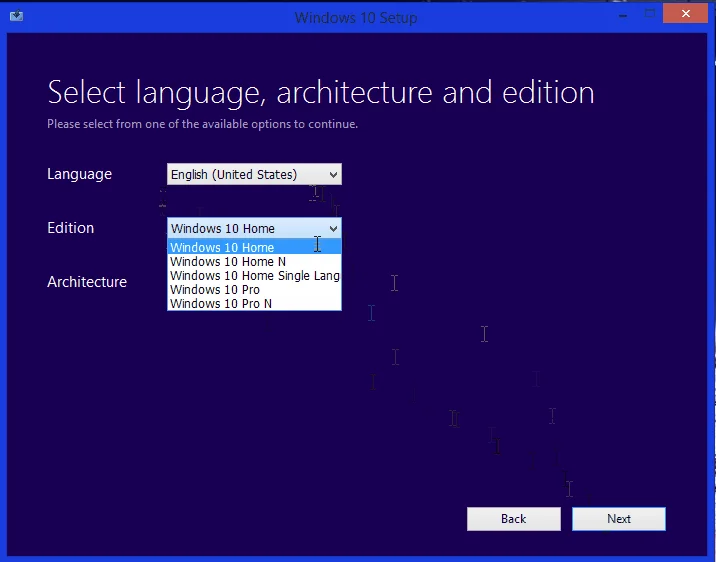
Description
Windows Media Creation Tool builds bootable USB drives and ISO files you can use for clean Windows installations. It also upgrades the system you are already running to the latest Windows version. The process is guided: you download the tool, pick your options, and the software does the rest, with clear prompts and step-by-step instructions along the way.
It works with both Windows 10 and Windows 11, offers choices for 32-bit and 64-bit systems, and supports multiple languages and editions. Media can go to a USB drive or an ISO file. The interface is minimalistic, and the tool itself is lightweight and fast; download and media creation speed depend on your internet speed and the performance of the USB drive.
Watch the target drive when you build installation media. Picking the wrong one can cause data loss. Microsoft keeps updating the tool for the latest Windows updates, and it is free. The latest version is 22h2.
Download files
690c8a63769d444fad47b7ddecee7f24c9333aa735d0bd46587d0df5cf15cde5
Signed by Microsoft Corporation · valid until Mar 3, 2021690c8a63769d444fad47b7ddecee7f24c9333aa735d0bd46587d0df5cf15cde5
Signed by Microsoft Corporation · valid until Mar 3, 2021690c8a63769d444fad47b7ddecee7f24c9333aa735d0bd46587d0df5cf15cde5
Signed by Microsoft Corporation · valid until Mar 3, 2021690c8a63769d444fad47b7ddecee7f24c9333aa735d0bd46587d0df5cf15cde5
Signed by Microsoft Corporation · valid until Mar 3, 20212895e346eaf9681cae16b95f7116dec40c27033722d6508cf255903c9202c069
Signed by Microsoft Corporation · valid until Sep 4, 2016System requirements
Available on:
Additional information
Developer
Latest release
Size
File type
SHA-256
690c8a63769d444fad47b7ddecee7f24c9333aa735d0bd46587d0df5cf15cde5
Digital signature
Price
Report a problem
Nothing here yet.