
Wise Data Recovery 6.2.2 for Windows
Lists deleted files with a status showing what can still be recovered
Screenshots
Description
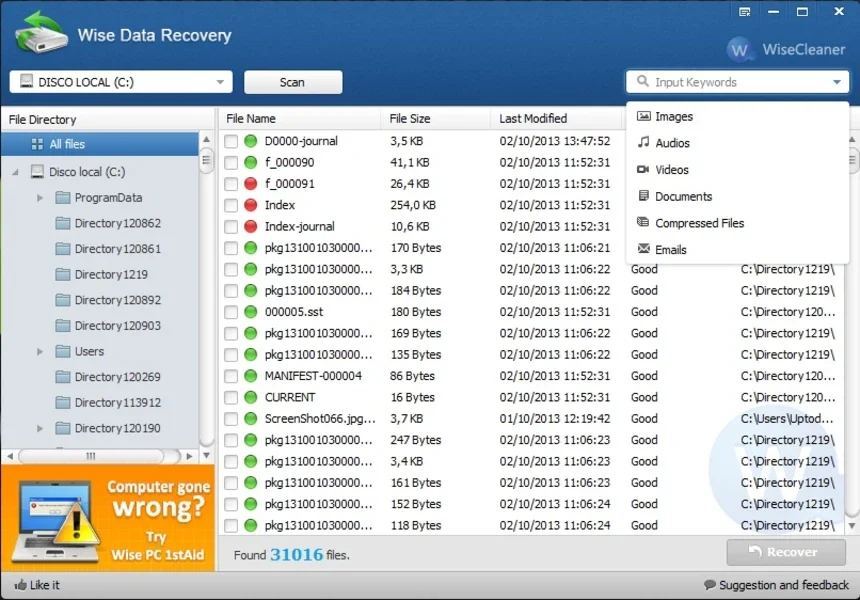
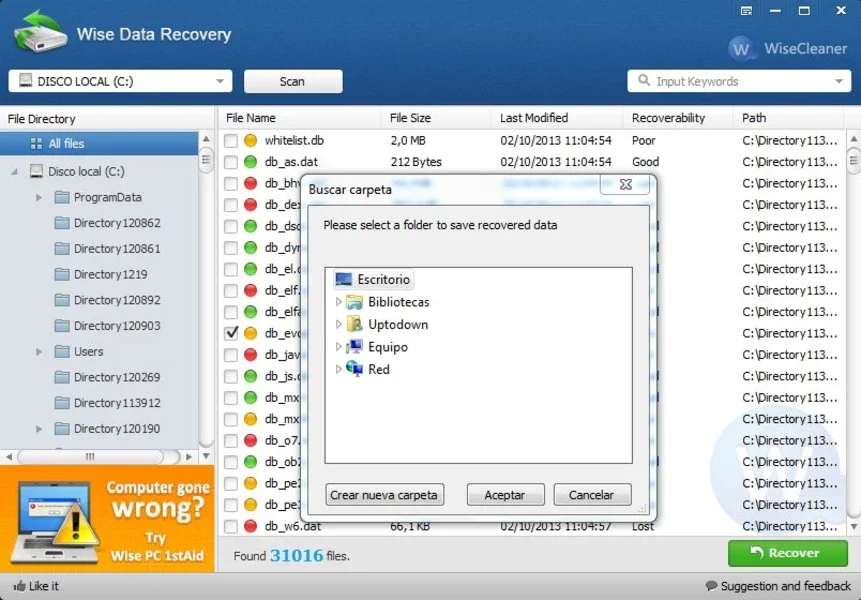
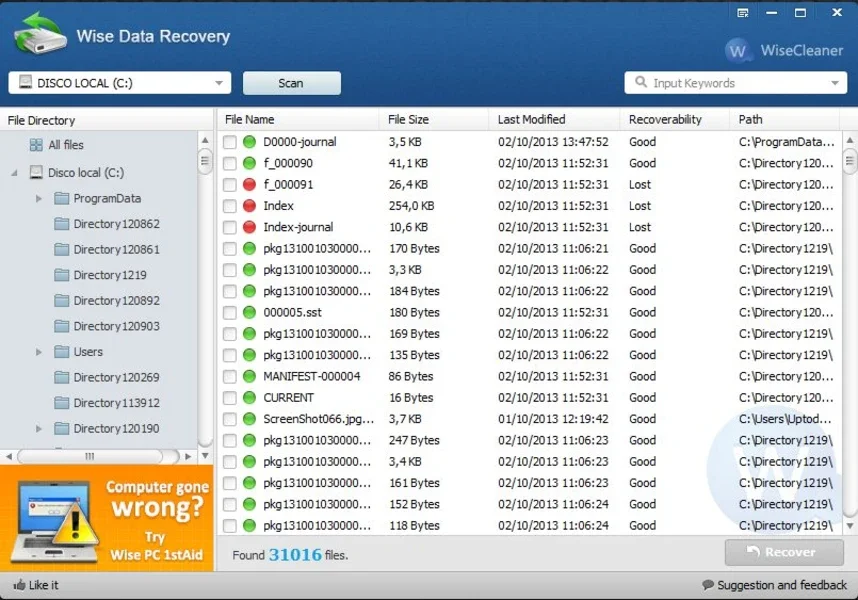
One click gives Wise Data Recovery a list of every lost file it can find. Deleted files appear with a status beside each one, so you can see whether it is recoverable or gone for good. That includes files erased and marked as empty space by the operating system: photographs, text documents and emails all turn up in the list.
Finding the file you want
You can search the results by name. Filtering by extension narrows things further, with categories for images, documents, audio, video, compressed files and email. It recovers files that were accidentally deleted or vanished from a hard drive or USB memory, and it searches and recovers on any kind of drive. A hard drive, a USB device, a camera memory card or another extractable device all work. The program is free.
Download files
46226c7718ab86619afac6060ed65453622d21657f58aa87a366fe3f057f0321
Signed by Lespeed Technology Co., Ltd · valid until Apr 30, 202646226c7718ab86619afac6060ed65453622d21657f58aa87a366fe3f057f0321
Signed by Lespeed Technology Co., Ltd · valid until Apr 30, 2026f28a555956dbe163a0cdaf4b877f42b725b23c129da4b05110c6ad6436b6996a
4a3228595edad9bcd58d71d5be9db499016c231f05da70f1e56ca4b7e02456de
61f44b8b137fbf2b765bbc37289b8edea1d28b3b83b652d780f02f3de4ea59dd
System requirements
Available on:
Minimum OS:
Windows Windows 11 or later
Additional information
Developer
Latest release
Size
Category
File type
SHA-256
46226c7718ab86619afac6060ed65453622d21657f58aa87a366fe3f057f0321