
WO Mic 6.3 for Windows
Turns a smartphone into a microphone for a computer
Screenshots
Description
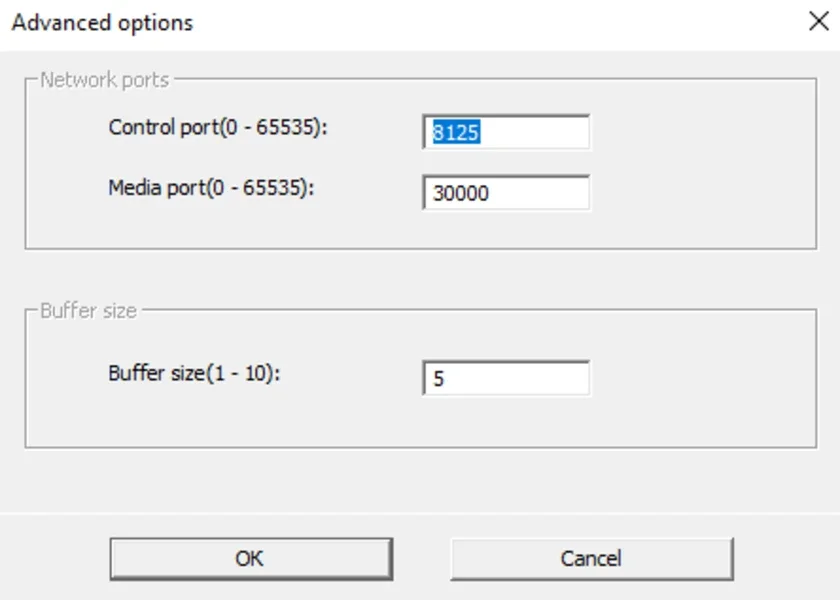
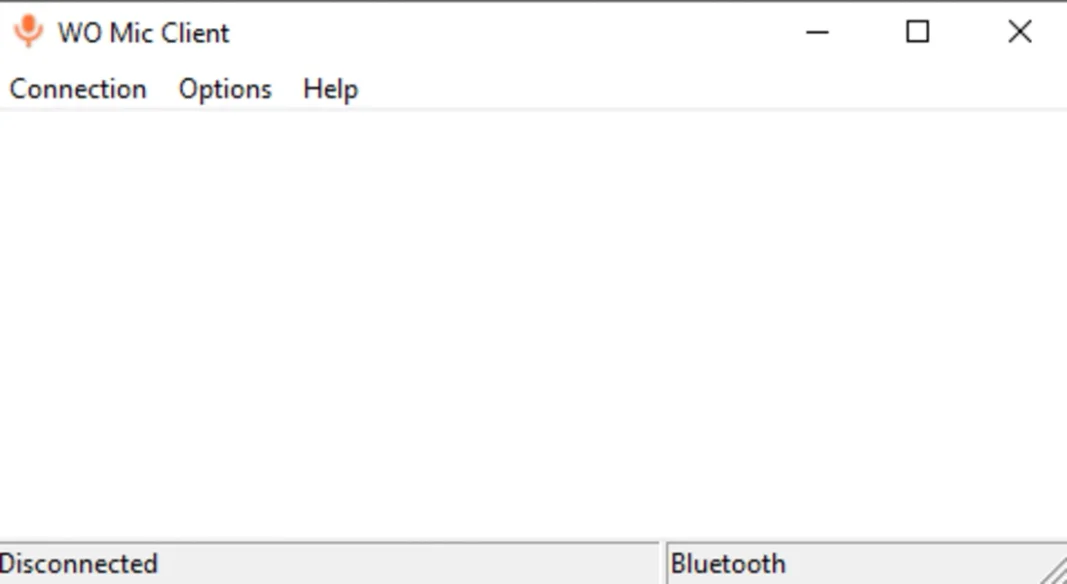
WO Mic turns a smartphone into a microphone for a computer. The phone does the listening, the computer treats it as an input device, and the two are linked through a companion app that has to run on both ends the whole time.
The link can go over Wi-Fi, Bluetooth, or USB. USB gives the best stability of the three, so it is the one to reach for if the connection matters. Over Wi-Fi, a weak internet signal can make the audio lag or drop out mid-conversation. Setup is not always smooth: installing the virtual driver is the part that tends to trip people up, and it is worth doing carefully before anything else. The interface itself stays simple enough that beginners can work through it. The program is free, and it sits in the audio utilities category.
WO Mic is a proprietary tool from Wolicheng Tech, currently at version 6.3.
Download files
7db7e21e63acbec6282b3757ac5b286a3cd9f83d2b82d6f438a79dae94e84a67
No digital signature28f0c4f4ec7135700bda47f306ad121bd48e866f16f8c74224fe4e0cf06a9c26
No digital signaturec7c7227a636b4c612cdf3f3d803be3ef1cf8f9aedad1c5d6620e0b9f6e0931a8
No digital signature4baa90bfb1cd9f7e0ddc1cbaaa447690cd8db011144ad14fd1587157c3cfe812
No digital signaturecf920242fdf53e60d1ead32285bb14c018220fae96cfb01e2f01e4ff1cb0a732
No digital signatureSystem requirements
Available on:
Minimum OS:
Windows Windows Vista or later
Additional information
Developer
Latest release
Size
Category
File type
SHA-256
7db7e21e63acbec6282b3757ac5b286a3cd9f83d2b82d6f438a79dae94e84a67