
Wondershare PDFelement 13.0.1 for Windows
Edits and converts PDFs, with built-in OCR and spell check
You are on macOS — this is the Windows version. See the macOS version
Screenshots
Description
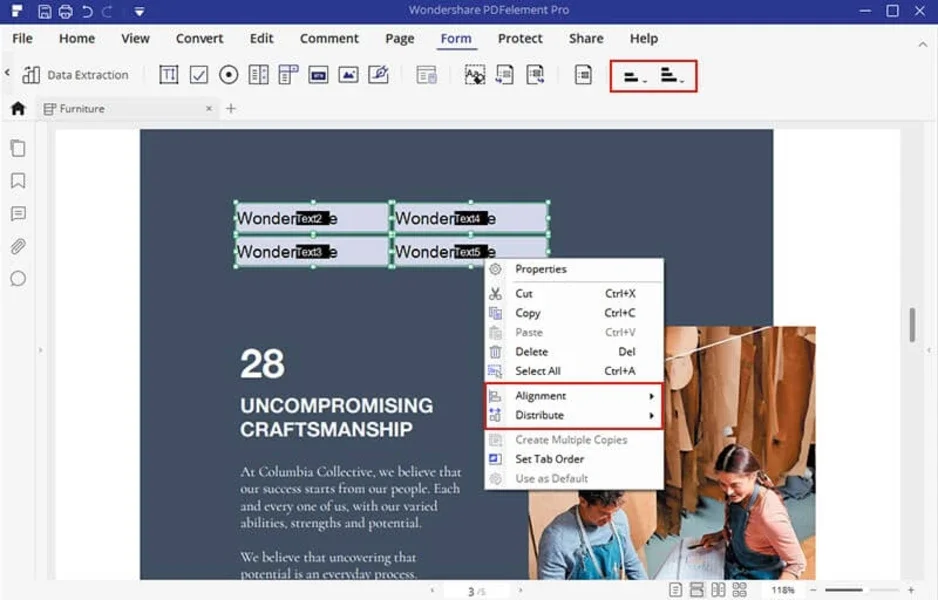
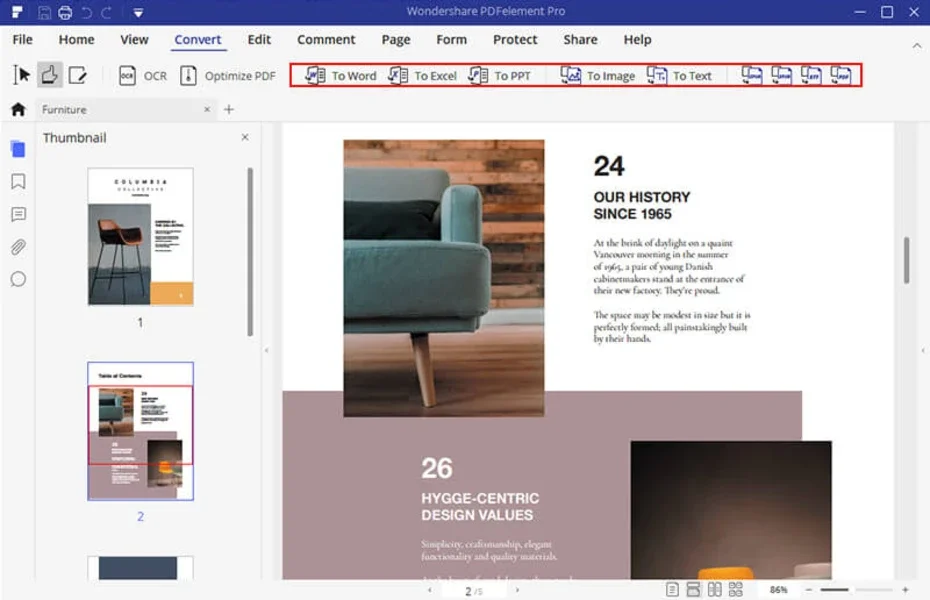
Open a PDF and change its text and images in place, much the way you would add material in a Word document. Wondershare PDFelement handles PDFs you did not create yourself, and you can delete images or sections of text. A spell checker is built in, so text stays in the program rather than going out to Word or an online checker. An auto-fit function keeps added text from overflowing and spoiling the layout, which matters when you place words beside a chart or photo. OCR turns scanned pages into editable text that search engines can index, instead of leaving them as an image. You can annotate a PDF to add comments to the original document, and password protection is included.
Pages can be reordered, split and added, so several pamphlets or single-page handouts can become one longer document. The professional version supports Bates numbering for indexing and retrieval.
The software is sold as a free trial. Its publisher, Wondershare Technology, prices it below the full edition of Adobe's program.
Download files
1a21ec111df128a61b010fd63c75362f22528b40ebb22590009c366d74a3267c
Signed by Wondershare Technology Group Co.,Ltd · valid until Apr 7, 2028ebe1ad4286b87ac9458934aab6a2df73fdd0d20be02846756266b91b76f2022a
Signed by Wondershare Technology Group Co.,Ltd · valid until Apr 7, 2028b7270ac0a7f18b847968e475462166ba42228591e72458cec796ac89cad8c9da
Signed by Wondershare Technology Group Co.,Ltd · valid until Apr 7, 20285568e5375d0560053d5e1afb57b64696d5e4bc0550bb7aa0798b555c3434e6aa
Signed by Wondershare Technology Group Co.,Ltd · valid until Apr 7, 20286b96f410a9a7c80788b47249340fffaca034c172bd75380935e84267de015e9d
System requirements
Available on:
Additional information
Developer
Latest release
Size
Category
File type
SHA-256
1a21ec111df128a61b010fd63c75362f22528b40ebb22590009c366d74a3267c





