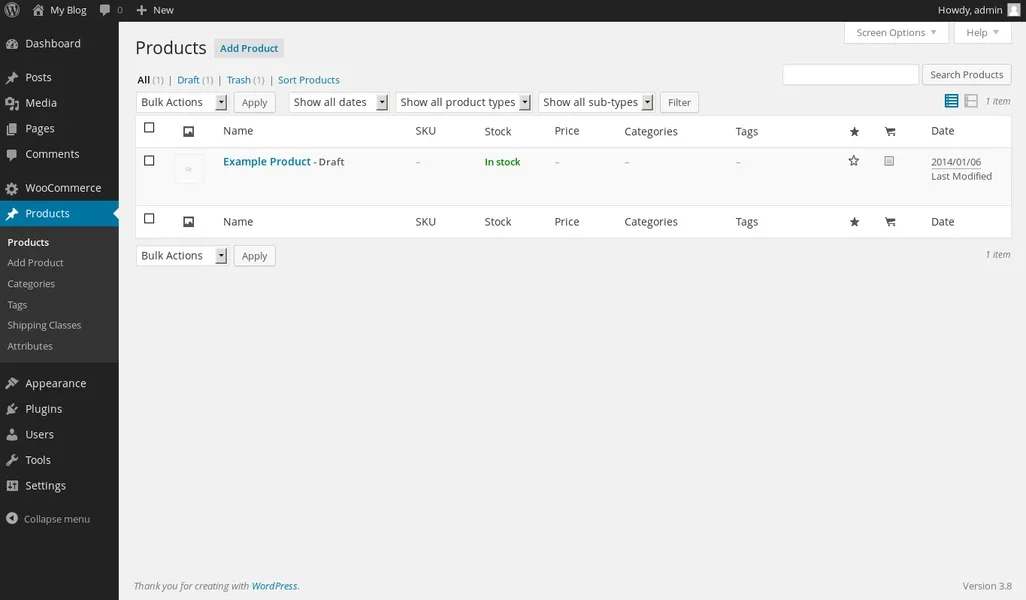

Screenshots
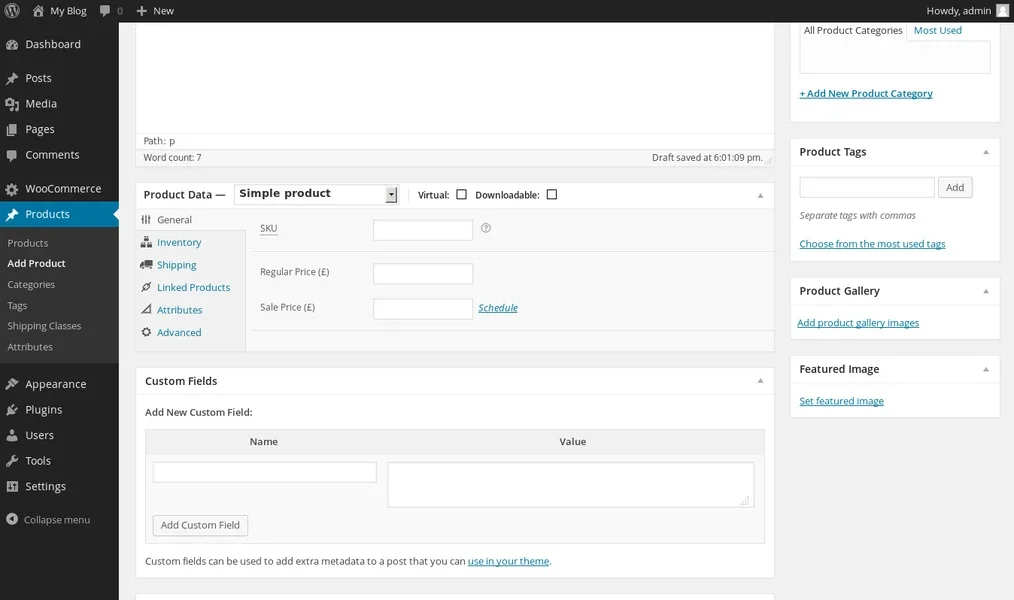
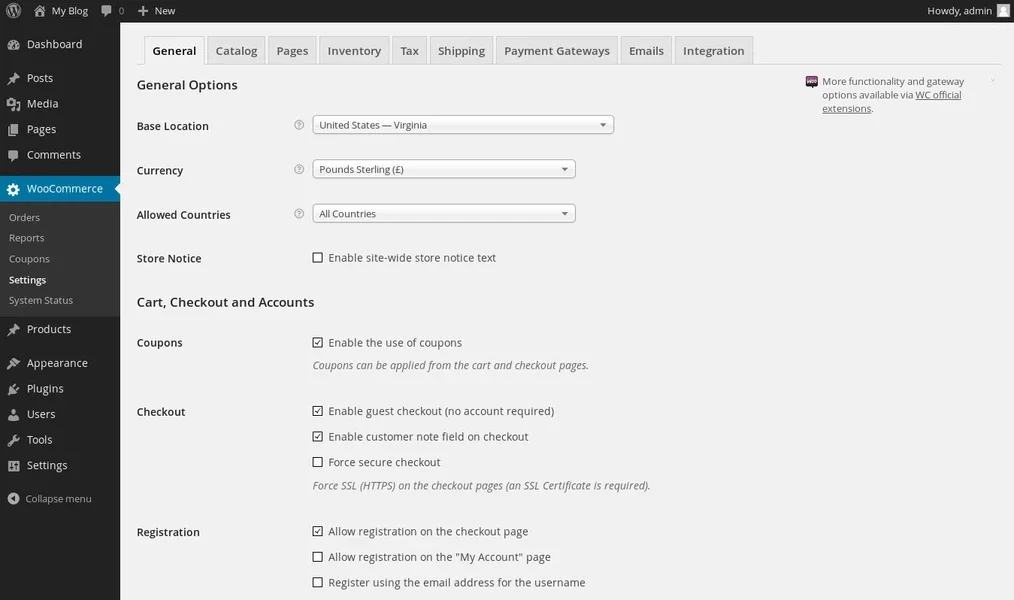
Description
WooCommerce turns a WordPress blog into an online store, and you can set one up if you have basic WordPress skills. The blog has to be self-hosted rather than hosted by WordPress. Setup is quick and simple. After you install and activate the plugin, a backend appears in the blog's admin menu, and two new categories show up there. One of them is a products menu where you create an entry for each item on sale, and products can be organized into categories. You can upload images and descriptions for each product.
The WooCommerce submenu configures parts of the sales process and the payment system. The plugin needs a visual theme that accommodates its characteristics, and templates can be customized and downloaded. WooThemes, the developer, has many free templates on the official website.
Extensive additional documentation is provided. The plugin itself is free.
Download files
78b5bc0c8f49329859fdc9b99fb839241f68822da17c408a3407e33858b4eac7
dc7748bb92931db22599120b10d7a349d8b2aa5d94124126d24e12d65373765c
3a185921a29d06fd4239093a1f32f57ca50f1a3d33706bfeaa5f1330242c2c9a
c856701c2435d5ec98414a110298a042449334993ed93f96fe77888254936b98
7eab2b3df7e537d582a383958763f0b0cf491fcab386844d7a62398ae2243903
System requirements
Available on:
Minimum OS:
Windows XP or later
Additional information
Developer
Latest release
Size
Category
File type
SHA-256
78b5bc0c8f49329859fdc9b99fb839241f68822da17c408a3407e33858b4eac7