
XnResize 1.11 for Windows
Batch photo resizer with presets and custom sizes
You are on macOS — this is the Windows version. See the macOS version
Screenshots
Description
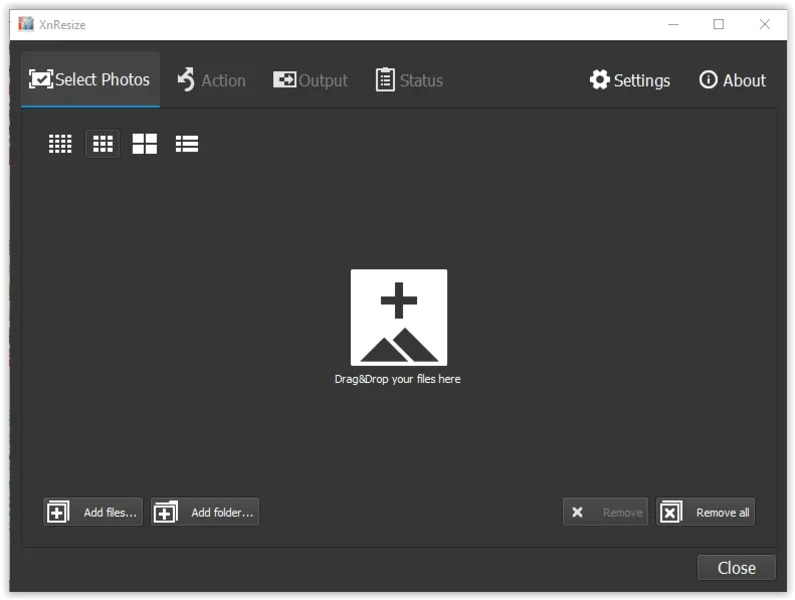
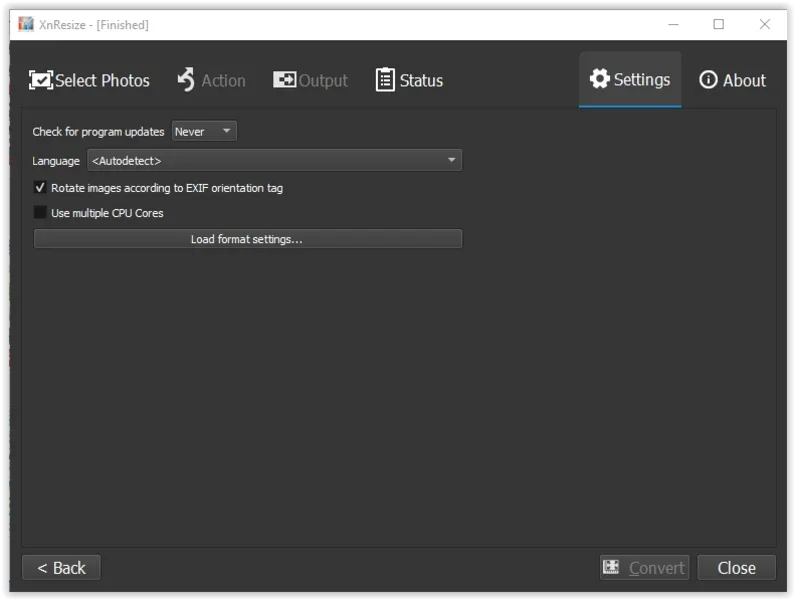
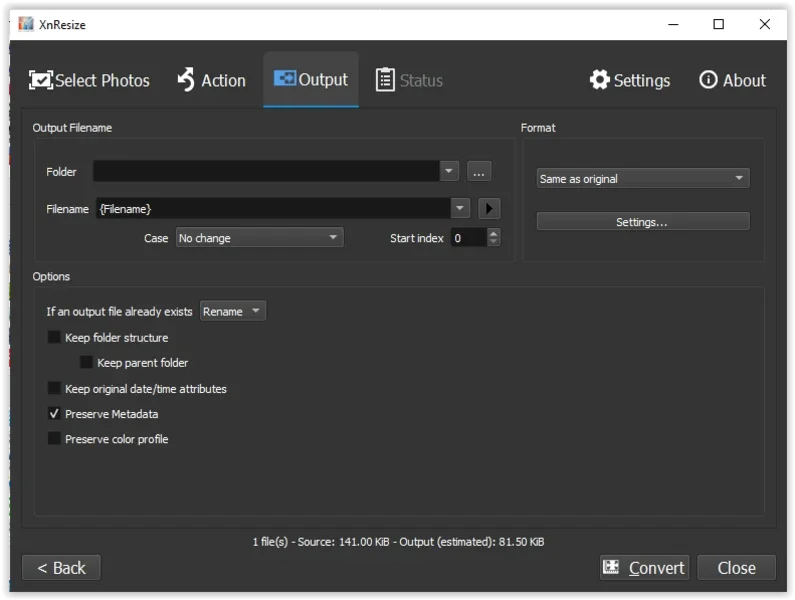
XnResize resizes photos in batches, applying the same changes to every selected image at once. You add images one by one, in batches, or select whole folders with one click.
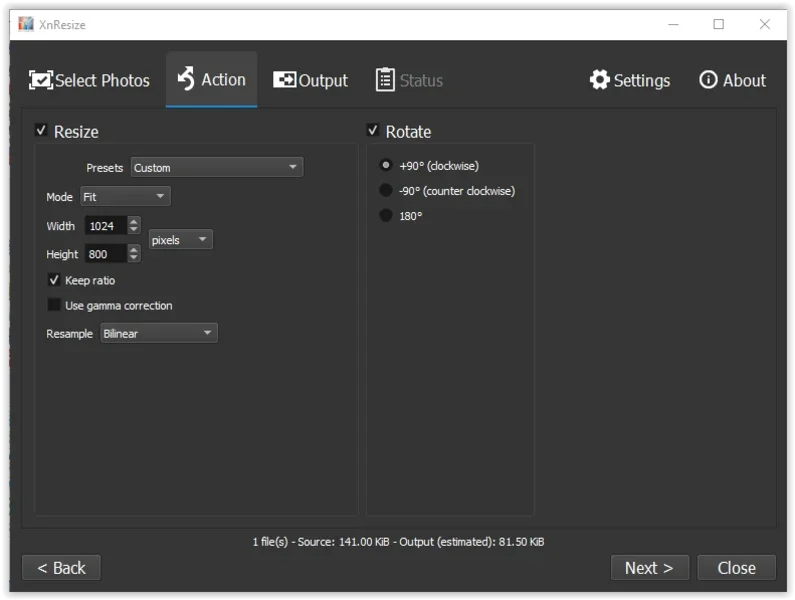
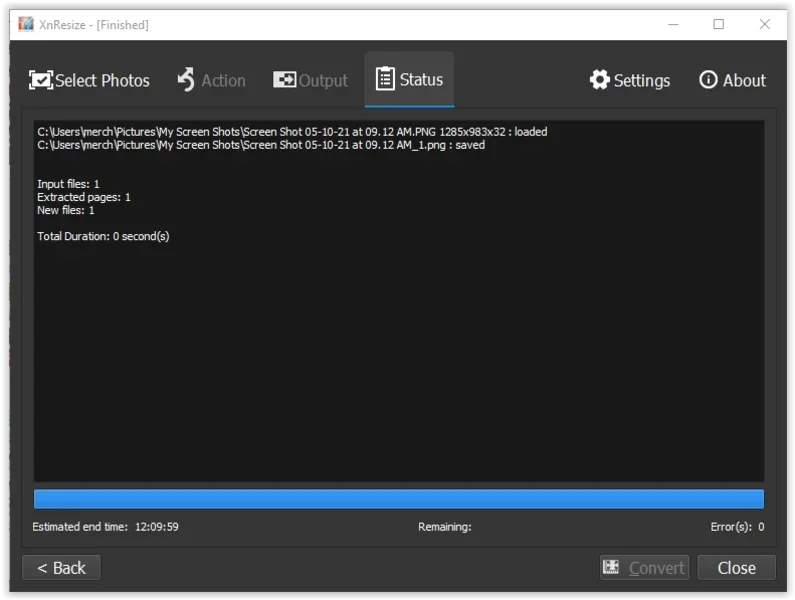
Size can be set in pixels, percentage, inches, centimeters, or millimeters. There are dozens of preset sizes, and you can define a custom size with exact measurements by entering only width and height values. Aspect ratio can be maintained. Gamma correction is supported, and there are many resampling options to choose from. Rotation can be corrected automatically to fix a photo's orientation. Output can be saved in hundreds of formats, and you pick the name of the output folder. Automatic settings can be specified for when output files already exist. Resizing also cuts down the space your photos occupy.
The program runs on Windows and is free.
Download files
62c542ae1a09a3a00b3eaf82e1d869466b013f646c0b9362385a7177885b471a
Signed by Pierre GOUGELET · valid until Apr 23, 20251eb3ba227a6520bad0223d2885b3a8e0907b0bdd914290342563a5e32098c334
Signed by Pierre GOUGELET · valid until Apr 23, 2025570e748c9e2a71887ecdb5c4994f79e3b682e44410436cb470e9fd06a5ebac0f
f61bd3c0184625b987cb7c86a41d47fd2e6d9ac2244989b7f245272b24805699
Signed by Pierre GOUGELET · valid until Apr 20, 2022System requirements
Available on:
Minimum OS:
Windows Windows 7 or later
Additional information
Developer
Latest release
Size
Category
File type
SHA-256
62c542ae1a09a3a00b3eaf82e1d869466b013f646c0b9362385a7177885b471a