
ZoomIt Portable 12.30 for Windows
Zooms, annotates and times presentations from a pen drive
Screenshots
Description
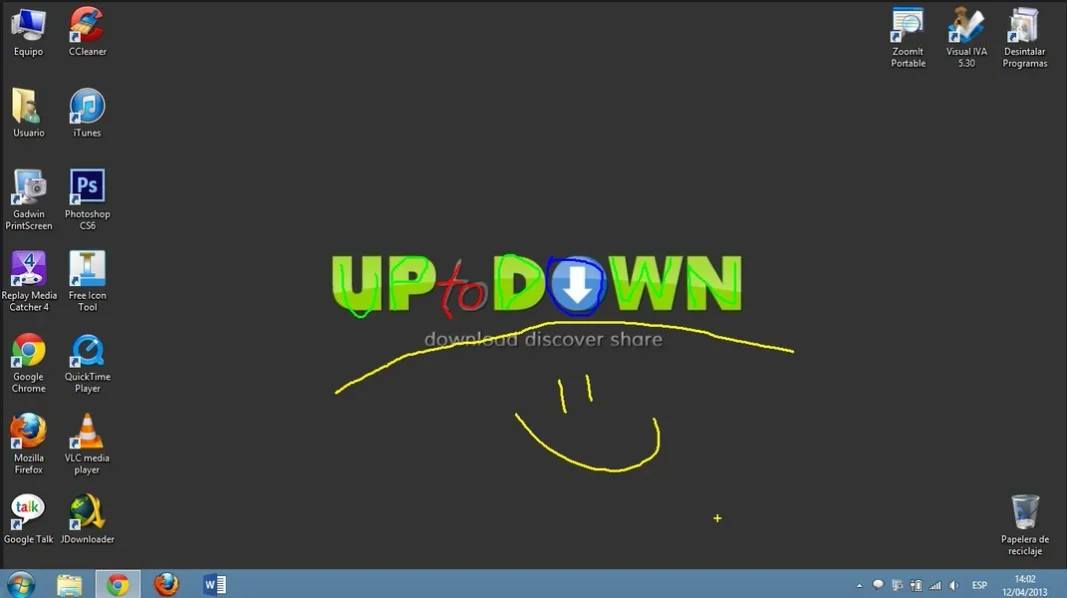
ZoomIt Portable enlarges the screen for presentations and demonstrations, and it runs from a pen drive. It is a small application that has extra features for use while the desktop is displayed.
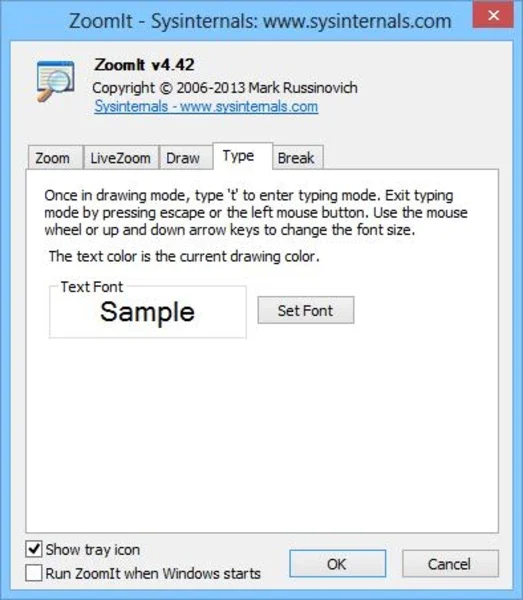
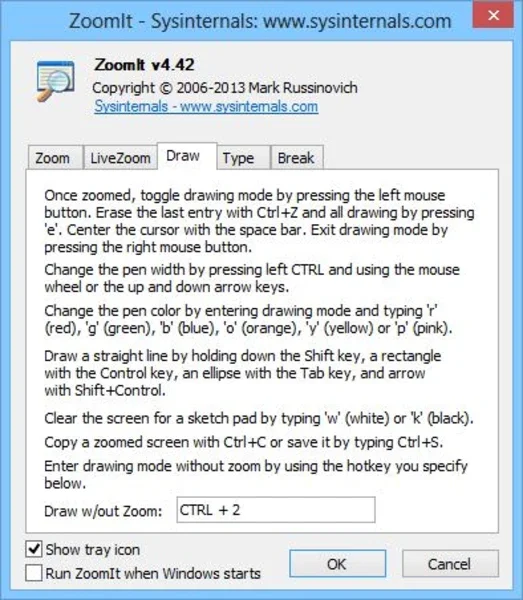
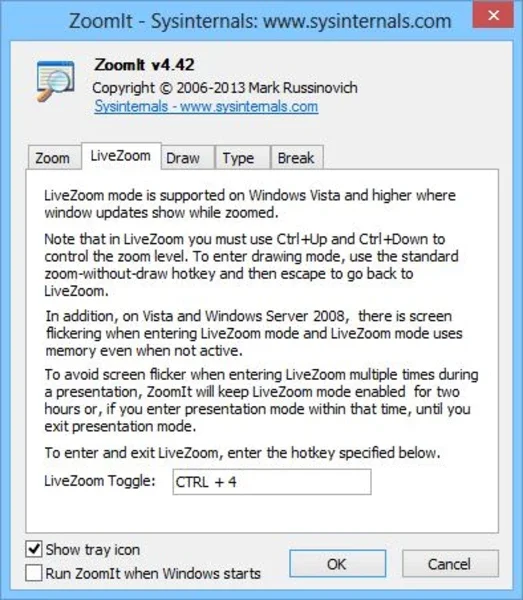
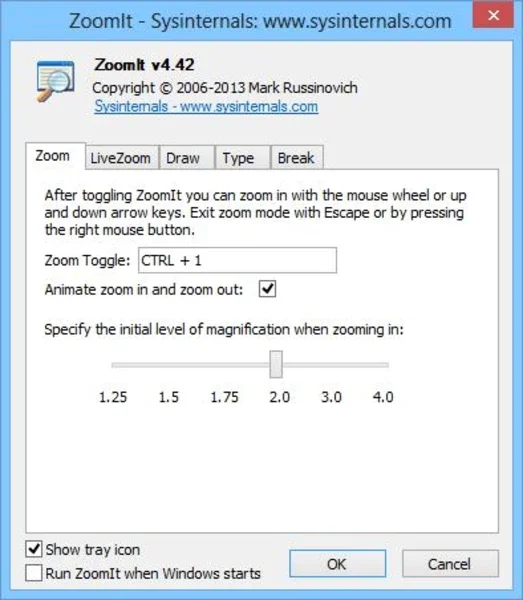
You zoom in at a preset intensity, and the mouse wheel changes that intensity later. Pressing the left mouse button while zoomed, or the keyboard shortcut, turns on the cursor so you can draw on the screen. Nothing can be edited in zoom mode. The brush color is picked by key: r for red, g for green, b for blue, y for yellow. Hold Shift for rectangles, Tab for ellipses, Ctrl for straight lines. Ctrl-Z undoes the last action, and E deletes everything. If you would rather not draw over the desktop, w gives a white background and k a black one. Pressing T enables the keyboard. LiveZoom lets you keep using the computer while the screen is enlarged, but it requires Windows Vista or later.
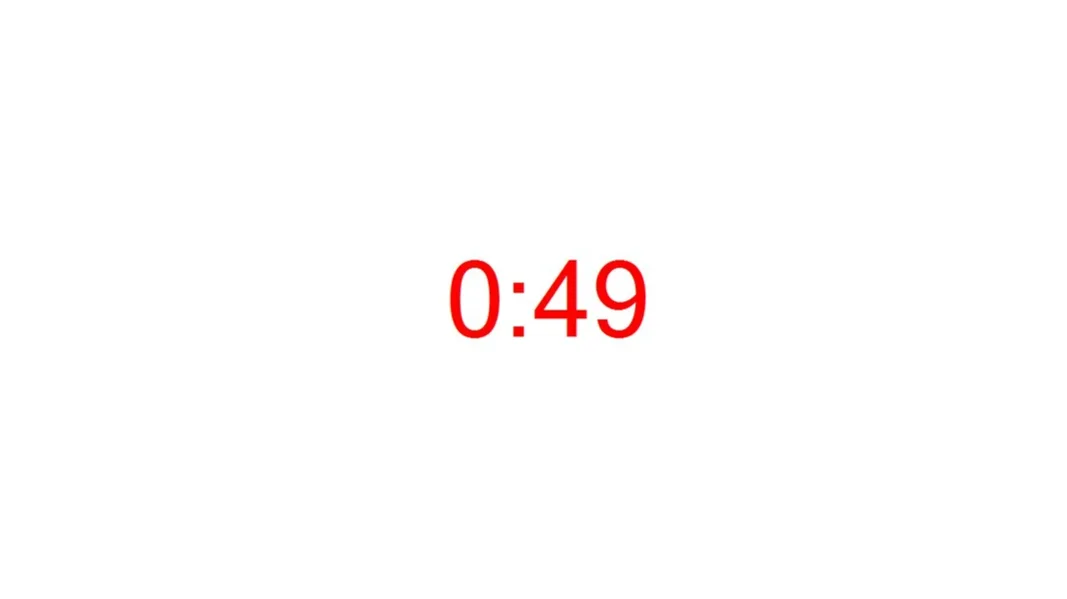
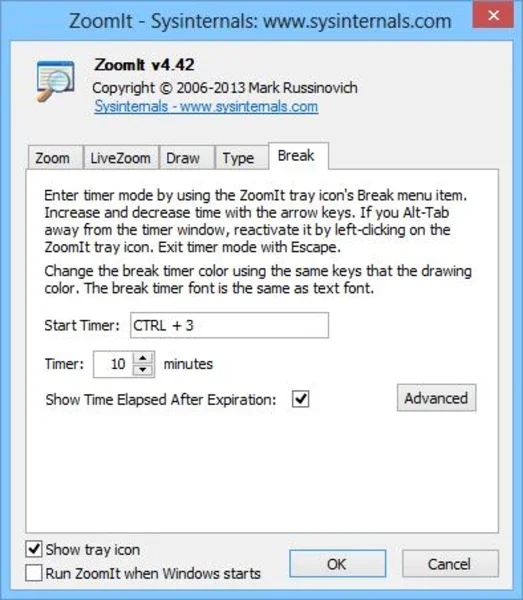
A countdown timer is available: you set the time and the timer position, and you can pick a background image and a sound played at the end. Its functions can be assigned to keyboard shortcuts.
Download files
48806881c926530dfaac4519c3cdb429e5a5d19d20a634336d40d0af532b7b9d
Signed by RARE IDEAS, LLC · valid until Apr 20, 2027320f0f38ec9b7c30e182de35ba35b244f51e309c56fba59fadb89dc6d03cdc33
Signed by RARE IDEAS, LLC · valid until Apr 20, 20275579fb86532baa4356198b6a72cc98754878d6b8f3798e8c73c4707f48985a77
Signed by RARE IDEAS, LLC · valid until Mar 20, 2026f56a403e3ba2001b4b25758e933343588973afab5c24e1189d7aedc2d93d0567
1970cb3b075ee039f6701be4a75980a077e4af429bea5f31536e0c90a593be5a
System requirements
Available on:
Additional information
Developer
Latest release
Size
Category
File type
SHA-256
48806881c926530dfaac4519c3cdb429e5a5d19d20a634336d40d0af532b7b9d