1Smart WFF watchface
Alexey Nadezhdin- EveryoneAge rating
- PersonalizationCategory
- Nov 20, 2026Updated
- FreePrice
Links to the official Google Play listing of com.rx7ru.onesmartwff. Last checked on Nov 26, 2026.
Screenshots


About this app
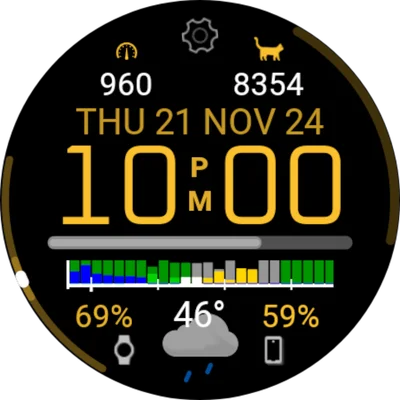
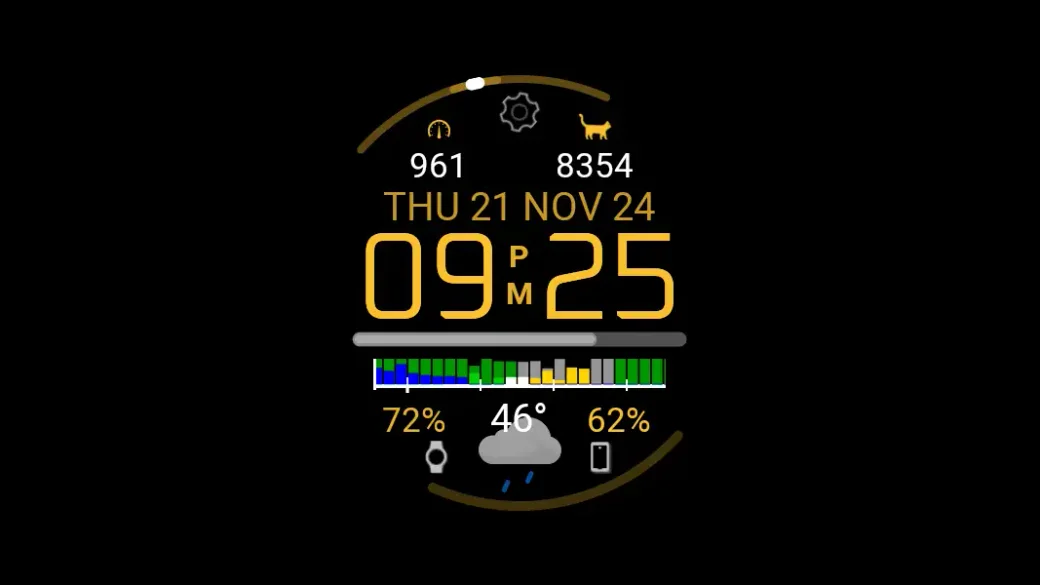
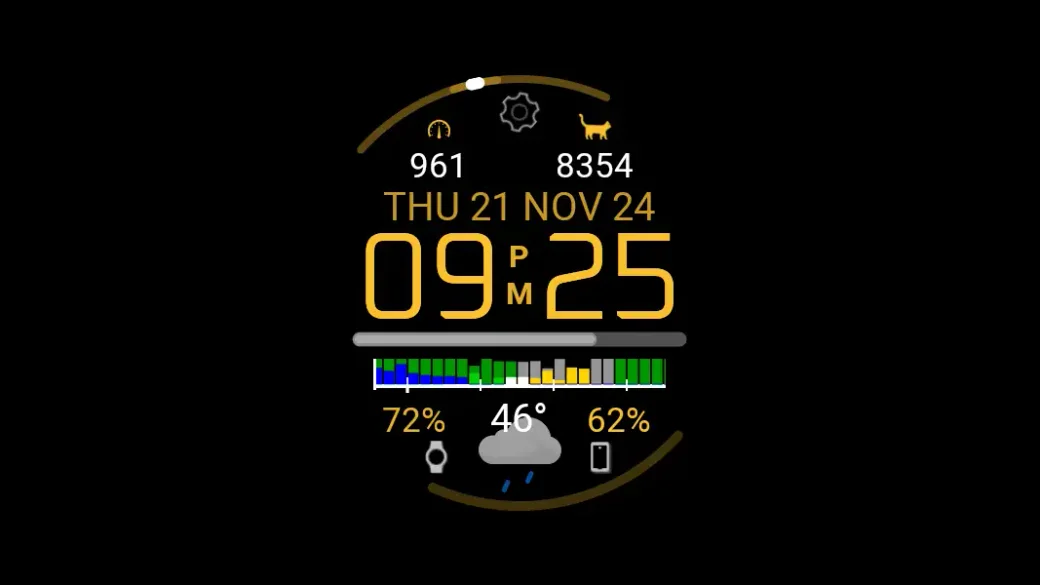
Watch face shell controlled by the 1Smart app. See description for details.
Watch face shell controlled by the 1Smart app "1Smart – One For All"
https://play.google.com/store/apps/details?id=com.rx7ru.aewatchface
The core app will be able to manage all the contents of this watch face, returning the functionality that Wear OS 5 deprived you of with its brainless watch faces — including night mode, graphs, 3 weather providers with unique weather charts, phone interaction, and more.
This watch face for Wear OS is a simple shell for the 1Smart app core for Wear OS 5. It works properly only if the core app is installed.
https://play.google.com/store/apps/details?id=com.rx7ru.aewatchface
It includes several important complications (widgets) that can only be accessed from the app core.
You will need to reinstall this watch face or temporarily remove it from your favorites if you installed it before the core.
If you previously used my 1Smart watch face before updating to Wear OS 5 and want an extended night mode, then you should install the "1Smart Classic" watch face that supports it:
https://play.google.com/store/apps/details?id=com.rx7ru.onesmartclassic
Despite the central prompt, you can still customize the complications you want.
Data safety
What Alexey Nadezhdin declares on Google Play about the data this app collects and shares.
- No data shared with third partiesLearn more about how developers declare sharing
- No data collectedLearn more about how developers declare collection
Developer contact
- Website1smart.pro
- Emailrx7narodru@gmail.com
- Privacy policy1smart.pro
- AddressЛосевская ул. дом 20 12 Москва Russia 129347
Information
- Offered by
- Alexey Nadezhdin
- Category
- Personalization
- Version
- 2.54
- Updated
- Nov 20, 2026
- Released
- Sep 25, 2024
- Age rating
- Everyone
- Price
- Free
- Package name
- com.rx7ru.onesmartwff
Similar apps
-
 Digital FSW304 Watchface
Personalization
-
 Brut Ledger Watch Face
Personalization
-
 Iris593 Multi-Function Watch
Personalization
-
 Key040 Analog Watch Face
Personalization
-
 HMK D053
Personalization
-
 MIMIX Digital Sp03 Watchface
Personalization
-
 Minimal Black Watch Face 025
Personalization
-
 WFP 346 Digital watch face
Personalization
-
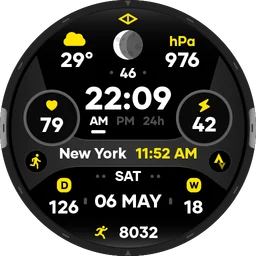 Halcyon: Digital Watch Face
Personalization
-
 Modern Dashboard Watch Face 03
Personalization
-
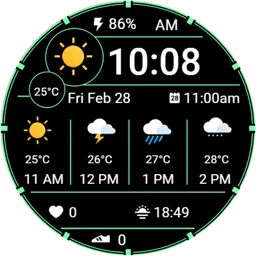 GW Weather 3
Personalization
-
 Iris562 Multi-Function Digital
Personalization