1Smart WFF watchface
Alexey Nadezhdin- USK ab 0 JahrenAltersfreigabe
- PersonalisierungKategorie
- 20.11.2026Aktualisiert
- KostenlosPreis
Verlinkt auf den offiziellen Google Play-Eintrag von com.rx7ru.onesmartwff. Zuletzt geprüft am 26.11.2026.
Screenshots


Über diese App
Automatische Übersetzung von Google. Originalsprache: Englisch (Vereinigte Staaten).
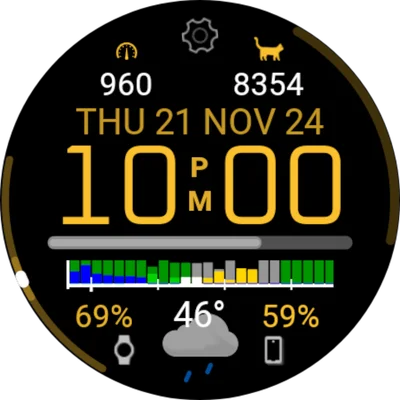
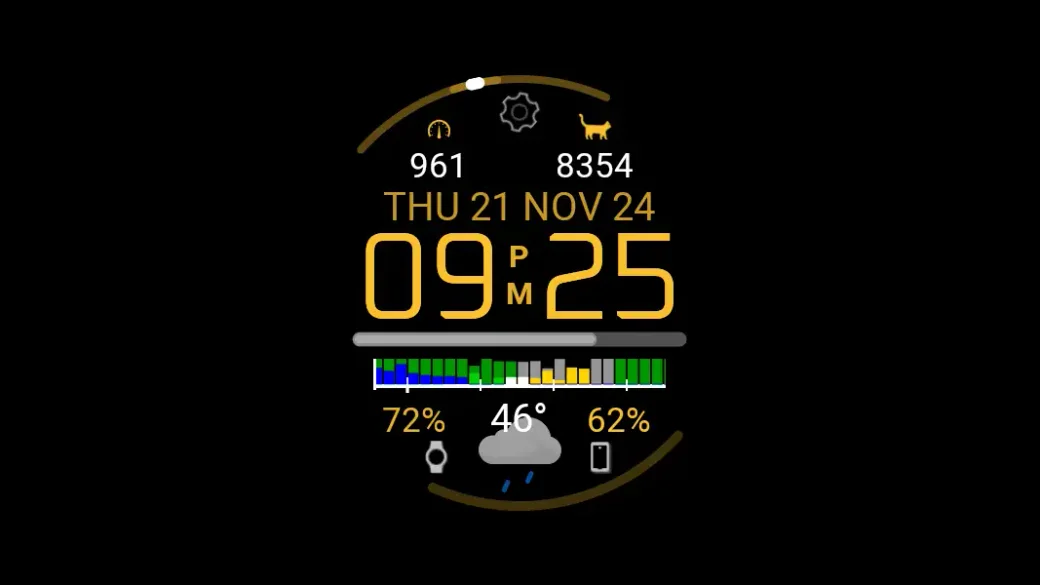
Von der 1Smart-App gesteuertes Zifferblatt. Einzelheiten finden Sie in der Beschreibung.
Das Zifferblatt wird über die 1Smart-App „1Smart – One For All“ gesteuert.
https://play.google.com/store/apps/details?id=com.rx7ru.aewatchface
Die Kern-App wird in der Lage sein, alle Inhalte dieses Zifferblatts zu verwalten und die Funktionalität zurückzugeben, die Ihnen Wear OS 5 mit seinen hirnlosen Zifferblättern vorenthalten musste – einschließlich Nachtmodus, Grafiken, 3 Wetteranbieter mit einzigartigen Wetterkarten, Telefoninteraktion und mehr.
Dieses Zifferblatt für Wear OS ist eine einfache Shell für den 1Smart-App-Kern für Wear OS 5. Es funktioniert nur ordnungsgemäß, wenn die Kern-App installiert ist.
https://play.google.com/store/apps/details?id=com.rx7ru.aewatchface
Es enthält mehrere wichtige Komplikationen (Widgets), auf die nur über den App-Kern zugegriffen werden kann.
Sie müssen dieses Zifferblatt neu installieren oder es vorübergehend aus Ihren Favoriten entfernen, wenn Sie es vor dem Kern installiert haben.
Wenn Sie vor dem Update auf Wear OS 5 bereits mein 1Smart-Zifferblatt verwendet haben und einen erweiterten Nachtmodus wünschen, dann sollten Sie das „1Smart Classic“-Zifferblatt installieren, das dies unterstützt:
https://play.google.com/store/apps/details?id=com.rx7ru.onesmartclassic
Trotz der zentralen Eingabeaufforderung können Sie die gewünschten Komplikationen immer noch anpassen.
Originaltext anzeigen
Watch face shell controlled by the 1Smart app "1Smart – One For All"
https://play.google.com/store/apps/details?id=com.rx7ru.aewatchface
The core app will be able to manage all the contents of this watch face, returning the functionality that Wear OS 5 deprived you of with its brainless watch faces — including night mode, graphs, 3 weather providers with unique weather charts, phone interaction, and more.
This watch face for Wear OS is a simple shell for the 1Smart app core for Wear OS 5. It works properly only if the core app is installed.
https://play.google.com/store/apps/details?id=com.rx7ru.aewatchface
It includes several important complications (widgets) that can only be accessed from the app core.
You will need to reinstall this watch face or temporarily remove it from your favorites if you installed it before the core.
If you previously used my 1Smart watch face before updating to Wear OS 5 and want an extended night mode, then you should install the "1Smart Classic" watch face that supports it:
https://play.google.com/store/apps/details?id=com.rx7ru.onesmartclassic
Despite the central prompt, you can still customize the complications you want.
Datensicherheit
Was Alexey Nadezhdin bei Google Play zu den Daten angibt, die diese App erfasst und weitergibt.
- Keine Daten werden mit Drittunternehmen oder -organisationen geteiltWeitere Informationen dazu, wie Entwickler Angaben zur Weitergabe von Daten machen
- Keine Daten erhobenWeitere Informationen dazu, wie Entwickler Angaben zur Datenerhebung machen
Kontakt zum Entwickler
- Website1smart.pro
- E-Mailrx7narodru@gmail.com
- Datenschutzerklärung1smart.pro
- AdresseЛосевская ул. дом 20 12 Москва Russia 129347
Informationen
- Angeboten von
- Alexey Nadezhdin
- Kategorie
- Personalisierung
- Version
- 2.54
- Aktualisiert
- 20.11.2026
- Veröffentlicht
- 25.09.2024
- Altersfreigabe
- USK ab 0 Jahren
- Preis
- Kostenlos
- Paketname
- com.rx7ru.onesmartwff
Ähnliche Apps
-
 Digital FSW304 Watchface
Personalisierung
-
 Brut Ledger Zifferblatt
Personalisierung
-
 Iris593 Multi-Function Watch
Personalisierung
-
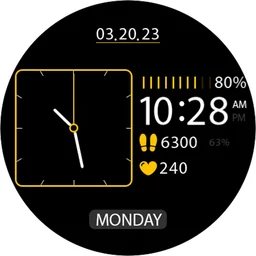 Key040 Analog Watch Face
Personalisierung
-
 HMK D053
Personalisierung
-
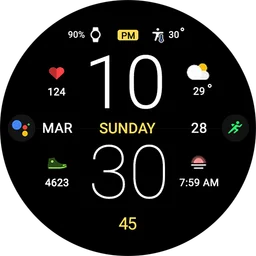 MIMIX Digital Sp03 Watchface
Personalisierung
-
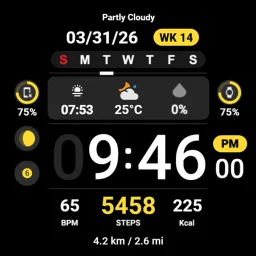 Minimal Black Watch Face 025
Personalisierung
-
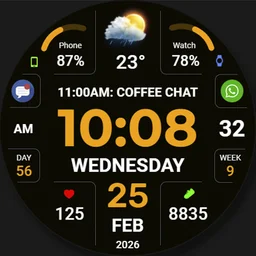 WFP 346 Digital watch face
Personalisierung
-
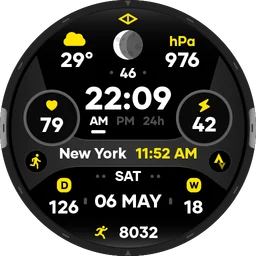 Halcyon: Digital Watch Face
Personalisierung
-
 Modern Dashboard Watch Face 03
Personalisierung
-
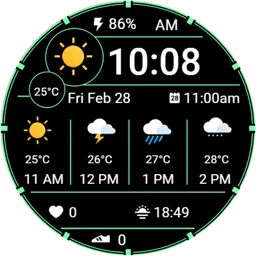 GW Weather 3
Personalisierung
-
 Iris562 Multi-Function Digital
Personalisierung