Accelerometer Pro
Microsys Com Ltd.Contains ads
- EveryoneAge rating
- ToolsCategory
- Nov 7, 2026Updated
- FreePrice
Links to the official Google Play listing of com.microsys.AccelerometerPro. Last checked on Nov 17, 2026.

Screenshots
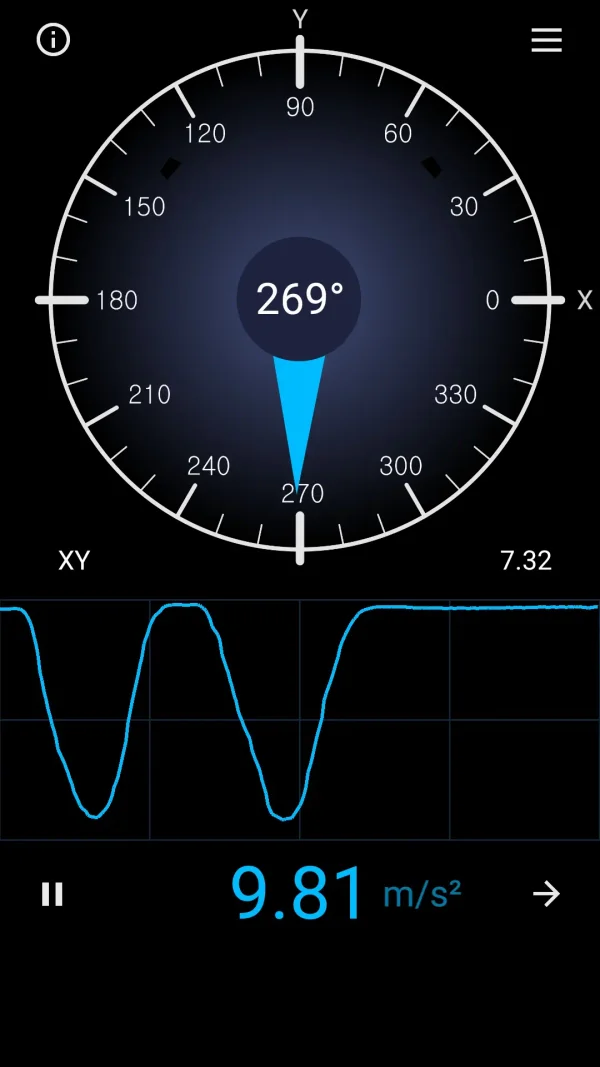
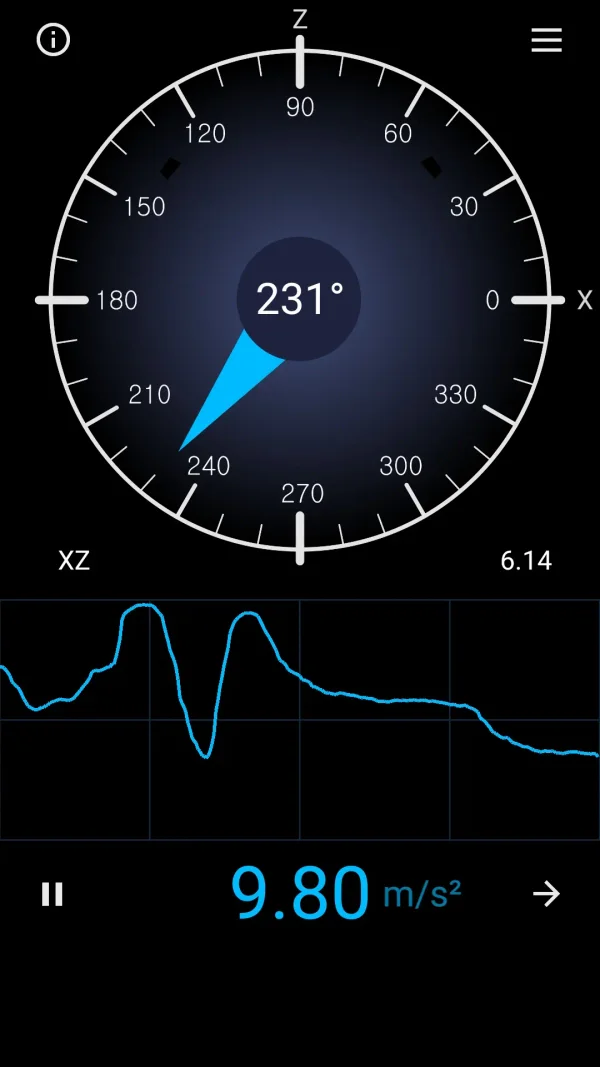
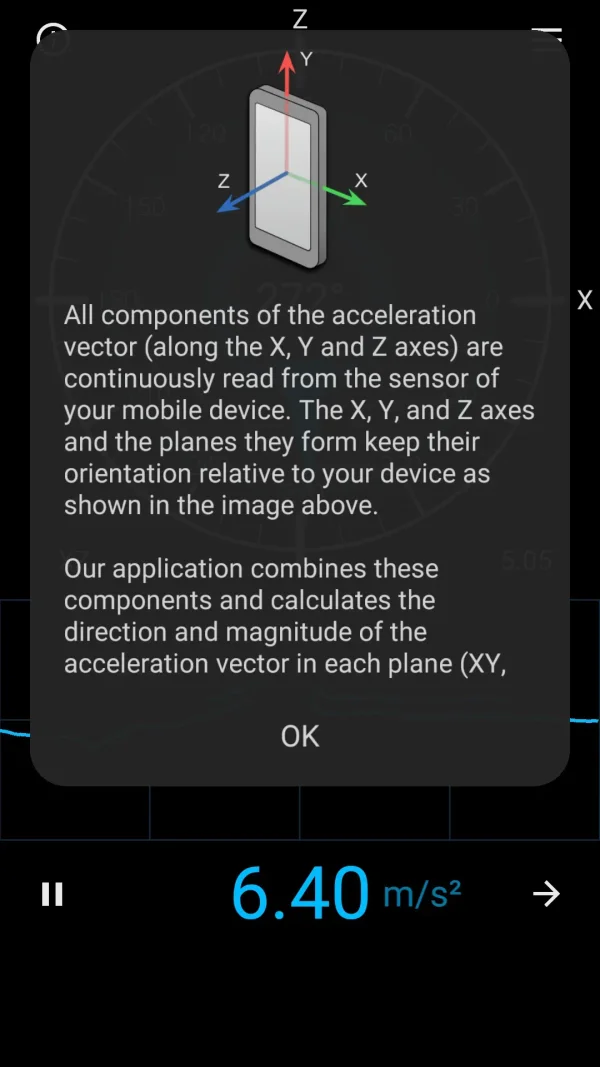
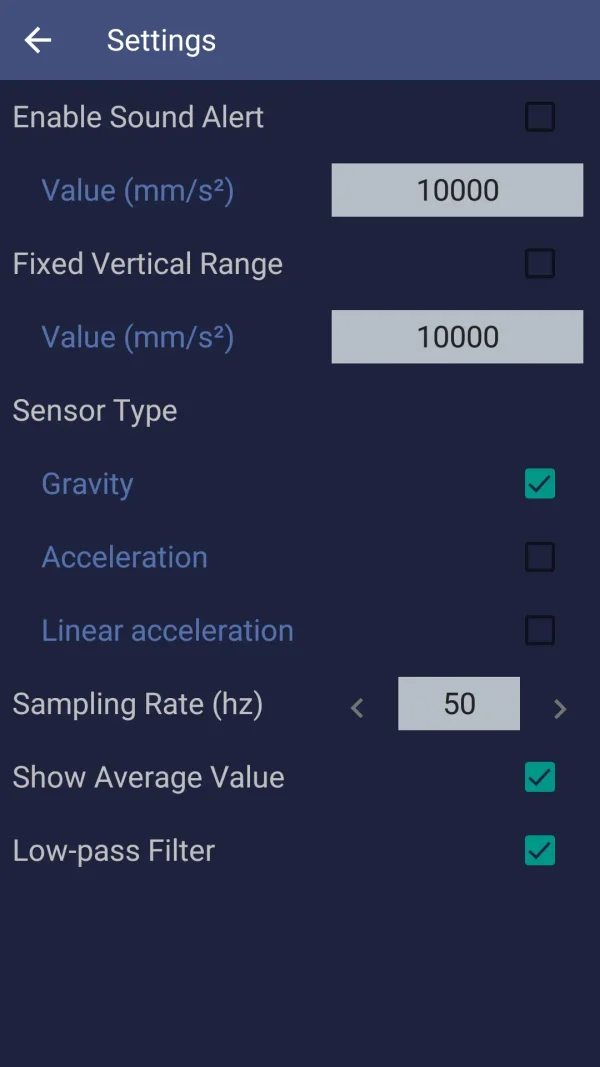
About this app
Display the direction and magnitude of the acceleration vector in all planes.
This app shows you the components of the acceleration vector, as magnitude and direction, in all planes. The primary components of the acceleration vector (along the X, Y and Z axes) are continuously read from the sensor of your mobile device. The X, Y, and Z axes and the planes they form keep their orientation relative to your device. Our application uses fast algorithms to combine these components and calculate the direction and magnitude of the acceleration vector in each plane (XY, XZ and ZY). For example, if you are holding your phone upright, the gravitational acceleration vector in the XY plane will have an inclination of 270 degrees and a magnitude of 9.81 m/s2.
Main features
- displays the angle and shows the graph of magnitude vs. time in any plane
- the sampling rate can be adjusted from 10 to 100 samples/second
- a sound alert can be triggered when a certain limit is reached
- three sensors can be selected and tested: Gravity, Acceleration and Linear acceleration
- the vertical resolution of the graph can be adjusted automatically
- the Maximum and the Average acceleration values are continuously displayed
- 'Start/Stop' and 'Select plane' buttons
- Reference hand for angles (pan up or down to change its orientation)
- Reference line for magnitude (visible when the Fixed vertical range is ticked)
More features
- Simple, easy-to-use interface
- Free application, no intrusive ads
- Permissions are not required
- High-contrast theme with large digits
Data safety
What Microsys Com Ltd. declares on Google Play about the data this app collects and shares.
- No data shared with third partiesLearn more about how developers declare sharing
- No data collectedLearn more about how developers declare collection
What’s new
Nov 7, 2026
- UI speed optimization
- More units of measurement
- Save the last 300 samples
- Reference hand for angles
- Reference line for magnitude
- Code optimization
- Graphic changes
- 'Exit' added to the menu
- Dark theme added
Developer contact
- Websitemicrosys.ro
- Emailinfo@microsys.ro
- Privacy policymicrosys.ro
- AddressSTR. DOAMNA GHICA NR. 6 BL. 3 SC. C ET. 10 AP. 119, SECTORUL 2 022832 Bucuresti Romania
Information
- Offered by
- Microsys Com Ltd.
- Category
- Tools
- Updated
- Nov 7, 2026
- Released
- Jun 10, 2022
- Age rating
- Everyone
- Price
- Free
- Package name
- com.microsys.AccelerometerPro