Andacious
UserLAnd Technologies- EveryoneAge rating
- Music & AudioCategory
- Nov 17, 2026Updated
- $1.99Price
Links to the official Google Play listing of tech.ula.andacious. Last checked on Nov 22, 2026.

Screenshots
About this app
Andacious - Runs Audacity on Android
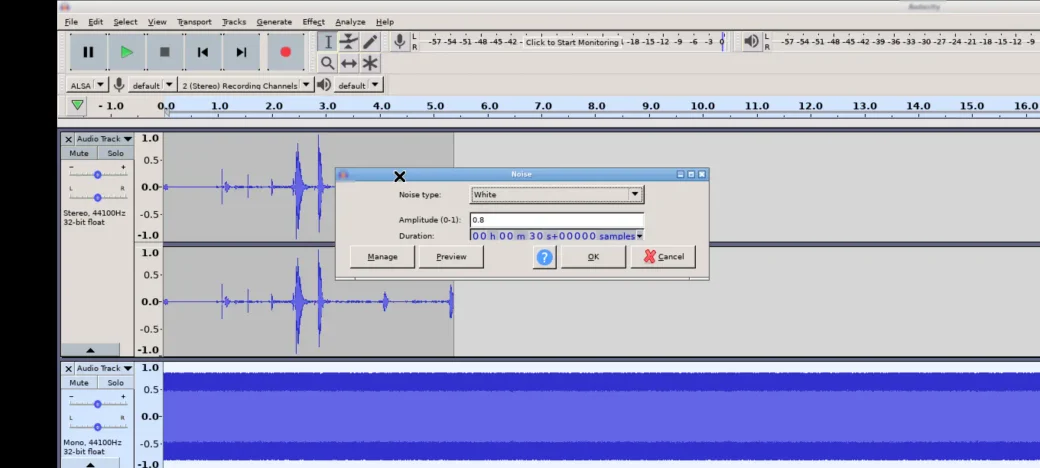
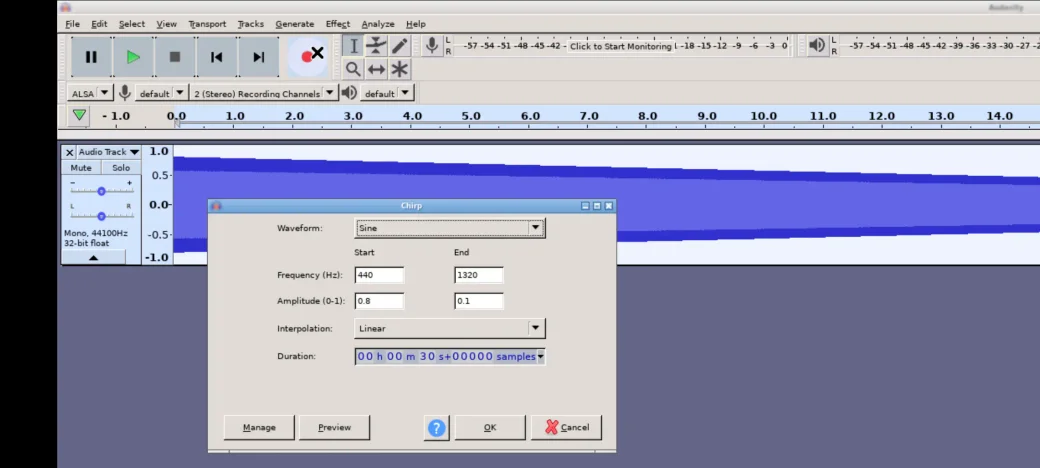
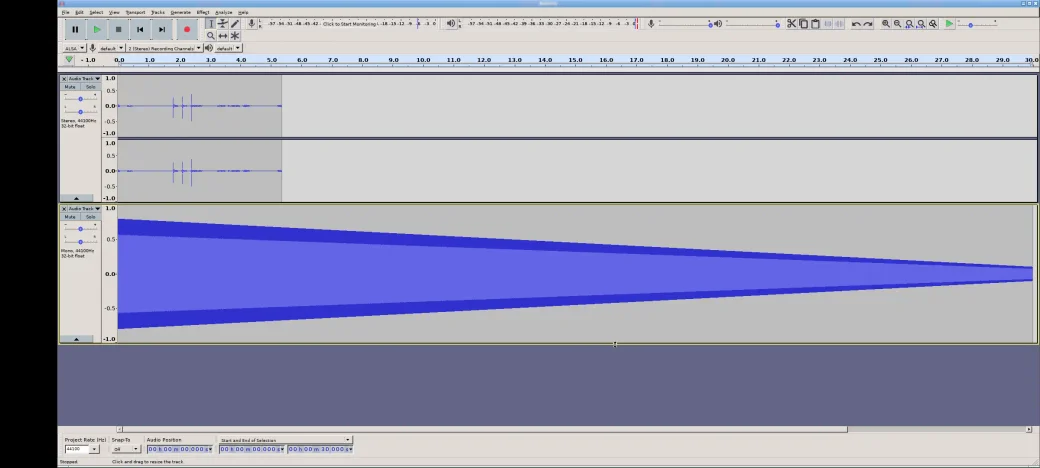
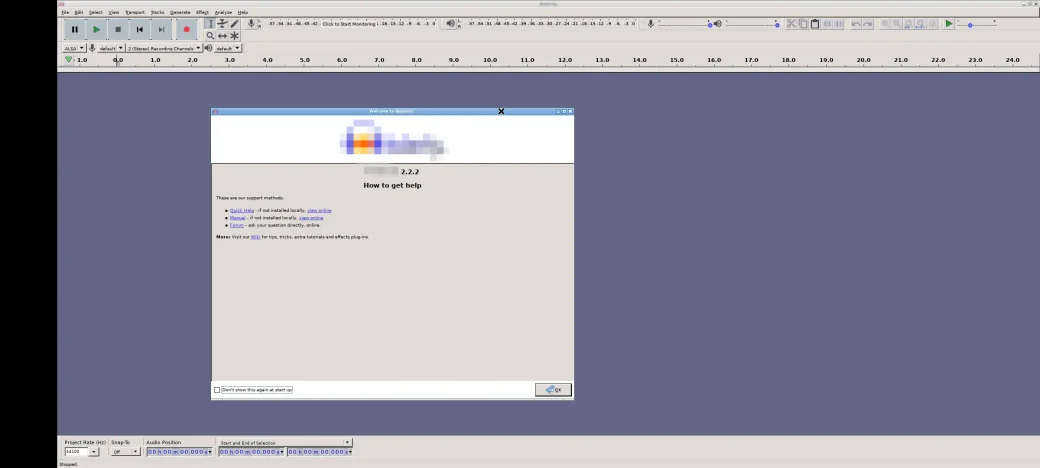
Andacious allows you to run Audacity® on an Android device.
This is a powerful and feature rich audio recorder, editor and mixer.
What is Andacious?
Andacious is not Audacity itself and is not a built or maintained by the Audacity team or the Muse Group. Instead, it is a compatibility layer that sets up a Linux desktop Audacity build, launches it, renders it and provides a way to interact with it.
What features does running Andacious provide?
In short, everything you can normally do with Audacity including:
* Record live with a microphone or mixer. Or digitize imported recordings.
* Edit your tracks fast with intuitive tools, including cutting, pasting and smooth volume mixing.
* Perfect your audio with more advanced effects:
* Reduce background static with noise reduction tools.
* Adjust tempo without altering pitch or vice versa.
* Alter frequencies with equalizers, high and low-pass filters and more.
* Reduce or isolate vocals in stereo tracks.
* Add impact with distortion, echo, reverb and more effects.
* Import, export and convert files in every popular audio format, including mp3, m4a, AIFF, FLAC, WAV and more. You can even combine clips from multiple formats into the same project.
* Take your editing to the next level with an extensive selection of third-party effects plugins, designed by the passionate Audacity, open-source community.
* Visualize and analyze your audio clips in Spectrogram view.
* Etc
Description provided via the CC-by 4.0 https://creativecommons.org/licenses/by/4.0/
You can read more details here: https://www.audacityteam.org/FAQ/
How to Use Andacious?
Use it just like normal. But here are some specifics to the app.
* Tap with one figure to click.
* Tap with two fingers to right click
* Pinch to zoom.
* Slide one finger to pan.
* Slide two fingers to scroll.
* If you want to bring up a keyboard, tap on the screen to get a set of icons to appear and then click the keyboard icon.
Data safety
What UserLAnd Technologies declares on Google Play about the data this app collects and shares.
- No data shared with third partiesLearn more about how developers declare sharing
- No data collectedLearn more about how developers declare collection
What’s new
Version 26.11.17 · Nov 17, 2026
Your app's Linux system is now built fresh from our new image pipeline, with up-to-date packages and a faster, more reliable download. Opening files in your phone's shared storage no longer fails the first time, and more programs run correctly. Already installed? Your existing setup is kept; reinstall to get the new system.
Developer contact
- Websiteuserland.tech
- Emailsupport@userland.tech
- Privacy policyuserland.tech
- Address10258 SW 67th Ave Portland, OR 97223 United States
Information
- Offered by
- UserLAnd Technologies
- Category
- Music & Audio
- Version
- 26.11.17
- Updated
- Nov 17, 2026
- Released
- Mar 29, 2024
- Requires
- Android 7.0 or later
- Age rating
- Everyone
- Price
- $1.99
- Package name
- tech.ula.andacious