Andacious
UserLAnd Technologies- 3 歳以上対象年齢
- 音楽&オーディオカテゴリ
- 2026/11/17更新日
- ¥300価格
tech.ula.andaciousのGoogle Play公式ページにリンクしています。最終確認:2026/11/22。

スクリーンショット
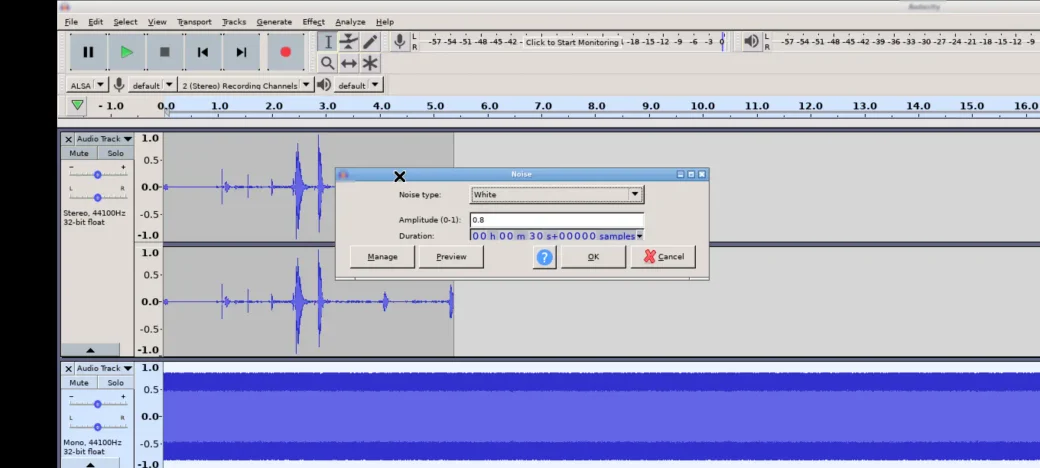
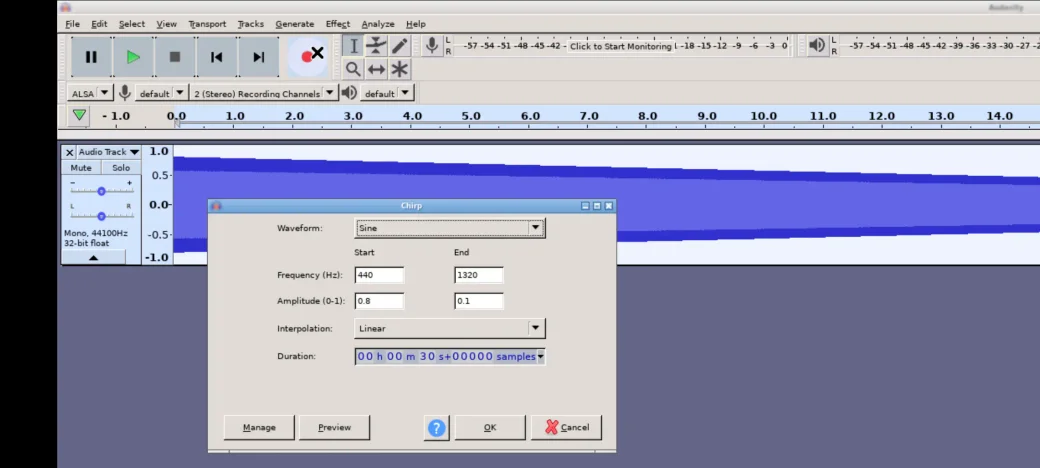
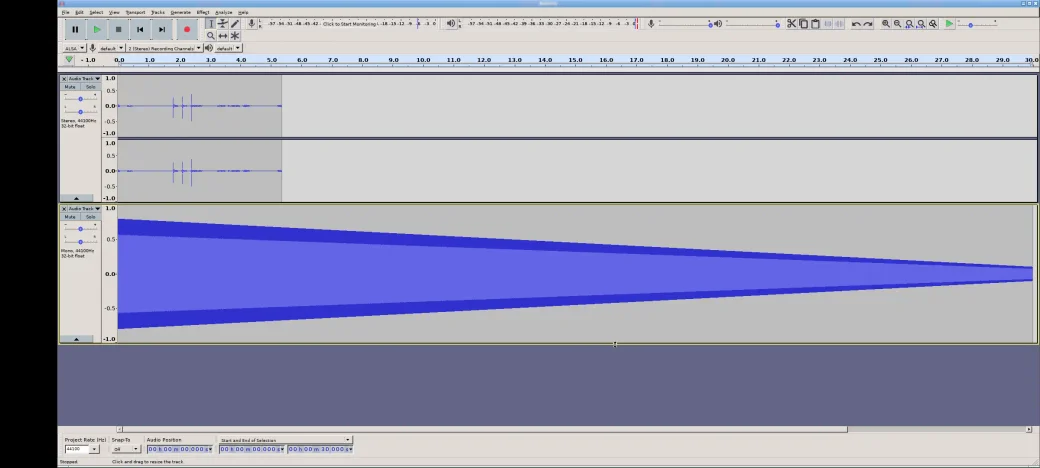
このアプリについて
Googleによる英語 (アメリカ合衆国)からの自動翻訳です。
Andacious - Android 上で Audacity を実行します
Andaciousを使うと、AndroidデバイスでAudacity®を実行できます。
Audacityは、パワフルで機能豊富なオーディオレコーダー、エディター、ミキサーです。
Andaciousとは?
AndaciousはAudacityそのものではなく、AudacityチームやMuse Groupによって開発・保守されているものでもありません。むしろ、Linuxデスクトップ版Audacityをセットアップし、起動、レンダリングを行い、操作するための互換性レイヤーです。
Andaciousを実行するとどのような機能が利用できますか?
簡単に言うと、Audacityで通常できることはすべて可能です。例えば、以下の機能が含まれます。
* マイクやミキサーを使ってライブ録音できます。または、インポートした録音をデジタル化できます。
* カット、ペースト、スムーズなボリュームミキシングなど、直感的なツールを使ってトラックを素早く編集できます。
* より高度なエフェクトでオーディオを完璧に仕上げることができます。
* ノイズリダクションツールでバックグラウンドノイズを低減できます。
* ピッチを変えずにテンポを調整したり、その逆も可能です。
* イコライザー、ハイパスフィルター、ローパスフィルターなどで周波数を調整できます。
* ステレオトラックのボーカルを縮小または分離します。
* ディストーション、エコー、リバーブなどのエフェクトでインパクトを加えます。
* mp3、m4a、AIFF、FLAC、WAVなど、あらゆる主要なオーディオフォーマットのファイルをインポート、エクスポート、変換できます。複数のフォーマットのクリップを同じプロジェクトに組み合わせることも可能です。
* 情熱的なAudacityオープンソースコミュニティによって開発された、豊富なサードパーティ製エフェクトプラグインで、編集レベルをさらに向上させましょう。
* スペクトログラムビューでオーディオクリップを視覚化して分析します。
* その他
説明はCC-BY 4.0ライセンス(https://creativecommons.org/licenses/by/4.0/)に基づいています。
詳細はこちらをご覧ください:https://www.audacityteam.org/FAQ/
Andaciousの使い方
使い方は通常通りです。ただし、アプリ特有の操作方法がいくつかあります。
* 指1本でタップしてクリックします。
* 2本の指でタップすると右クリックになります。
* ピンチ操作でズームイン/ズームアウトできます。
* 1本の指でスライドするとパン操作ができます。
* 2本の指でスライドするとスクロールできます。
* キーボードを表示するには、画面をタップしてアイコンを表示させ、キーボードアイコンをクリックします。
原文を表示
Andacious allows you to run Audacity® on an Android device.
This is a powerful and feature rich audio recorder, editor and mixer.
What is Andacious?
Andacious is not Audacity itself and is not a built or maintained by the Audacity team or the Muse Group. Instead, it is a compatibility layer that sets up a Linux desktop Audacity build, launches it, renders it and provides a way to interact with it.
What features does running Andacious provide?
In short, everything you can normally do with Audacity including:
* Record live with a microphone or mixer. Or digitize imported recordings.
* Edit your tracks fast with intuitive tools, including cutting, pasting and smooth volume mixing.
* Perfect your audio with more advanced effects:
* Reduce background static with noise reduction tools.
* Adjust tempo without altering pitch or vice versa.
* Alter frequencies with equalizers, high and low-pass filters and more.
* Reduce or isolate vocals in stereo tracks.
* Add impact with distortion, echo, reverb and more effects.
* Import, export and convert files in every popular audio format, including mp3, m4a, AIFF, FLAC, WAV and more. You can even combine clips from multiple formats into the same project.
* Take your editing to the next level with an extensive selection of third-party effects plugins, designed by the passionate Audacity, open-source community.
* Visualize and analyze your audio clips in Spectrogram view.
* Etc
Description provided via the CC-by 4.0 https://creativecommons.org/licenses/by/4.0/
You can read more details here: https://www.audacityteam.org/FAQ/
How to Use Andacious?
Use it just like normal. But here are some specifics to the app.
* Tap with one figure to click.
* Tap with two fingers to right click
* Pinch to zoom.
* Slide one finger to pan.
* Slide two fingers to scroll.
* If you want to bring up a keyboard, tap on the screen to get a set of icons to appear and then click the keyboard icon.
データ セーフティ
このアプリが収集・共有するデータについて、UserLAnd TechnologiesがGoogle Playで申告している内容です。
- 第三者と共有されるデータはありません詳しくは、デベロッパーが共有を申告する方法についての説明をご覧ください
- データは収集されません詳しくは、デベロッパーが収集を申告する方法についての説明をご覧ください
新機能
バージョン 26.11.17 · 2026/11/17
Your app's Linux system is now built fresh from our new image pipeline, with up-to-date packages and a faster, more reliable download. Opening files in your phone's shared storage no longer fails the first time, and more programs run correctly. Already installed? Your existing setup is kept; reinstall to get the new system.
開発元の連絡先
- ウェブサイトuserland.tech
- メールsupport@userland.tech
- プライバシーポリシーuserland.tech
- 住所10258 SW 67th Ave Portland, OR 97223 United States
情報
- 提供元
- UserLAnd Technologies
- カテゴリ
- 音楽&オーディオ
- バージョン
- 26.11.17
- 更新日
- 2026/11/17
- リリース
- 2024/3/29
- 必要条件
- Android 7.0以降
- 対象年齢
- 3 歳以上
- 価格
- ¥300
- パッケージ名
- tech.ula.andacious