Android Auto
Google LLC- EveryoneAge rating
- Auto & VehiclesCategory
- Nov 20, 2026Updated
- FreePrice
Links to the official Google Play listing of com.google.android.projection.gearhead. Last checked on Nov 21, 2026.
Screenshots
About this app
Control maps, media and messaging with Gemini while you drive
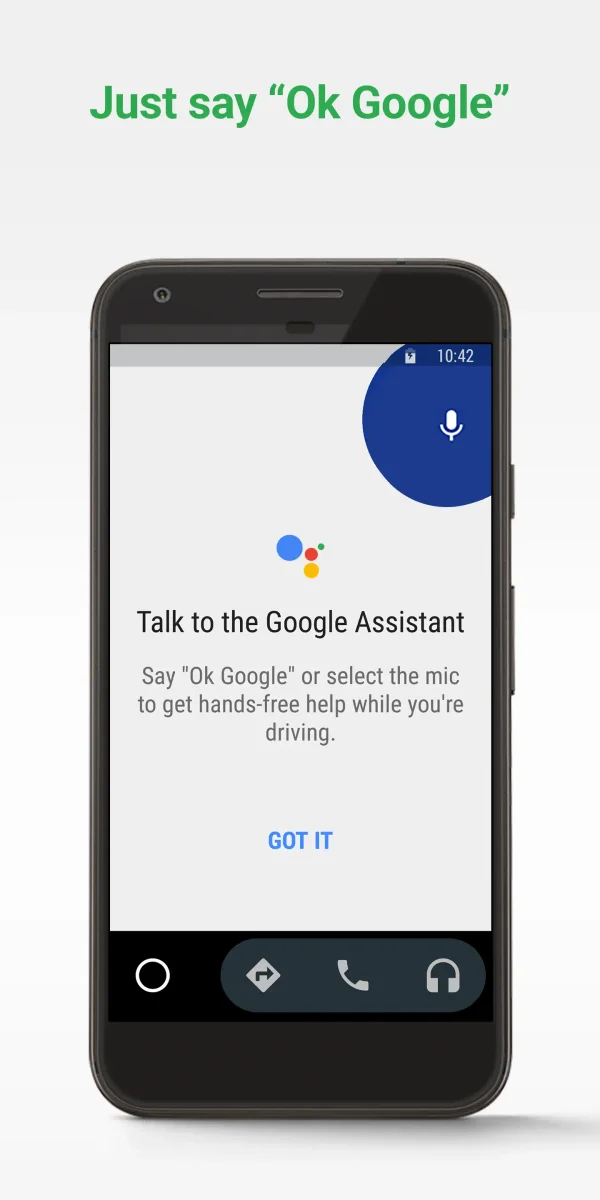
Android Auto is your smart driving companion that helps you stay focused, connected and entertained with the Google Assistant. With a simplified interface, large buttons and powerful voice actions, Android Auto is designed to make it easier to use apps that you love from your phone while you’re on the road.
Just say “Ok Google” to...
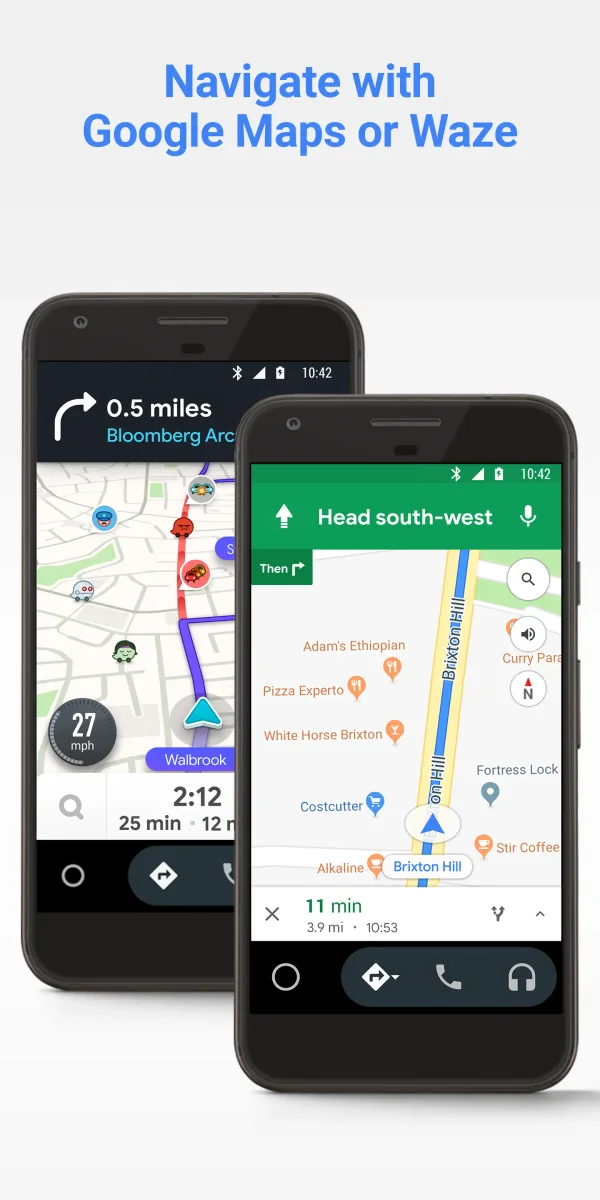
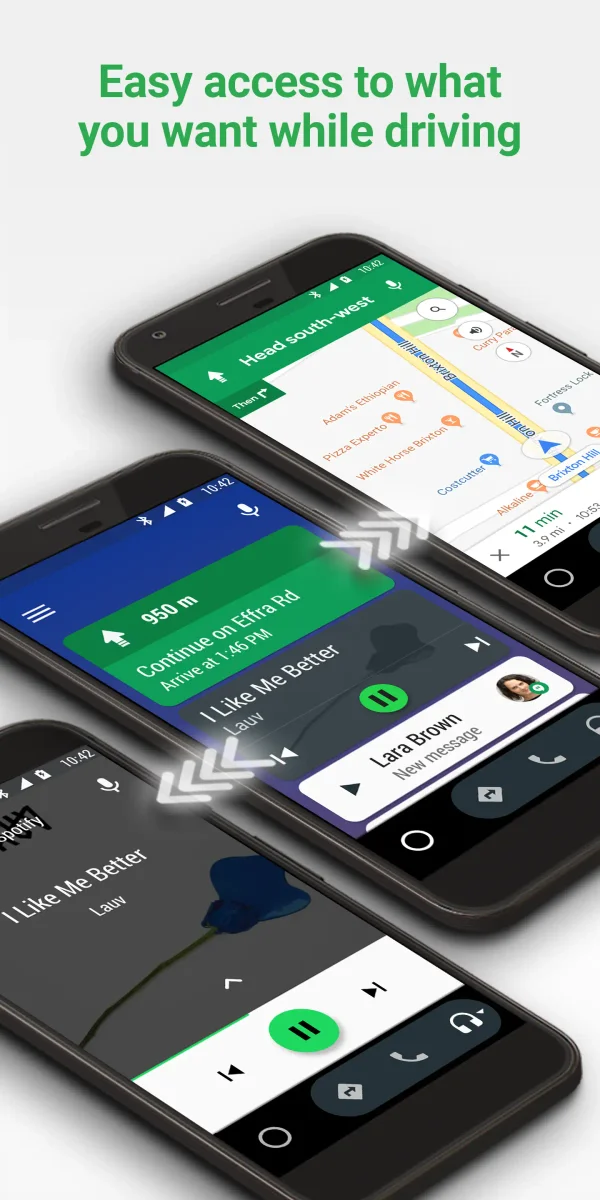
• Route to your next destination using Google Maps or Waze with real-time GPS navigation and traffic alerts.
• Get updates on your route, ETA and hazards in real time.
• Get the Google Assistant to check your calendar for you so that you know where you need to be.
• Set reminders, get updates on the news and check last night’s score.
• Avoid distractions while driving by setting a customised do not disturb message while driving.
• Make calls using Google Assistant and answer incoming calls with just a tap.
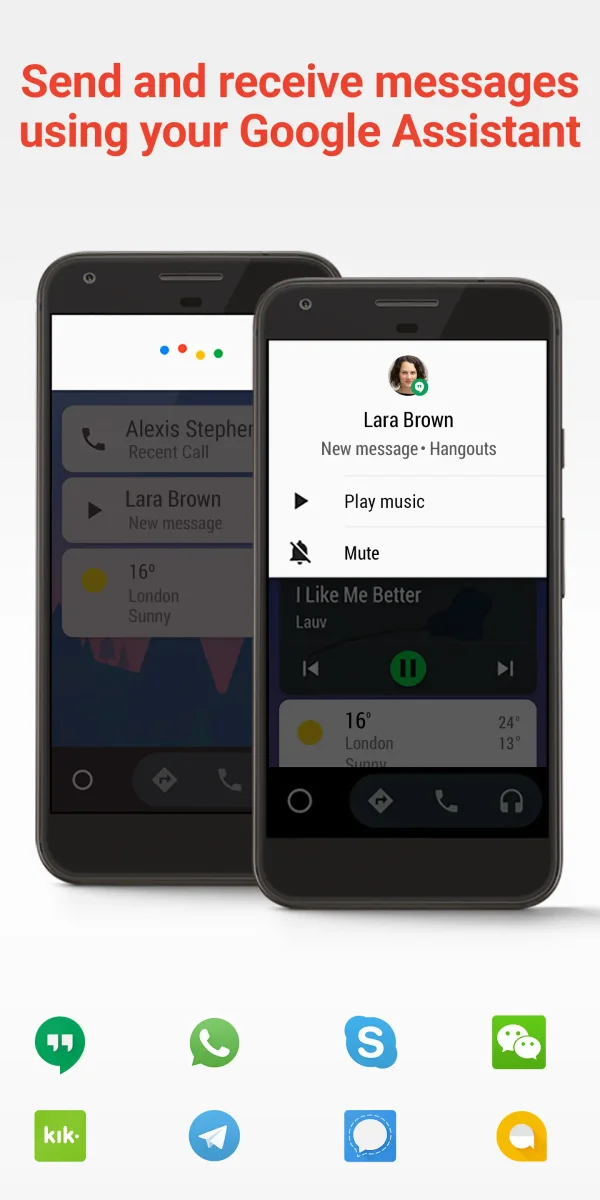
• Access your contacts folder and send and receive messages with the Google Assistant using SMS, Hangouts, WhatsApp, Skype, Telegram, WeChat, Kik, Google Allo and many more messaging apps.
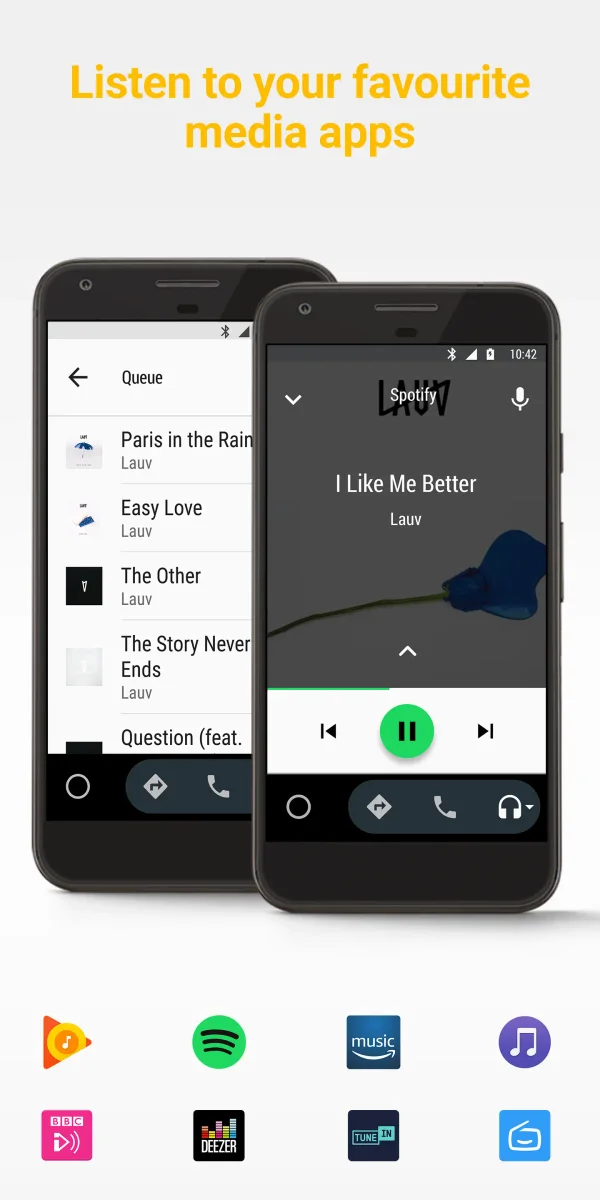
• Manage your infotainment system like never before. Listen to your favourite media apps including Spotify, BBC iPlayer Radio, Google Play Music, Amazon Music, TuneIn: FIFA Radio, Music, Sports & Podcasts, TIDAL - High Fidelity Music Streaming, myTuner Radio App: FM Radio + Internet Radio Tuner and Deezer. Many more music, radio, news, sports news, audiobook and podcast apps are also supported.
The number of compatible apps is always growing. For a full list of compatible apps, go to http://g.co/androidauto
To use Android Auto, you’ll need a phone running Android 6.0 or higher and an active data connection.
Over 400 car models now support Android Auto. To find out if your car display is compatible and how to enable it, check your owner’s manual or contact your car’s manufacturer. Once enabled, use a high-quality USB cable to connect your phone to your car, then launch Android Auto to get going.
Find out more about Android Auto and compatible cars at http://android.com/auto
For support: http://support.google.com/androidauto
Get help from our community: https://productforums.google.com/forum/#!forum/android-auto
Data safety
What Google LLC declares on Google Play about the data this app collects and shares.
- No data shared with third partiesLearn more about how developers declare sharing
- This app may collect these data typesLocation, Personal info and 6 others
- Data is encrypted in transit
- Data can’t be deleted
Developer contact
- Websiteandroid.com
- Emailandroid-auto-app@google.com
- Privacy policygoogle.com
- Address1600 Amphitheatre Pkwy Mountain View, CA 94043 United States
Information
- Offered by
- Google LLC
- Category
- Auto & Vehicles
- Updated
- Nov 20, 2026
- Released
- Mar 19, 2015
- Requires
- Android 9 or later
- Age rating
- Everyone
- Price
- Free
- Package name
- com.google.android.projection.gearhead
Similar apps
-
 Phone by Google
Tools
-
 Google's Find Hub
Tools
-
 Gboard – the Google Keyboard
Tools
-
 Samsung Smart Switch Mobile
Tools
-
 YouTube Music
Music & Audio
-
 Speedtest Internet & WiFi Test
Tools
-
 YouTube
Video Players & Editors
-
 Personal Safety
Tools
-
 Gmail
Communication
-
 Switch Access
Tools
-
 Google Messages
Communication
-
 Google Home
Lifestyle