Antivirus for Android
TarrySoftContains ads · In-app purchases
- EveryoneAge rating
- ToolsCategory
- Aug 26, 2026Updated
- FreePrice
Links to the official Google Play listing of cleaner.antivirus. Last checked on Nov 20, 2026.
Screenshots
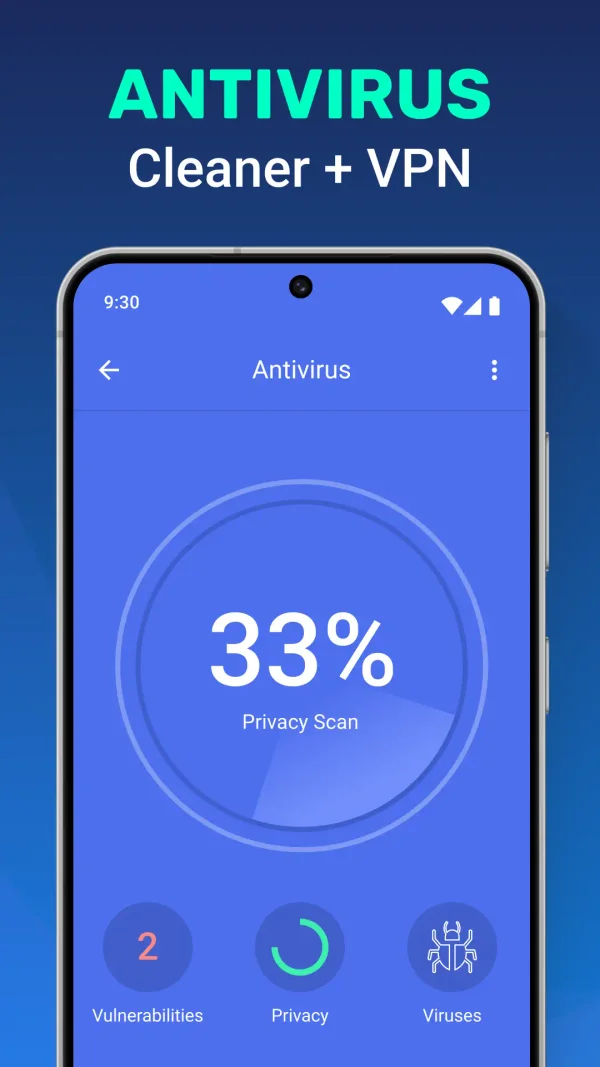

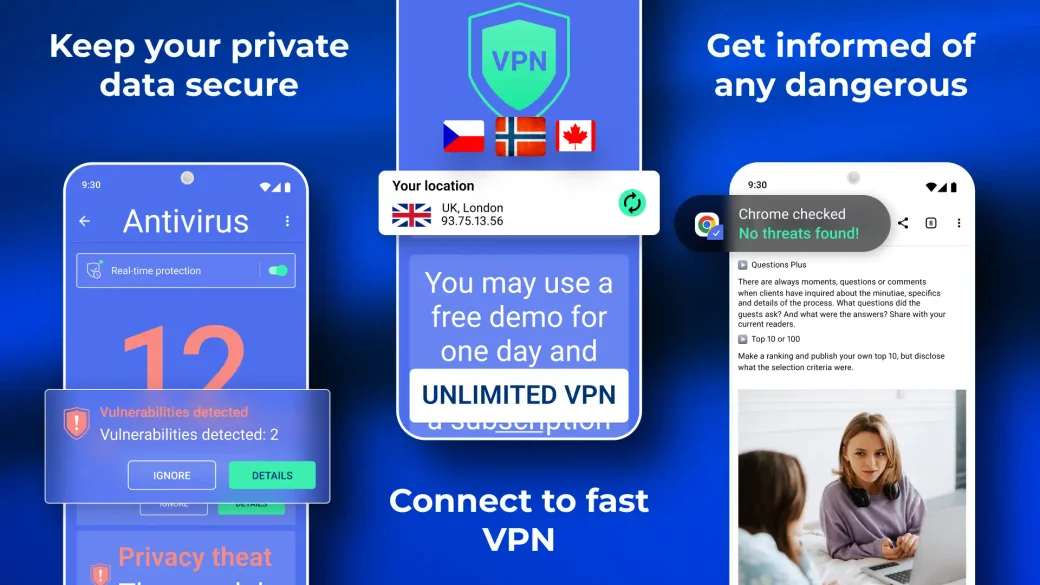
About this app
Antivirus for apps - Cleaning, Viruses protection, Security, VPN, File Manager
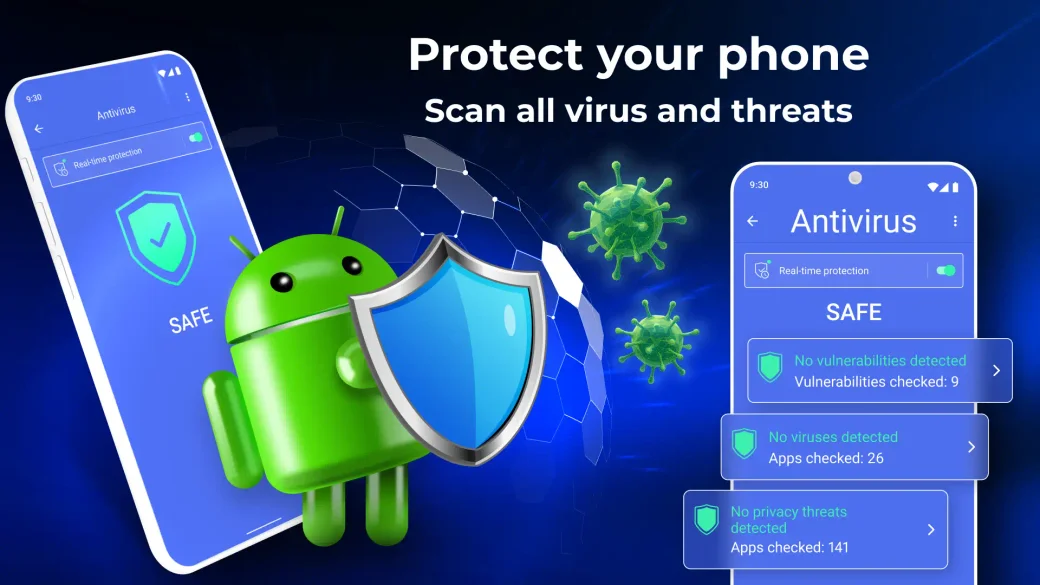
Antivirus for Android combines installed-app security scanning, app protection, a file manager, VPN connectivity, and device-management tools.
Important: The antivirus feature scans installed apps only. It does not scan files stored on your device, including downloads, documents, photos, videos, archives, or APK files that have not been installed.
Main features:
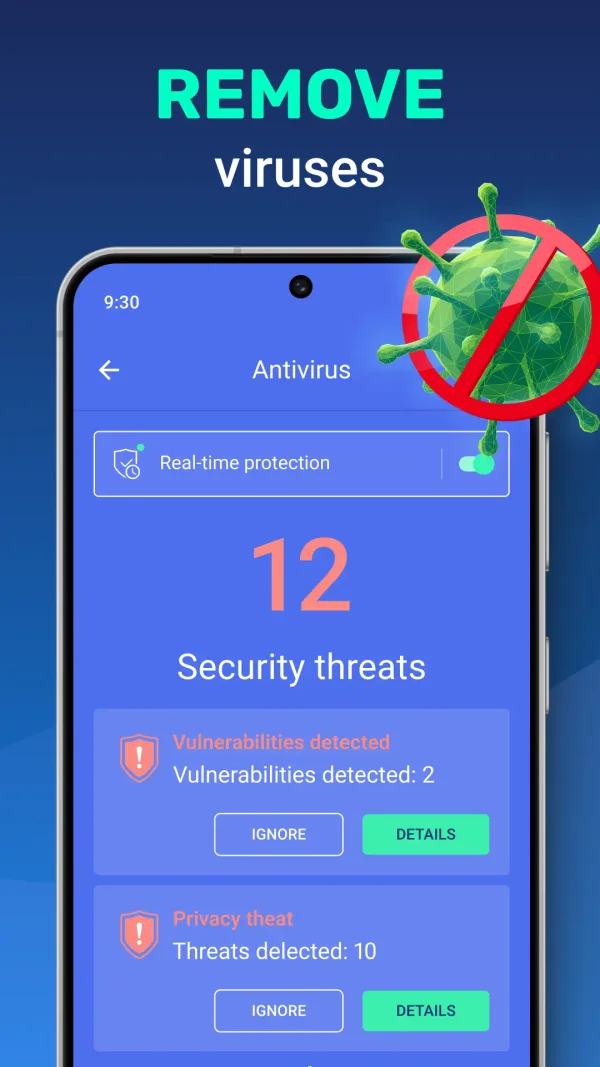
● Antivirus – installed-app scanning
Check apps installed on your Android device for potential security threats. Scan results apply only to the installed apps examined. This feature does not scan your device’s storage for infected files or remove viruses from stored files.
● Background-app management
Use the available controls to manage supported background-app activity. Available actions depend on your Android version, device, and granted permissions. Results may vary, and reduced memory usage or faster device performance is not guaranteed.
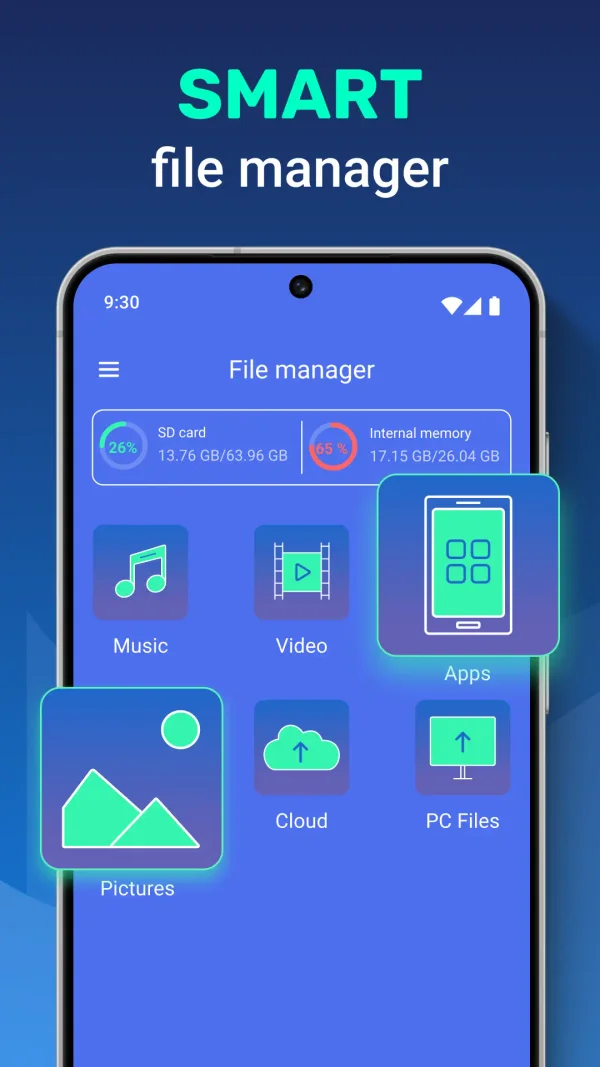
● File manager
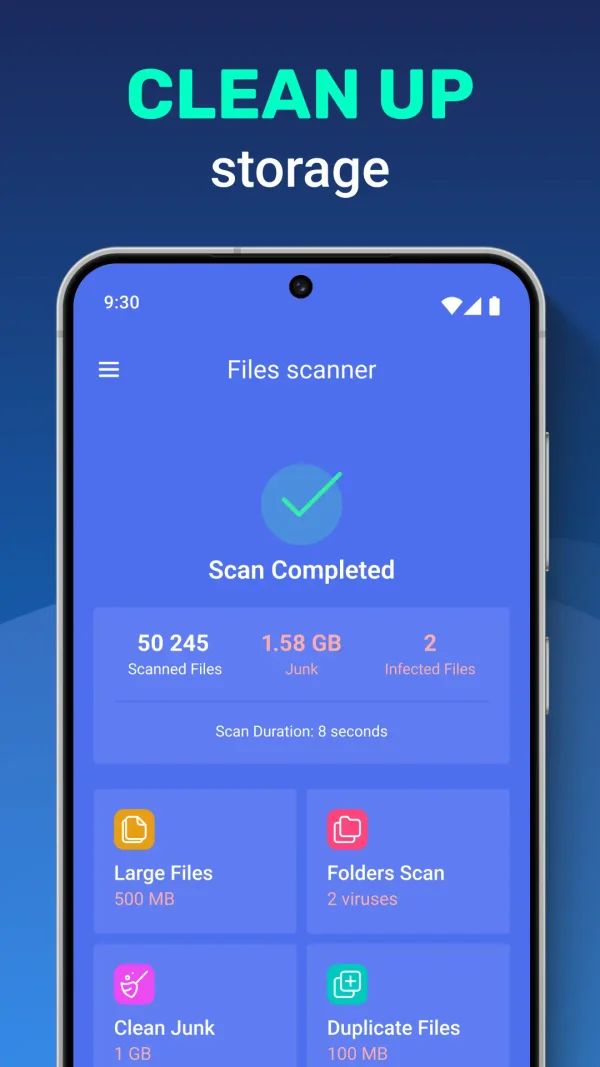
Browse and manage files on your device, with wireless connection options for compatible devices. The file manager is separate from the installed-app scanner and does not check files for viruses or malware.
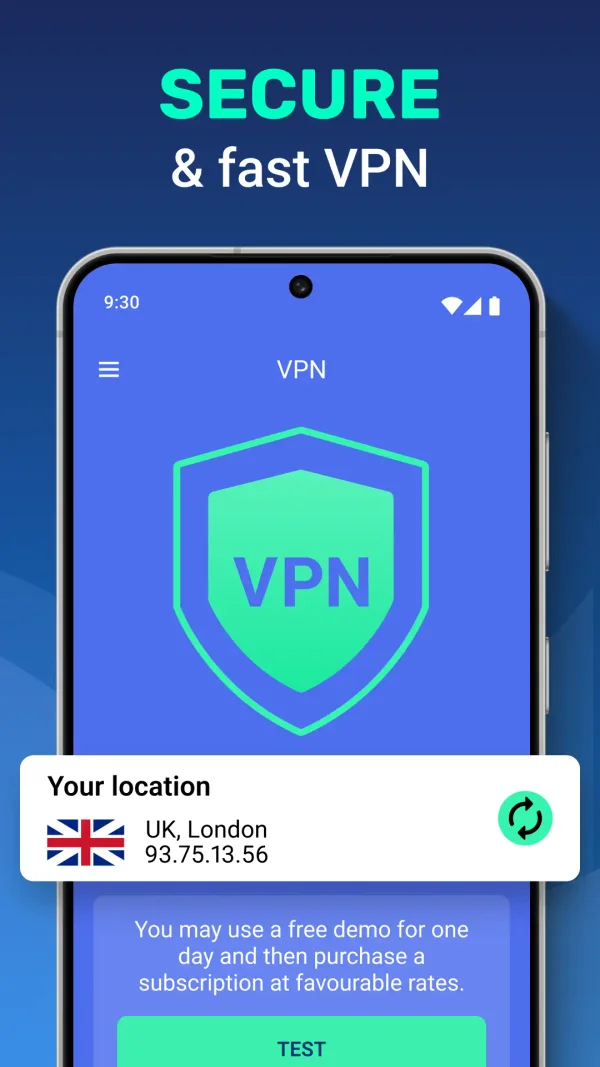
● VPN
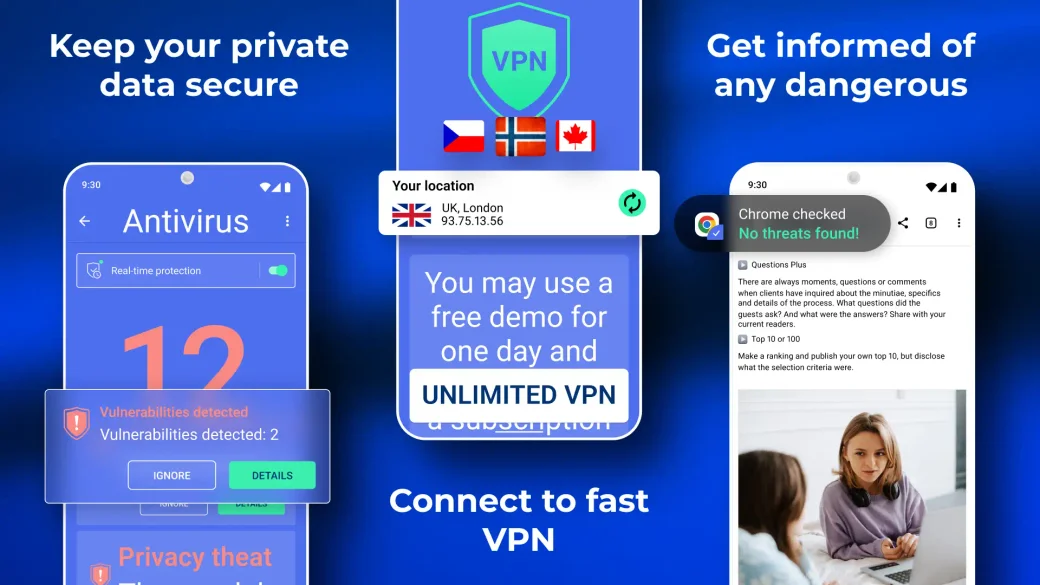
Encrypt internet traffic routed through the VPN and use the VPN server’s public IP address while connected. A VPN does not guarantee complete anonymity, protection against every online threat, or access to every website or service.
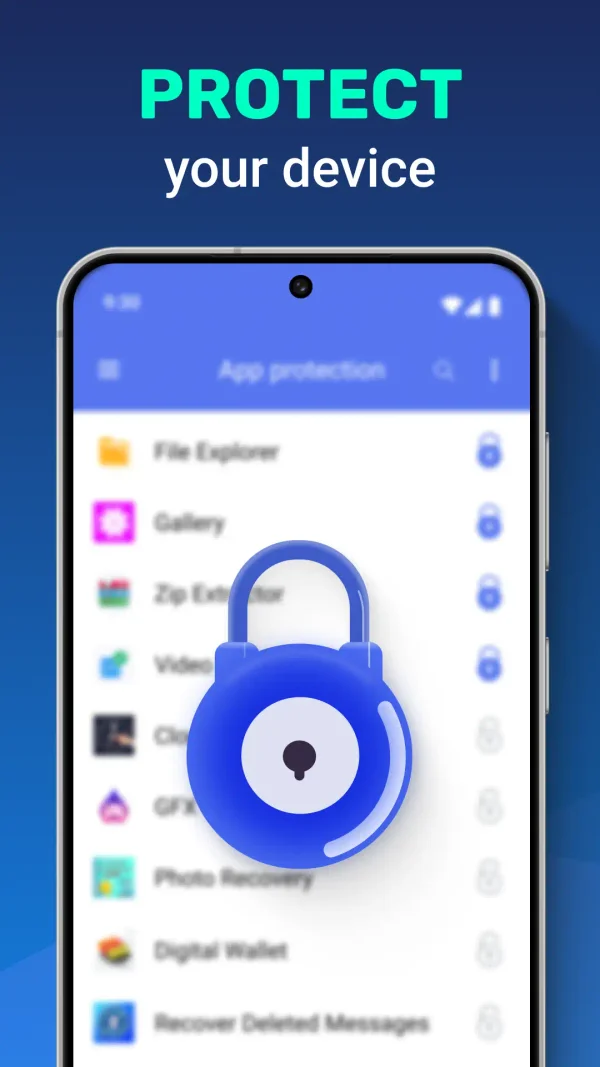
● App protection
Help restrict other people’s access to supported apps on your device. This feature requires the relevant permissions and settings to remain enabled.
Security scanning limitations:
● Installed apps only: Antivirus scanning covers installed apps that the scanner can access and examine. Files in your device’s storage are outside the scope of this feature.
● Detection is not guaranteed: The scanner may not identify every harmful app or security threat. It does not provide complete protection against malware, hacker attacks, or unauthorised access.
● Results have a limited scope: A scan showing no detected threats means no threats were identified in the apps checked during that scan. It does not confirm that your entire device or its files are safe.
AccessibilityService API:
The app uses the AccessibilityService API to support background-app management and app-protection features. Before enabling this service, read the in-app disclosure explaining its use and provide your consent. You can turn off the service in your device settings; features that depend on it will no longer work.
Data safety
What TarrySoft declares on Google Play about the data this app collects and shares.
- This app may share these data types with third partiesLocation, Personal info and 3 others
- This app may collect these data typesPersonal info
- Data is encrypted in transit
- You can request that data be deleted
Developer contact
- Websitekigelapps.com
- Emailsupport.antivirus@kigelapps.com
- Privacy policykigelapps.com
- Address8 The Grn Ste 4184 Dover, DE 19901-3618 United States
Information
- Offered by
- TarrySoft
- Category
- Tools
- Version
- 2.3.6
- Updated
- Aug 26, 2026
- Released
- Nov 19, 2020
- Requires
- Android 8.0 or later
- Age rating
- Everyone
- Price
- Free
- In-app purchases
- $0.99 - $99.99 per item
- Package name
- cleaner.antivirus
Similar apps
-
 Device Care
Tools
-
 Cleaner Antivirus VPN Cleaner
Tools
-
 Phone Cleaner– Storage Cleaner
Tools
-
 Avast Antivirus & Security
Tools
-
 McAfee: Stay Secure & Private
Tools
-
 Avast Cleanup – Phone Cleaner
Tools
-
 AVG Protection
Tools
-
 Surfshark: Secure VPN service
Tools
-
 Norton360 Antivirus & Security
Tools
-
 File Manager
Tools
-
 CCleaner – Phone Cleaner
Tools
-
 AVG AntiVirus & Security
Tools