Device Care
Samsung Electronics Co., Ltd.- EveryoneAge rating
- ToolsCategory
- Sep 3, 2026Updated
- FreePrice
Links to the official Google Play listing of com.samsung.android.lool. Last checked on Nov 20, 2026.
Screenshots
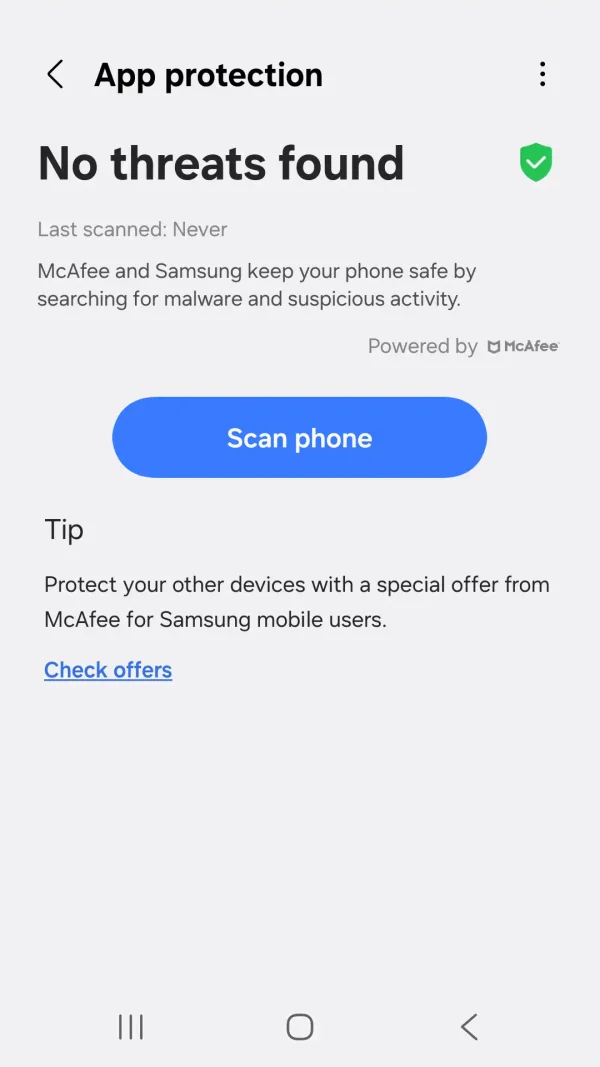
About this app
Device Care - optimize your Galaxy smartphone
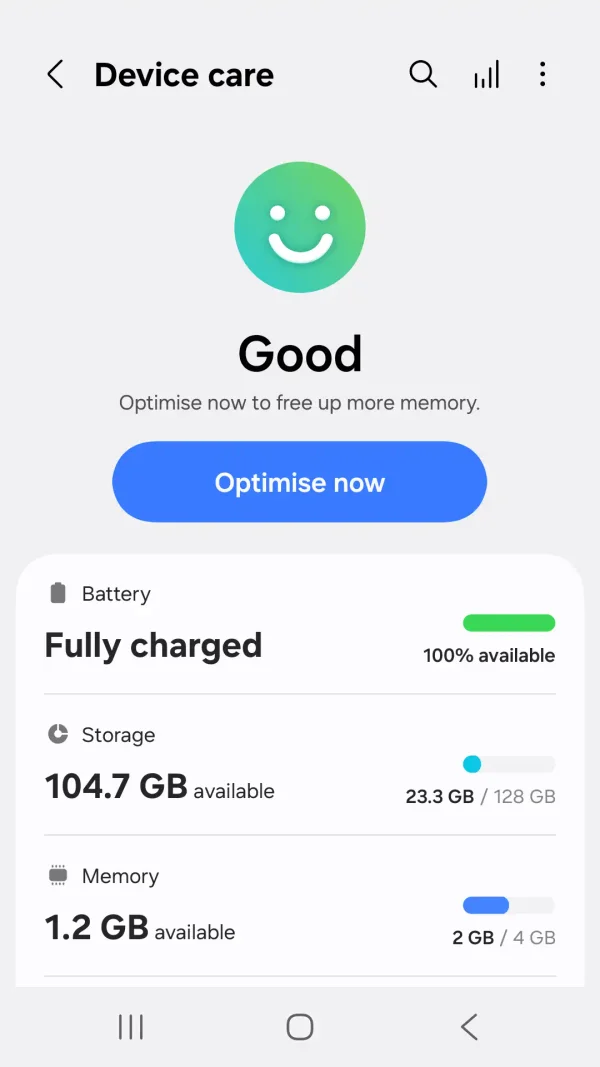
For a more pleasant experience while using your Galaxy smartphone, try the "Device Care" app by Samsung Electronics. With the "Device Care" app, anyone can easily keep their smartphone in good condition. The intuitive screen layout and interactions help the user check the condition of their device at a single glance and maintain their smartphone easily without expert knowledge, as it enables them to take prompt actions if problems, such as malware (viruses, spyware), arise.
Some Galaxy devices may not support some of the features outlined below.
App updates via the Google Play store are only available on some devices.
[Main features]
- Reports the current condition of a customer's smartphone on a 100-point scale;
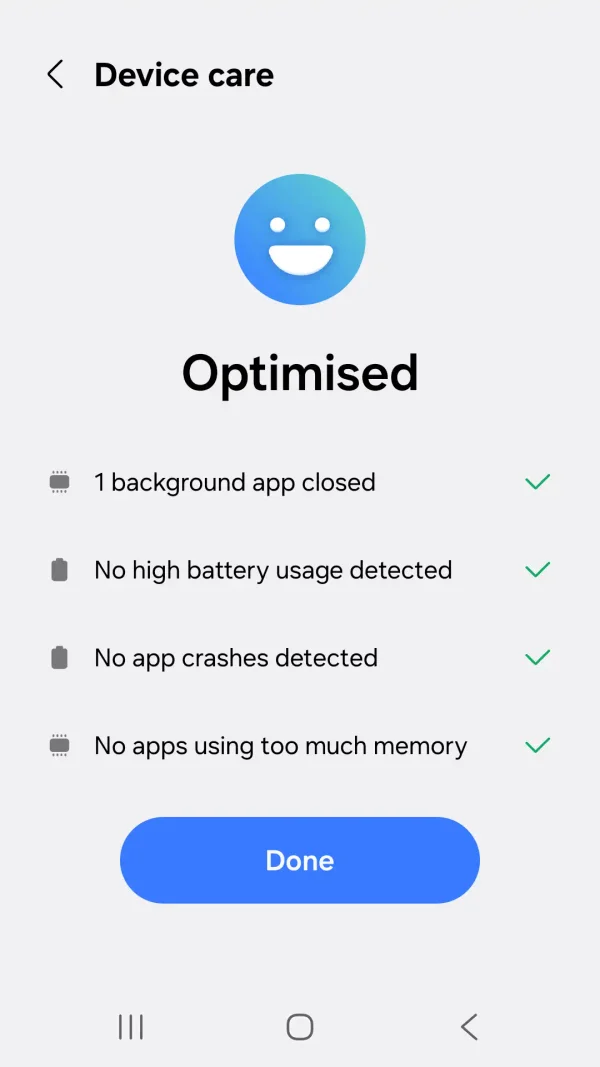
- Optimizes a smartphone in one simple click;
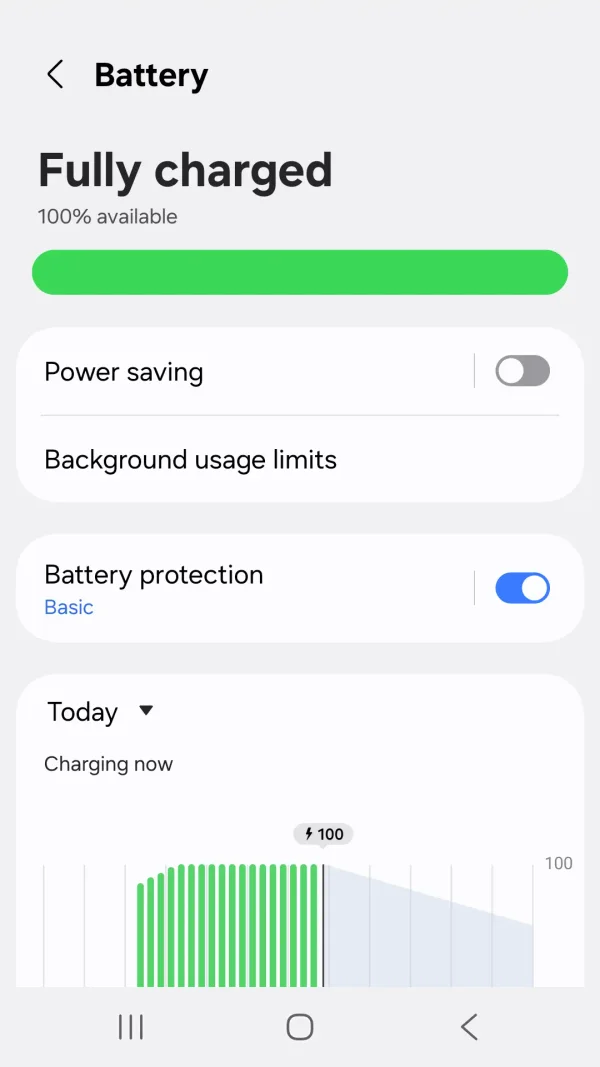
- Analyzes battery usage on a per-app basis and saves battery power by checking unused apps via App power monitor;
- Identifies battery-draining apps;
- Provides Power saving mode and Maximum power saving mode to ensure that the user can enjoy their smartphone for an extended period of time;
- Manages and frees up Memory efficiently;
- Detects malware (viruses, spyware) and provides real-time protection for smartphones;
- Offers two widget types for customer convenience.
This app requires the following permissions:
You can still use the app's basic functions without allowing the optional permissions.
[Required permissions]
• Notifications: Used to notify you about updates and events
Data safety
What Samsung Electronics Co., Ltd. declares on Google Play about the data this app collects and shares.
- No data shared with third partiesLearn more about how developers declare sharing
- This app may collect these data typesApp activity, App info and performance, and Device or other IDs
- Data isn’t encrypted
Developer contact
- Emailsmart.mngr@samsung.com
- Privacy policylegal.samsungdm.com
- Address대한민국 16677 경기도 수원시 영통구 삼성로 129 (매탄동)
Information
- Offered by
- Samsung Electronics Co., Ltd.
- Category
- Tools
- Updated
- Sep 3, 2026
- Released
- Jun 2, 2017
- Age rating
- Everyone
- Price
- Free
- Package name
- com.samsung.android.lool
Similar apps
-
 Samsung My Files
Tools
-
 Galaxy Wearable
Tools
-
 CPU Monitor - temperature
Tools
-
 Android System Intelligence
Tools
-
 ASTRO File Manager & Cleaner
Tools
-
 Nokia WiFi
Lifestyle
-
 Samsung Members
Tools
-
 Clock
Tools
-
 Kiren by F-Secure
Tools
-
 G-CPU:Monitor CPU, RAM, Widget
Tools
-
 Samsung Smart Switch Mobile
Tools
-
 OnePlus Community
Communication