AnySoftKeyboard
AnySoftKeyboard- EveryoneAge rating
- ToolsCategory
- Sep 8, 2026Updated
- FreePrice
Links to the official Google Play listing of com.menny.android.anysoftkeyboard. Last checked on Nov 26, 2026.
Screenshots

About this app
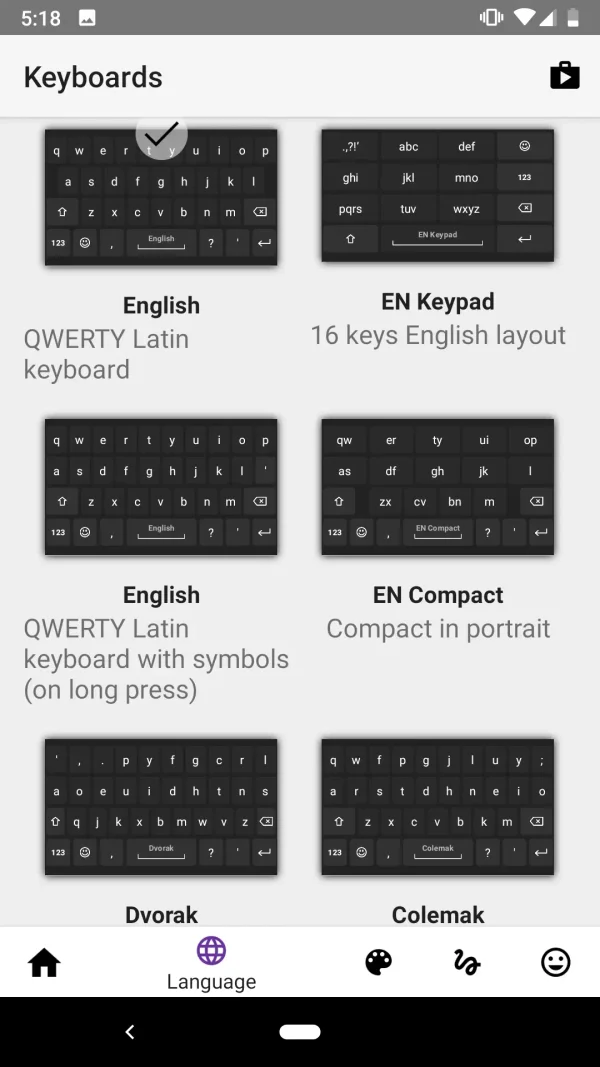
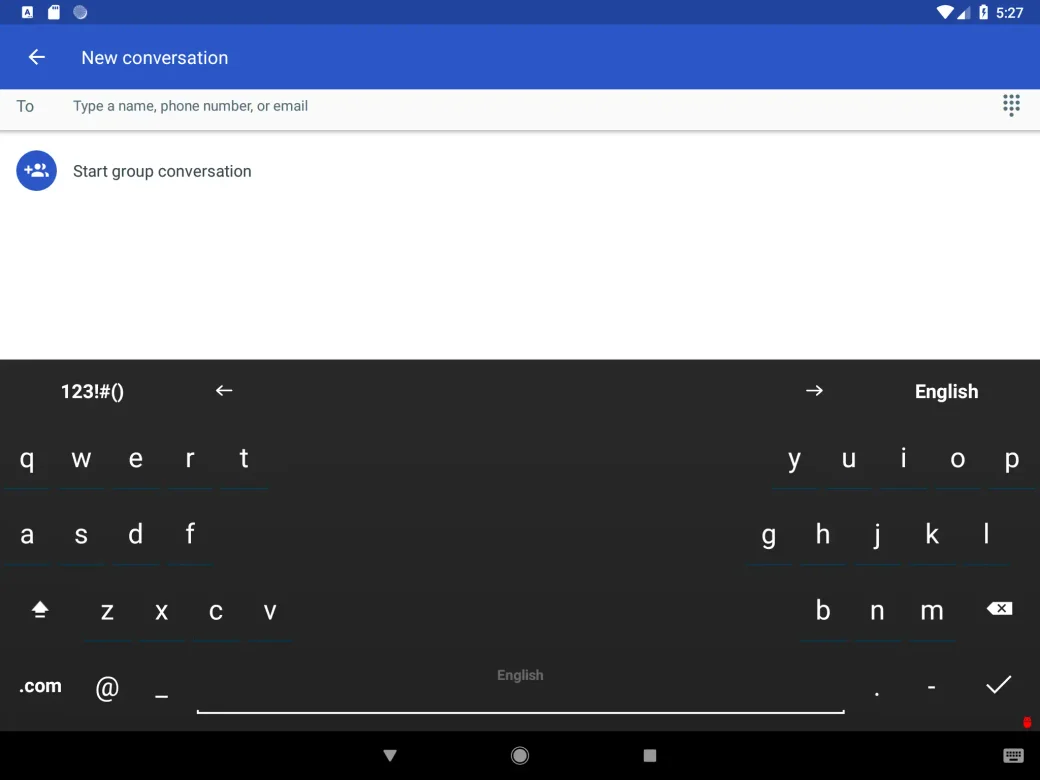
We live in a world full of languages. Why not use a multi-lingual keyboard?
Any Soft Keyboard is an open-source, on-screen keyboard with multiple languages support with emphasis on privacy.
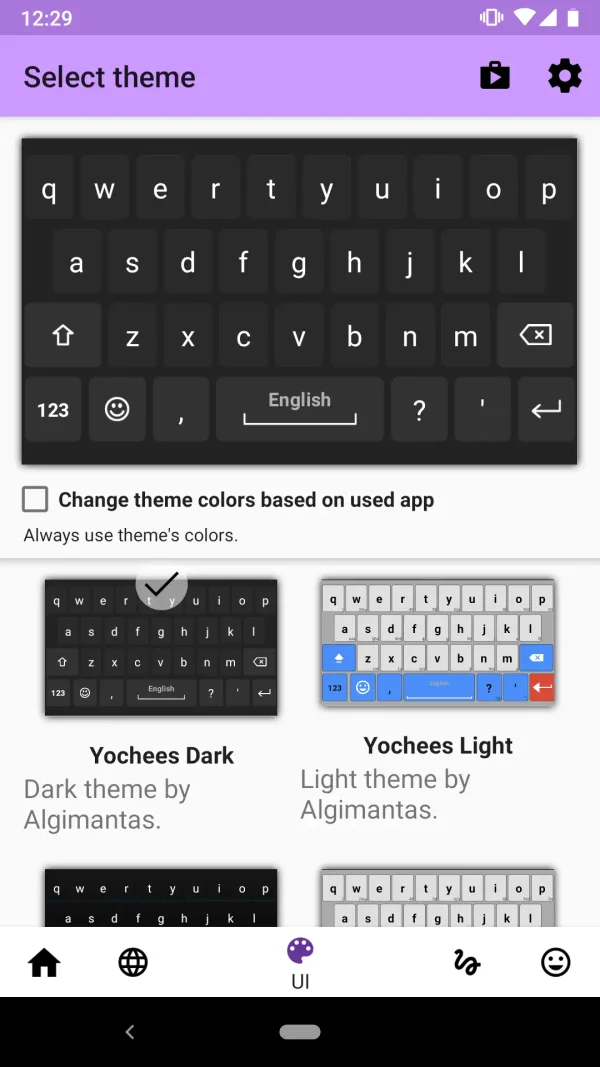
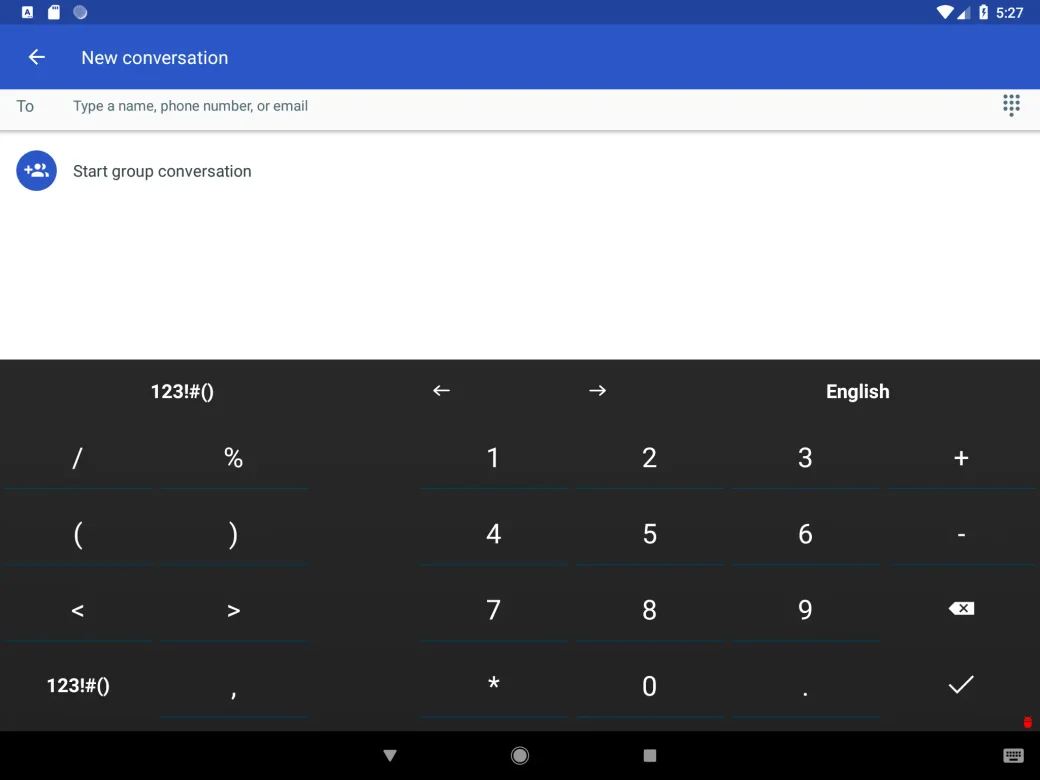
This is one of the most customizable keyboards available.
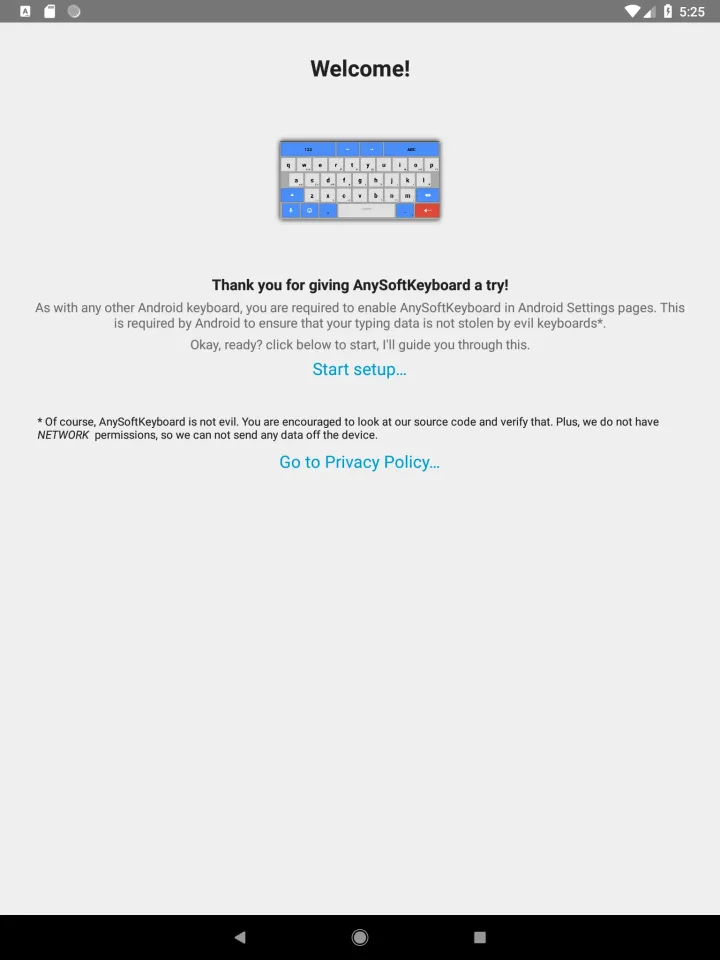
To activate: Launch 'AnySoftKeyboard Settings' App, and follow the instructions.
Main features:
* Multi languages keyboard support via external packages.
* Completion dictionaries for multiple languages.
* Also completes your typed words from you contacts names (Android 2.0+)!
* And, learns your typing behavior to provide next-word prediction.
* Multi-Touch support (as in, pressing SHIFT along with other characters).
* Extension keyboard (swipe your finger all the way up out of the keyboard).
* Voice Input support (Android 2.2+).
* Compact/Phablet Mode.
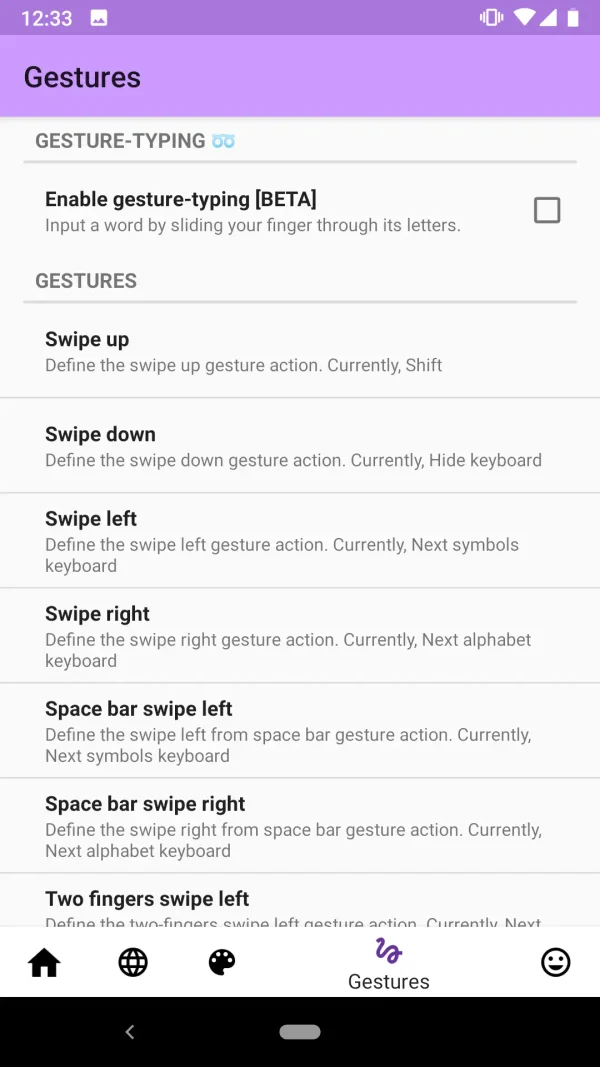
* Gesture support:
** Experimental Gesture-Typing (enable in the Settings app).
** Swipe left or right to switch layouts.
** Swipe up to shift.
** Swipe down to close the keyboard.
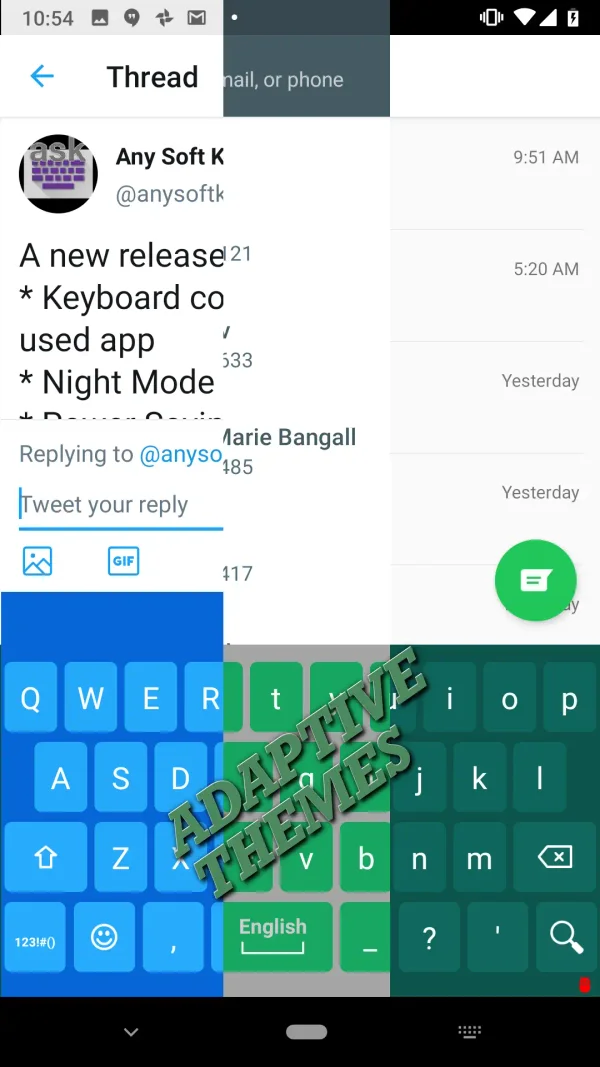
* Theme support (comes with a few built-in skins, and more available in Play Store).
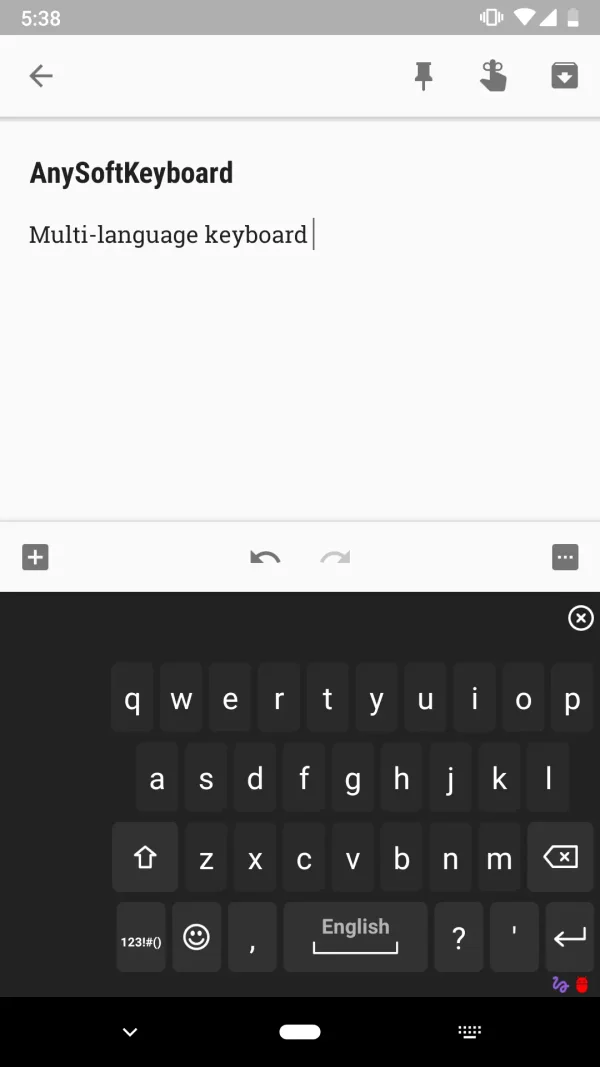
* Night Mode: Quiet, Dark keyboard at night time (enable in the Settings app).
* Power-Saving Mode: No vibrations, sound, suggestions and a dark theme (enable in the Settings app).
* Build-in user dictionary words editor.
* Build-in abbreviations dictionary: create shortcuts for words and sentences.
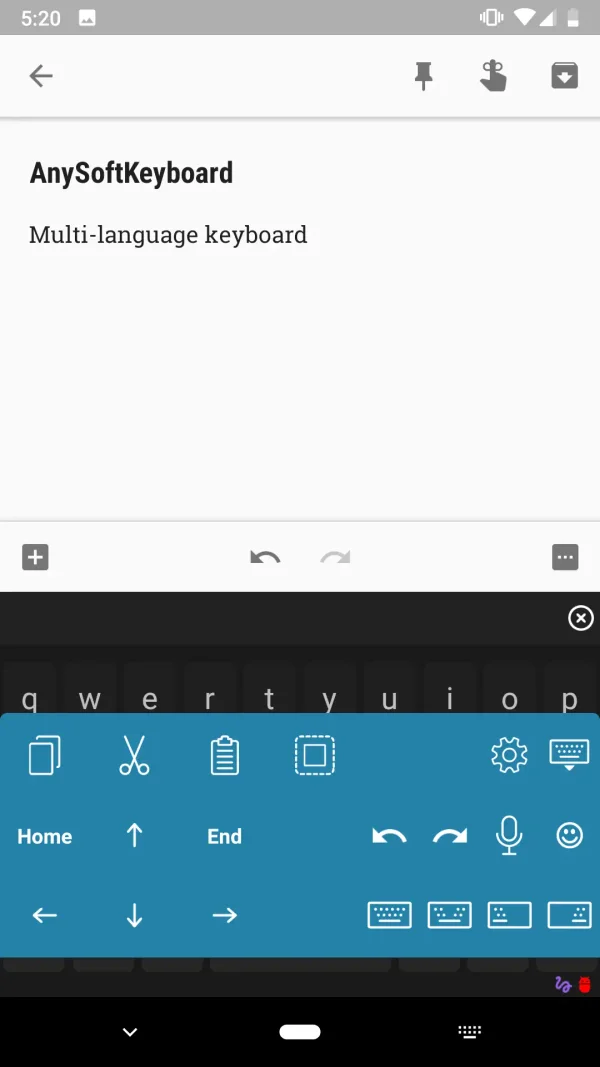
* Utility keyboard (swipe up from space-bar):
** Clipboard actions copy, paste, select-all, select selectively (long-press select and use arrow keys).
** Voice input
** Arrows
* And many more features!
Support at: https://github.com/AnySoftKeyboard
Data safety
What AnySoftKeyboard declares on Google Play about the data this app collects and shares.
- No data shared with third partiesLearn more about how developers declare sharing
- No data collectedLearn more about how developers declare collection
What’s new
Version 1.13.1059 · Sep 8, 2026
Gesture-typing: improved accuracy and performance.
Support Android 15 16KB memory pages.
Updated emojis for Android 15+.
Fixed emoji keyboard crash.
Better edge-to-edge support.
Minimum Android 6.0 (API 23) required.
Bug fixes & stability improvements.
YABTU.
Updated translations.
More: https://github.com/AnySoftKeyboard/AnySoftKeyboard/milestone/95
Developer contact
- Websitegithub.com
- Emailask@evendanan.net
- Privacy policyanysoftkeyboard.github.io
- Address70 Haven Ave apartment 1G New York, NY 10032-2608 United States
Information
- Offered by
- AnySoftKeyboard
- Category
- Tools
- Version
- 1.13.1059
- Updated
- Sep 8, 2026
- Requires
- Android 6.0 or later
- Age rating
- Everyone
- Price
- Free
- Package name
- com.menny.android.anysoftkeyboard