AnySoftKeyboard
AnySoftKeyboard- 3 歳以上対象年齢
- ツールカテゴリ
- 2026/9/8更新日
- 無料価格
com.menny.android.anysoftkeyboardのGoogle Play公式ページにリンクしています。最終確認:2026/11/26。
スクリーンショット

このアプリについて
Googleによる英語 (アメリカ合衆国)からの自動翻訳です。
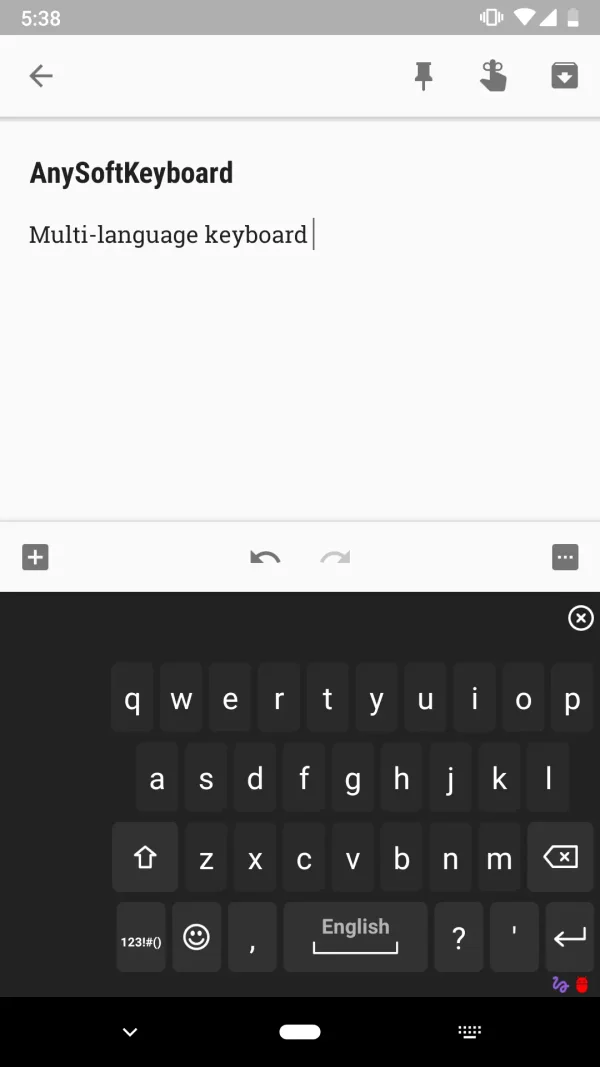
我々は言語の完全な世界に住んでいます。なぜ多言語のキーボードを使用しませんか?
すべてのソフトキーボードは、プライバシーを重視した複数の言語をサポートするオープンソースのオンスクリーンキーボードです。
これは、利用可能な最もカスタマイズ可能なキーボードの1つです。
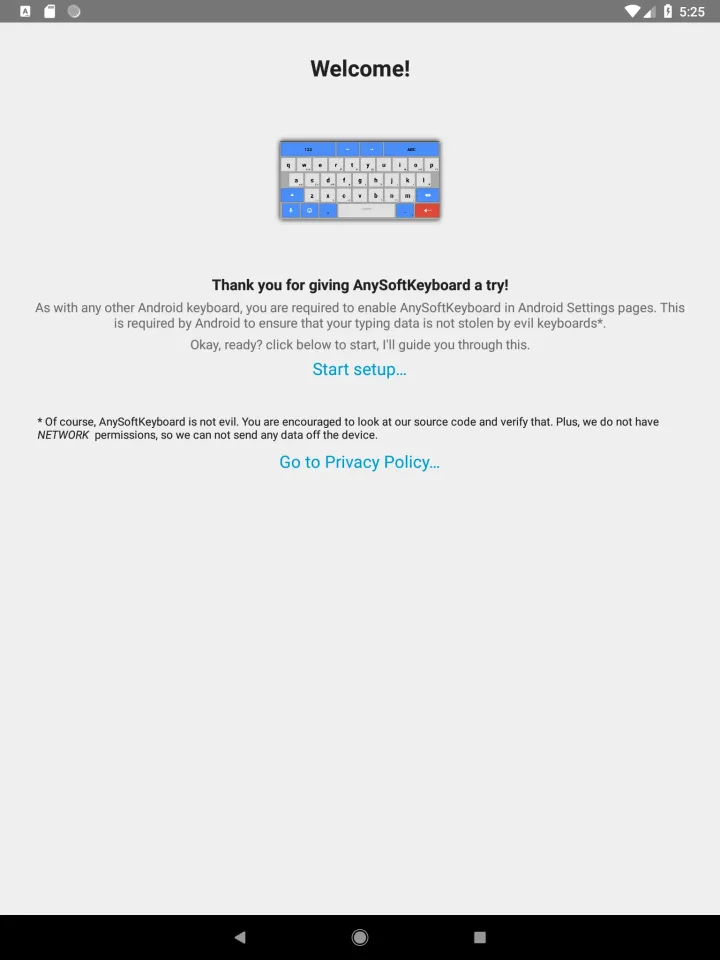
有効にするには:「AnySoftKeyboard Settings」アプリを起動し、指示に従います。
主な特徴:
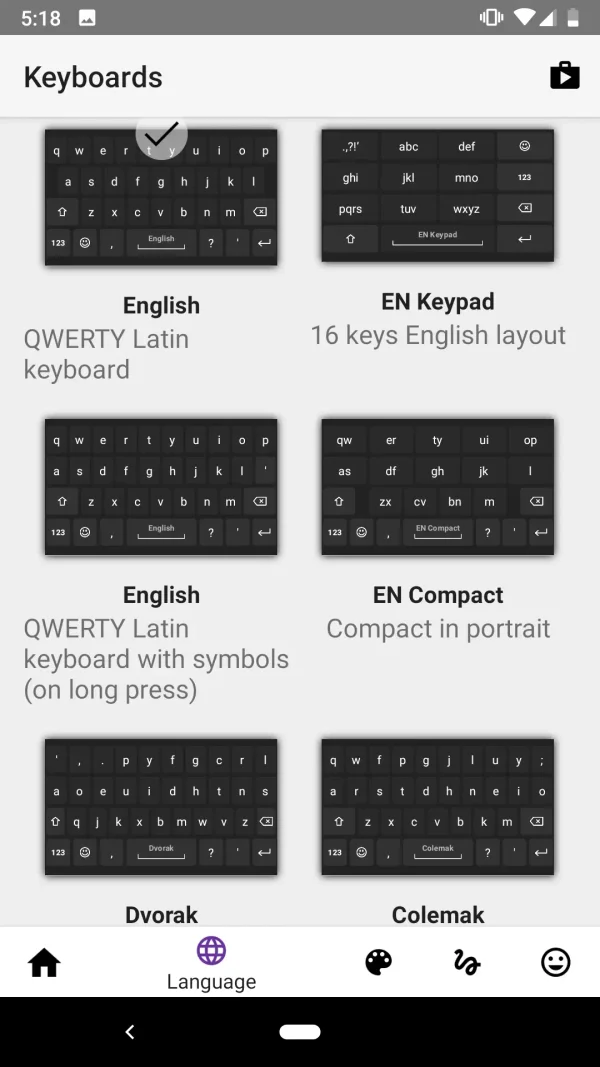
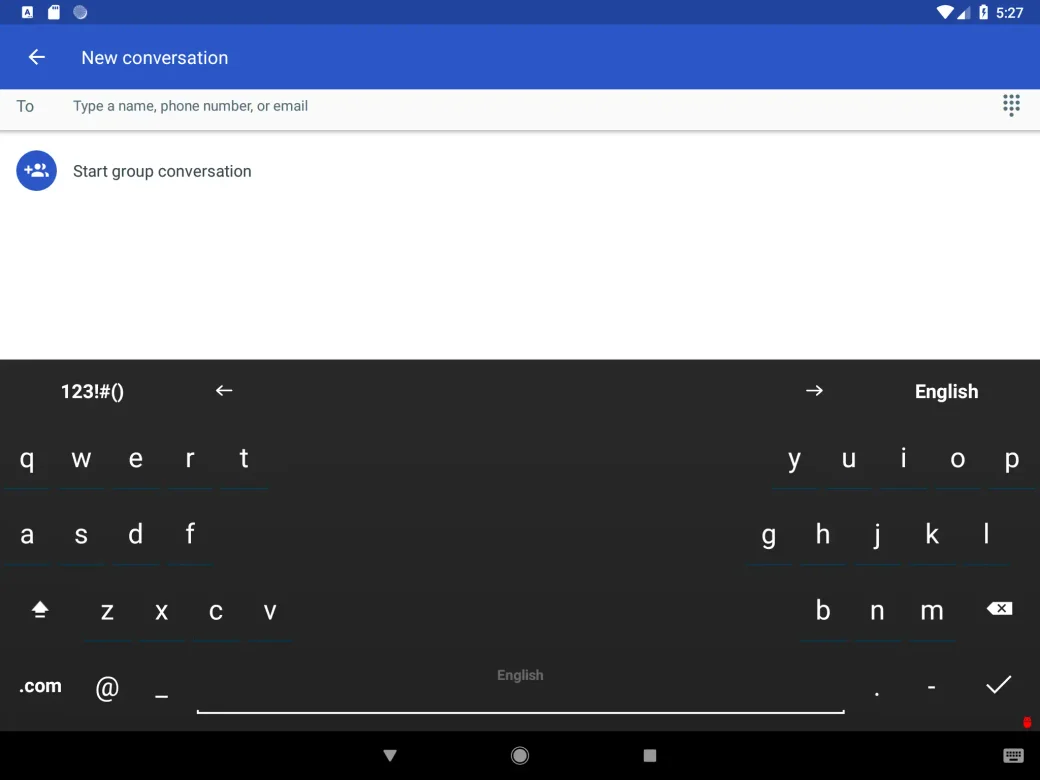
*外部パッケージを介した多言語キーボードのサポート。
*複数言語の補完辞書。
*連絡先名(Android 2.0以降)から入力した単語も補完します!
*そして、次の単語の予測を提供するためにタイピング動作を学習します。
*マルチタッチのサポート(例えば、他のキャラクターと一緒にSHIFTを押す)。
*拡張キーボード(キーボードから指を最後までスワイプします)。
*音声入力のサポート(Android 2.2以降)。
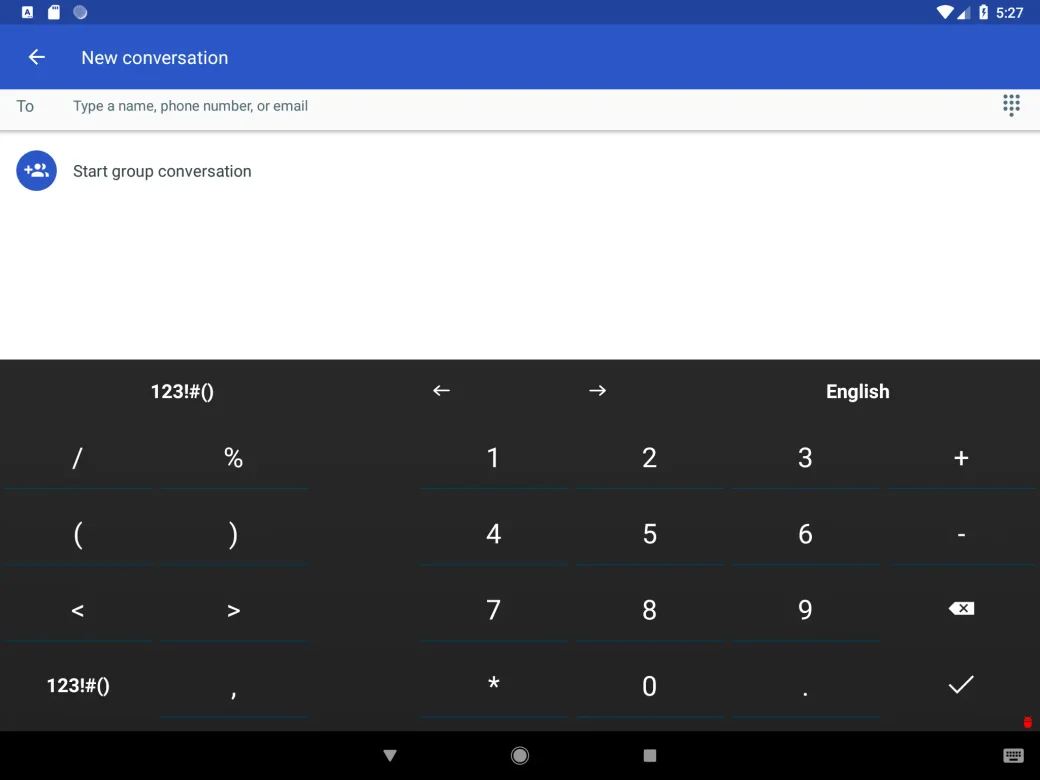
*コンパクト/ファブレットモード。
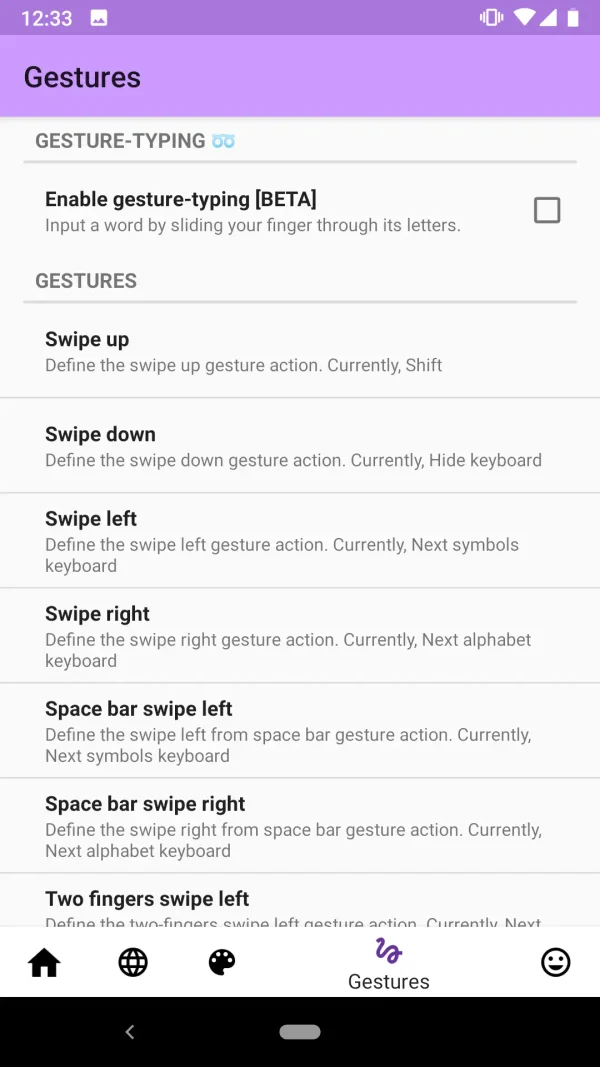
*ジェスチャーサポート:
**実験的なジェスチャー入力(設定アプリで有効化)。
**左右にスワイプしてレイアウトを切り替えます。
**上にスワイプしてシフトします。
**下にスワイプしてキーボードを閉じます。
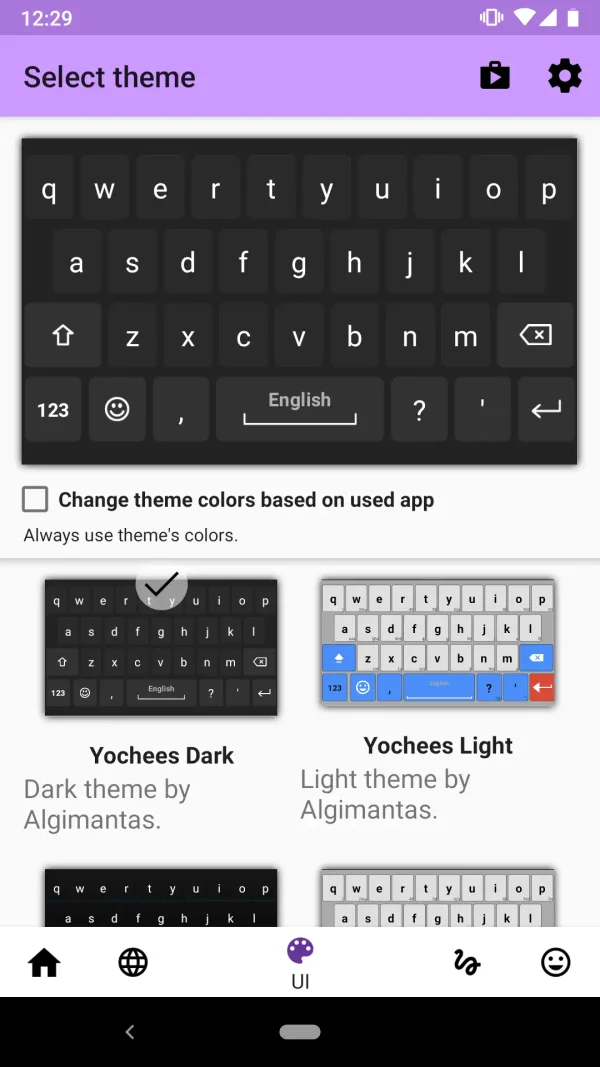
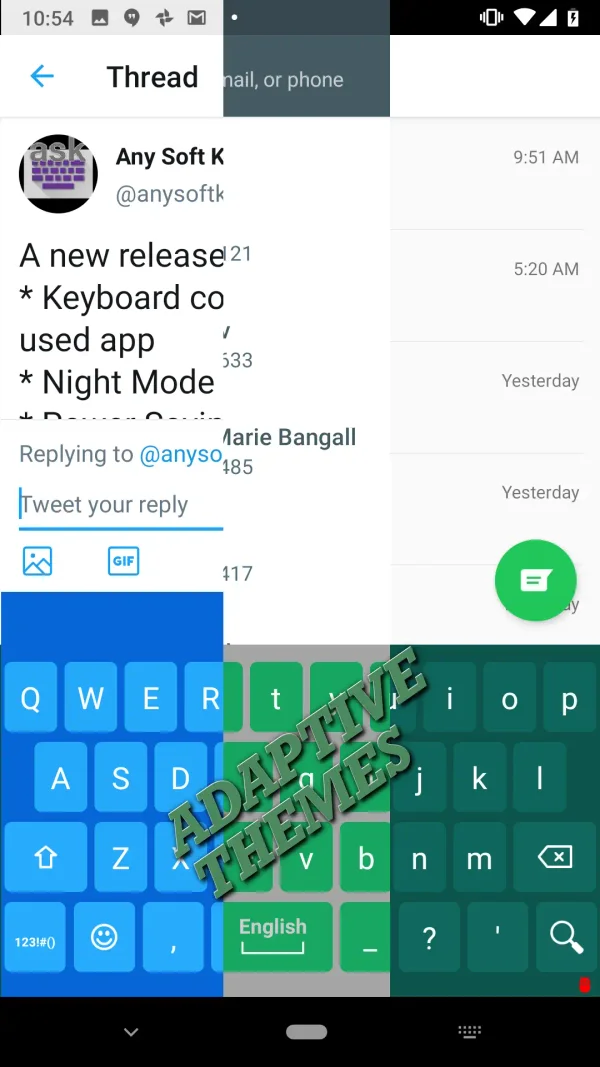
*テーマのサポート(組み込みのスキンがいくつかあり、Playストアでさらに利用可能)。
*ナイトモード:夜間は静かで暗いキーボード(設定アプリで有効)。
*省電力モード:振動、音、提案、暗いテーマはありません(設定アプリで有効)。
*組み込みのユーザー辞書の単語エディター。
*組み込みの略語辞書:単語や文章のショートカットを作成します。
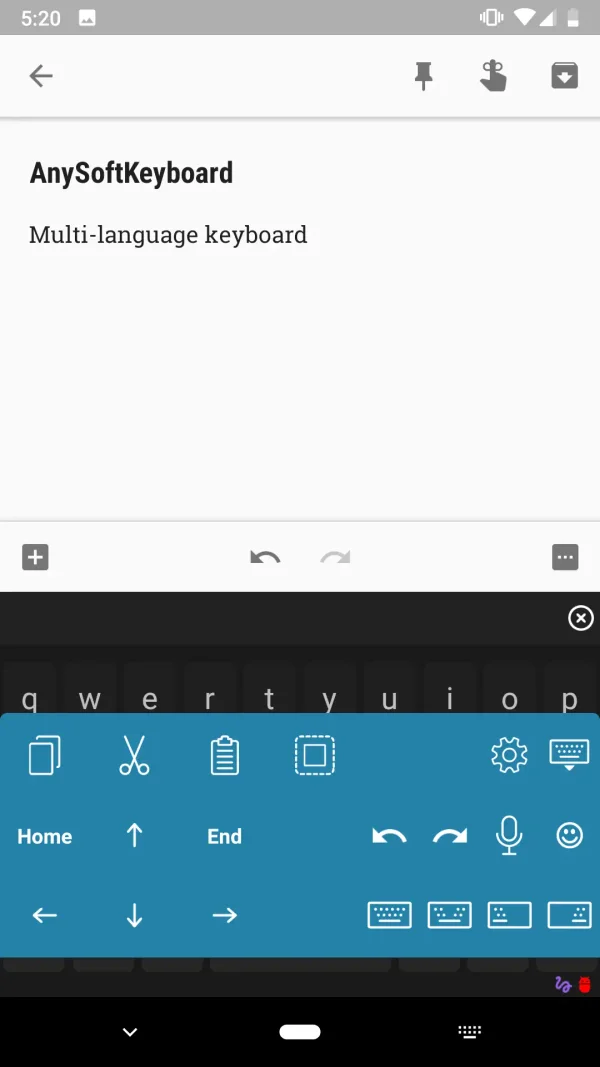
*ユーティリティキーボード(スペースバーから上にスワイプ):
**クリップボードのアクションは、コピー、貼り付け、すべて選択、選択を選択します( select を長押しして矢印キーを使用します)。
**音声入力
**矢印
*さらに多くの機能!
サポート:https://github.com/AnySoftKeyboard
原文を表示
Any Soft Keyboard is an open-source, on-screen keyboard with multiple languages support with emphasis on privacy.
This is one of the most customizable keyboards available.
To activate: Launch 'AnySoftKeyboard Settings' App, and follow the instructions.
Main features:
* Multi languages keyboard support via external packages.
* Completion dictionaries for multiple languages.
* Also completes your typed words from you contacts names (Android 2.0+)!
* And, learns your typing behavior to provide next-word prediction.
* Multi-Touch support (as in, pressing SHIFT along with other characters).
* Extension keyboard (swipe your finger all the way up out of the keyboard).
* Voice Input support (Android 2.2+).
* Compact/Phablet Mode.
* Gesture support:
** Experimental Gesture-Typing (enable in the Settings app).
** Swipe left or right to switch layouts.
** Swipe up to shift.
** Swipe down to close the keyboard.
* Theme support (comes with a few built-in skins, and more available in Play Store).
* Night Mode: Quiet, Dark keyboard at night time (enable in the Settings app).
* Power-Saving Mode: No vibrations, sound, suggestions and a dark theme (enable in the Settings app).
* Build-in user dictionary words editor.
* Build-in abbreviations dictionary: create shortcuts for words and sentences.
* Utility keyboard (swipe up from space-bar):
** Clipboard actions copy, paste, select-all, select selectively (long-press select and use arrow keys).
** Voice input
** Arrows
* And many more features!
Support at: https://github.com/AnySoftKeyboard
データ セーフティ
このアプリが収集・共有するデータについて、AnySoftKeyboardがGoogle Playで申告している内容です。
- 第三者と共有されるデータはありません詳しくは、デベロッパーが共有を申告する方法についての説明をご覧ください
- データは収集されません詳しくは、デベロッパーが収集を申告する方法についての説明をご覧ください
新機能
バージョン 1.13.1059 · 2026/9/8
Gesture-typing: improved accuracy and performance.
Support Android 15 16KB memory pages.
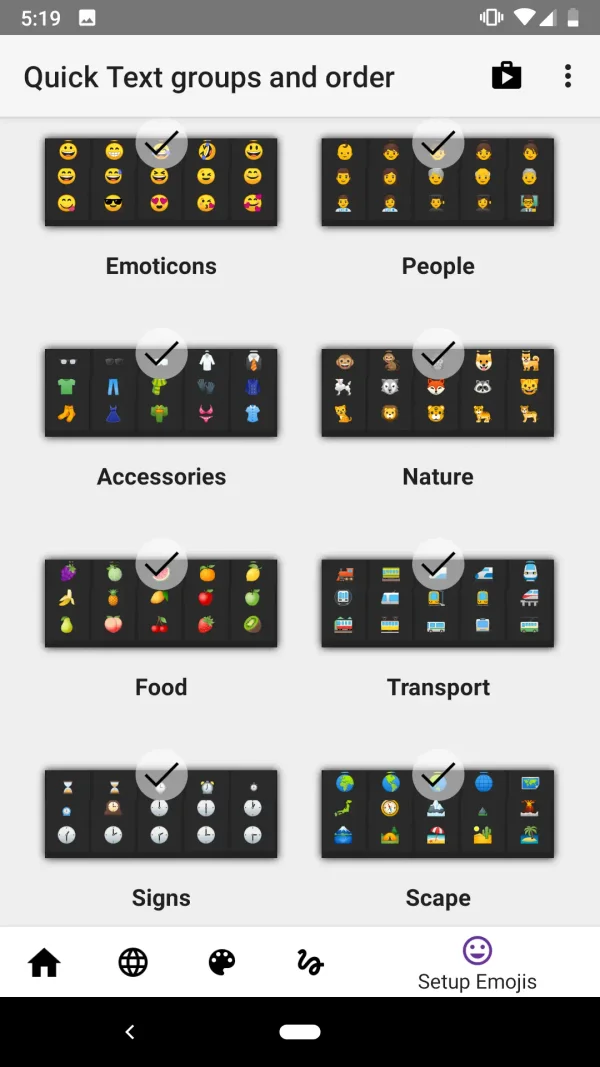
Updated emojis for Android 15+.
Fixed emoji keyboard crash.
Better edge-to-edge support.
Minimum Android 6.0 (API 23) required.
Bug fixes & stability improvements.
YABTU.
Updated translations.
More: https://github.com/AnySoftKeyboard/AnySoftKeyboard/milestone/95
開発元の連絡先
- ウェブサイトgithub.com
- メールask@evendanan.net
- プライバシーポリシーanysoftkeyboard.github.io
- 住所70 Haven Ave apartment 1G New York, NY 10032-2608 United States
情報
- 提供元
- AnySoftKeyboard
- カテゴリ
- ツール
- バージョン
- 1.13.1059
- 更新日
- 2026/9/8
- 必要条件
- Android 6.0以降
- 対象年齢
- 3 歳以上
- 価格
- 無料
- パッケージ名
- com.menny.android.anysoftkeyboard