ApowerMirror- Mirror & Control
WangxuTechIn-app purchases
- EveryoneAge rating
- ToolsCategory
- Jun 2, 2026Updated
- FreePrice
Links to the official Google Play listing of com.apowersoft.mirror. Last checked on Nov 19, 2026.

Screenshots


About this app
Control phone from PC, Mirror phone to phone, Screen Mirroring
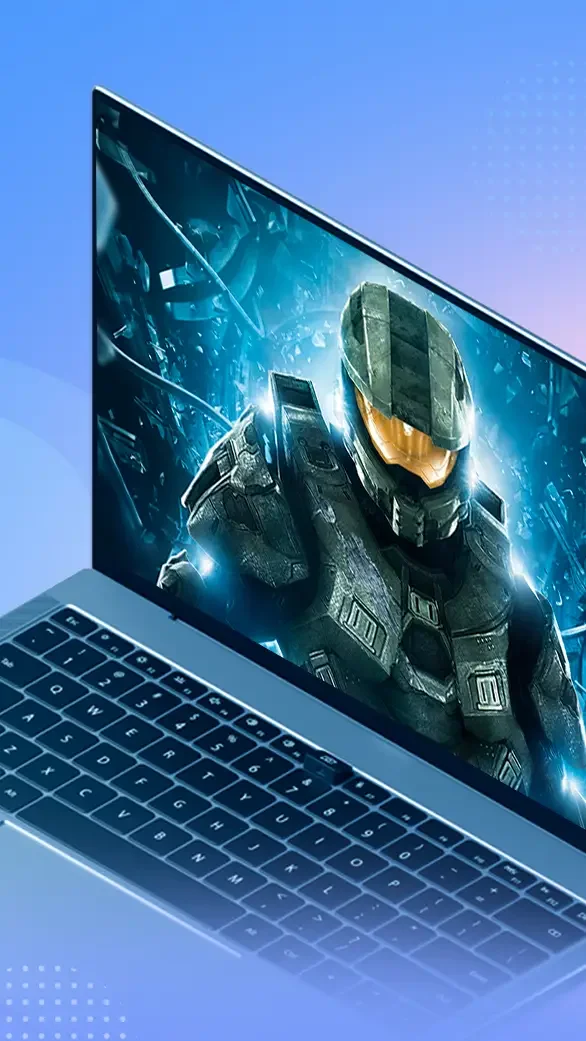
ApowerMirror is a wireless screen mirroring app that can be used to cast Android phone to PC, Mac, Smart TV (TV box) with AUDIO. It allows you to mirror&control one Android device to another Android device freely, and you can remotely control Android from PC or Mac with your mouse and keyboard. Besides, streaming the mirrored screen to applications like OBS Studio or Zoom becomes easier.
The app needs to be used with the desktop program. Get ApowerMirror Desktop Program here: https://www.apowersoft.com/phone-mirror
Key Features:
🏆Mirror Android to PC and Vice Versa
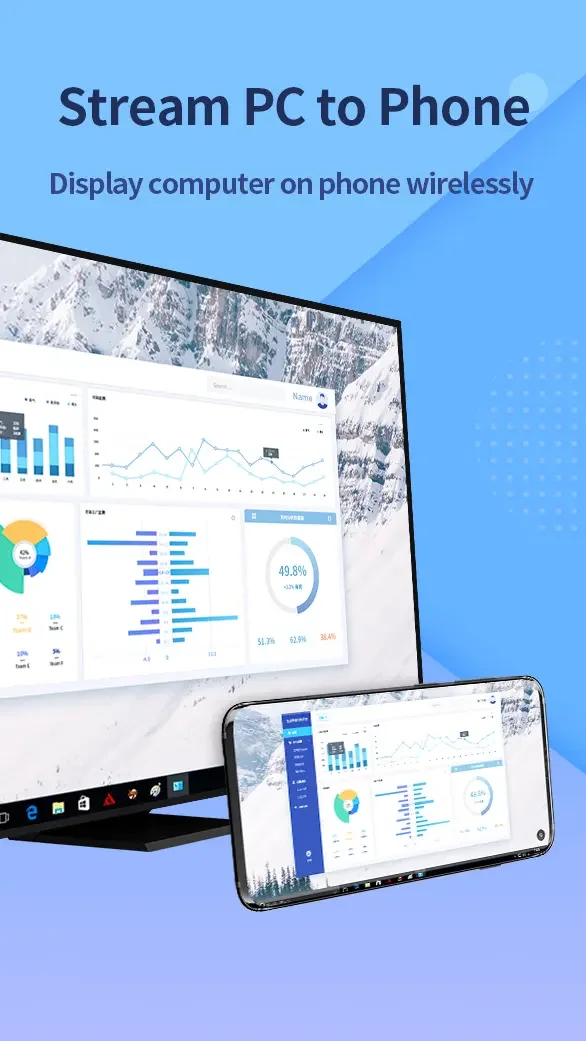
ApowerMirror allows you to cast Android to PC with audio. No need for an AUX cable, it can truly achieve audio and video synchronization while screen mirroring. Using this, you can freely stream videos, display apps, share meeting contents, or play Android games from PC or Mac in full-screen mode. Besides, you can display your PC screen on your phone and control it from your phone. With that, you can access all files on your computer and even use PC programs on your phone with no hassle.
🏆Mirror&Control Phone from Phone
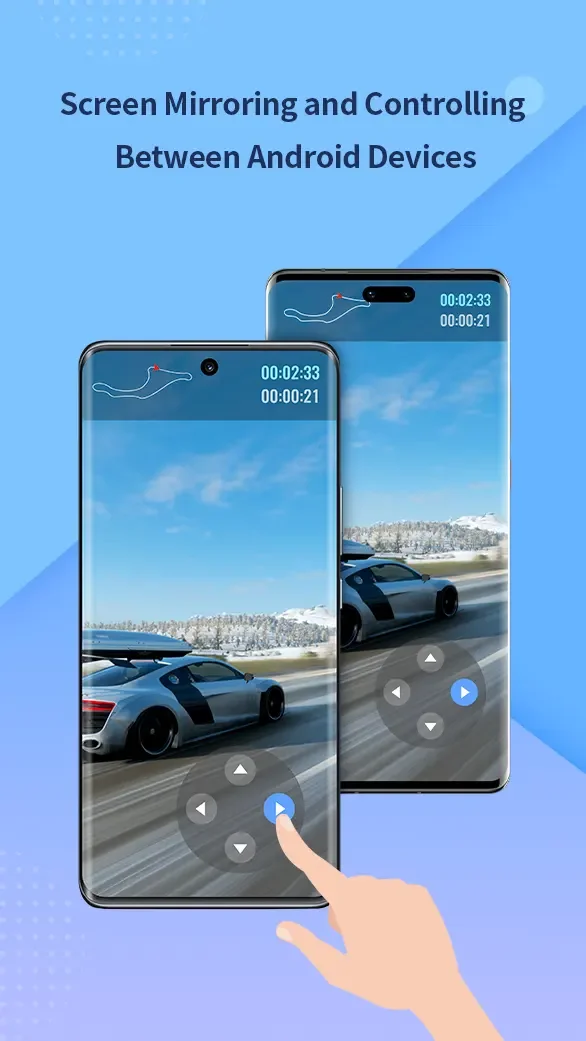
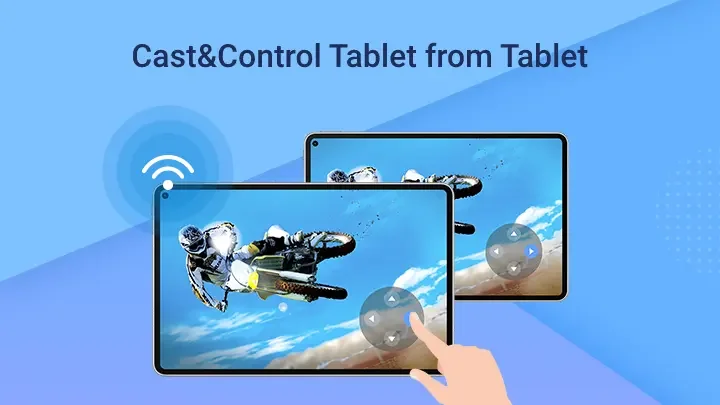
ApowerMirror is also a good screen mirroring app to mirror phone to phone or tablet. You can also share your screen with another phone using ApowerMirror to watch videos and movies with your friends and share your files with your audience easily.
🏆Reverse control
The reverse casting and controlling function also helps your family members and friends debug their phones or operate demos more conveniently.
🏆Cast Phone to TV
This screencasting app also does well in screen mirroring Android to TV. Whether you want to stream movies, watch videos, share photos or play games right on the big screen, it just takes a few taps to mirror your phone's display to your TV. It supports TVs like Sony TV, LG TV, Philips TV, Sharp TV, Hisense TV, Xiaomi MI TV, and other TVs running Android OS.
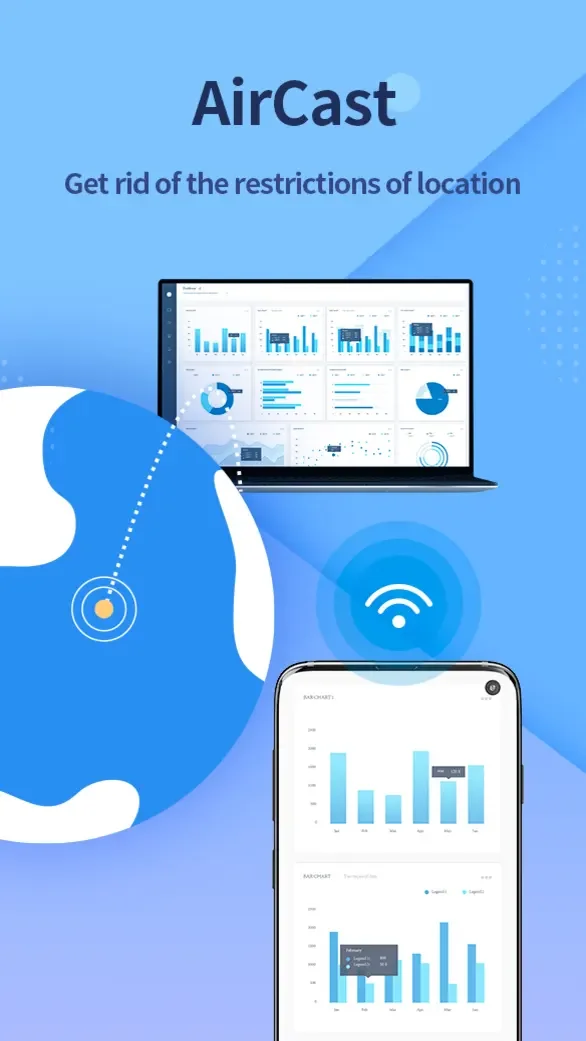
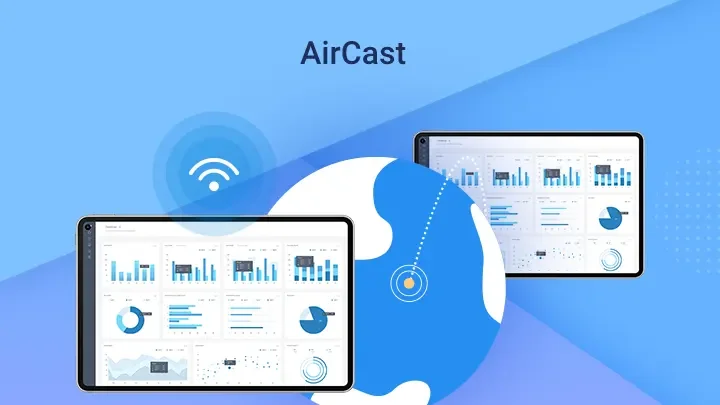
🏆AirCast - Screen Mirror Between Different Networks
This advanced feature allows screen mirroring between devices that cannot be connected to the same network. If you use this feature, even if you are located in different places and on different network connections, you can share the screen with each other. This can be used to mirror phone to phone, cast phone to PC, and stream PC to phone.
🏆Control Android from PC/Mac
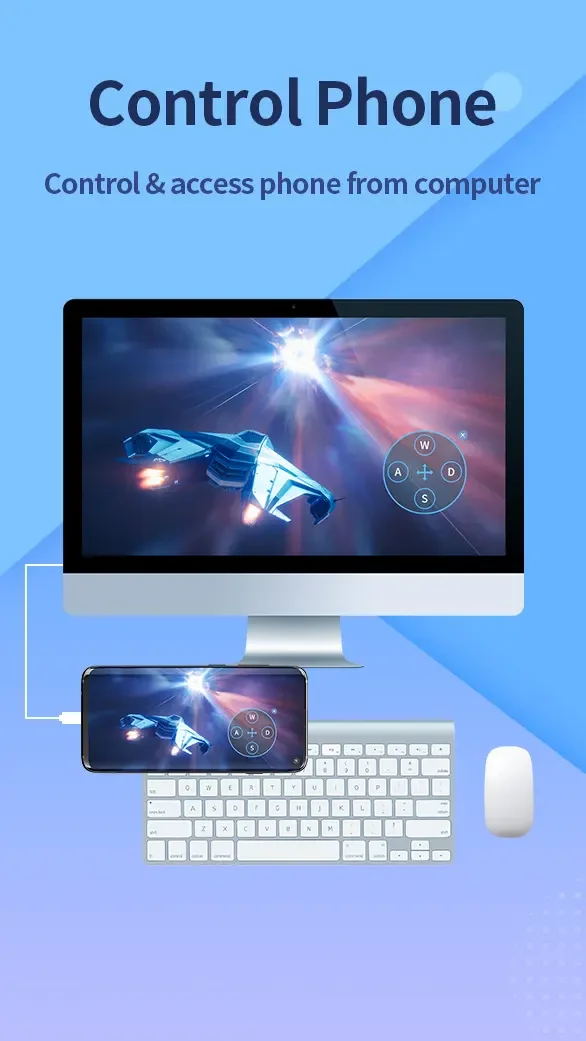
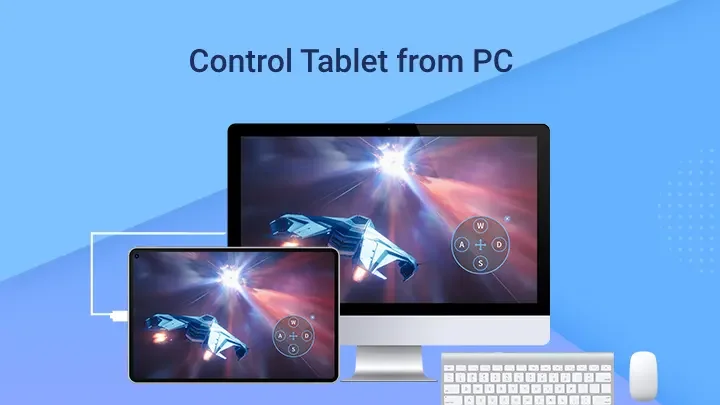
When screen mirroring Android to PC/Mac, you can take full control of the screen with your mouse and keyboard. Therefore, you are able to share PPT to your colleagues, enjoy movies on a bigger screen, or play phone games such as Mobile Legends, PUBG Mobile, Fortnite, Minecraft, and other games on the computer.
🏆Multi-screens on One Computer
ApowerMirror supports mirroring 4 devices simultaneously without delay, which greatly improves the efficiency of your daily life. With this tool, you can enjoy different screens at the same time and stop switching from one app to another.
Suitable for Various Screen Mirroring Occasions:
*Personal use☑️
*Business meeting☑️
*Online class /Education☑️
*Live streaming for mobile games☑️
*Movies/Sports video mirroring☑️
*Presentation☑️
*Work from home☑️
……
👇Supported Devices:
1. Windows & Mac
2. Android & iOS
3. Smart TV: Sony, Sharp, Philips, Hisense, Skyworth, Xiaomi, LG etc.
4. Devices with built-in DLNA or AirPlay protocol. Some projectors and car screens.
📢Feedback:
1. Contact us at support@apowersoft.com
2. Send feedback from "Settings" > "Feedback" on the ApowerMirror desktop program.
Official Website: https://www.apowersoft.com/phone-mirror
Discord: https://discord.gg/dK7y8Sf3Re
Data safety
What WangxuTech declares on Google Play about the data this app collects and shares.
- No data shared with third partiesLearn more about how developers declare sharing
- This app may collect these data typesPersonal info
- Data is encrypted in transit
- You can request that data be deleted
Developer contact
- Websiteapowersoft.com
- Emailsupport@apowersoft.com
- Privacy policyapowersoft.com
- AddressRm B15 3/F HOWARD FTY BLDG 66 TSUN YIP ST 觀塘 九龍 Hong Kong
Information
- Offered by
- WangxuTech
- Category
- Tools
- Version
- 1.8.34
- Updated
- Jun 2, 2026
- Released
- Nov 30, 2016
- Requires
- Android 6.0 or later
- Age rating
- Everyone
- Price
- Free
- In-app purchases
- $4.99 - $69.99 per item
- Package name
- com.apowersoft.mirror
Similar apps
-
 ScreenStream
Tools
-
 PingID
Productivity
-
 Square Home Launcher - Tile UI
Personalization
-
 CuboAi Smart Baby Monitor
Parenting
-
 MERCUSYS
Tools
-
 UGREEN NAS
Tools
-
 Startpage Private Browser
Communication
-
 2FA Authenticator (2FAS)
Tools
-
 Deye Cloud
Tools
-
 Phomemo
Tools
-
 Ever Accountable – Quit Porn
Productivity
-
 Blynk IoT
Tools