ScreenStream
Dmytro KryvoruchkoContains ads
- EveryoneAge rating
- ToolsCategory
- Nov 20, 2026Updated
- FreePrice
Links to the official Google Play listing of info.dvkr.screenstream. Last checked on Nov 21, 2026.
Screenshots
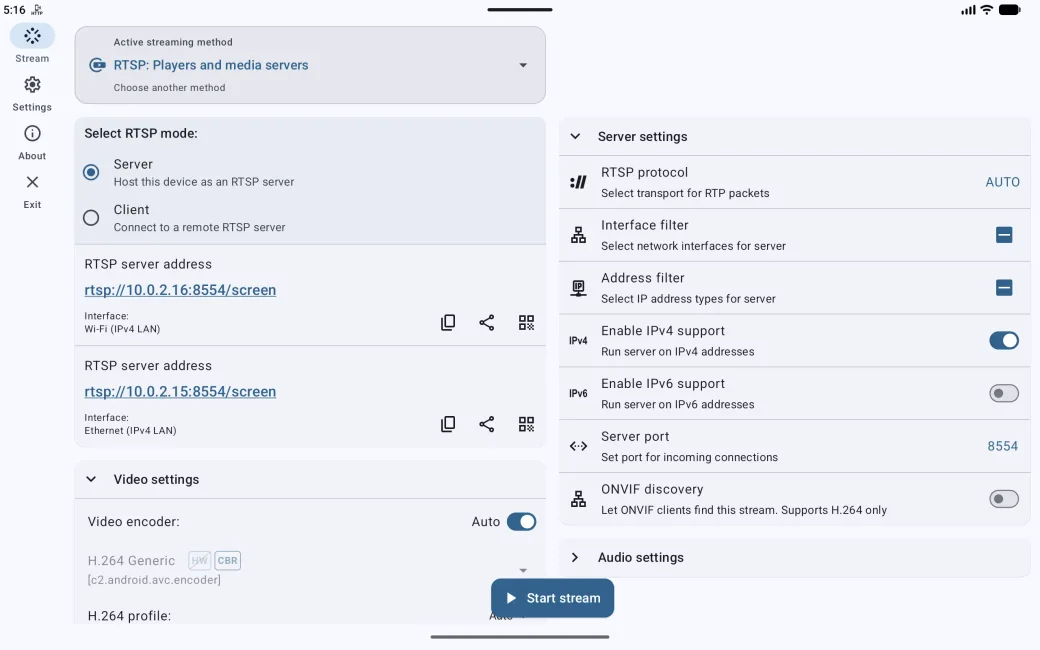
About this app
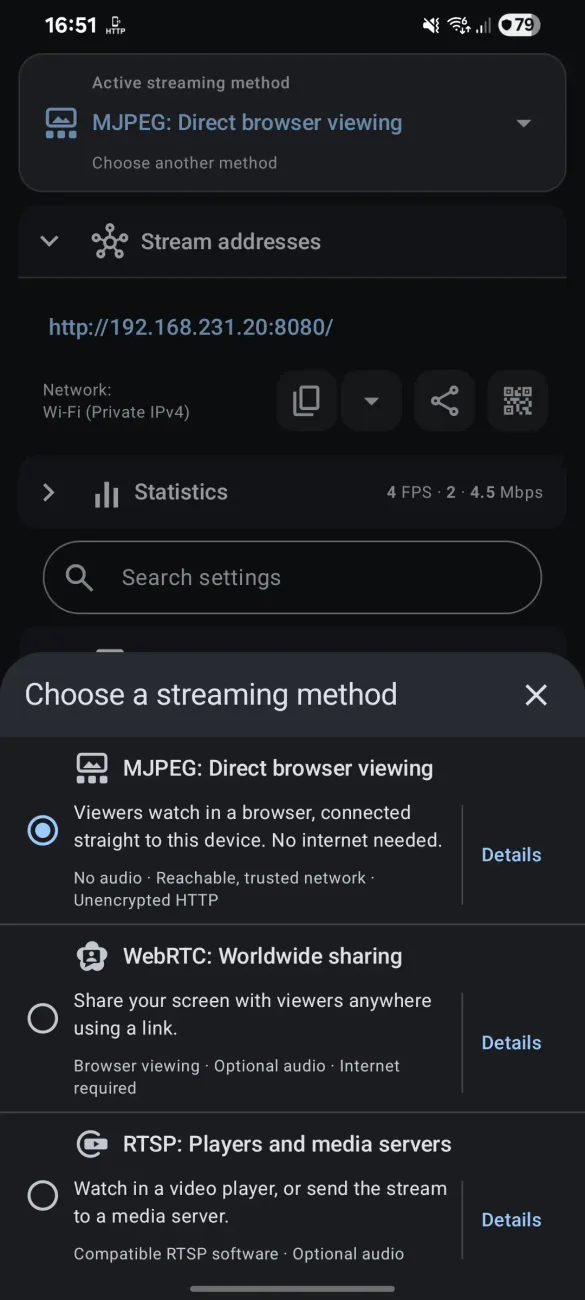
Secure one‑tap screen & audio share via WebRTC/MJPEG/RTSP to browsers/players
ScreenStream turns any Android device into a live, open source screen & audio streamer that plays in any modern browser - no cables, no extensions. Perfect for presentations, remote assistance, teaching, or casual sharing.
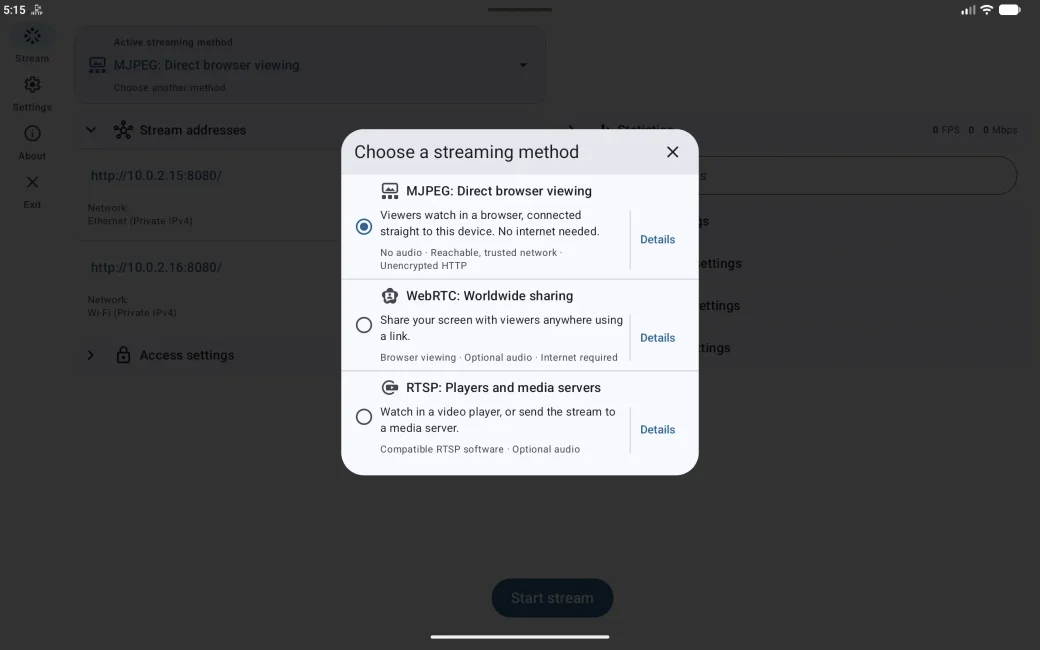
Modes:
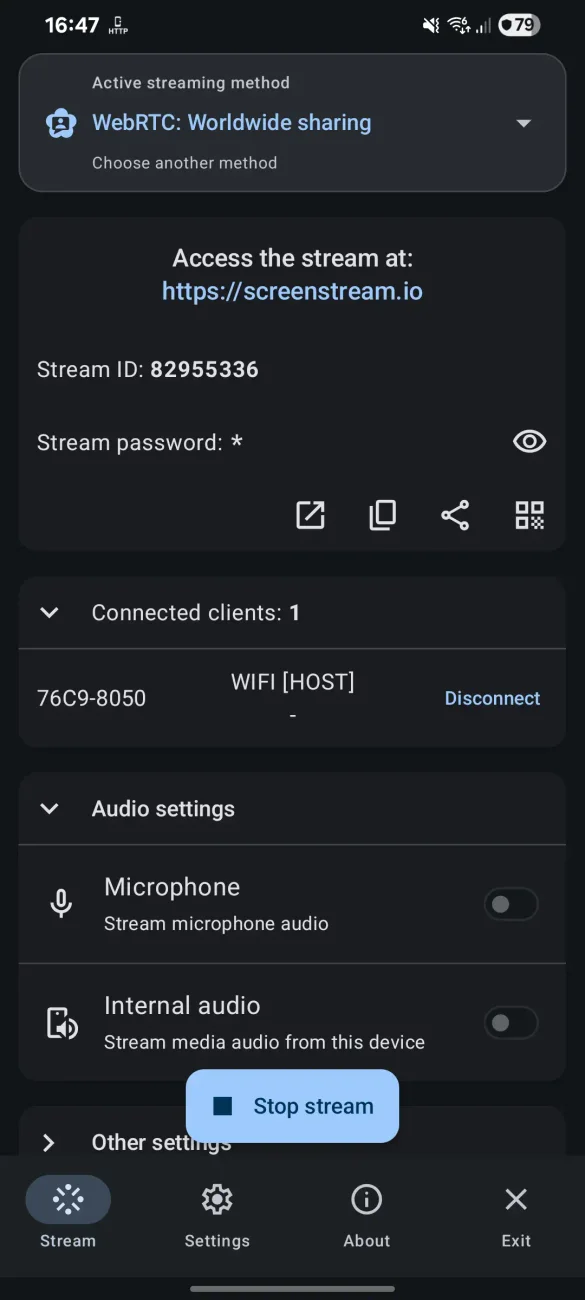
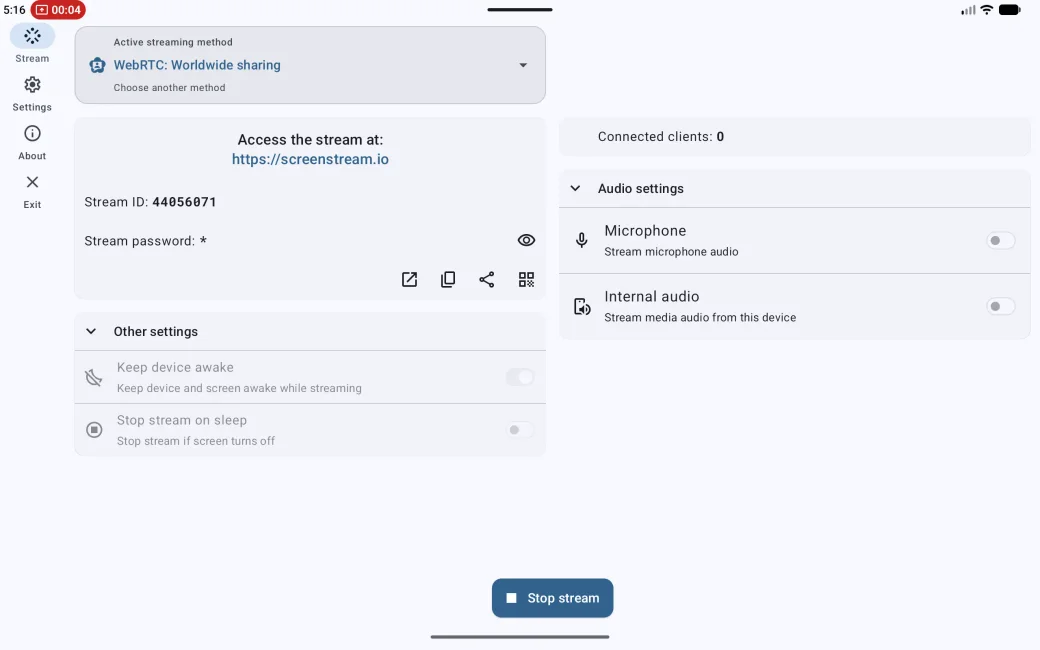
• Global (WebRTC) - worldwide, end-to-end encrypted WebRTC with password (video + audio).
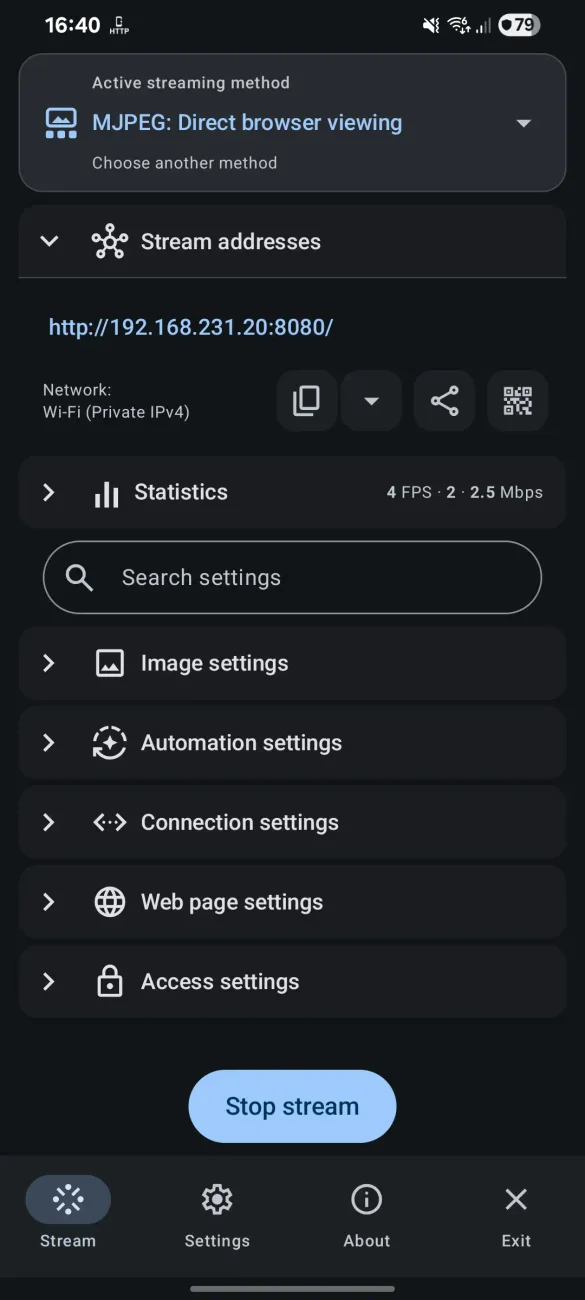
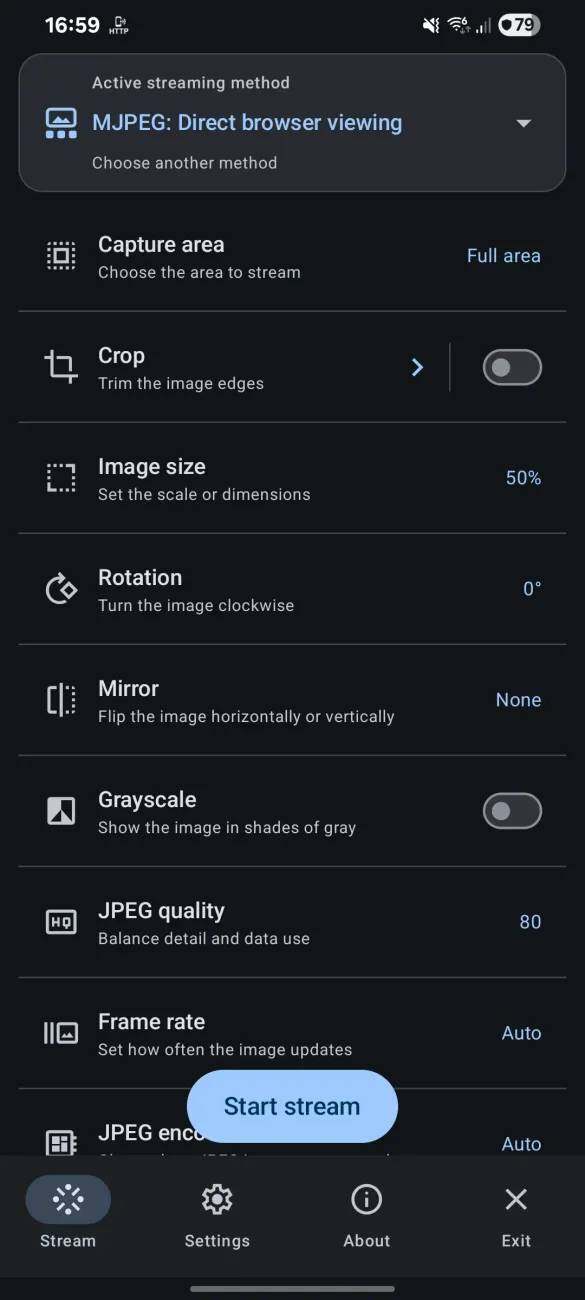
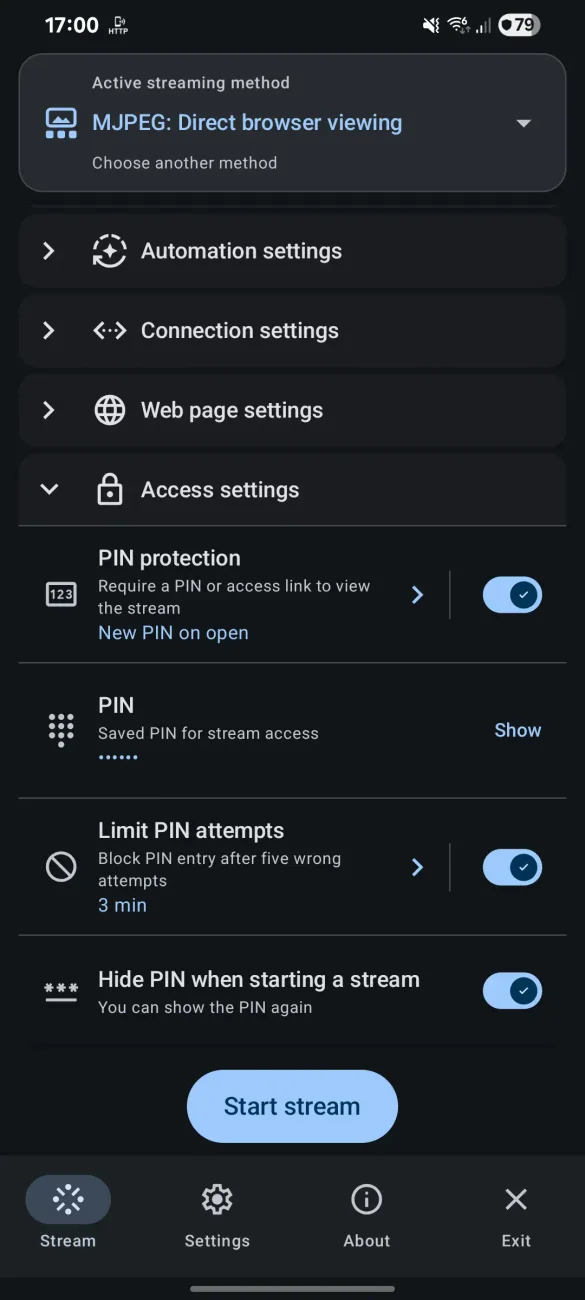
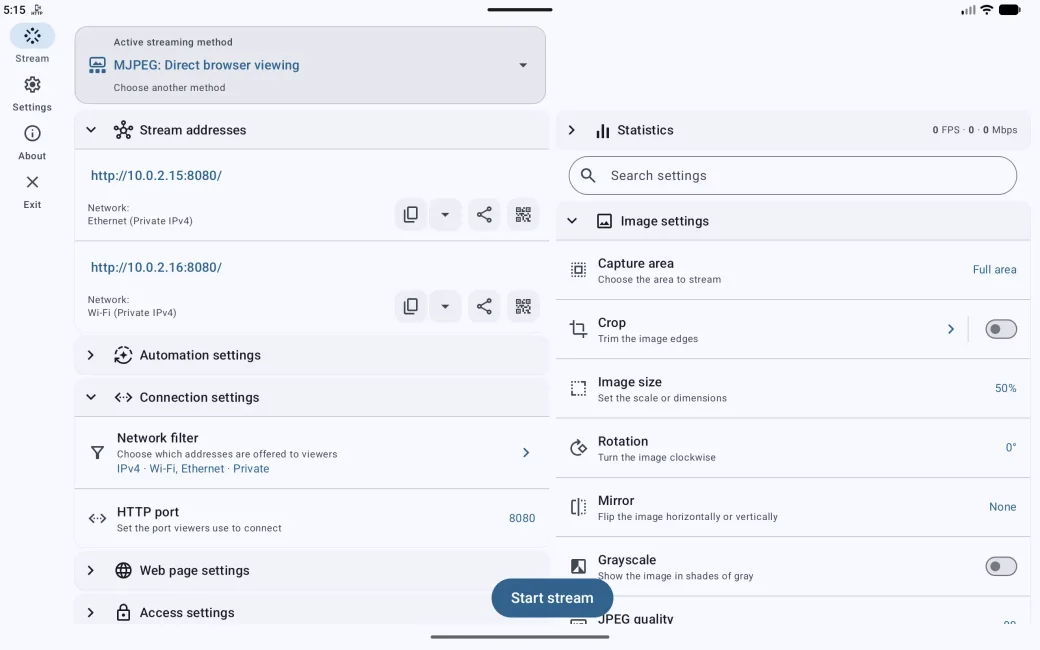
• Local (MJPEG) - zero setup HTTP stream on your Wi-Fi/hotspot; optional PIN; works offline or online.
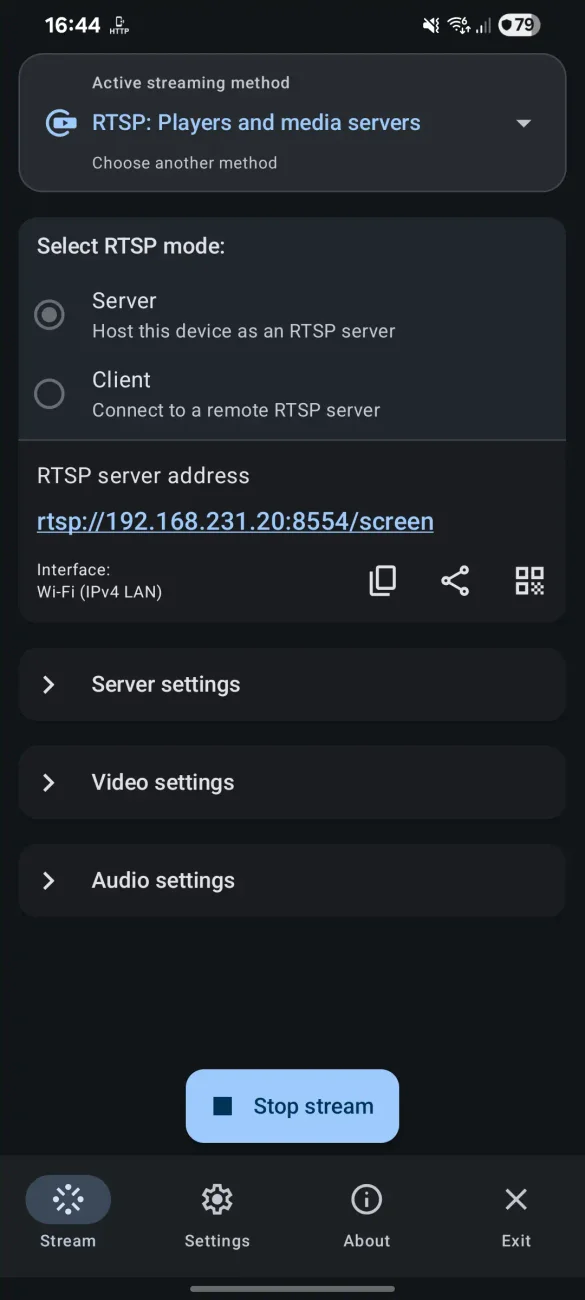
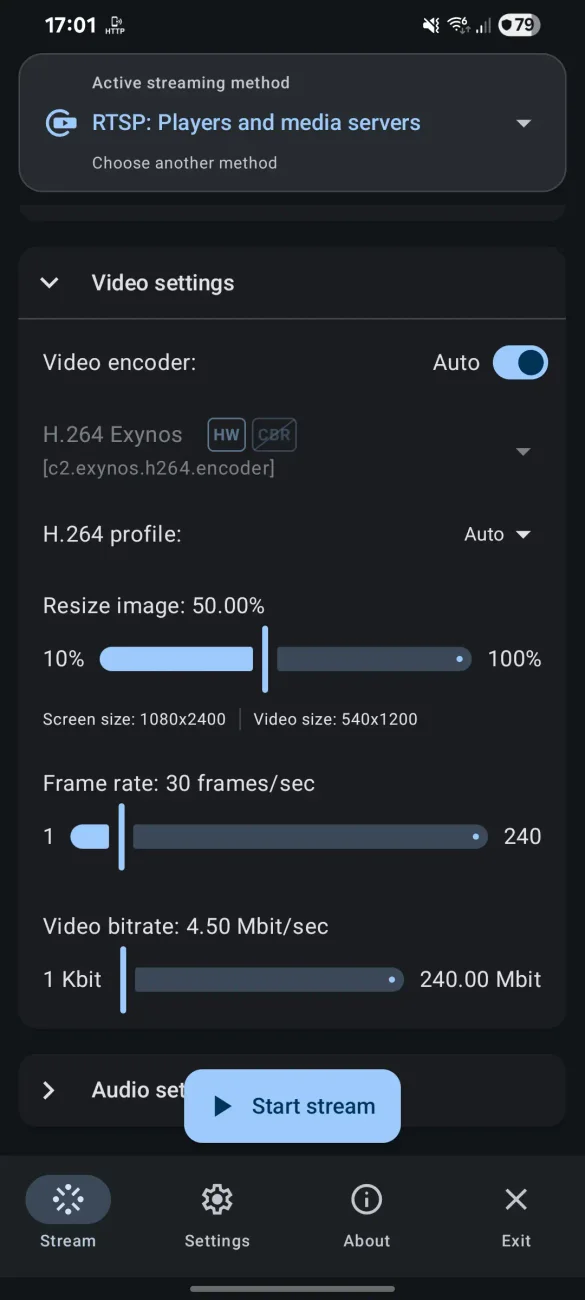
• RTSP - Server or client mode with H.265/H.264 video + OPUS/AAC/G.711 audio.
Global (WebRTC)
• End-to-end encrypted, password-protected peer-to-peer stream
• Shares screen, microphone, and device audio where supported
• Viewers join with Stream ID + password in any WebRTC-enabled browser
• Requires Internet; signaling handled by public open source server
• Audio/video flows directly between devices - bandwidth grows per viewer
Local (MJPEG)
• Embedded HTTP server; works offline or online over Wi-Fi, hotspot, or USB tethering
• Sends screen as independent JPEG images (video only)
• Optional 6-digit PIN; unencrypted HTTP
• IPv4 / IPv6 support; crop, resize, rotate, & more
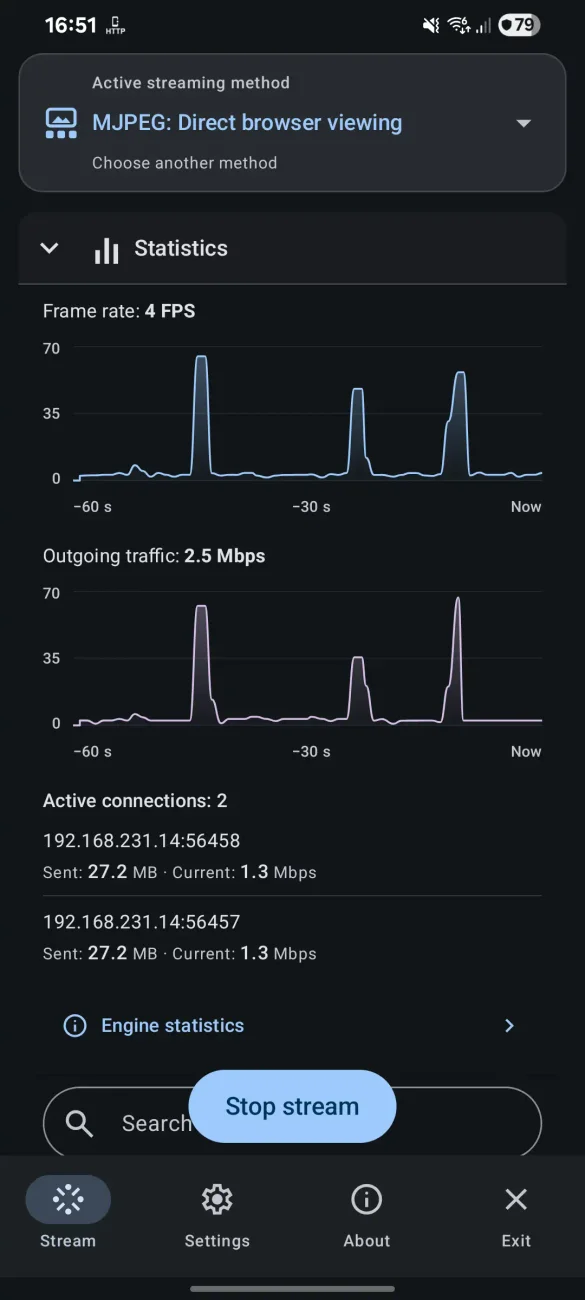
• Each viewer gets a separate image stream - more viewers require more bandwidth
RTSP
• Streams H.265/H.264 video + OPUS/AAC/G.711 audio in server or client mode
• Server mode has protocol, interface/address filters, IPv4/IPv6, and port settings
• Works over Wi-Fi or cellular, IPv4 & IPv6
• ONVIF discovery for server streams (H.264)
• Compatible with VLC, FFmpeg, mpv, GStreamer, OBS, MediaMTX, and others
• Requires an RTSP client or player for viewing
Popular use cases
• Remote support & troubleshooting
• Live presentations or demos
• Distance learning & tutoring
• Casual game sharing
Good to know
• Requires Android 7.0+ (uses the standard MediaProjection API)
• High data usage on mobile - prefer Wi-Fi
• 100% open source under the MIT License
Data safety
What Dmytro Kryvoruchko declares on Google Play about the data this app collects and shares.
- This app may share these data types with third partiesApp activity, App info and performance, and Device or other IDs
- This app may collect these data typesApp activity, App info and performance, and Device or other IDs
- Data is encrypted in transit
- Data can’t be deleted
What’s new
Version 4.5.2 · Nov 20, 2026
Small improvements and bug fixes.
Developer contact
- Websitescreenstream.io
- Emaildkrivoruchko@gmail.com
- Privacy policygithub.com
- AddressUkraine
Information
- Offered by
- Dmytro Kryvoruchko
- Category
- Tools
- Version
- 4.5.2
- Updated
- Nov 20, 2026
- Released
- Jul 18, 2016
- Requires
- Android 7.0 or later
- Age rating
- Everyone
- Price
- Free
- Package name
- info.dvkr.screenstream
Similar apps
-
 Screen Recorder Unlimited
Tools
-
 WiFiman
Tools
-
 MacroDroid - Device Automation
Tools
-
 AirDroid: File & Remote Access
Tools
-
 AirDroid Parental Control
Parenting
-
 Code Studio
Productivity
-
 Quikshort: Shortcut Creator
Tools
-
 DeskIn Remote Desktop
Productivity
-
 Glip Screen Recorder
Tools
-
 TP-Link Tether
Tools
-
 TeamViewer Remote Control
Business
-
 NetShare - no-root-tethering
Communication