App Lock - Password, Lock Apps
iMediaStarContains ads · In-app purchases
- EveryoneAge rating
- ToolsCategory
- Nov 6, 2026Updated
- FreePrice
Links to the official Google Play listing of applock.fingerprint.safelock.password.lockapps. Last checked on Nov 26, 2026.
Screenshots

About this app
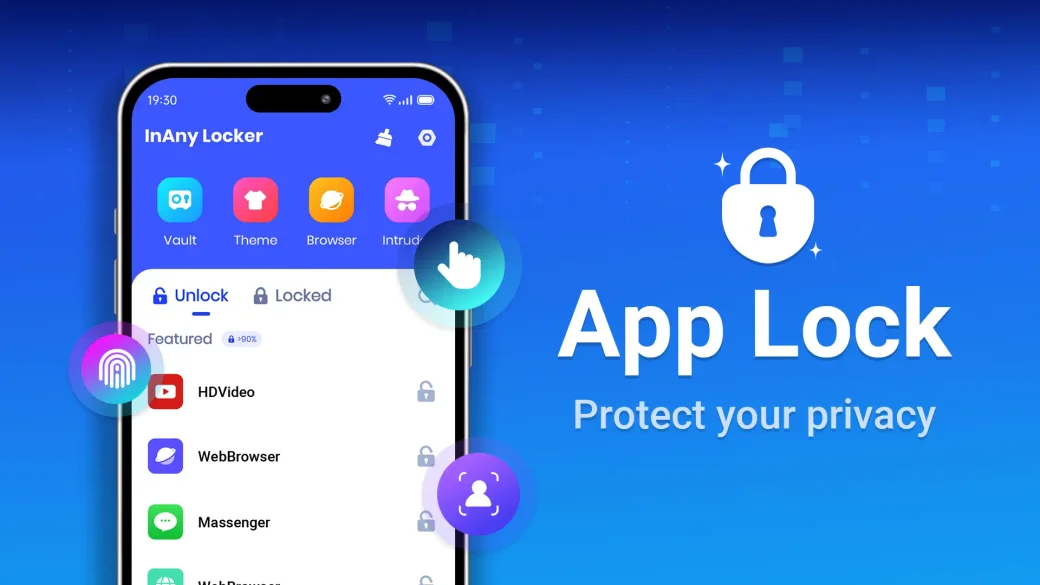
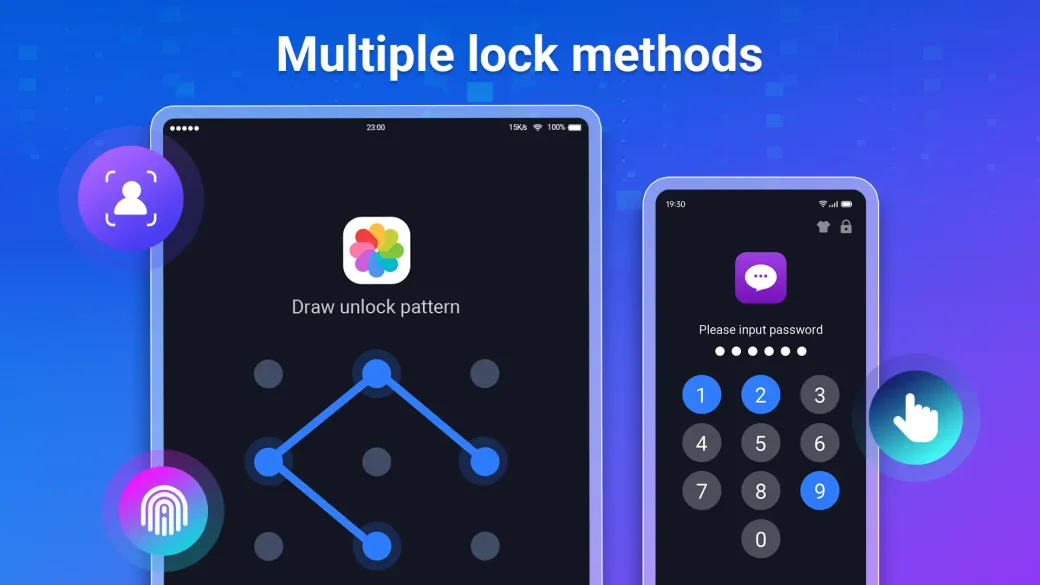
Lock apps and protect private data with fingerprint, password, pin or pattern.
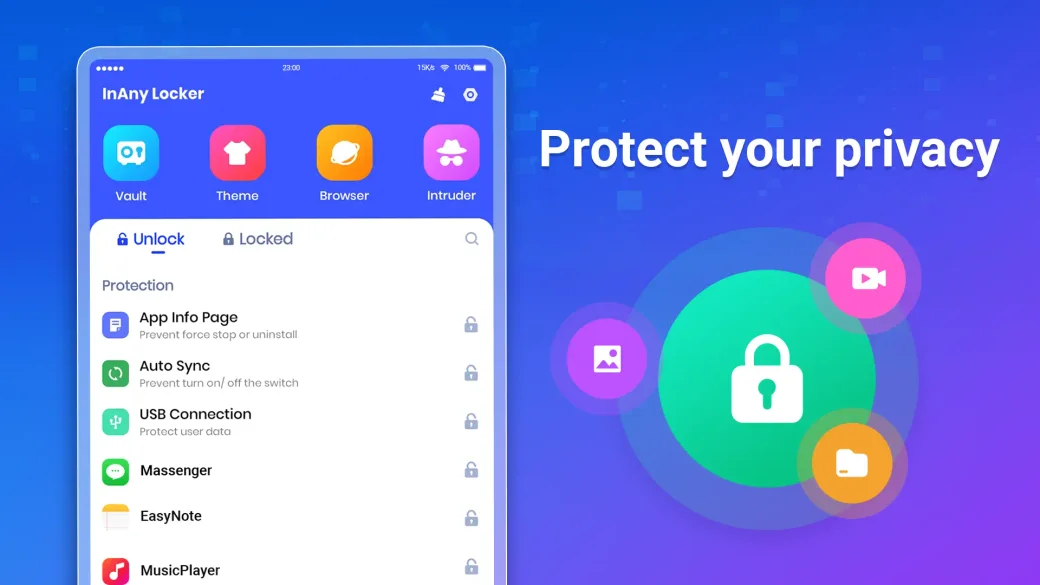
App Lock - Fingerprint Lock is your all-in-one privacy protector, lock apps, hide videos, photos and messages with PIN, pattern, fingerprint and face ID. One tap secures your private data and stops unauthorized access instantly. Enjoy smooth, fast protection without slowing your phone. Keep your privacy safe effortlessly.
Download now for 100% security! No password, no entry!
🔒With App Locker, You Can:
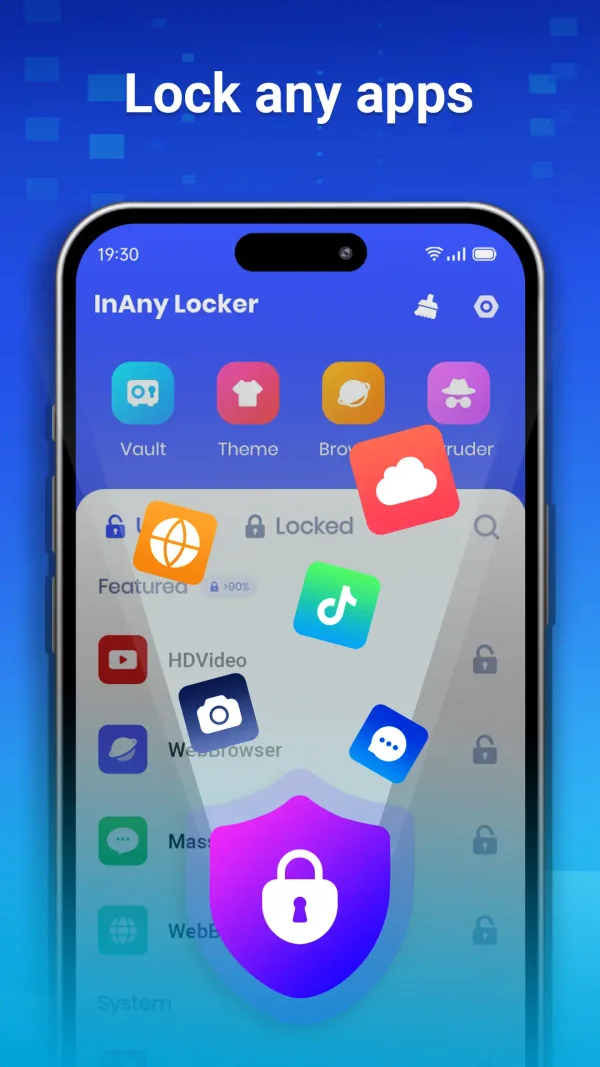
✔Lock Any App: Safeguard WhatsApp, Instagram, Facebook, Settings, and more—keep chats and feeds private.
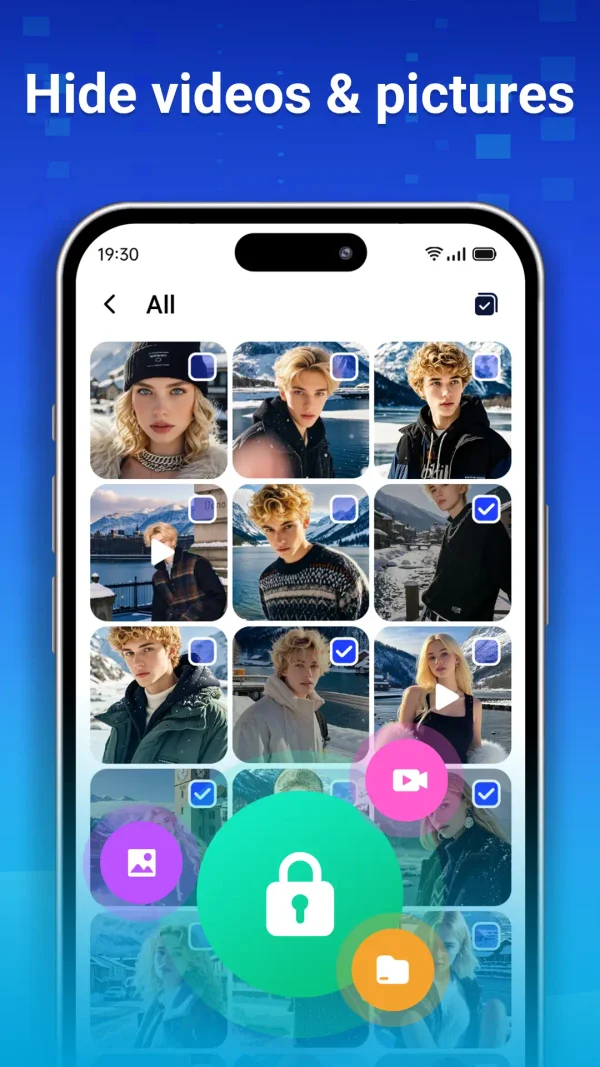
✔Secure Media Vault: Hide photos and videos safely; only you can unlock them with your password.
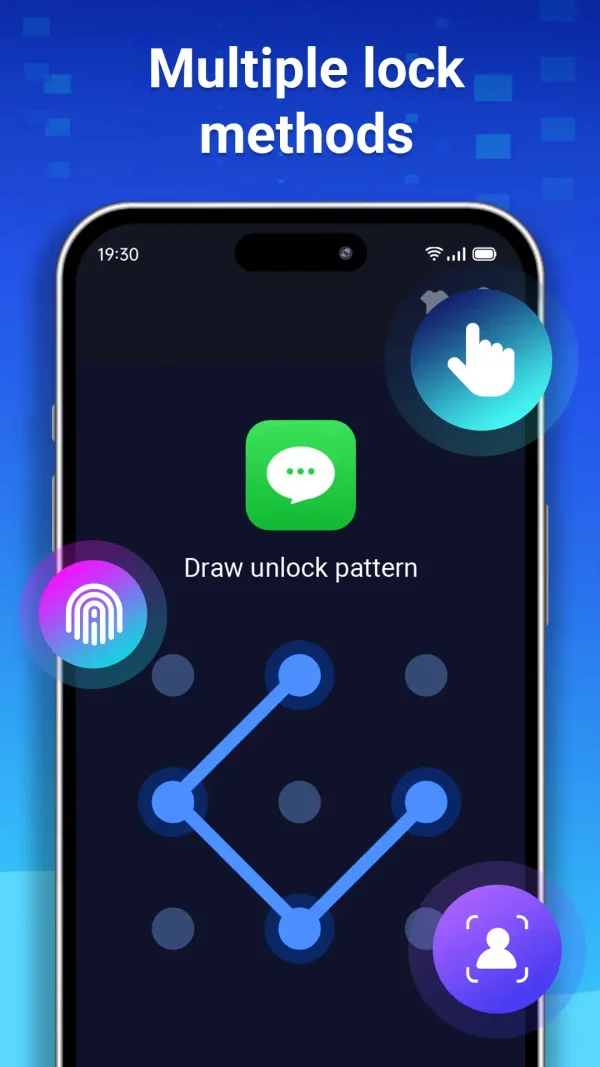
✔Multiple Lock Options: Protect your apps with PIN, pattern, or fingerprint for maximum security.
✔Payment Safety: Lock Google Pay or PayPal to prevent unauthorized payments and stop accidental in-app purchases.
🌟Highlight Features of App Locker:
✦ Fast & Efficient Lock: Enhanced lock engine runs smoothly in the background while saving battery.
✦ Uninstall Protection: Keep hidden files safe from accidental app removal.
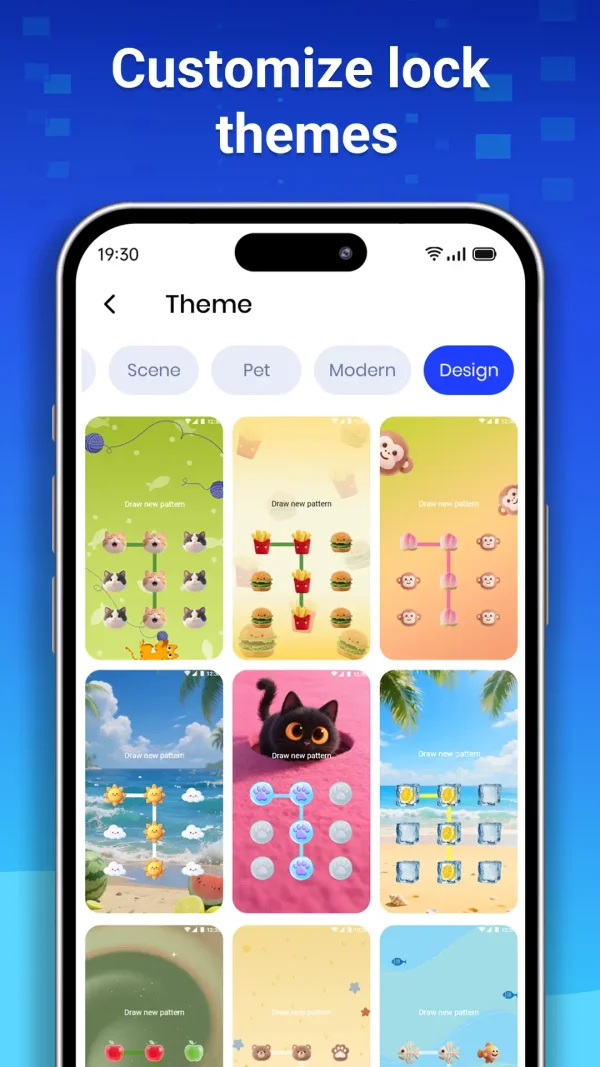
✦ Stylish Themes: Choose from multiple built-in PIN and pattern lock screen designs.
✦ Personalized Locks: Set your own gallery photo as the unlock background for a unique look.
✦ Auto Lock New Apps: Detect and lock newly installed apps instantly with one tap.
✦ Password Recovery: Reset easily using security questions or fingerprint authentication.
📷️Intruder Selfie
If anyone enters the wrong password, the intruder alert instantly snaps their photo. Your apps remain inaccessible to others, ensuring complete privacy.
🛡️Change App Icon
Change App lock as another app by replacing the original app icon as weather, calculator, browser, etc. Prevent snoopers from discovering that the app is installed on your device.
🥷Privacy Browser
Enjoy confidential browsing with Incognito Mode—your searches, history, and cookies are never saved, ensuring total anonymity online.
🧹Deep Clean
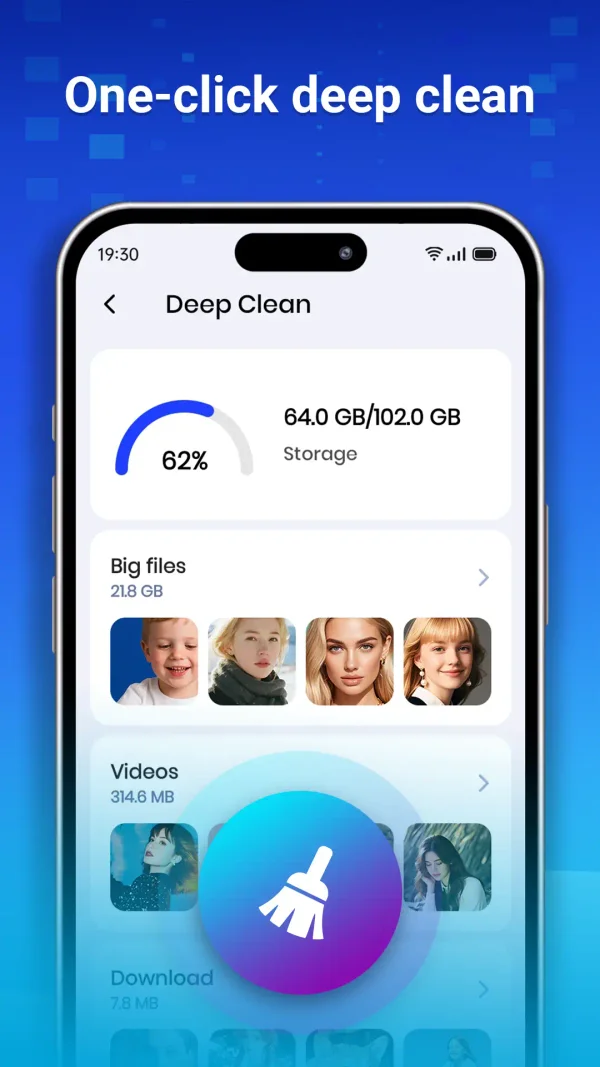
Optimize your device with a smart cleaner that scans for oversized media, duplicate photos, low-quality images, audio, and documents. Quickly remove unnecessary files to reclaim valuable storage space.
🔎More Features:
- Set the intruder warning sound
- Various unlocking animations
- Auto sync and USB connection lock
- Turn off app lock with one tap
- Lock system apps
- Recent apps lock
- Alert in incorrect
Protect Your Privacy with one of the best professional App Locker! Lock apps, hide photos & videos in a secure vault, and keep your data safe with PIN, pattern, or fingerprint. Secure social apps instantly. Download now and experience full privacy protection!
⚙️About Permissions
✔Full File Access Permission: Required to safely hide your private photos and videos in the vault.
✔Accessibility Permission: Helps App Locker boost locking speed and overall app performance.
Rest assured, App Locker does not read or misuse any of your personal data, your privacy is fully protected.
Data safety
What iMediaStar declares on Google Play about the data this app collects and shares.
- No data shared with third partiesLearn more about how developers declare sharing
- This app may collect these data typesPersonal info, App activity, and Device or other IDs
- Data is encrypted in transit
- Data can’t be deleted
What’s new
Version 1.6.3 · Nov 6, 2026
V1.6.3
💝More languages added for translation
👑Fix known bugs, more stable
V1.6.2
🔥Improve some new UI design
🚀Improve performance, more stable
V1.6.1
🎁Some new UI design, better experience
🎉Fix some known bugs
Developer contact
- Websitetingstudio.s3.amazonaws.com
- Emailtingstudio.dev@gmail.com
- Privacy policytingstudio.ijoysoftconnect.com
- AddressRm 2307 THE GATEWAY TWR 2 25 CANTON RD 尖沙咀 九龍 Hong Kong
Information
- Offered by
- iMediaStar
- Category
- Tools
- Version
- 1.6.3
- Updated
- Nov 6, 2026
- Released
- Dec 12, 2025
- Requires
- Android 6.0 or later
- Age rating
- Everyone
- Price
- Free
- In-app purchases
- $1.99 - $9.99 per item
- Package name
- applock.fingerprint.safelock.password.lockapps
Similar apps
-
 App Lock - Applock Fingerprint
Productivity
-
 App Lock - AppLock VIP
Tools
-
 KiWi Vault: Hide Photos, Video
Tools
-
 AppLock
Tools
-
 Calculator Hide Photo, Video
Tools
-
 Applock Pro - App Lock & Guard
Productivity
-
 Applock - lock apps - pin lock
Tools
-
 LOCKit: App Lock, Photos Vault
Tools
-
 App Locker - Lock App
Personalization
-
 Touch Lock Screen Touch Photo
Personalization
-
 PRIVARY Secure Photo Vault
Photography
-
 AppLock - Fingerprint
Tools