Touch Lock Screen Touch Photo
CardsContains ads · In-app purchases
- EveryoneAge rating
- PersonalizationCategory
- Nov 24, 2026Updated
- FreePrice
Links to the official Google Play listing of com.touch.lock.screen.password.security. Last checked on Nov 24, 2026.
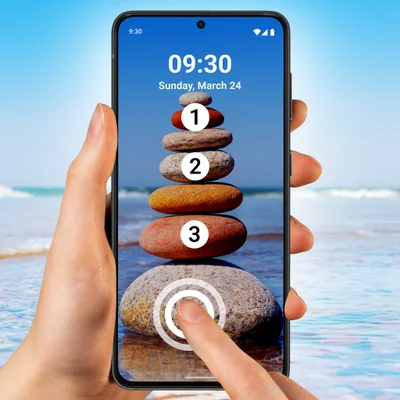
Screenshots
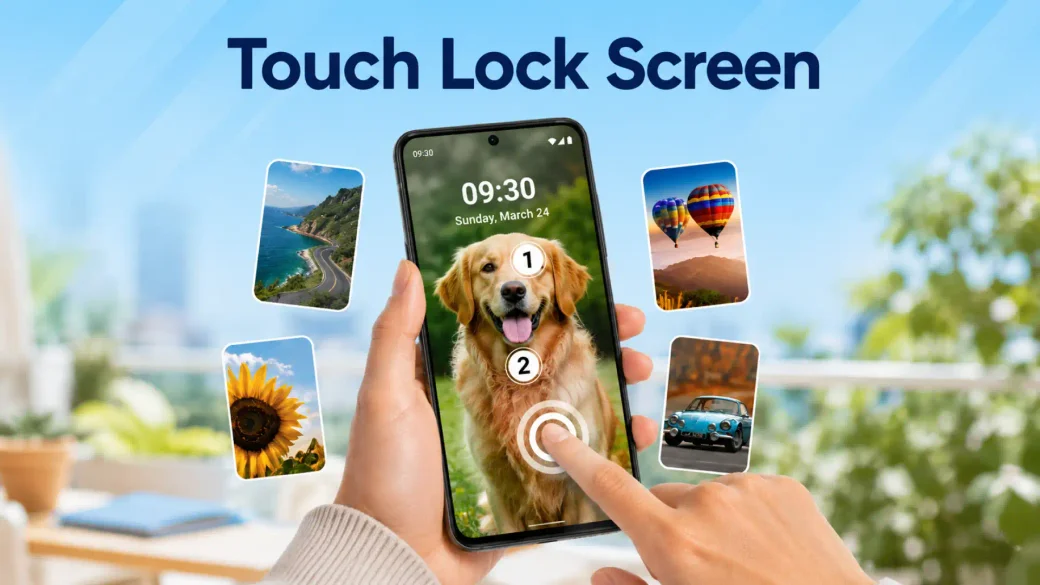

About this app
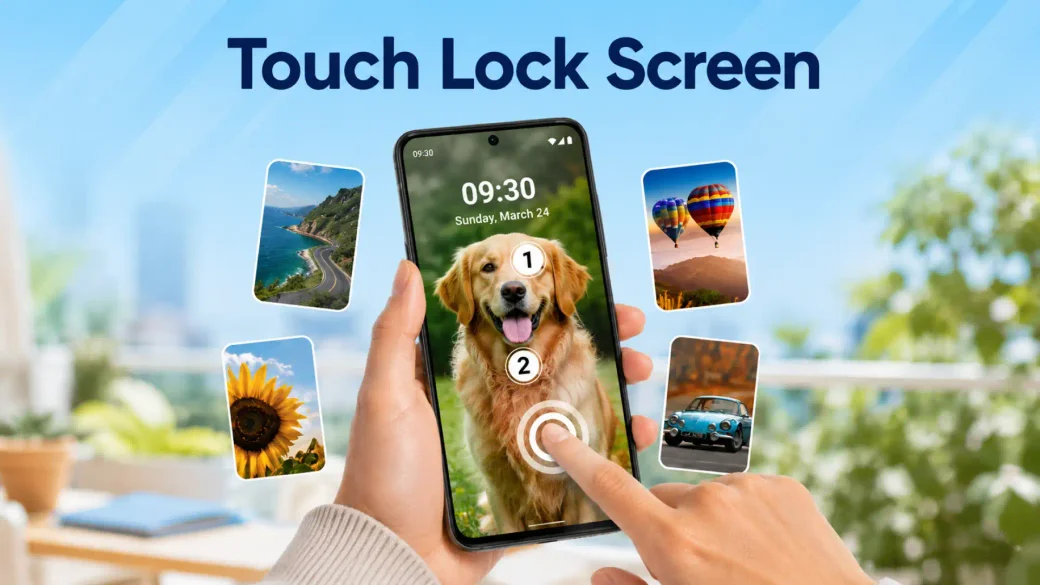
The Touch Lock Screen is an app that secures your phone by setting a password.
Touch Lock Screen Photo: Your Ultimate Mobile Security Companion!
Concerned about keeping your mobile device secure? Look no further! Introducing Touch Screen Lock Photo, the modern lock designed for mobile security. With this amazing app, you can protect your phone with a touch password, ensuring your sensitive information stays safe and secure.
🔒 Key Features of Touch Screen Lock: 🔒
📸 Touch Lock Screen Protection;
📱 Select Images from Gallery or Camera;
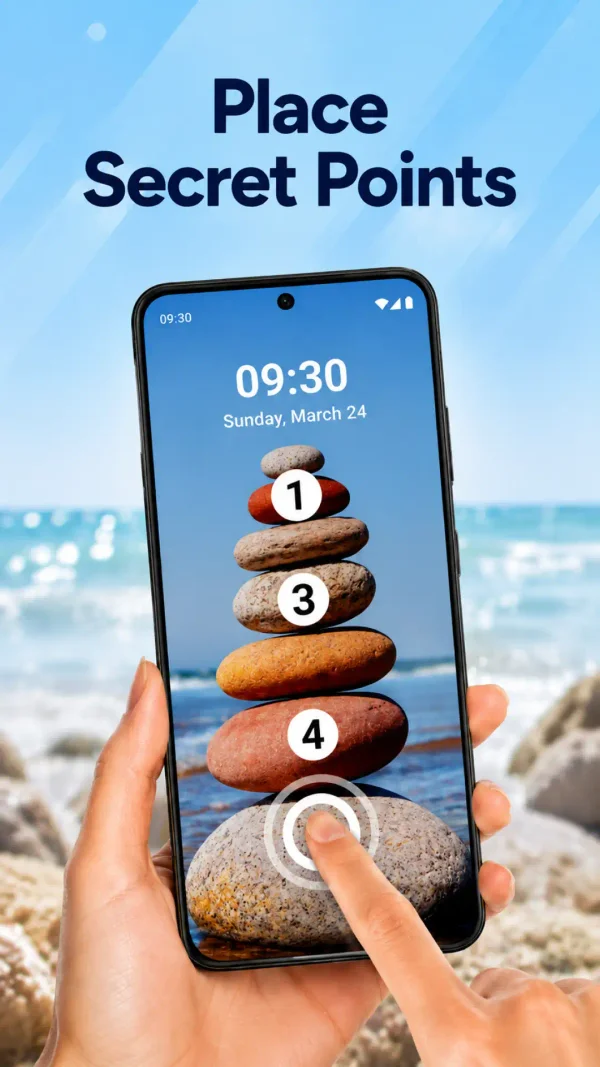
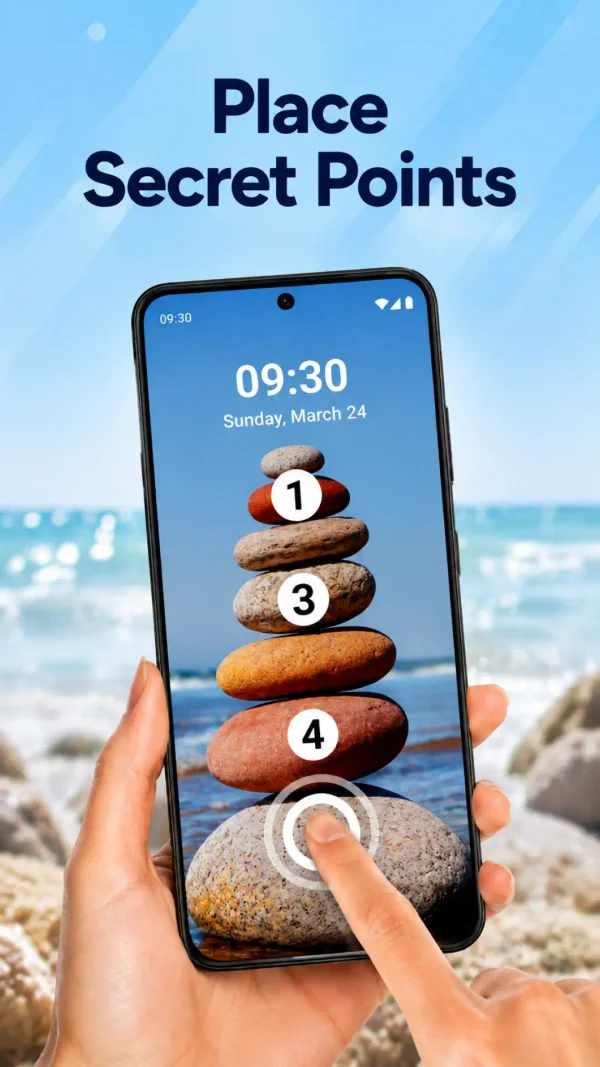
👆 Set Touch Lock Password in Two or Four Positions;
🔑 Recovery Password (PIN Password) Option;
🔊 Enable/Disable Sound and Vibration;
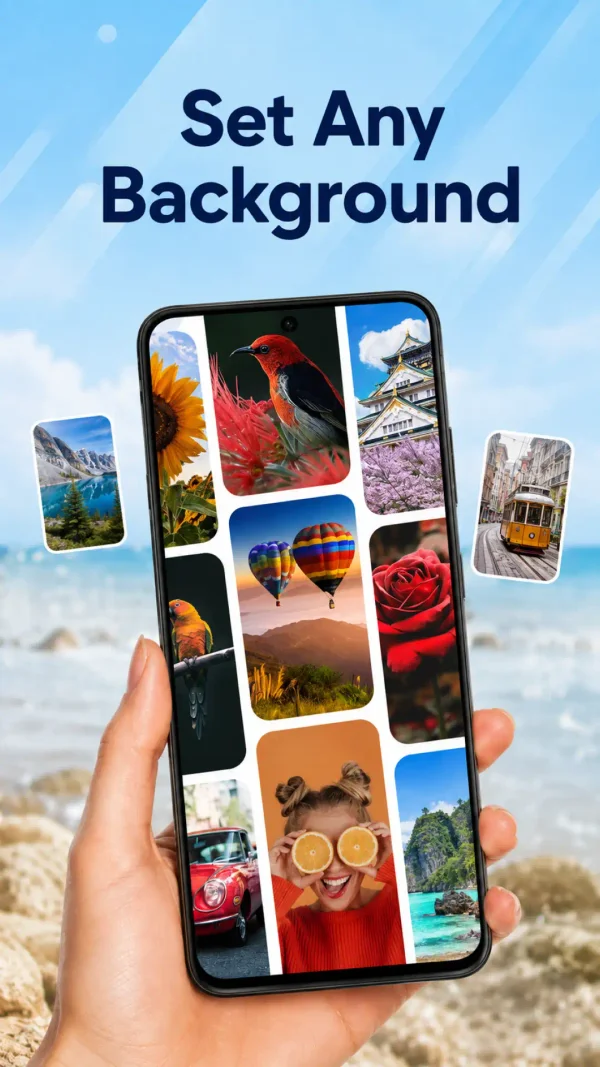
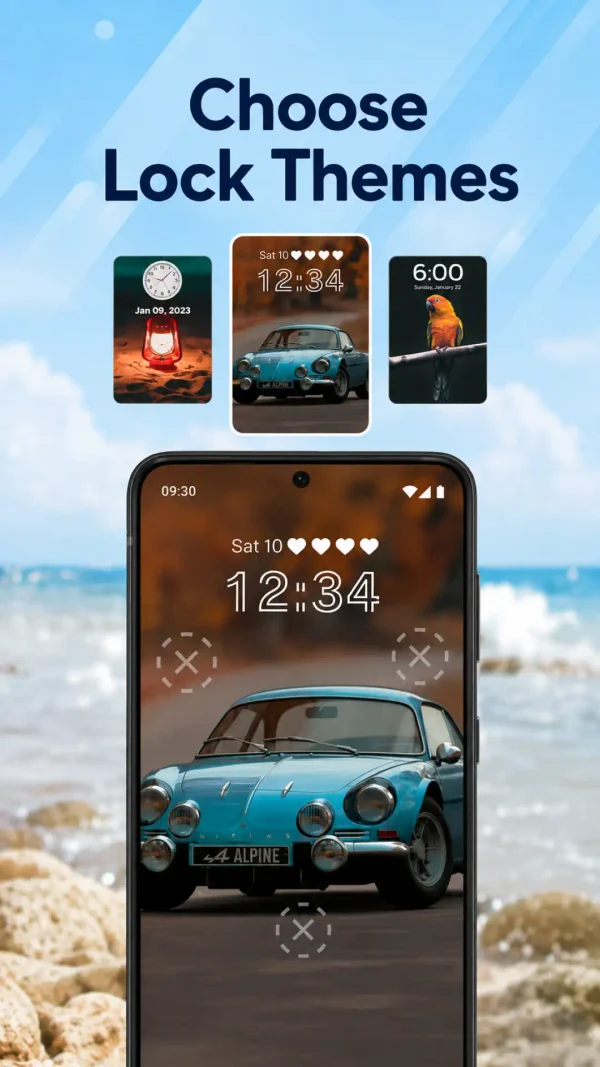
🎨 Wide Range of Themes Available;
🔒 Touch Lock Screen Protection:
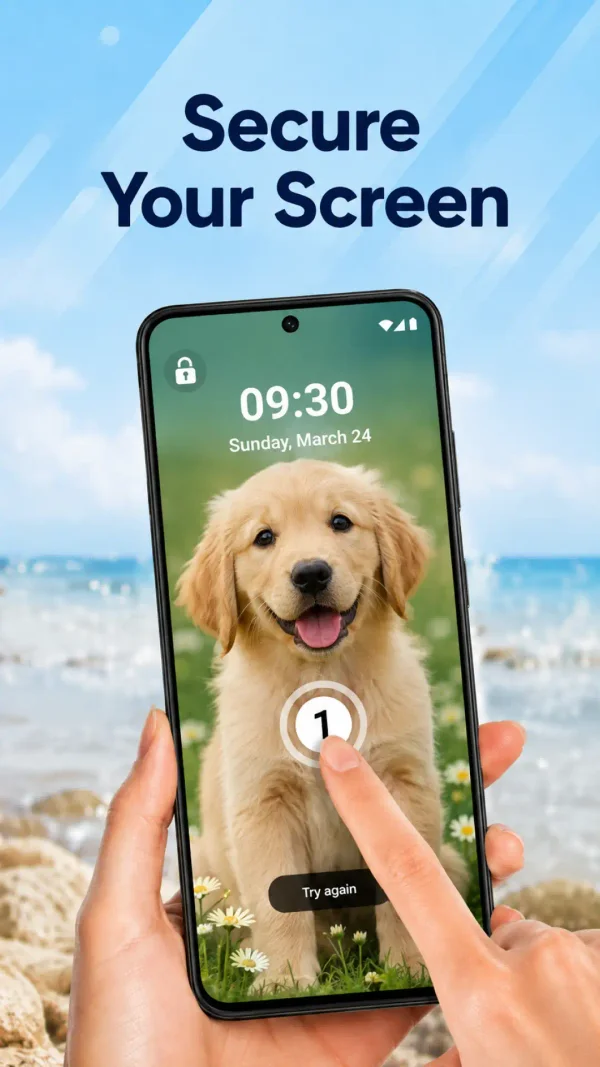
Say goodbye to traditional passcodes and embrace the future of mobile security with Touch Lock Screen Photo. This finger lock screen app allows you to set a touch password, utilizing the unique patterns of your fingertips for enhanced protection. With options to select images from your gallery or capture new ones with your camera, you can personalize your phone for added security.
📸 Finger lock screen: Select Images from Gallery or Camera:
Express your creativity and personalize your phone. Choose from various images in your gallery or capture new ones with your device's camera. Make your finger lock screen yours, whether it's a memorable photograph or a favorite wallpaper.
Enjoy Added Security On Your Phone With Just A Few Taps
Secure your phone with style and safety. Set a PIN code for added certainty and choose a theme of your liking!
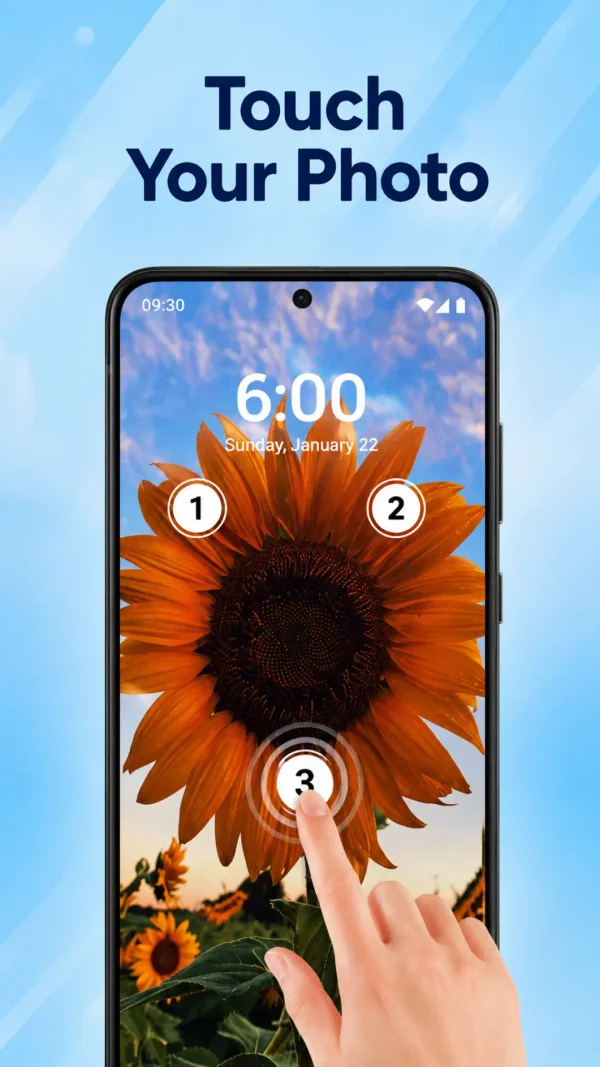
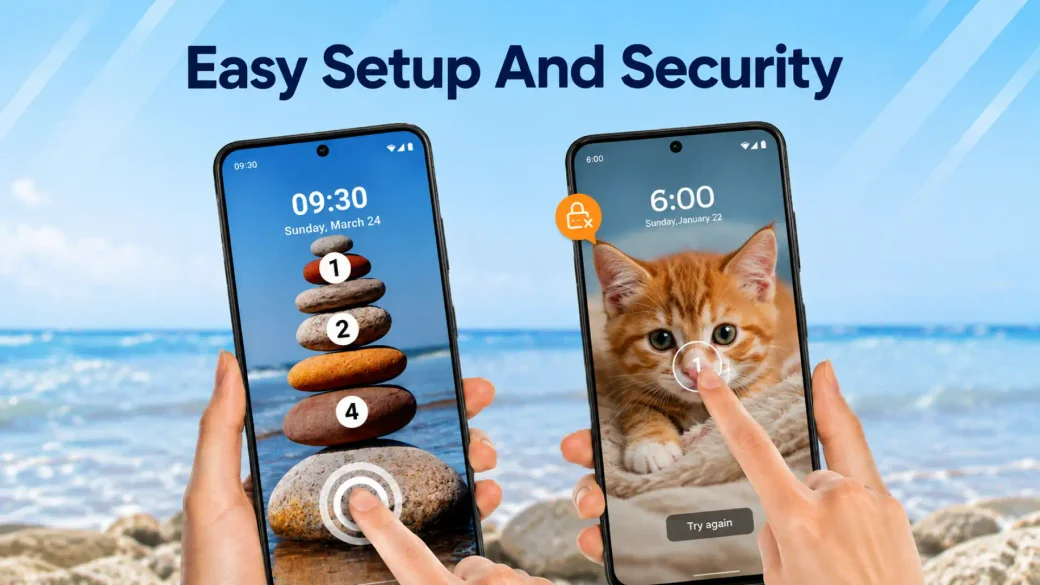
👆 Set Touch Password in Two or Four Positions:
Customize your security settings easily by setting a touch password in two or four selected positions. This unique feature adds a layer of security to your device, ensuring that only you can access its contents.
🔑 Recovery Password (PIN Password) Option:
Did you forget your Touch Screen Lock password? No need to worry! Touch Lock Screen Photo offers a recovery password option to set a PIN password as a backup. With this Fingerprint Lock Screen feature, you can regain access to your device even if you forget your touch password.
🔊 Fingerprint Lock Screen With Sound and Vibration:
Tailor your security experience to your preferences with the option to enable or disable sound and vibration. Touch Screen Lock gives you full control over whether you prefer a silent and discreet screen or an audible confirmation of your security measures.
Data safety
What Cards declares on Google Play about the data this app collects and shares.
- This app may share these data types with third partiesDevice or other IDs
- No data collectedLearn more about how developers declare collection
- Data is encrypted in transit
- Data can’t be deleted
What’s new
Version 4.1.0 · Nov 24, 2026
Thanks for staying with us! The new version offers:
- Improve Performance.
- Bug Fixes
We love getting feedback from all of you! Please leave your feedback.
Developer contact
- Websitecardsapp.com
- Emailsupport.touchlockscreen@cardsapp.com
- Privacy policycardsapp.com
- Address1 Atirei Yeda KFAR SABA, 4464301 Israel
Information
- Offered by
- Cards
- Category
- Personalization
- Version
- 4.1.0
- Updated
- Nov 24, 2026
- Released
- Dec 14, 2019
- Requires
- Android 6.0 or later
- Age rating
- Everyone
- Price
- Free
- In-app purchases
- $0.99 - $99.99 per item
- Package name
- com.touch.lock.screen.password.security
Similar apps
-
 Color Widgets, Theme: iWidgets
Lifestyle
-
 App Lock - AppLock VIP
Tools
-
 App Locker - Lock App
Personalization
-
 AppLock
Tools
-
 LOCKit: App Lock, Photos Vault
Tools
-
 Magic Wallpaper: Magic Fluid
Tools
-
 App Lock - Applock Fingerprint
Productivity
-
 Applock Pro - App Lock & Guard
Productivity
-
 AppLock Master
Tools
-
 AppLock - Fingerprint
Tools
-
 Flash Alert: Led Flashlight
Tools
-
 Keyboard Maker: Keyboard Theme
Personalization