AppLock - Lock Screen
App Lock LLCContains ads · In-app purchases
- EveryoneAge rating
- ProductivityCategory
- Nov 25, 2026Updated
- FreePrice
Links to the official Google Play listing of com.eywinapps.applocker. Last checked on Nov 25, 2026.
Screenshots

About this app
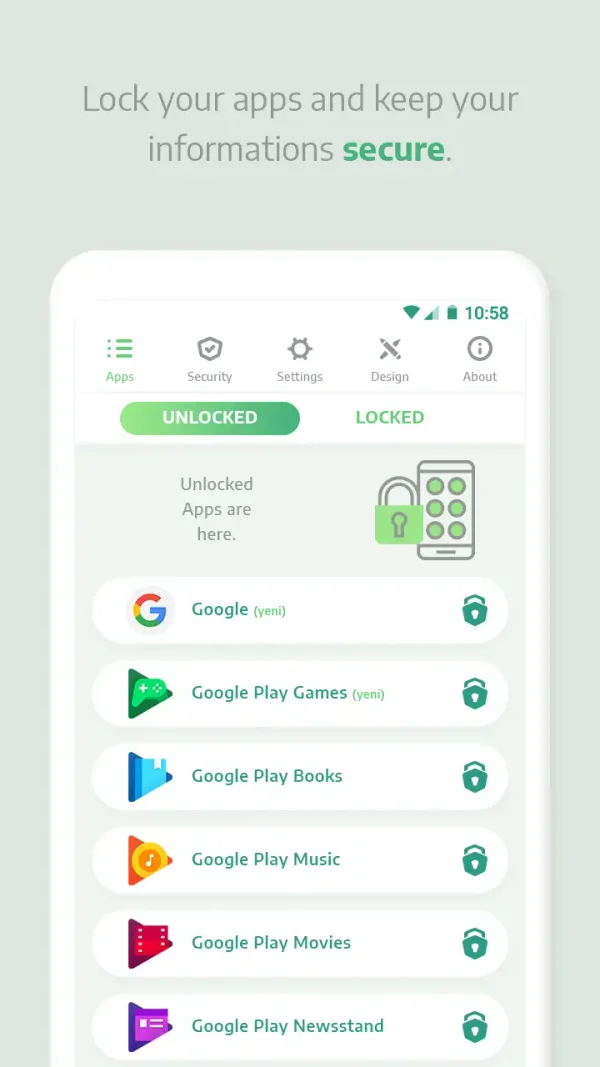
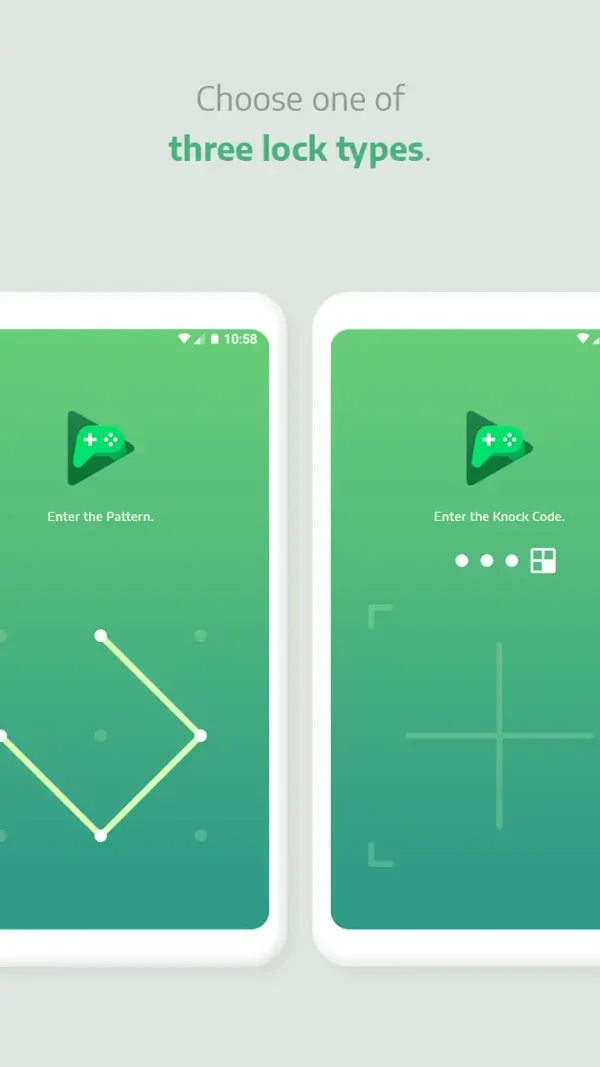
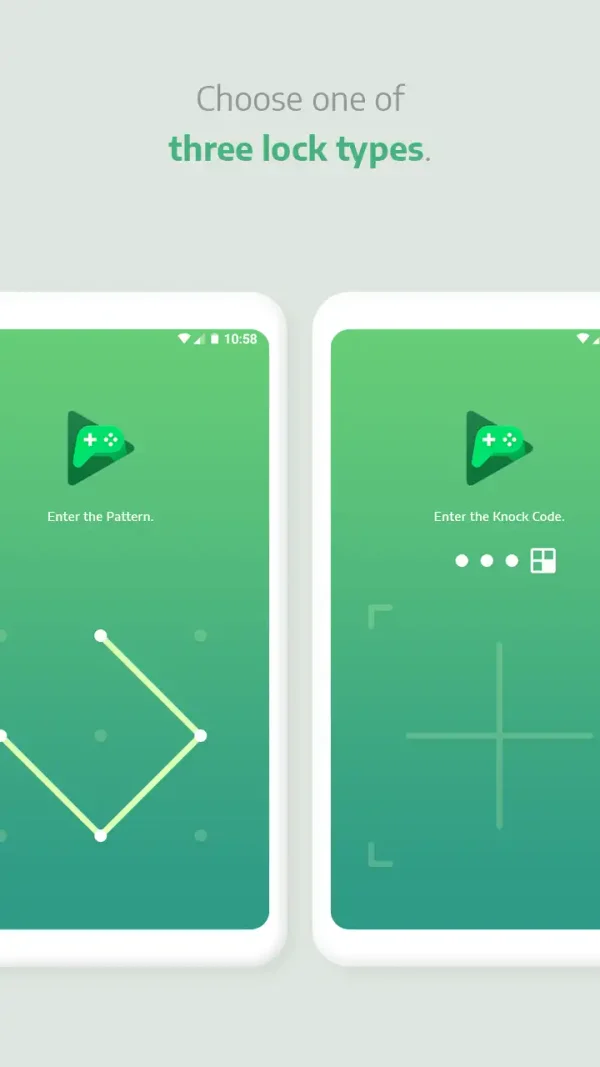
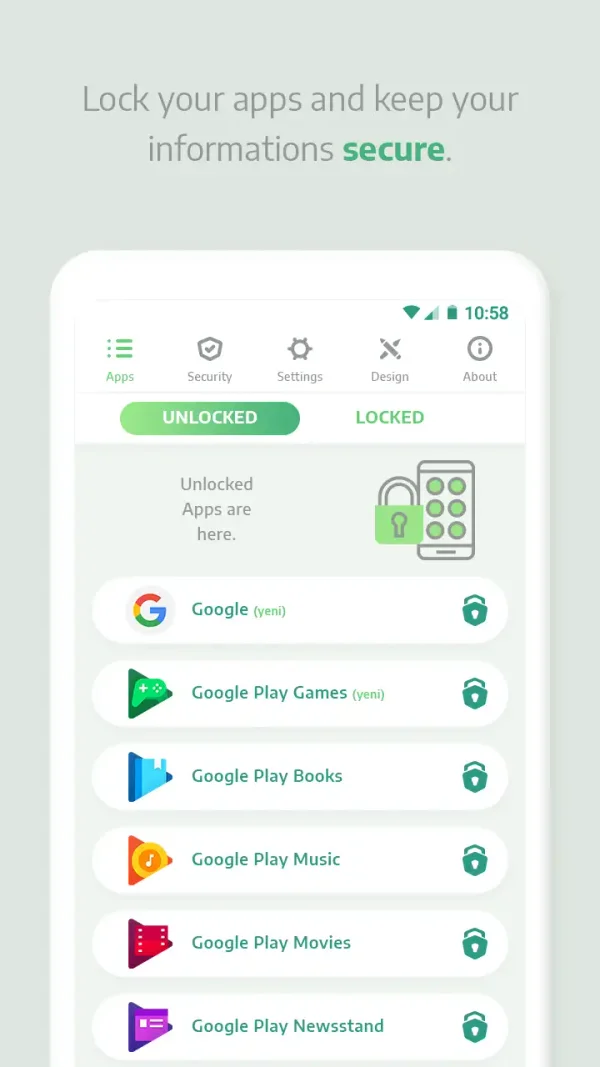
Lock your apps with pattern, pin, knock code and fingerprint lock types.
Secure your apps with the most powerful AppLock for Android.
Protect your privacy using Fingerprint, PIN, or Pattern lock. This lightweight and high-performance app locker is designed to keep your personal photos, videos, and messages safe from unauthorized access.
🛡️ Security Features You’ll Love:
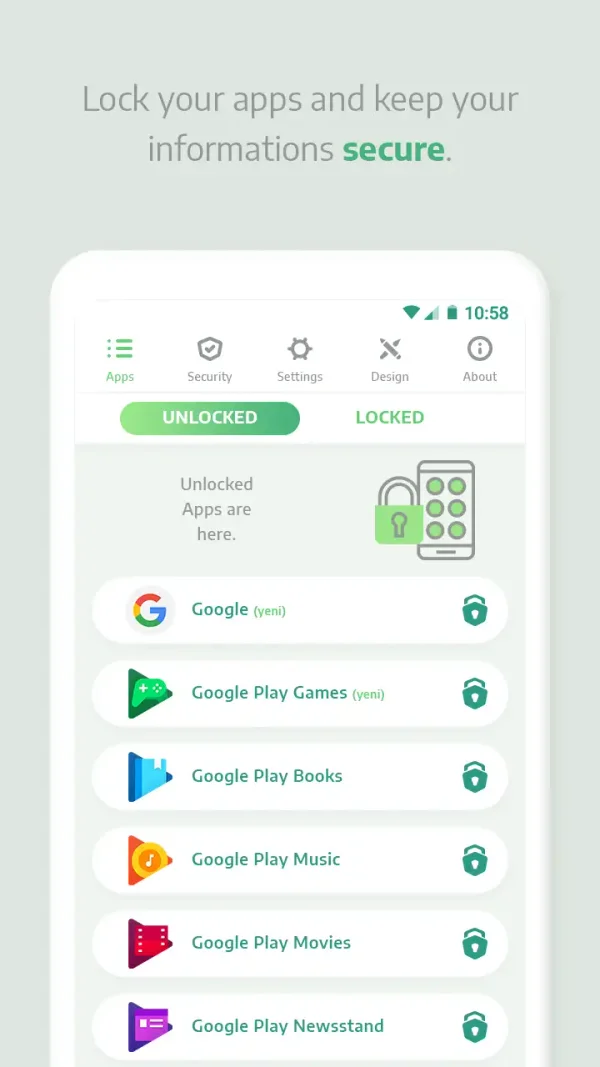
• App Locker: Lock social media (WhatsApp, Snapchat, TikTok) and system apps.
• Intruder Selfie: Automatically capture a photo of anyone who enters the wrong password.
• Fingerprint Support: Quick and secure unlocking for devices with biometric sensors.
• Notification Block: Hide preview text from private chats to keep your secrets safe.
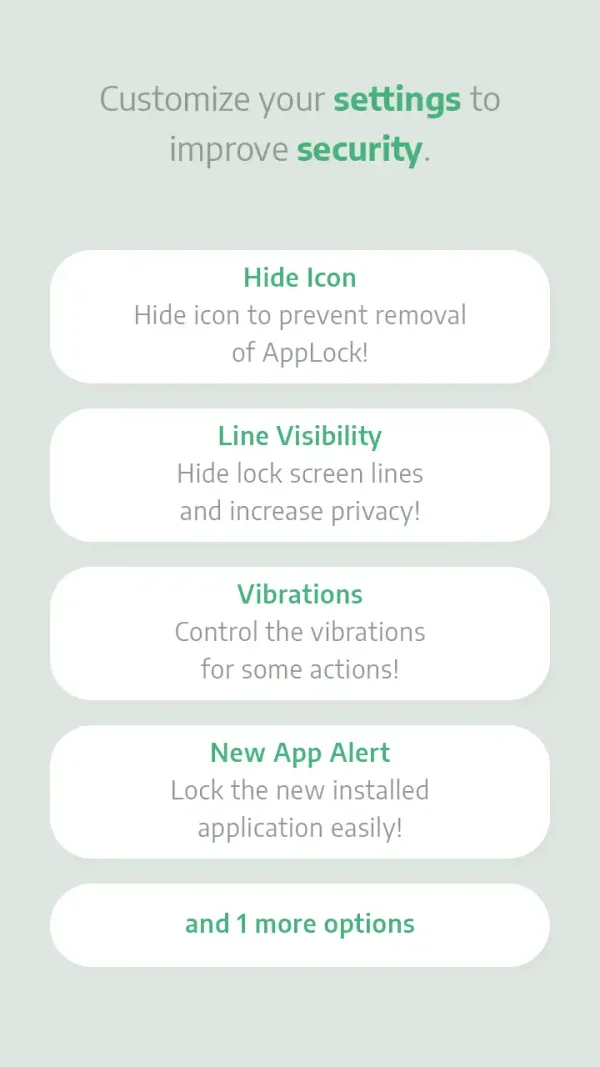
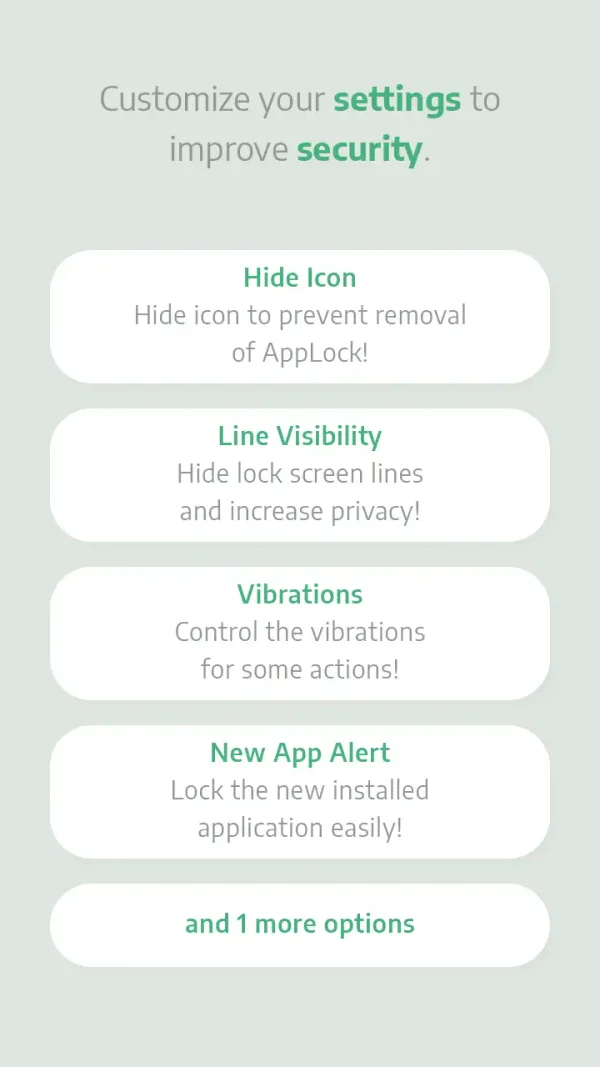
• Invisible Pattern: Draw your pattern without lines appearing for maximum security.
🚀 Performance & Customization:
• Small & Fast: Optimized for high stability and low battery usage.
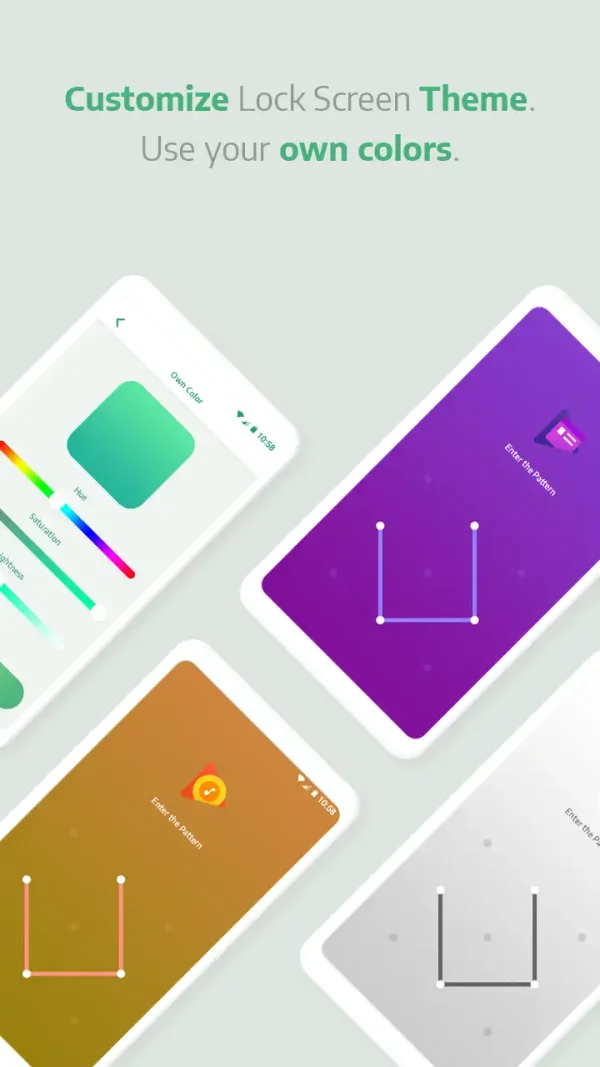
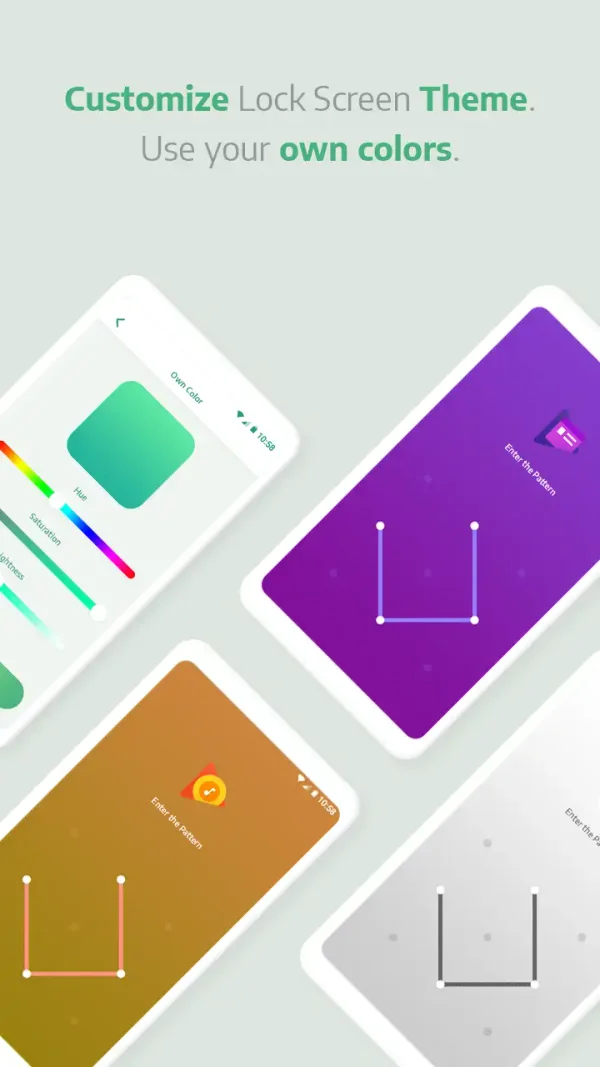
• Beautiful Themes: Create your own lock screen style or use our premium themes.
• Schedule Lock: Automatically lock/unlock apps based on your location or time of day.
• Audio Alarms: Set a loud alert to scare off anyone touching your phone.
Privacy made simple. Join millions of users who trust AppLock to safeguard their digital life.
**Accessibility Service disclosure**
AppLock's Website Blocker feature uses Android's Accessibility Service to block the websites you choose. When you turn on Website Blocker and grant the permission, the service reads only the web address (URL) shown in your browser's address bar in supported browsers (Google Chrome and Samsung Internet) to detect when you open a site or category you've chosen to block, and then shows a block screen instead of the page.
• It is used only for the Website Blocker feature, and only after you enable it and grant the permission.
• It reads only the address bar (the site's web address). It does not read page content, capture what you type, read your passwords, or record your screen.
• Android does not offer another way for an app to detect the page a browser is showing, so this permission is required for the feature to work.
• You can turn Website Blocker off at any time in the app, or revoke the permission at any time in Android Settings > Accessibility, which stops the service completely.
Data safety
What App Lock LLC declares on Google Play about the data this app collects and shares.
- This app may share these data types with third partiesLocation, App activity and 2 others
- This app may collect these data typesLocation, App activity and 2 others
- Data isn’t encrypted
- Data can’t be deleted
Developer contact
- Websitetryapplock.com
- Emailplaystore@tryapplock.com
- Privacy policytryapplock.com
- Address1 E Erie St Ste 525 Chicago, IL 60611-2980 United States
Information
- Offered by
- App Lock LLC
- Category
- Productivity
- Version
- 3.2.2
- Updated
- Nov 25, 2026
- Released
- Oct 1, 2016
- Requires
- Android 7.0 or later
- Age rating
- Everyone
- Price
- Free
- In-app purchases
- $2.99 - $8.99 per item
- Package name
- com.eywinapps.applocker
Similar apps
-
 App Lock - Applock Fingerprint
Productivity
-
 AppLock
Tools
-
 Touch Lock Screen Touch Photo
Personalization
-
 App Locker - Lock App
Personalization
-
 TRACX - The Event App
Sports
-
 Applock Pro - App Lock & Guard
Productivity
-
 Flowtime: Meditation & Relax
Health & Fitness
-
 Alli360 by Kids360
Parenting
-
 Applock - lock apps - pin lock
Tools
-
 App Lock: Fingerprint, Pattern
Productivity
-
 Calculator Hide Photo, Video
Tools
-
 Calculator Pro: Calculator App
Tools