CC Formal Watch Face
Cave Club- EveryoneAge rating
- PersonalizationCategory
- Aug 24, 2026Updated
- $0.99Price
Links to the official Google Play listing of com.caveclub.formal. Last checked on Nov 28, 2026.
Screenshots
About this app
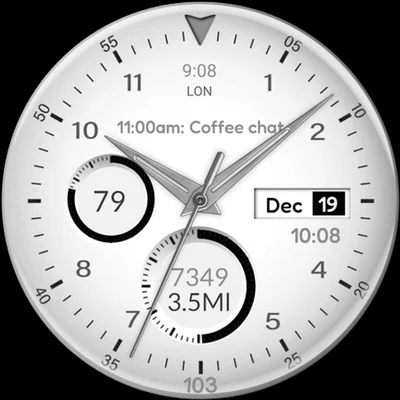
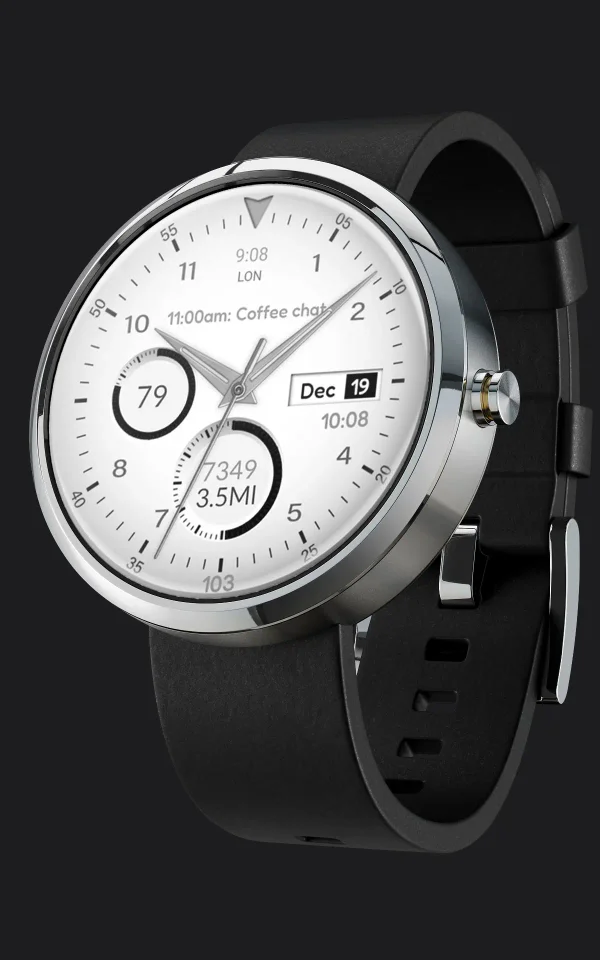
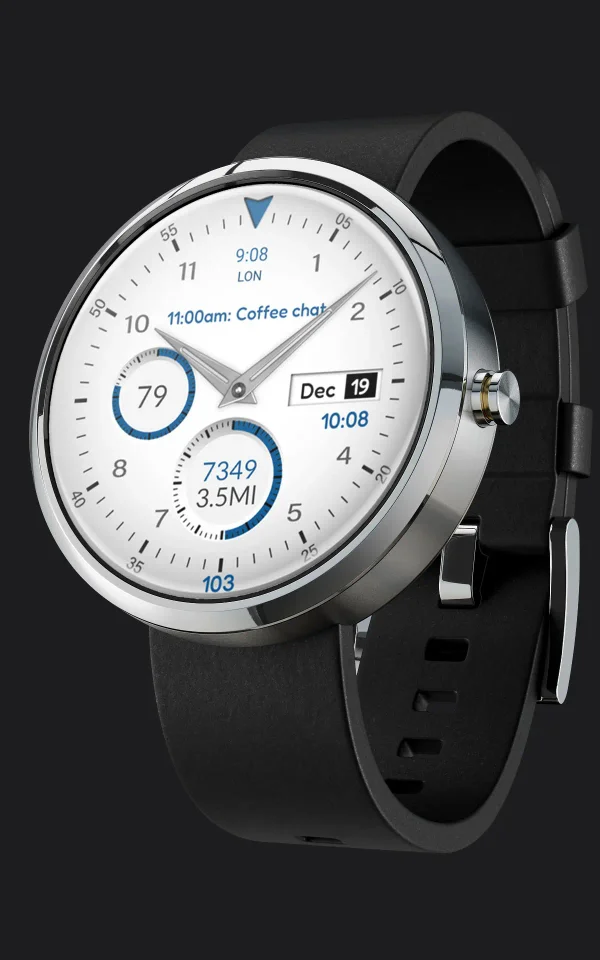
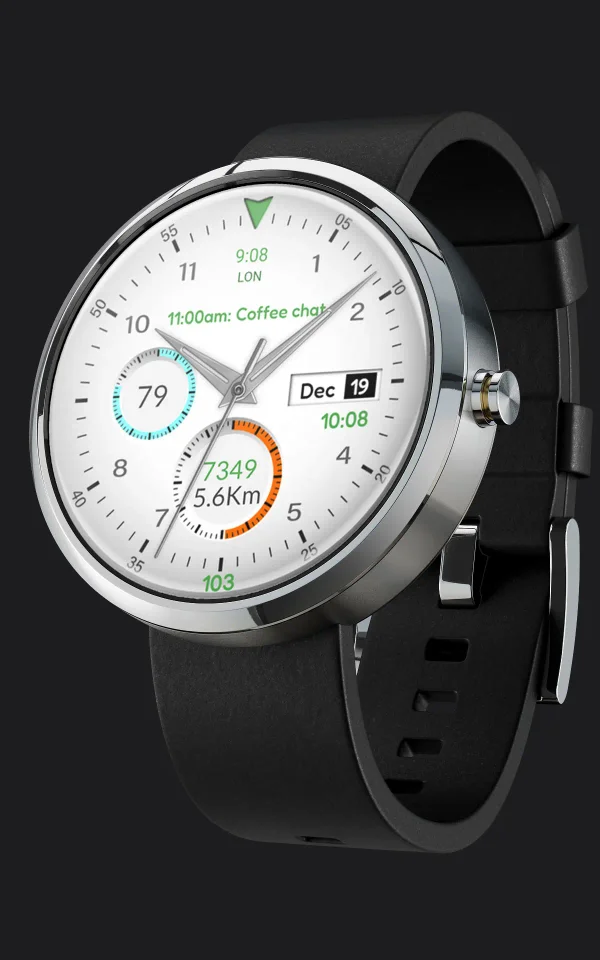
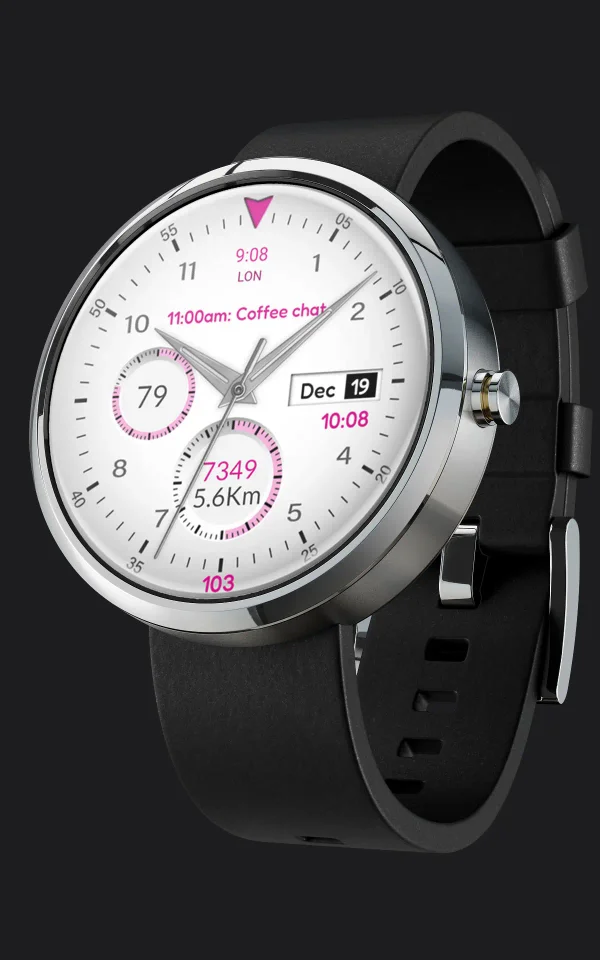
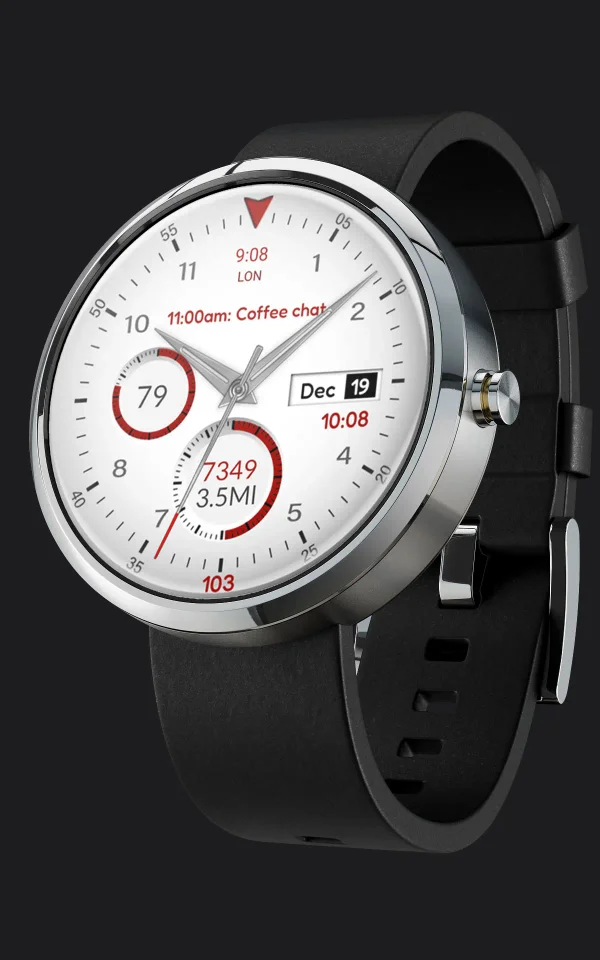
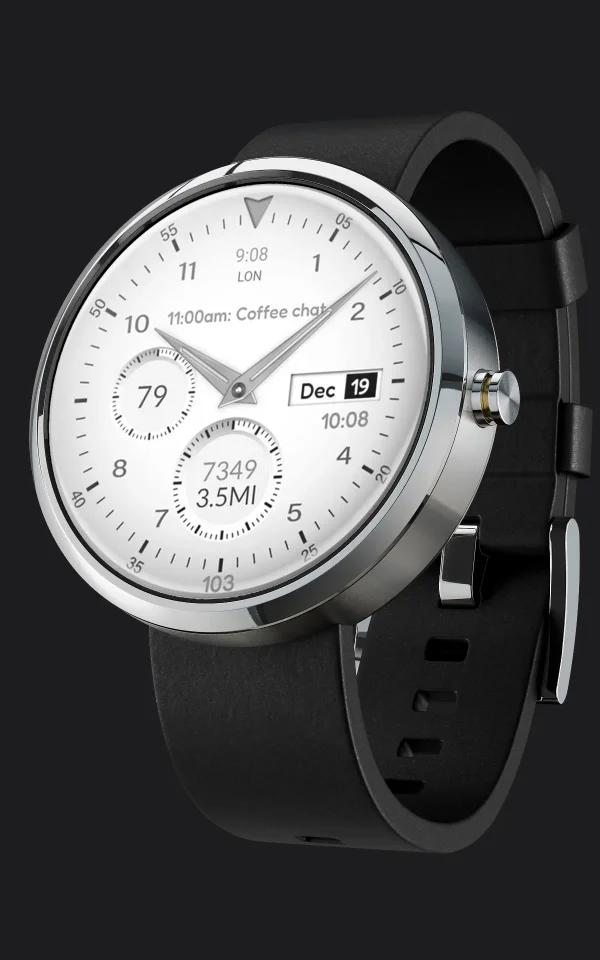
Classic Elegant Analog Watch Face for Wear OS - (Classic watch, Analog, formal)
This watch face is designed for Wear OS.
Classic Analog color style watch.
Note before purchasing:
You don't have to worry , Google can charge you only one time for the content purchased from the same Google (Play Store) Account.
Sometimes the Play Store takes a little longer to confirm that you already bought the face watch app. Any additional order will be automatically refunded by Google, you will receive the money back.
There is no way to pay twice for the same watch face.
This watch face is designed for Wear OS
★ Features:
• Time (Seconds hand 2x options + on/off)
• Day & Date
• Heart rate
• Steps
• Km/Miles **
• Battery status
• 5 Complication places (Free to edit)
• More then 10 color Style options
** // Km to Miles //
Watch has to be connected to the phone via Bluetooth, change the regional language settings on your mobile phone, , after a while it will change on the watch, and Km or Miles will be displayed.
For example - change Eng USA to Eng CAN to get Km displayed.
//
★ INSTALLATION NOTES:
//Make sure the watch is properly connected to the phone via Bluetooth//
You have to select your watch device from the install drop-down menu.
Select the target device in the Play Store app from the drop-down and tap on install.
1. Make sure the watch is properly connected to the phone, open the Phone App on the phone and tap on "Tap to continue" and follow instructions on watch.
After a few minutes, the watch face will be installed. You can choose the installed watch face.
App downloaded to your phone serves only as a placeholder to make it easier to install & find the watch face on your Wear OS watch.
or
2. Alternatively, try installing the watch face from a web browser on your PC.
- Open watch face link in a web browser (Chrome, Firefox, Safari...)
on PC or Mac.
This Link:
https://play.google.com/store/apps/details?id=com.caveclub.formal
You can search for the watch face in
play.google.com or share a link from the Play Store app.
- Click 'Install on more devices' and select your watch. You must be logged with the same Google Account.
// LOOP Note //
If you're stuck at the payment loop (Play Store asks you to pay again), this could be a sync problem between your watch and Google Play server. You can try disconnecting / reconnecting the watch from your phone and try again. To do this quickly, set the "Airplane mode" on watch for 10 seconds. Please see "Note before purchasing" and "Installation Notes".
All CC Watch Faces:
https://play.google.com/store/apps/dev?id=8299637161404814943
Cave Club
Data safety
What Cave Club declares on Google Play about the data this app collects and shares.
- No data shared with third partiesLearn more about how developers declare sharing
- No data collectedLearn more about how developers declare collection
Developer contact
- Emailclubnemanja@gmail.com
- Privacy policygithub.com
- AddressPrvomajska 4 11080 Beograd, Zemun Serbia
Information
- Offered by
- Cave Club
- Category
- Personalization
- Updated
- Aug 24, 2026
- Released
- May 6, 2024
- Age rating
- Everyone
- Price
- $0.99
- Package name
- com.caveclub.formal
Similar apps
-
 Classic Signature 2
Personalization
-
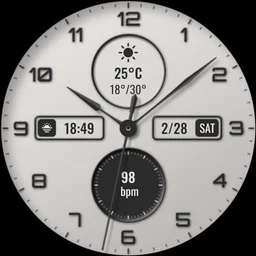 Watch face 10h08.com #136
Personalization
-
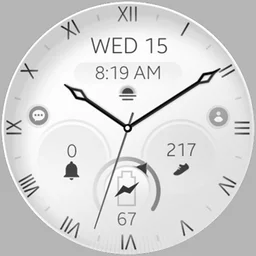 Minimal White v2 Watch Face
Personalization
-
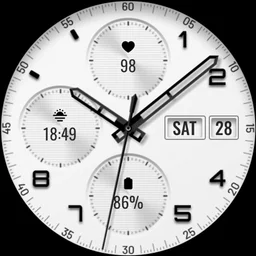 Watch face 10h08.com #141
Personalization
-
 ZKin Watch Half Screen Black
Personalization
-
 DADAM74: Classic Watch Face
Personalization
-
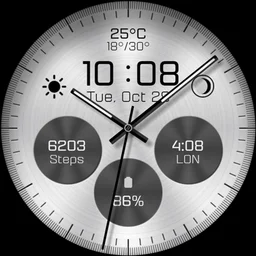 Watch face 10h08.com #86
Personalization
-
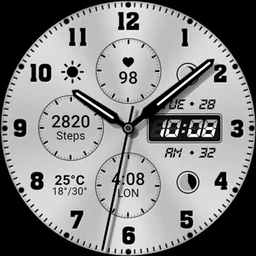 Watch face 10h08.com #90
Personalization
-
 JW318 QUARTZ26
Personalization
-
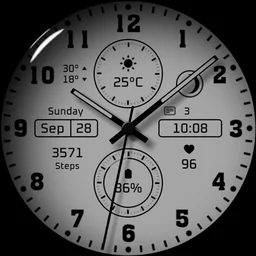 Watch face 10h08.com #76
Personalization
-
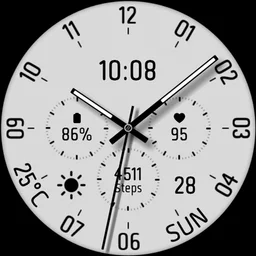 Watch face 10h08.com #79
Personalization
-
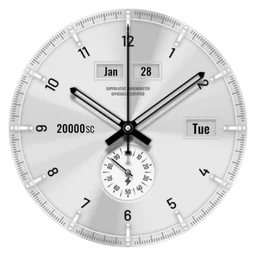 NW085: Analog watch face
Personalization