CC Formal Watch Face
Cave Club- Rating 3+Batasan usia
- PersonalisasiKategori
- 24/8/2026Diperbarui
- Rp 16.000Harga
Tertaut ke halaman resmi com.caveclub.formal di Google Play. Terakhir diperiksa pada 28/11/2026.
Tangkapan layar
Tentang aplikasi ini
Terjemahan otomatis oleh Google. Bahasa asli: Inggris (Amerika Serikat).
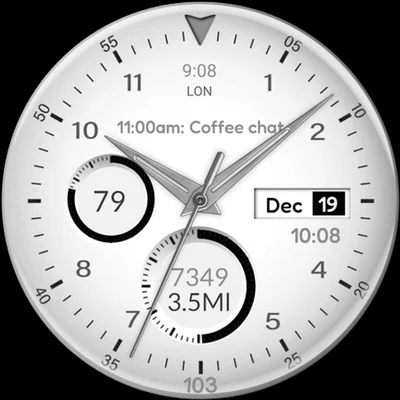
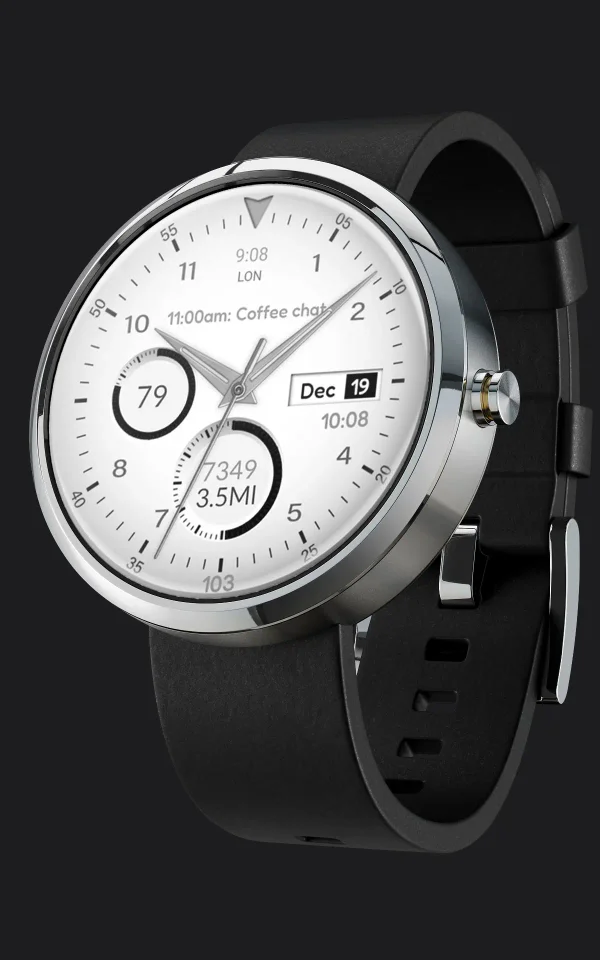
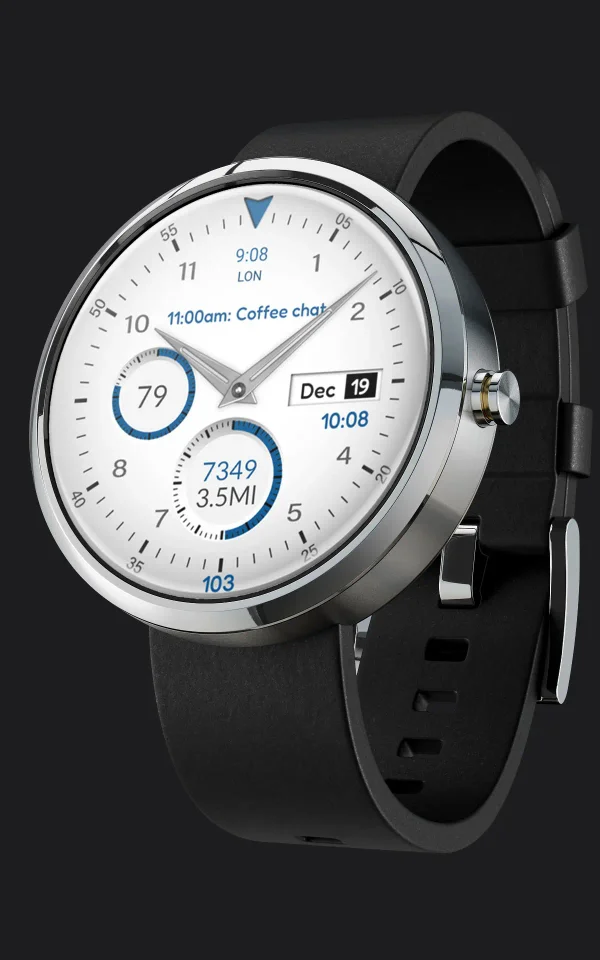
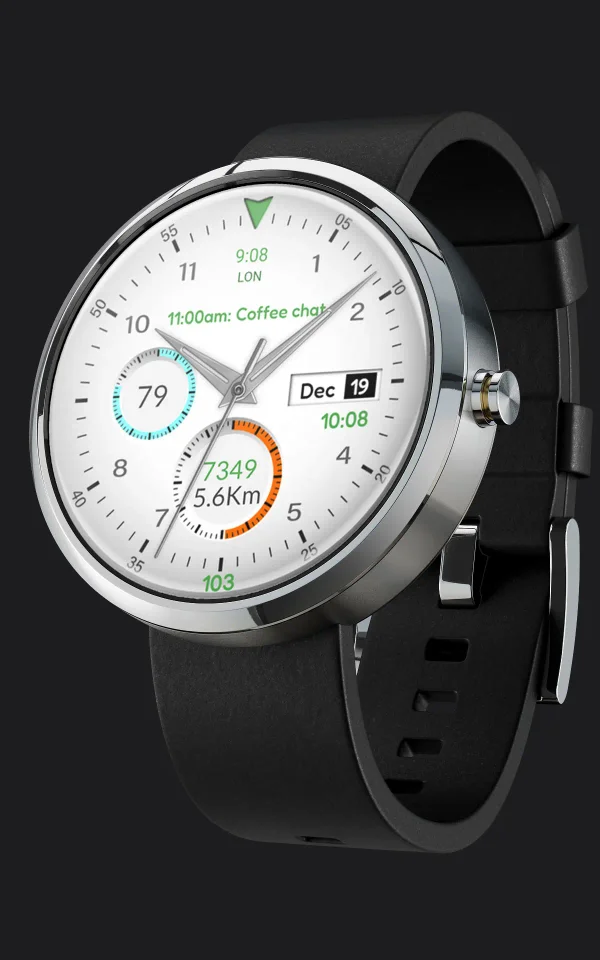
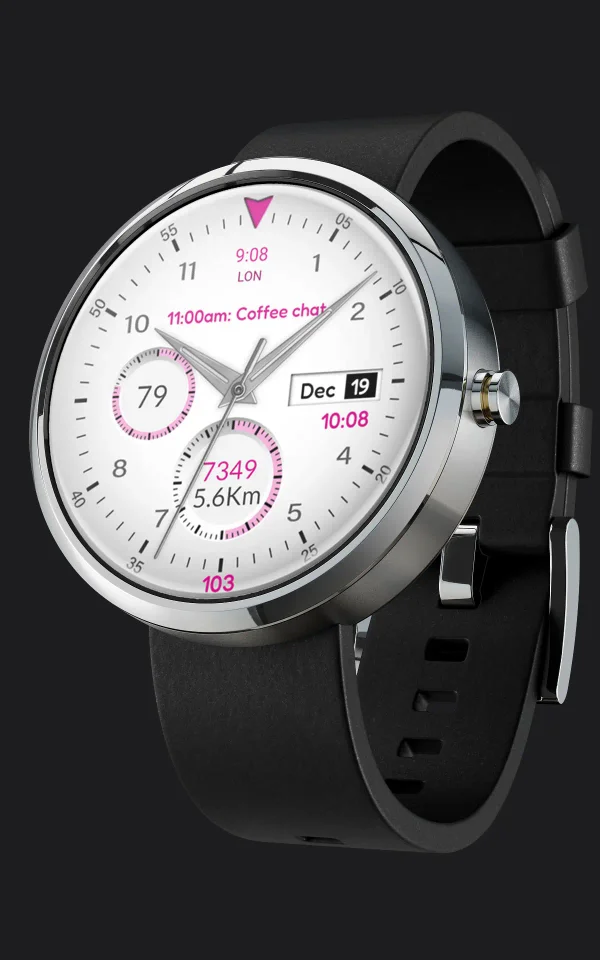
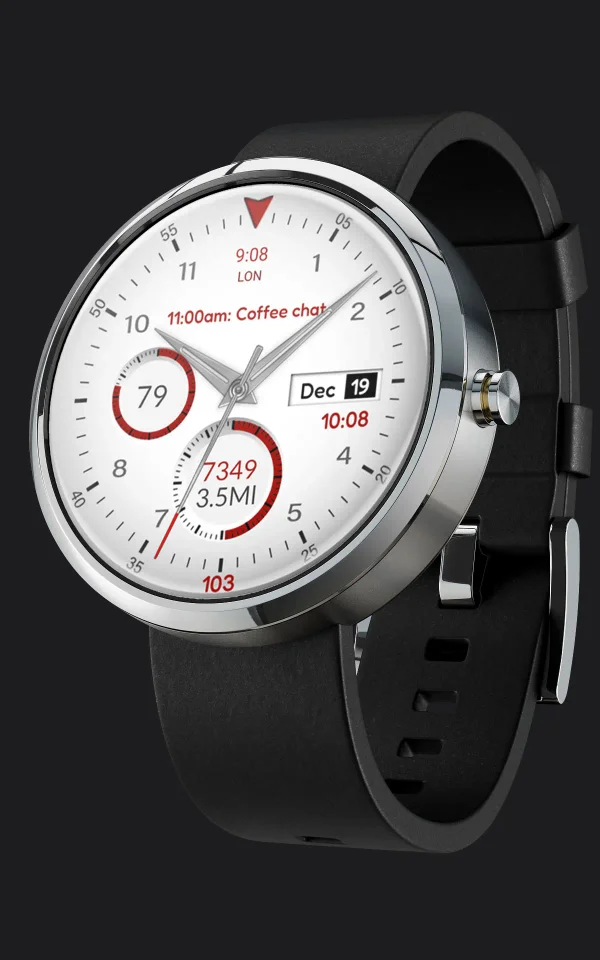
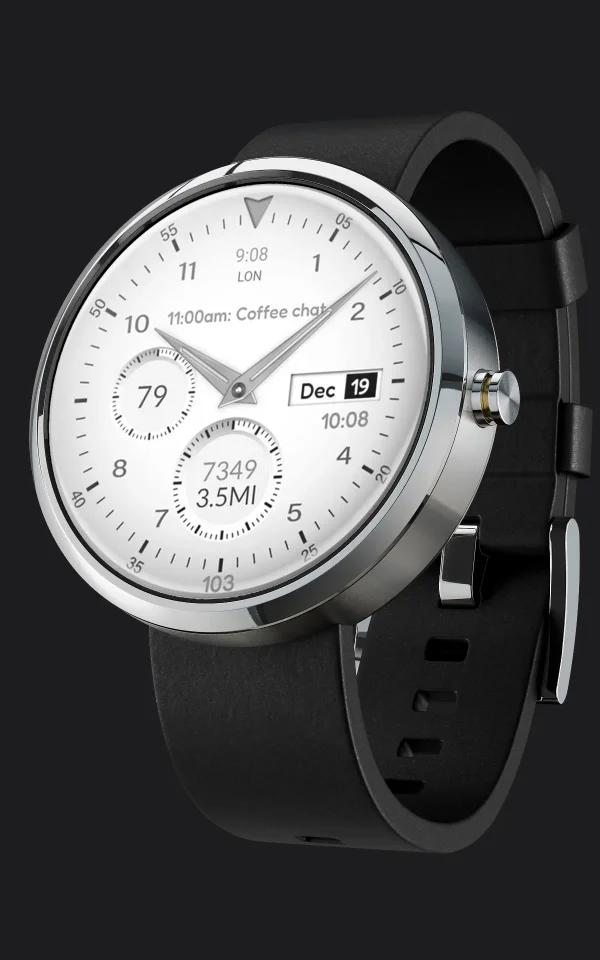
Tampilan Jam Analog Klasik Elegan untuk Wear OS - (Jam tangan klasik, Analog, formal)
Tampilan jam ini dirancang untuk Wear OS.
Jam tangan bergaya Analog klasik.
Catatan sebelum membeli:
Anda tidak perlu khawatir , Google hanya akan menagih Anda satu kali untuk konten yang dibeli dari Akun Google (Play Store) yang sama.
Terkadang Play Store membutuhkan waktu lebih lama untuk mengonfirmasi bahwa Anda telah membeli aplikasi tampilan jam. Setiap pesanan tambahan akan dikembalikan dananya secara otomatis oleh Google, dan Anda akan menerima uangnya kembali.
Tidak ada cara untuk membayar dua kali untuk tampilan jam yang sama.
Tampilan jam tangan ini dirancang untuk Wear OS
★ Fitur:
• Waktu (Jarum detik 2x pilihan + aktif/nonaktif)
• Hari & Tanggal
• Detak jantung
• Langkah
• Km/Mil **
• Status baterai
• 5 tempat Komplikasi (Bebas diedit)
• Lebih dari 10 pilihan Gaya warna
** // Km ke Mil //
Jam tangan harus terhubung ke ponsel melalui Bluetooth, ubah pengaturan bahasa regional di ponsel Anda, setelah beberapa saat akan berubah di jam tangan, dan Km atau Mil akan ditampilkan.
Misalnya - ubah Eng USA menjadi Eng CAN agar Km ditampilkan.
//
★ CATATAN INSTALASI:
//Pastikan jam tangan terhubung dengan benar ke ponsel melalui Bluetooth//
Anda harus memilih perangkat jam tangan Anda dari menu tarik-turun instalasi.
Pilih perangkat target di aplikasi Play Store dari menu tarik-turun dan ketuk instal.
1. Pastikan jam tangan terhubung dengan benar ke ponsel, buka Aplikasi Ponsel di ponsel dan ketuk "Ketuk untuk melanjutkan" , lalu ikuti petunjuk pada jam tangan.
Setelah beberapa menit, tampilan jam akan terpasang. Anda dapat memilih tampilan jam yang terpasang.
Aplikasi yang diunduh ke ponsel Anda hanya berfungsi sebagai pengganti agar lebih mudah dipasang & menemukan tampilan jam di jam tangan Wear OS Anda.
atau
2. Atau, coba instal tampilan jam dari peramban web di PC Anda.
- Buka tautan tampilan jam di peramban web (Chrome, Firefox, Safari...)
di PC atau Mac.
Tautan ini:
https://play.google.com/store/apps/details?id=com.caveclub.formal
Anda dapat mencari tampilan jam di
play.google.com atau membagikan tautan dari aplikasi Play Store.
- Klik 'Instal di perangkat lain' dan pilih jam tangan Anda. Anda harus masuk dengan Akun Google yang sama.
// Catatan LOOP //
Jika Anda mengalami masalah pada loop pembayaran (Play Store meminta Anda untuk membayar lagi), ini mungkin masalah sinkronisasi antara jam tangan Anda dan server Google Play. Anda dapat mencoba memutus/menyambungkan kembali jam tangan dari ponsel Anda dan mencoba lagi. Untuk melakukannya dengan cepat, atur "Mode Pesawat" pada jam tangan selama 10 detik. Silakan lihat "Catatan sebelum membeli" dan "Catatan Instalasi".
Semua Tampilan Jam CC:
https://play.google.com/store/apps/dev?id=8299637161404814943
Cave Club
Tampilkan teks asli
This watch face is designed for Wear OS.
Classic Analog color style watch.
Note before purchasing:
You don't have to worry , Google can charge you only one time for the content purchased from the same Google (Play Store) Account.
Sometimes the Play Store takes a little longer to confirm that you already bought the face watch app. Any additional order will be automatically refunded by Google, you will receive the money back.
There is no way to pay twice for the same watch face.
This watch face is designed for Wear OS
★ Features:
• Time (Seconds hand 2x options + on/off)
• Day & Date
• Heart rate
• Steps
• Km/Miles **
• Battery status
• 5 Complication places (Free to edit)
• More then 10 color Style options
** // Km to Miles //
Watch has to be connected to the phone via Bluetooth, change the regional language settings on your mobile phone, , after a while it will change on the watch, and Km or Miles will be displayed.
For example - change Eng USA to Eng CAN to get Km displayed.
//
★ INSTALLATION NOTES:
//Make sure the watch is properly connected to the phone via Bluetooth//
You have to select your watch device from the install drop-down menu.
Select the target device in the Play Store app from the drop-down and tap on install.
1. Make sure the watch is properly connected to the phone, open the Phone App on the phone and tap on "Tap to continue" and follow instructions on watch.
After a few minutes, the watch face will be installed. You can choose the installed watch face.
App downloaded to your phone serves only as a placeholder to make it easier to install & find the watch face on your Wear OS watch.
or
2. Alternatively, try installing the watch face from a web browser on your PC.
- Open watch face link in a web browser (Chrome, Firefox, Safari...)
on PC or Mac.
This Link:
https://play.google.com/store/apps/details?id=com.caveclub.formal
You can search for the watch face in
play.google.com or share a link from the Play Store app.
- Click 'Install on more devices' and select your watch. You must be logged with the same Google Account.
// LOOP Note //
If you're stuck at the payment loop (Play Store asks you to pay again), this could be a sync problem between your watch and Google Play server. You can try disconnecting / reconnecting the watch from your phone and try again. To do this quickly, set the "Airplane mode" on watch for 10 seconds. Please see "Note before purchasing" and "Installation Notes".
All CC Watch Faces:
https://play.google.com/store/apps/dev?id=8299637161404814943
Cave Club
Keamanan data
Yang dinyatakan Cave Club di Google Play tentang data yang dikumpulkan dan dibagikan aplikasi ini.
- Tidak ada data yang dibagikan kepada pihak ketigaPelajari lebih lanjut cara developer menyatakan pembagian data
- Tidak ada data yang dikumpulkanPelajari lebih lanjut cara developer menyatakan pengumpulan data
Kontak pengembang
- Emailclubnemanja@gmail.com
- Kebijakan Privasigithub.com
- AlamatPrvomajska 4 11080 Beograd, Zemun Serbia
Informasi
- Ditawarkan oleh
- Cave Club
- Kategori
- Personalisasi
- Diperbarui
- 24/8/2026
- Dirilis
- 6/5/2024
- Batasan usia
- Rating 3+
- Harga
- Rp 16.000
- Nama paket
- com.caveclub.formal
Aplikasi serupa
-
 Classic Signature 2
Personalisasi
-
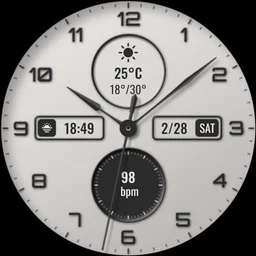 Watch face 10h08.com #136
Personalisasi
-
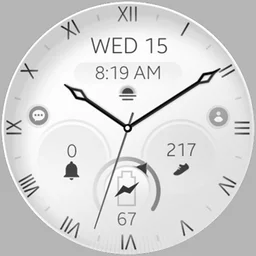 Minimal White v2 Watch Face
Personalisasi
-
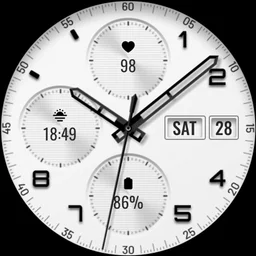 Watch face 10h08.com #141
Personalisasi
-
 Setengah Layar Hitam
Personalisasi
-
 DADAM74: Classic Watch Face
Personalisasi
-
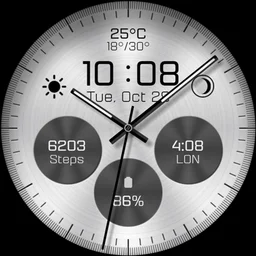 Watch face 10h08.com #86
Personalisasi
-
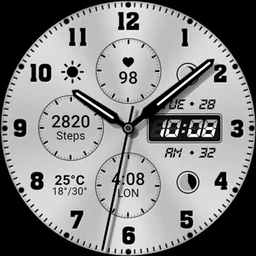 Watch face 10h08.com #90
Personalisasi
-
 JW318 QUARTZ26
Personalisasi
-
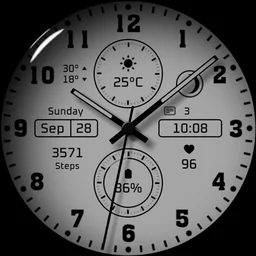 Watch face 10h08.com #76
Personalisasi
-
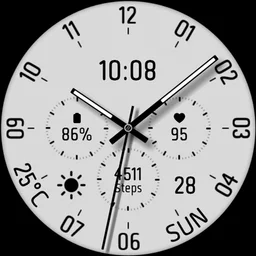 Watch face 10h08.com #79
Personalisasi
-
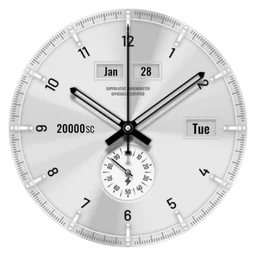 NW085: Analog watch face
Personalisasi