Clip Stack - Clipboard Manager
Ruoxin HeIn-app purchases
- EveryoneAge rating
- ToolsCategory
- Sep 25, 2019Updated
- FreePrice
Links to the official Google Play listing of com.catchingnow.tinyclipboardmanager. Last checked on Nov 24, 2026.

Screenshots
About this app
Clipboard History Manager
Clip Stack The easiest way to extend multi clipboard for Android.
Android 10 Special Tips:
Since Android 10 background clipboard access has been limited so you have to grant these ADB permissions to Clip Stack on your computer:
adb -d shell appops set com.catchingnow.tinyclipboardmanager SYSTEM_ALERT_WINDOW allow;
adb -d shell pm grant com.catchingnow.tinyclipboardmanager android.permission.READ_LOGS;
adb -d shell am force-stop com.catchingnow.tinyclipboardmanager;
There is no impact on the version below android 10 and can be used directly.
************
- XDA-Developers: The developer offers up an app that allows you to control your clipboard and easily store multiple links and copies.
- Droid Views: After extensively using this app I must say this app is a true winner in actually making it easier for us to freely copy text and then use it some other time.
************
🌐 Unlimited Clipboards
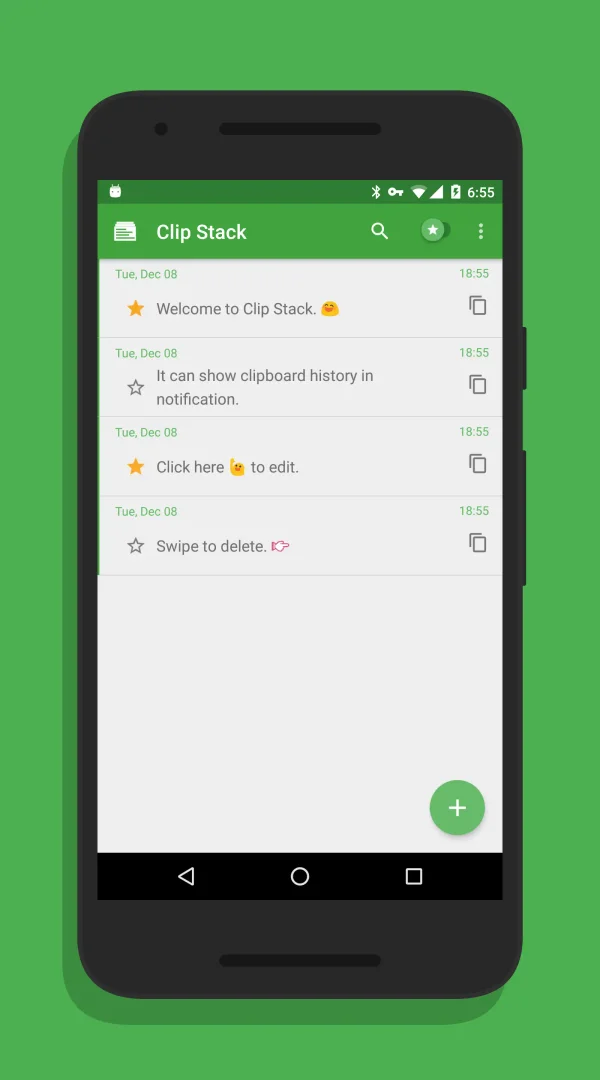
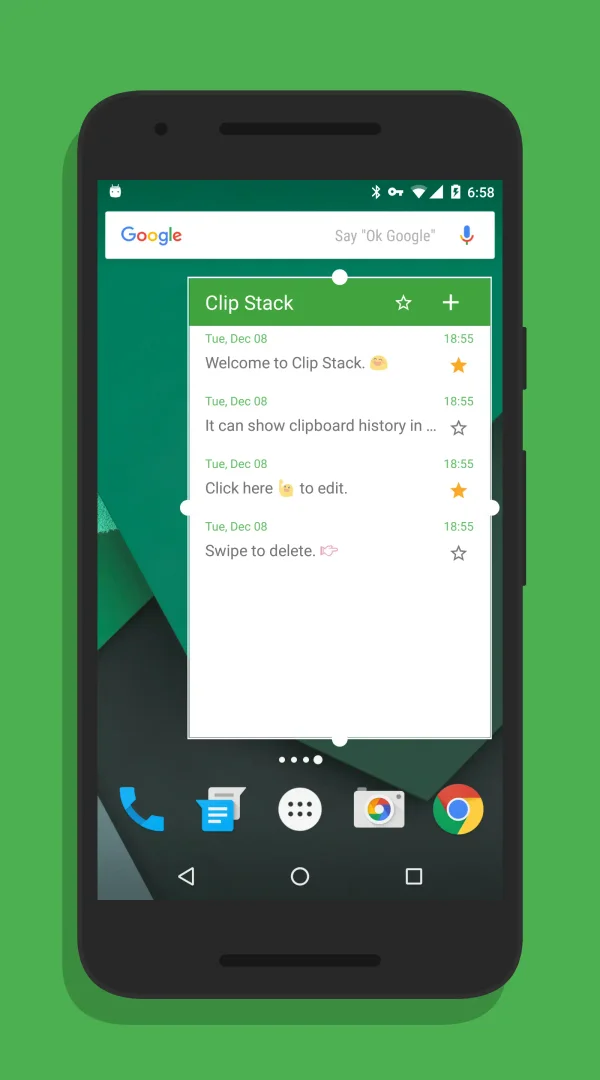
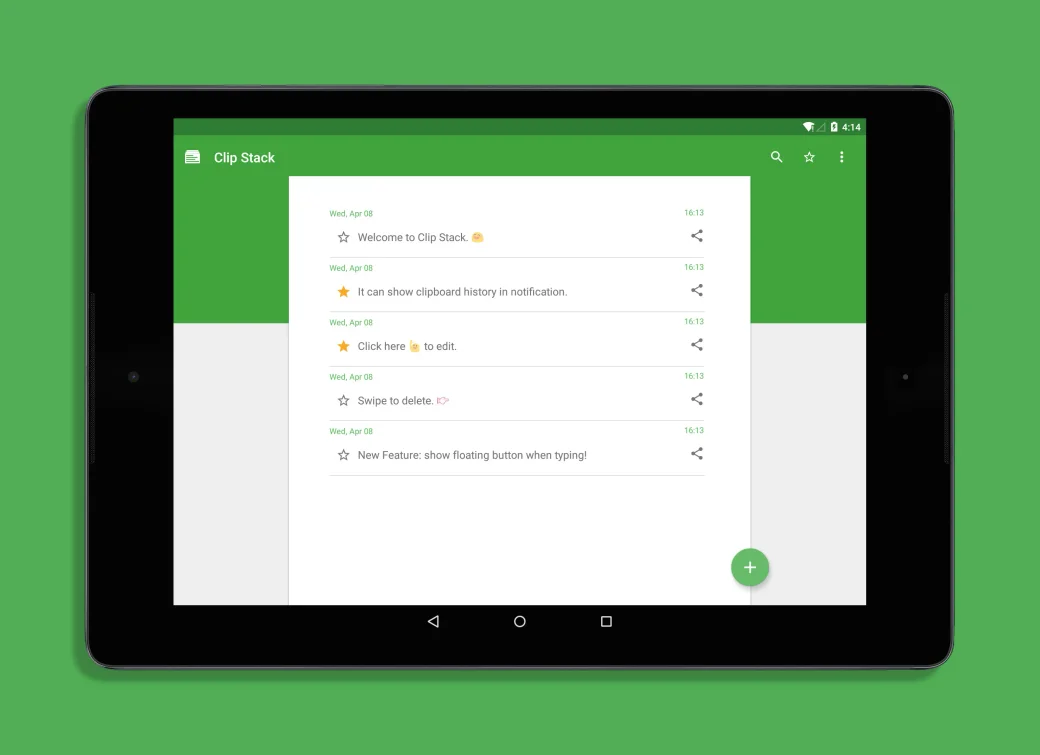
Clip Stack can remember all your clipboard history and recover text after reboot. It's a clipboard manager, a user friendly notebook, and maybe a tiny GTD manager.
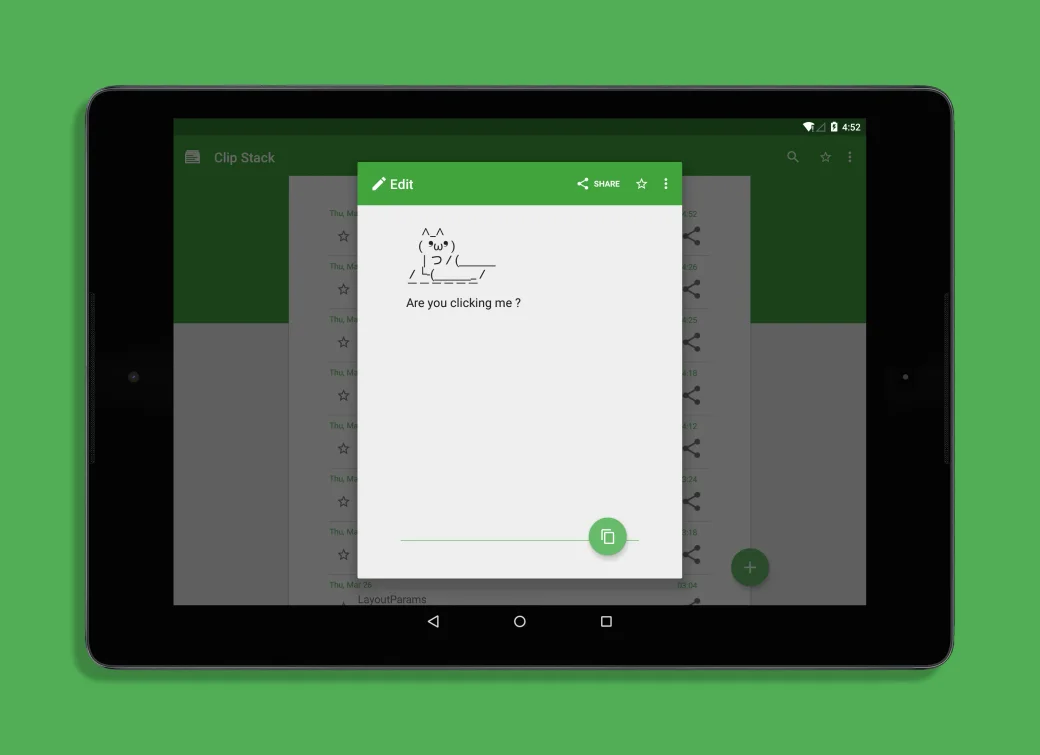
You can easily copy, share, star, delete, and merge every text.
🌐 Works Everywhere
Whatever phone or tablet, all Android devices are supported.
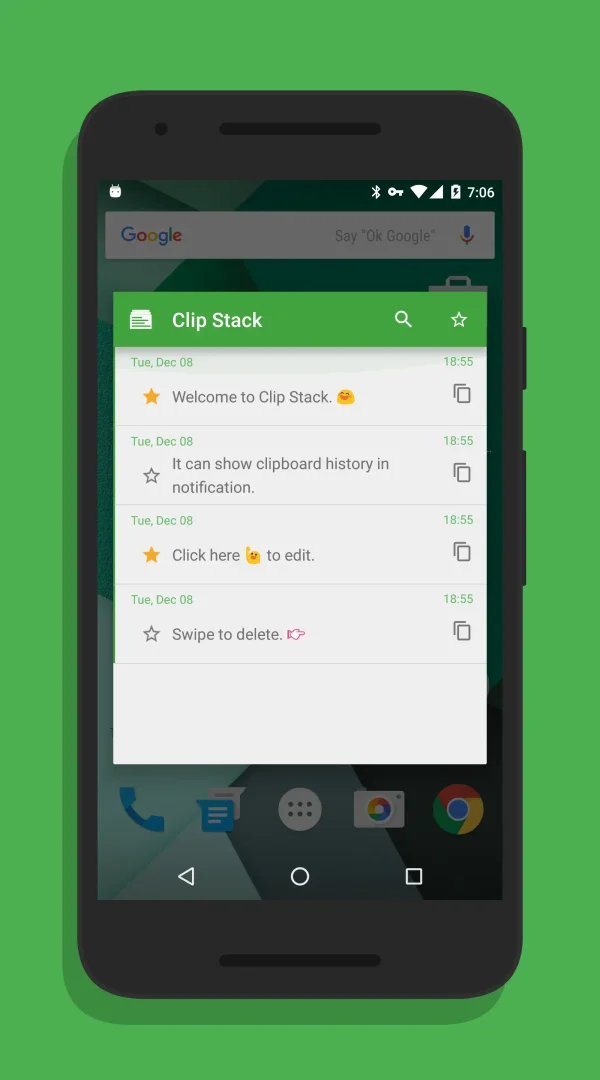
🌐 Powerful Notification
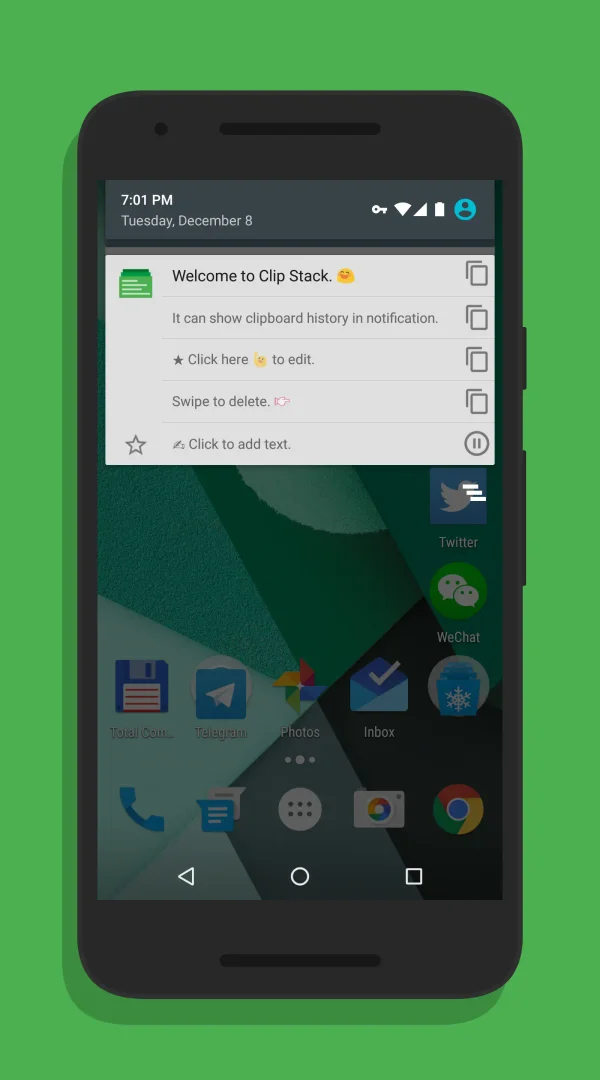
Clip stack's notification is simple and powerful. You can switch the recent 5 texts just in notification.
Notification will be displayed only when copying new text and you can dismiss it by swipe or even disable it by long press.
🌐 Permission Usage
RECEIVE_BOOT_COMPLETED: Start a background service to listen the system clipboard. It only cost 6M - 10M RAM. You can close it in Settings if you really don't want it.
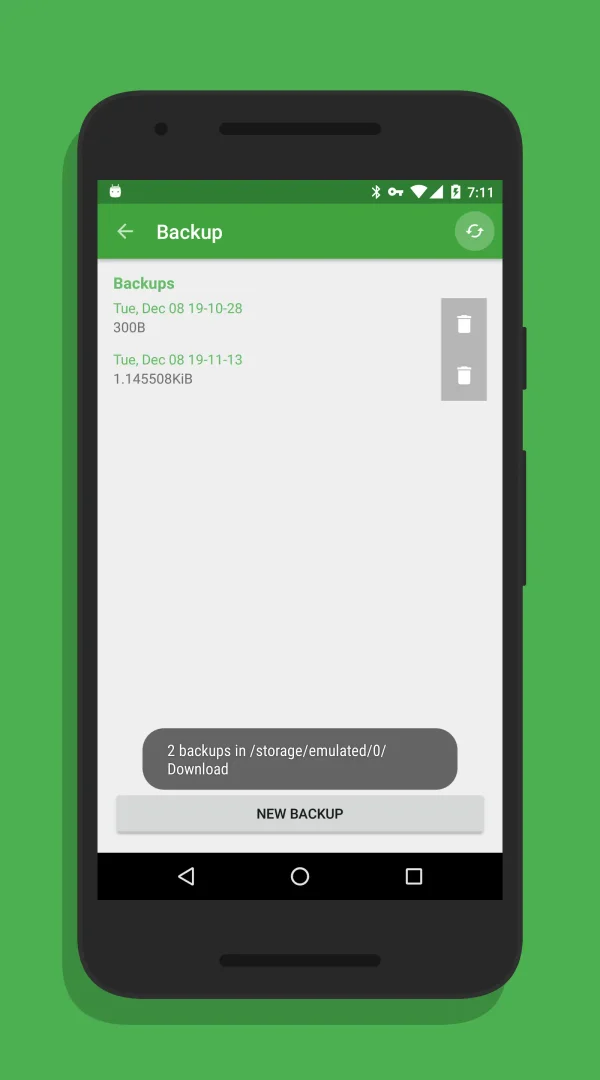
WRITE_EXTERNAL_STORAGE and READ_EXTERNAL_STORAGE: For export clipboard history. This app won't write any other files to your SD card.
VENDING.BILLING: Only for donate. Clip stack is a free app.
SYSTEM_ALERT_WINDOW and READ_LOGS: For Android 10's background clipboard limitation and will not be used on other systems.
Data safety
What Ruoxin He declares on Google Play about the data this app collects and shares.
- No data shared with third partiesLearn more about how developers declare sharing
- No data collectedLearn more about how developers declare collection
What’s new
Version 1.9.3 · Sep 25, 2019
- Support Android 10.
Developer contact
- Websitecatchingnow.com
- Emailclipstack@catchingnow.com
- Privacy policyprivacypolicy.catchingnow.com
- Address天府新区 华阳大道南段846号 双流县, 成都市, 四川省 China 610000
Information
- Offered by
- Ruoxin He
- Category
- Tools
- Version
- 1.9.3
- Updated
- Sep 25, 2019
- Released
- Jan 31, 2015
- Requires
- Android 4.0 or later
- Age rating
- Everyone
- Price
- Free
- In-app purchases
- $0.99 - $6.99 per item
- Package name
- com.catchingnow.tinyclipboardmanager