Clip Stack - Clipboard Manager
Ruoxin Heアプリ内課金
- 3 歳以上対象年齢
- ツールカテゴリ
- 2019/9/25更新日
- 無料価格
com.catchingnow.tinyclipboardmanagerのGoogle Play公式ページにリンクしています。最終確認:2026/11/24。

スクリーンショット
このアプリについて
Googleによる英語 (アメリカ合衆国)からの自動翻訳です。
クリップボード履歴マネージャー
クリップスタックAndroid用のマルチクリップボードを拡張する最も簡単な方法。
Android 10の特別なヒント:
Android 10のバックグラウンドクリップボードへのアクセスが制限されているため、コンピューター上のクリップスタックに次のADBアクセス許可を付与する必要があります。
adb -d shell appops set com.catchingnow.tinyclipboardmanager SYSTEM_ALERT_WINDOW allow;
adb -d shell pm grant com.catchingnow.tinyclipboardmanager android.permission.READ_LOGS;
adb -d shell am force-stop com.catchingnow.tinyclipboardmanager;
android 10より前のバージョンには影響はなく、直接使用できます。
************
- XDA-開発者:開発者は、クリップボードを制御し、複数のリンクやコピーを簡単に保存できるアプリを提供しています。
-ドロイドビュー:このアプリを広範に使用した後、私はこのアプリが実際にテキストを自由にコピーして別の機会に使用することを実際に簡単にするという点で真の勝者であると言わなければなりません。
************
🌐無制限のクリップボード
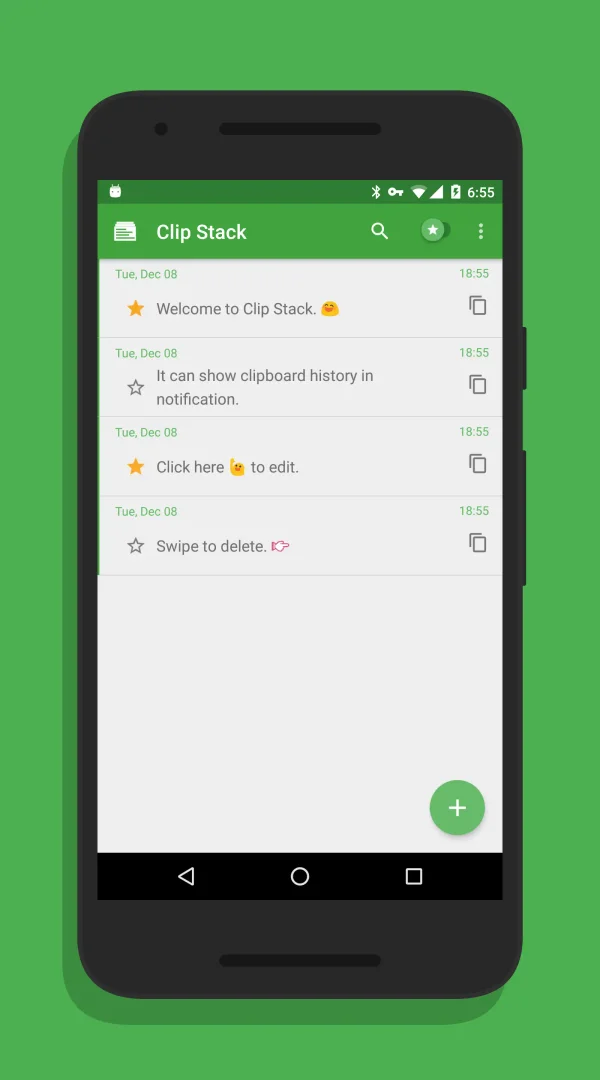
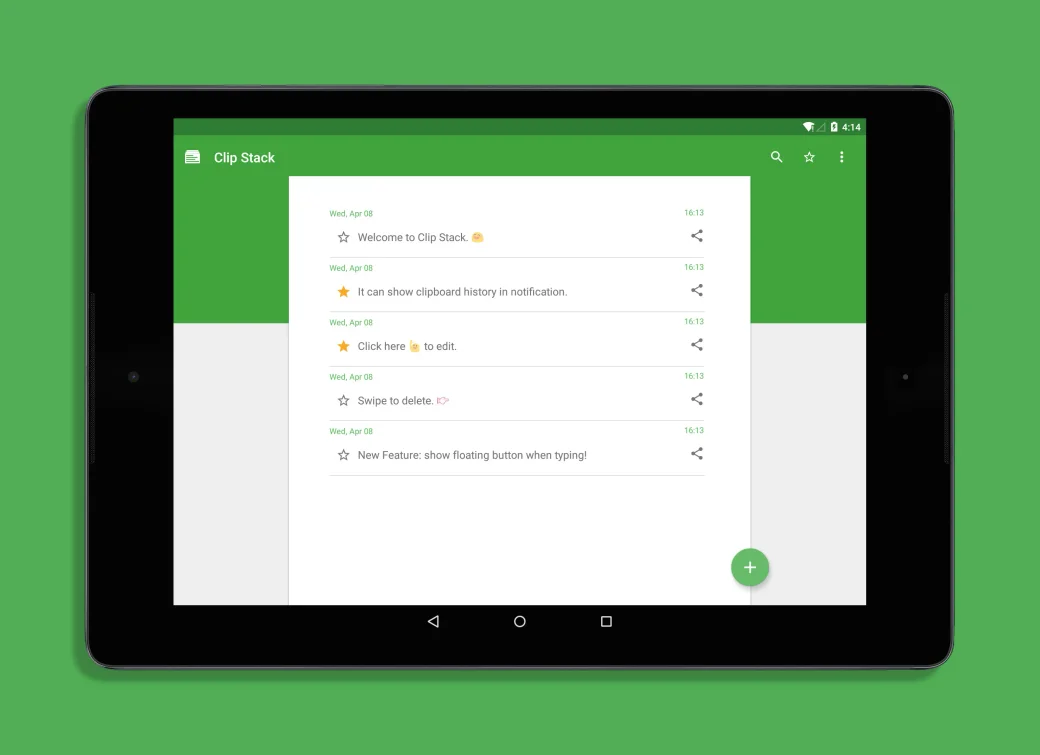
Clip Stackは、クリップボードの履歴をすべて記憶し、再起動後にテキストを復元できます。それはクリップボードマネージャーであり、ユーザーフレンドリーなノートブックであり、おそらく小さなGTDマネージャーです。
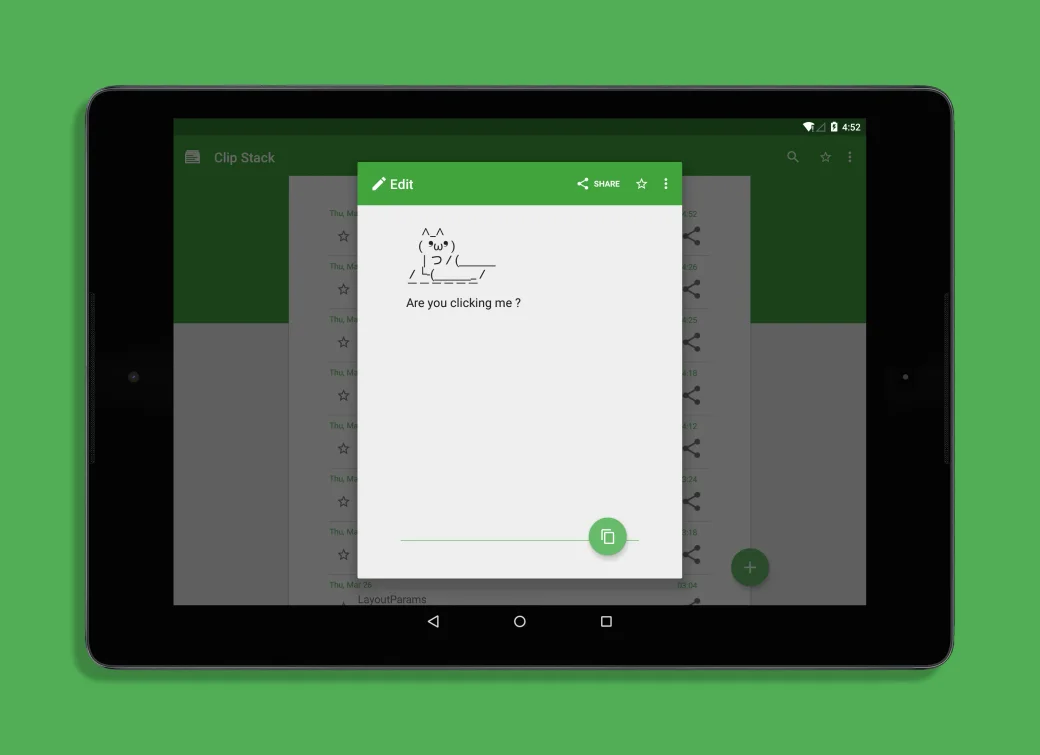
すべてのテキストを簡単にコピー、共有、スター付け、削除、およびマージできます。
🌐どこでも機能します
どんな電話やタブレットでも、すべてのAndroidデバイスがサポートされています。
🌐強力な通知
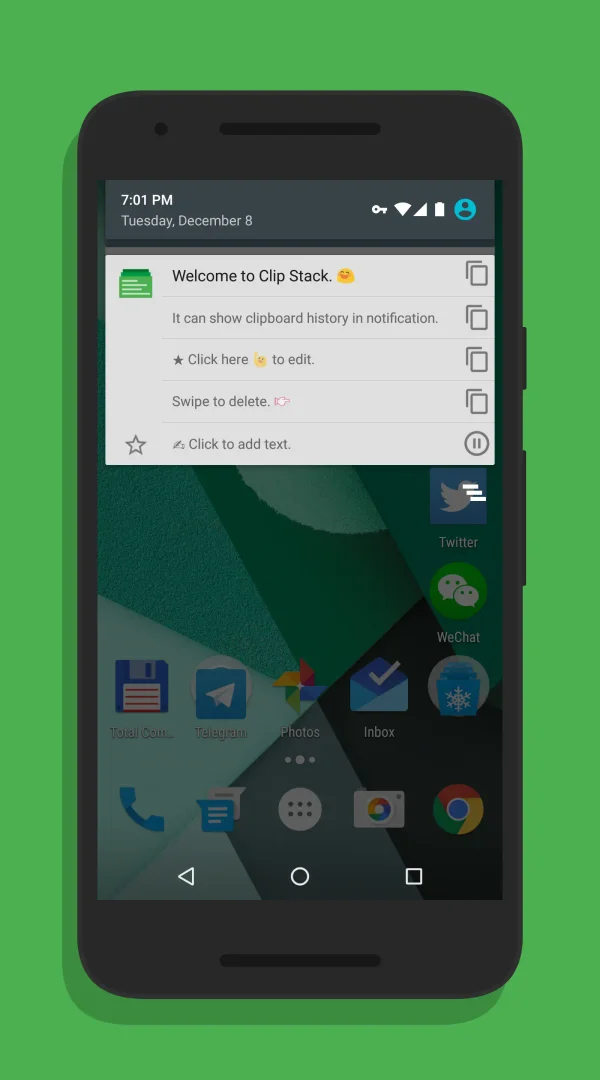
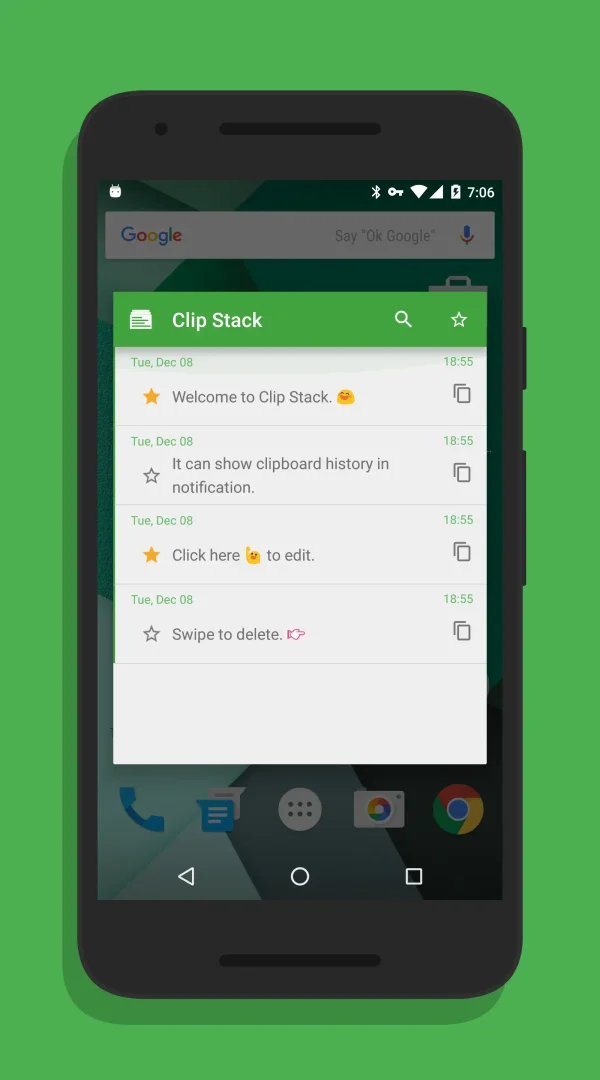
クリップスタックの通知はシンプルで強力です。通知だけで最近の5つのテキストを切り替えることができます。
通知は新しいテキストをコピーするときにのみ表示され、スワイプして閉じるか、長押しで無効にすることができます。
🌐権限の使用法
RECEIVE_BOOT_COMPLETED:バックグラウンドサービスを開始して、システムクリップボードをリッスンします。それは6M-10MのRAMしかかかりません。本当に必要ない場合は、[設定]で閉じることができます。
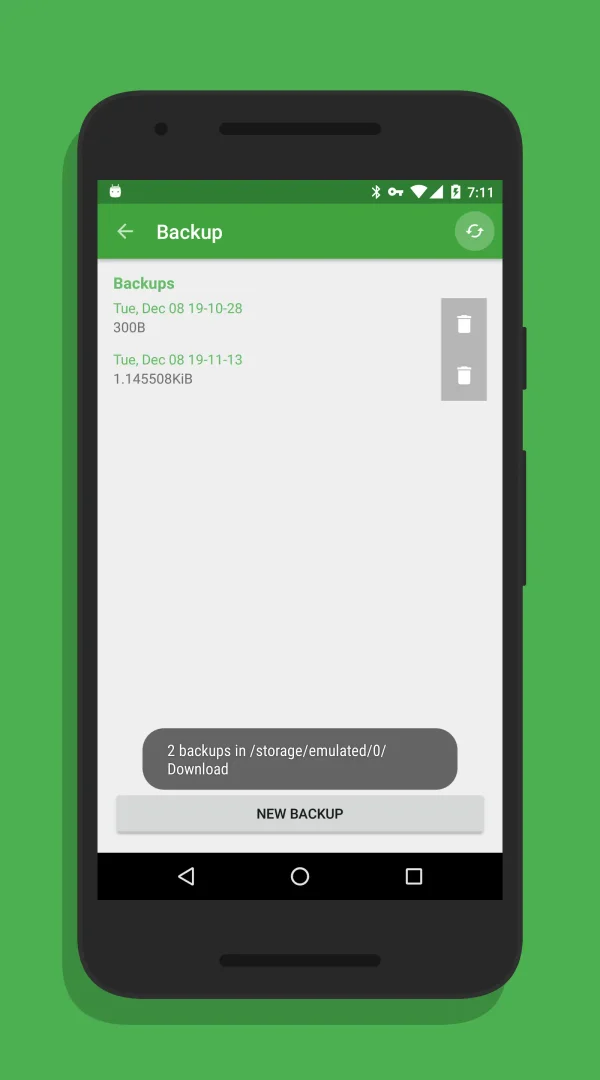
WRITE_EXTERNAL_STORAGEおよびREAD_EXTERNAL_STORAGE:クリップボードの履歴をエクスポートします。このアプリはSDカードに他のファイルを書き込みません。
VENDING.BILLING:寄付のみ。クリップスタックは無料のアプリです。
SYSTEM_ALERT_WINDOWおよびREAD_LOGS:Android 10のバックグラウンドクリップボード制限の場合、他のシステムでは使用されません。
原文を表示
Clip Stack The easiest way to extend multi clipboard for Android.
Android 10 Special Tips:
Since Android 10 background clipboard access has been limited so you have to grant these ADB permissions to Clip Stack on your computer:
adb -d shell appops set com.catchingnow.tinyclipboardmanager SYSTEM_ALERT_WINDOW allow;
adb -d shell pm grant com.catchingnow.tinyclipboardmanager android.permission.READ_LOGS;
adb -d shell am force-stop com.catchingnow.tinyclipboardmanager;
There is no impact on the version below android 10 and can be used directly.
************
- XDA-Developers: The developer offers up an app that allows you to control your clipboard and easily store multiple links and copies.
- Droid Views: After extensively using this app I must say this app is a true winner in actually making it easier for us to freely copy text and then use it some other time.
************
🌐 Unlimited Clipboards
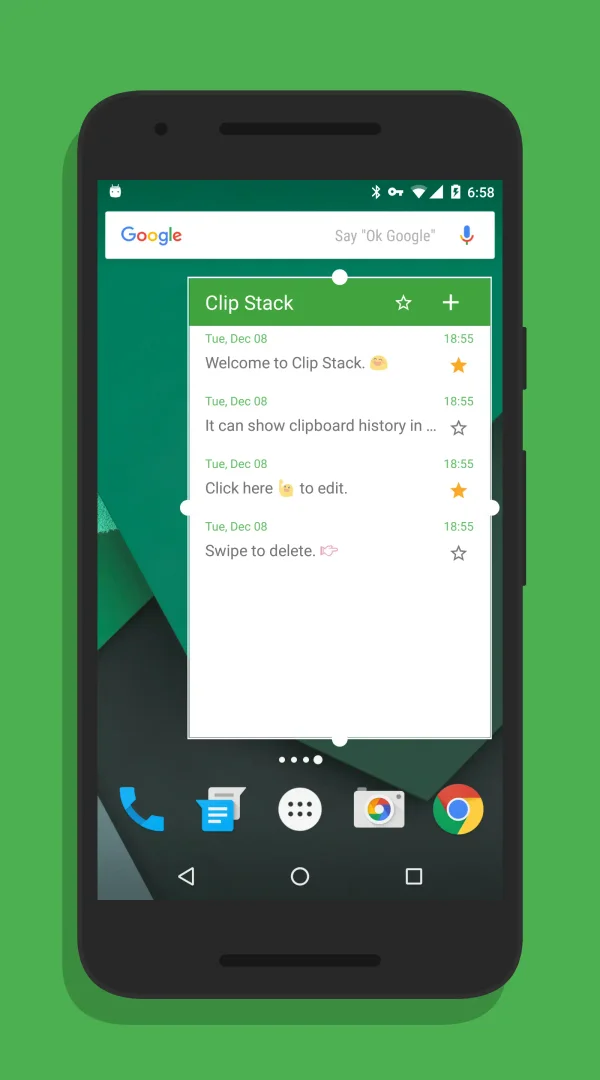
Clip Stack can remember all your clipboard history and recover text after reboot. It's a clipboard manager, a user friendly notebook, and maybe a tiny GTD manager.
You can easily copy, share, star, delete, and merge every text.
🌐 Works Everywhere
Whatever phone or tablet, all Android devices are supported.
🌐 Powerful Notification
Clip stack's notification is simple and powerful. You can switch the recent 5 texts just in notification.
Notification will be displayed only when copying new text and you can dismiss it by swipe or even disable it by long press.
🌐 Permission Usage
RECEIVE_BOOT_COMPLETED: Start a background service to listen the system clipboard. It only cost 6M - 10M RAM. You can close it in Settings if you really don't want it.
WRITE_EXTERNAL_STORAGE and READ_EXTERNAL_STORAGE: For export clipboard history. This app won't write any other files to your SD card.
VENDING.BILLING: Only for donate. Clip stack is a free app.
SYSTEM_ALERT_WINDOW and READ_LOGS: For Android 10's background clipboard limitation and will not be used on other systems.
データ セーフティ
このアプリが収集・共有するデータについて、Ruoxin HeがGoogle Playで申告している内容です。
- 第三者と共有されるデータはありません詳しくは、デベロッパーが共有を申告する方法についての説明をご覧ください
- データは収集されません詳しくは、デベロッパーが収集を申告する方法についての説明をご覧ください
新機能
バージョン 1.9.3 · 2019/9/25
- Support Android 10.
開発元の連絡先
- ウェブサイトcatchingnow.com
- メールclipstack@catchingnow.com
- プライバシーポリシーprivacypolicy.catchingnow.com
- 住所天府新区 华阳大道南段846号 双流县, 成都市, 四川省 China 610000
情報
- 提供元
- Ruoxin He
- カテゴリ
- ツール
- バージョン
- 1.9.3
- 更新日
- 2019/9/25
- リリース
- 2015/1/31
- 必要条件
- Android 4.0以降
- 対象年齢
- 3 歳以上
- 価格
- 無料
- アプリ内課金
- ¥113~¥796/アイテム
- パッケージ名
- com.catchingnow.tinyclipboardmanager