Colors expert
Livio- EveryoneAge rating
- Art & DesignCategory
- Nov 20, 2026Updated
- FreePrice
Links to the official Google Play listing of livio.colorize. Last checked on Nov 22, 2026.

Screenshots



About this app
From subtle shades to vibrant hues, design your dream palettes and gradients.
Dive into the vibrant world of color with this all-in-one toolkit for exploring, manipulating, and understanding the nuances of color. This free app provides an intuitive and powerful platform to discover colors, completely free from any advertisements.
Visualize and Interact with Color Spaces
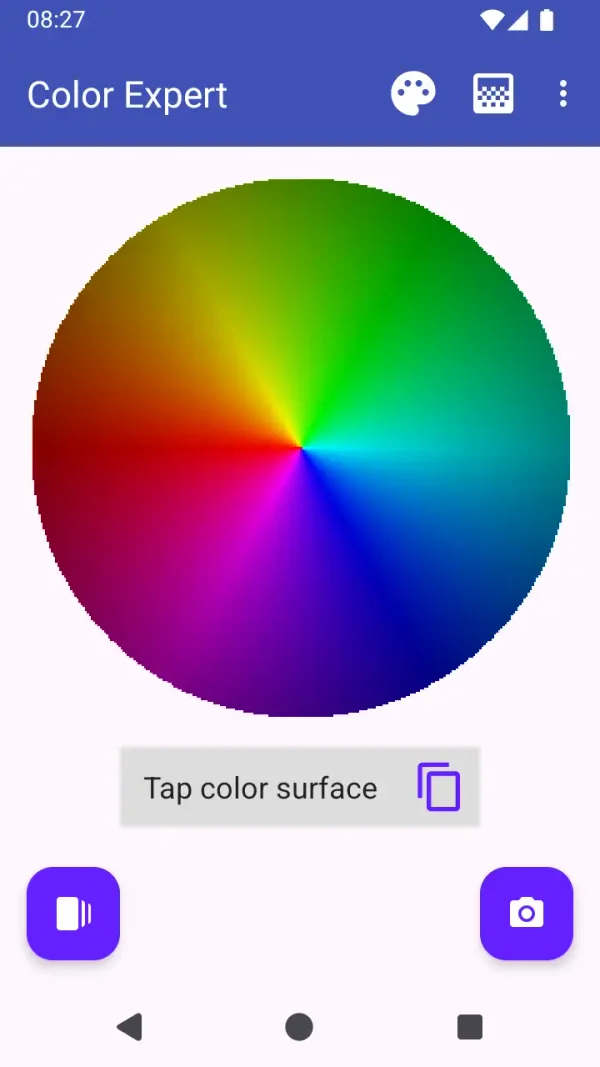
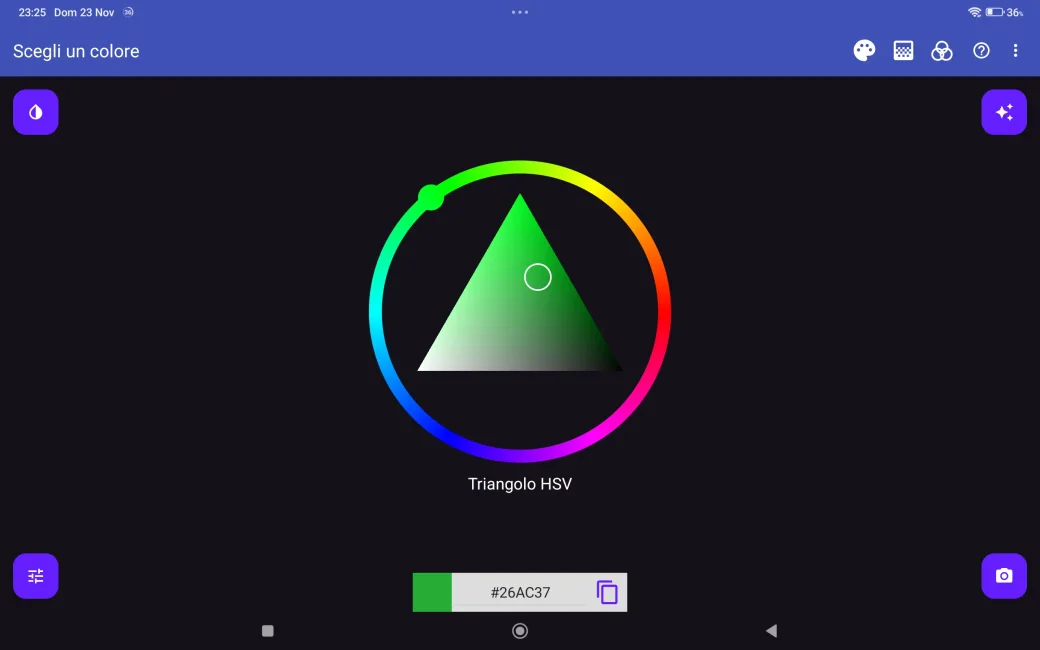
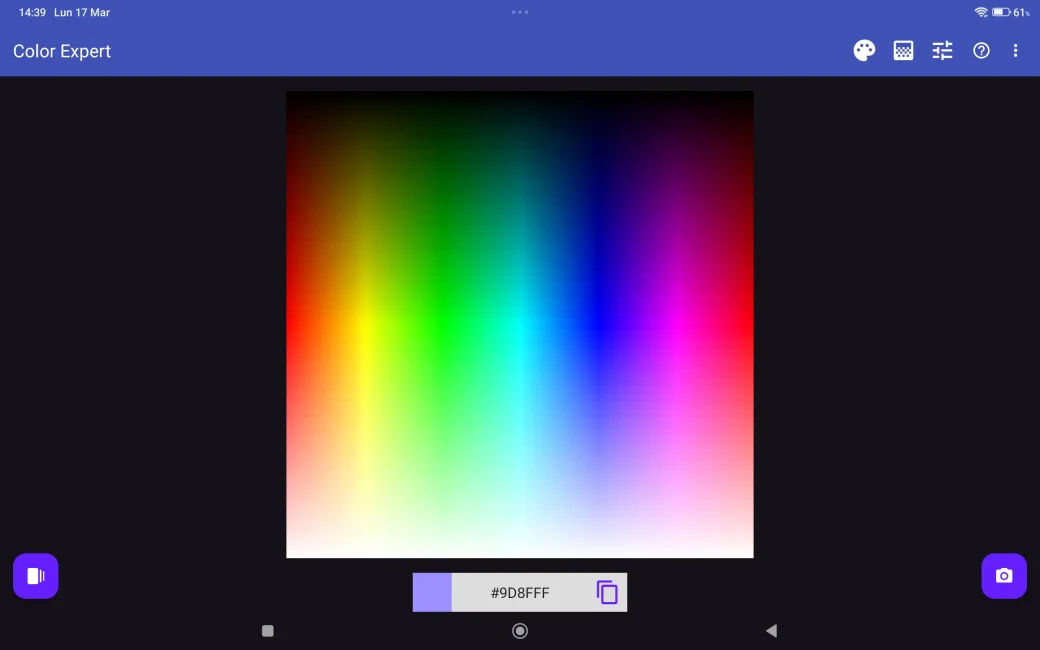
♦ HSL and HSV Exploration: Immerse yourself in the HSL and HSV color spaces; explore the full spectrum of hues with interactive display.
♦ Hex Code on Tap: Simply tap on the colored surface to obtain the hexadecimal color code (#RRGGBB).
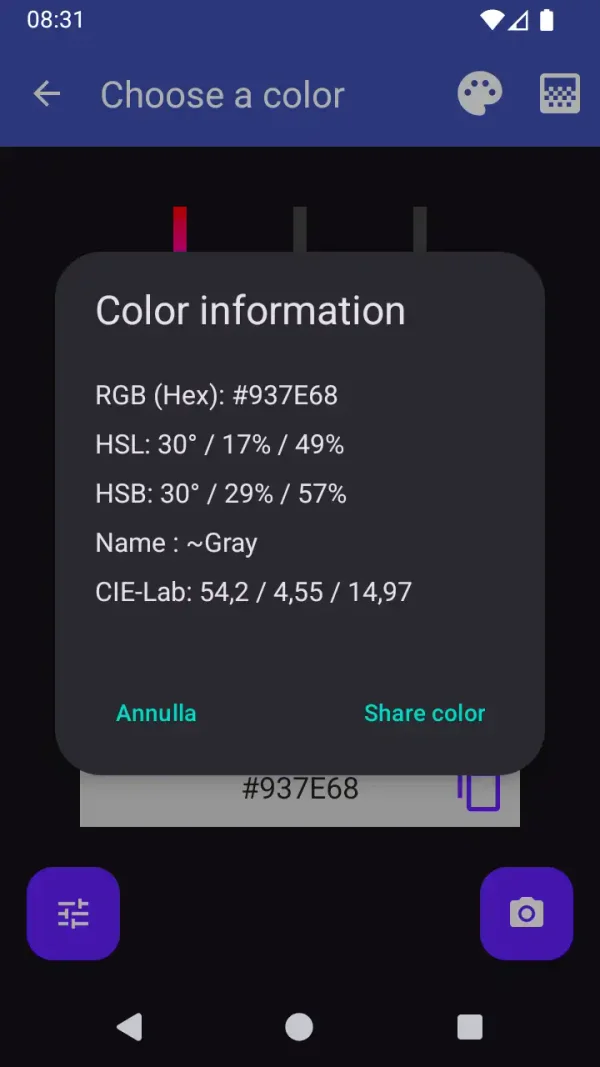
♦ Detailed Color Information: Tap the hex code to unveil color details, including RGB, HSL, HSV/HSB, color names, and CIE-Lab values.
Craft and Customize Gradients
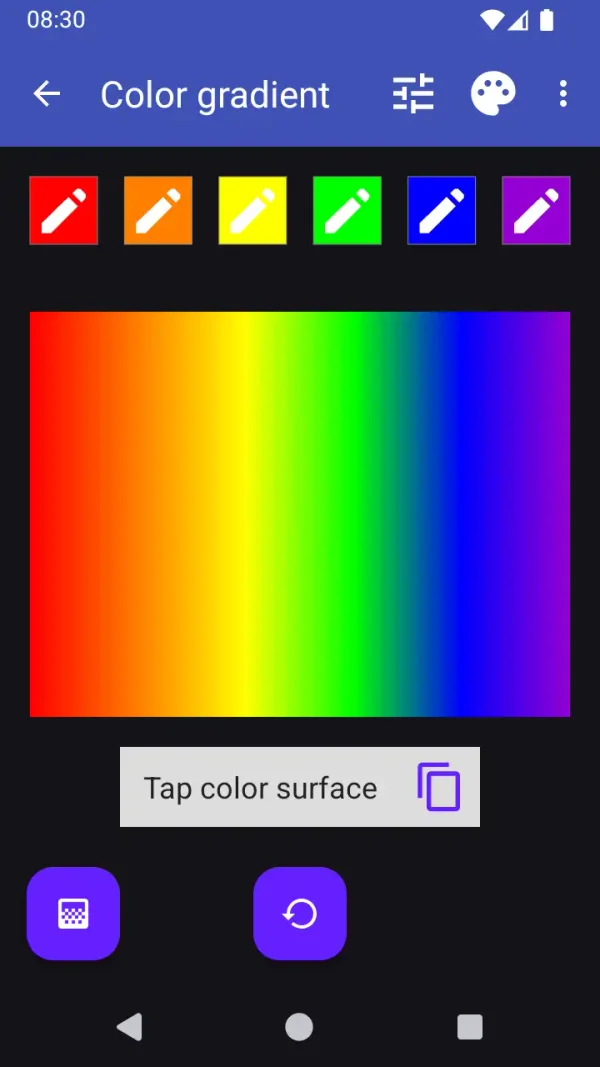
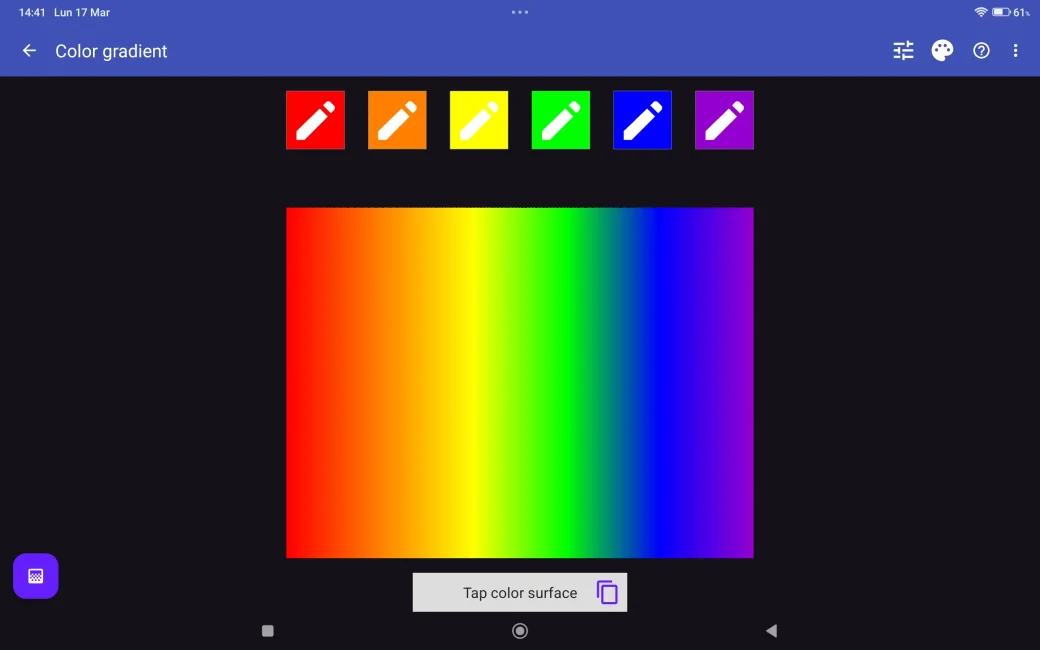
♦ Dynamic Gradient Visualization: Visualize and customize gradients with ease, using intuitive color pencil icons to fine-tune your color transitions.
♦ Hex Code on Tap: Tap the gradient to instantly display its hexadecimal color code.
♦ In-Depth Color Details: Tap the hex code for comprehensive color information.
View, Build and Manage Color Palettes
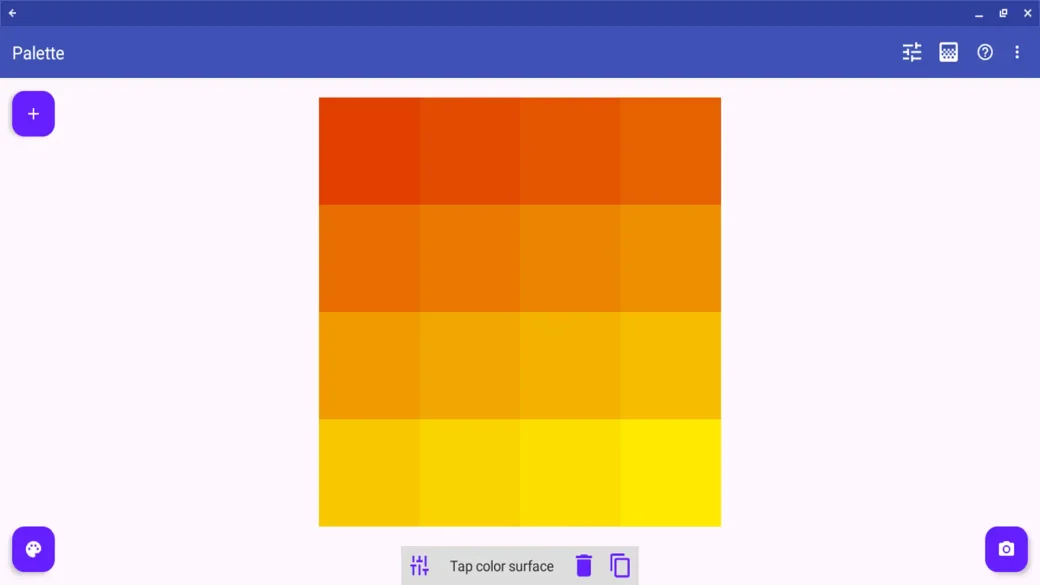
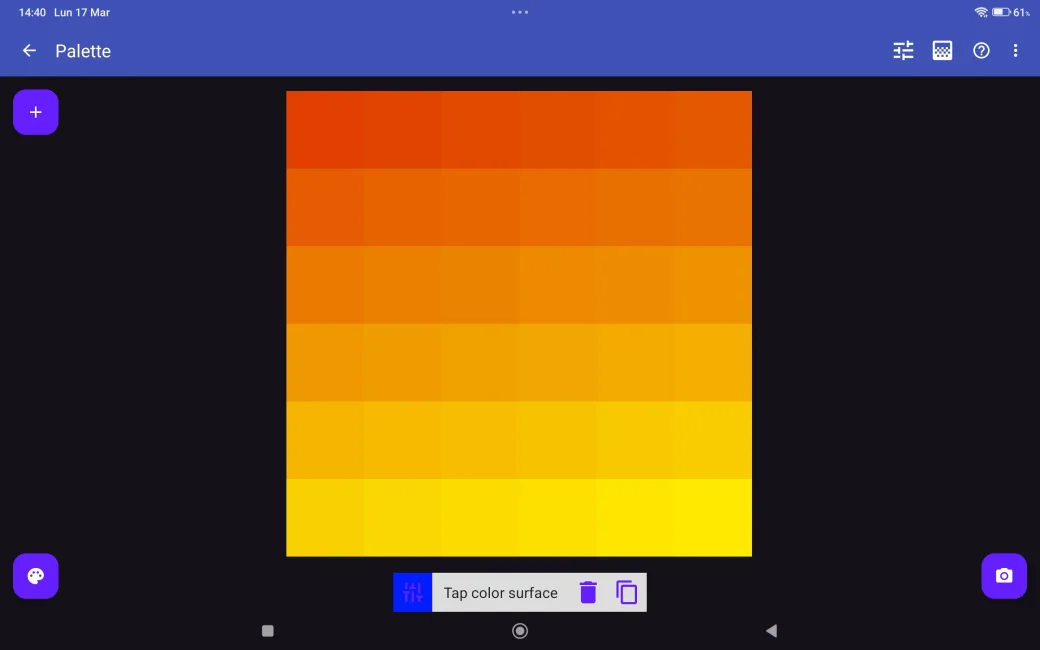
♦ Palette Exploration and Customization: Explore diverse color palettes and personalize them by tapping colors for modification.
♦ Palette Expansion and Deletion: Add new colors to your palette with the "+" icon or remove unwanted colors using the wastebasket icon.
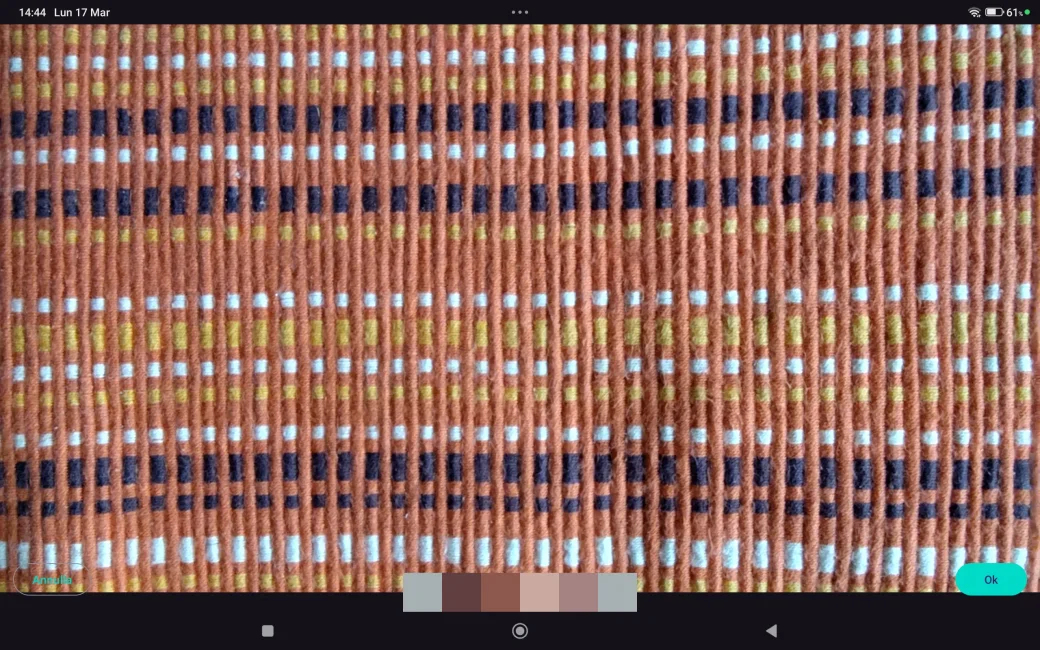
♦ File-Based Palette Management: Save your custom palettes as image files or load palettes from existing images via the menu options.
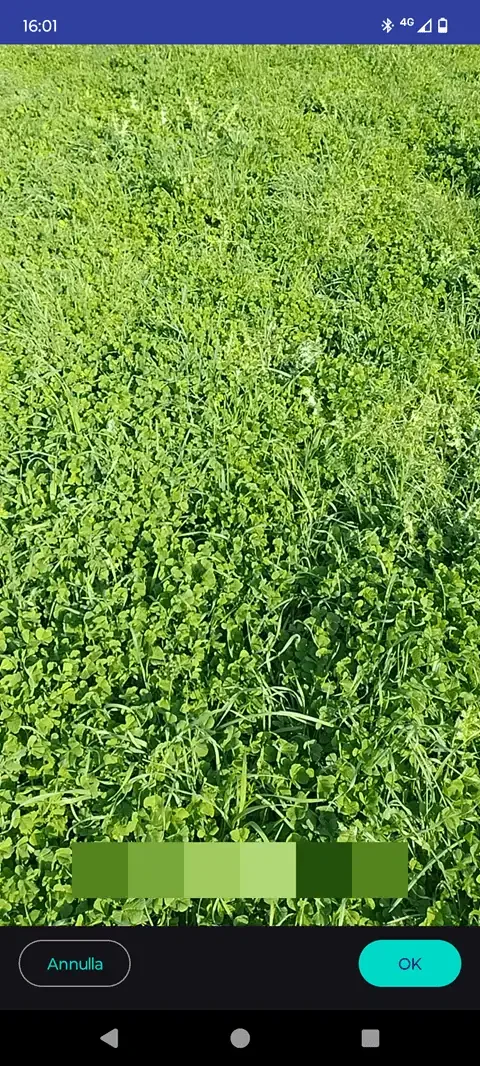
♦ Live Camera Palette Extraction: Use the camera icon to extract color palettes directly from your surroundings.
Precise Color Selection with the Color Chooser
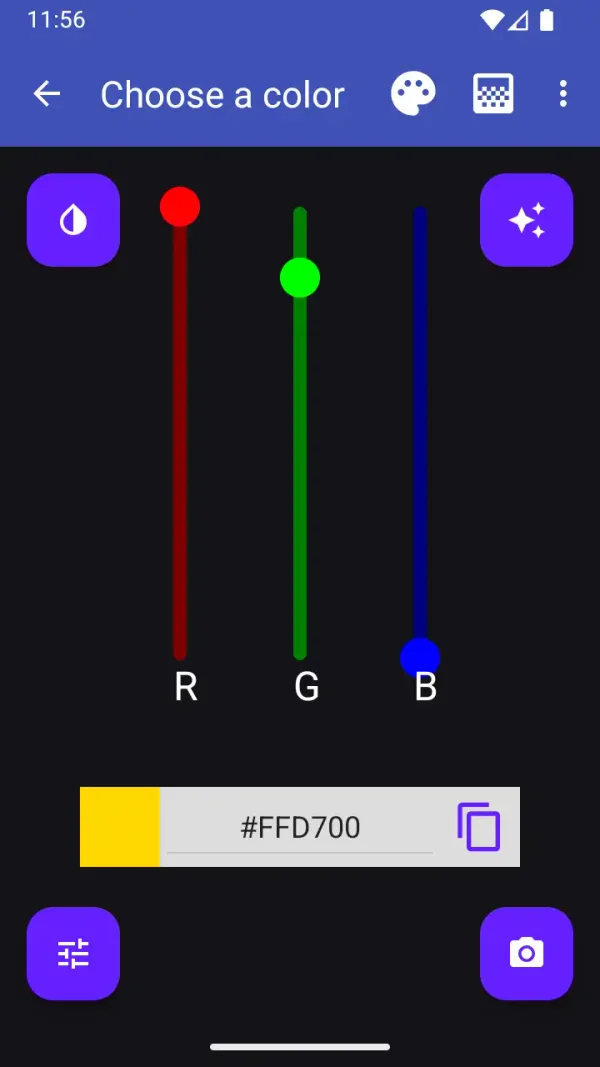
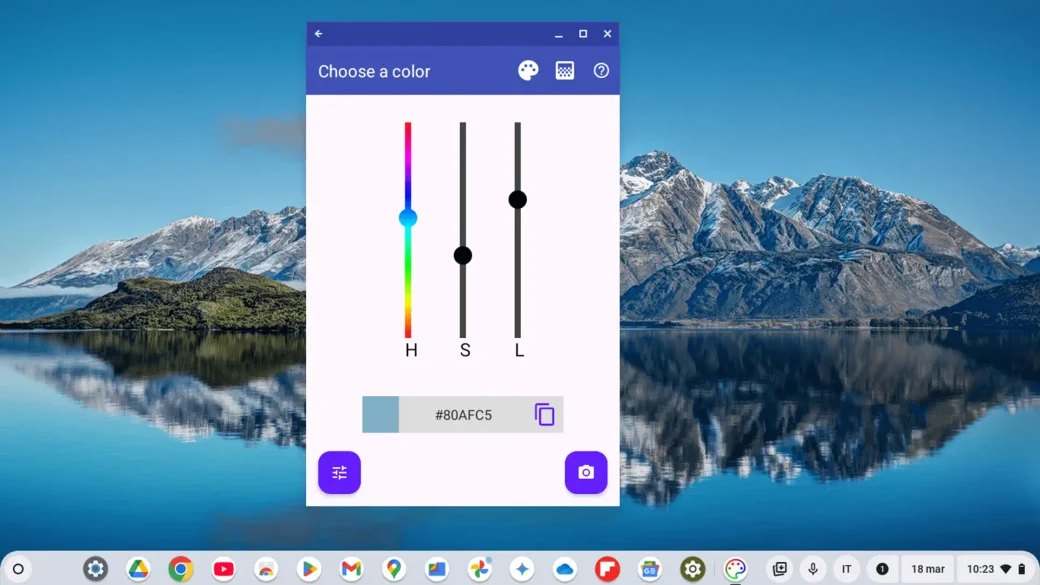
♦ Intuitive Color Controls: Select colors with precision using interactive sliders for RGB, HSL, HSV/HSB and color picker with color wheel and triangle.
♦ Detailed Color Information: Tap the hex code for a comprehensive color breakdown.
♦ Pick color from live camera or from image file.
♦ Select a color from the list of predefined HTML colors.
♦ Create palettes and gradients using a color scheme of your choice.
Permissions
This application requires the following permissions:
♢ CAMERA - to capture images for real-time color extraction
♢ WRITE_EXTERNAL_STORAGE (aka Photos/Media/Files) - to extract colors from files and save palettes and gradients to file
♢ INTERNET - to report software errors
Data safety
What Livio declares on Google Play about the data this app collects and shares.
- No data shared with third partiesLearn more about how developers declare sharing
- No data collectedLearn more about how developers declare collection
- Committed to follow the Play Families Policy
What’s new
Version 1.6 · Nov 20, 2026
♦ lower memory usage
♦ quicker palette extraction
♦ improved user interface
♦ minor fixes
Developer contact
- Websitethesaurus.altervista.org
- Emailjava.lc.6@gmail.com
- Privacy policythesaurus.altervista.org
- AddressItaly
Information
- Offered by
- Google Commerce Ltd
- Category
- Art & Design
- Version
- 1.6
- Updated
- Nov 20, 2026
- Released
- May 22, 2025
- Requires
- Android 7.0 or later
- Age rating
- Everyone
- Price
- Free
- Package name
- livio.colorize