Colors expert
Livio- 3 歳以上対象年齢
- アート&デザインカテゴリ
- 2026/11/20更新日
- 無料価格
livio.colorizeのGoogle Play公式ページにリンクしています。最終確認:2026/11/22。

Colors expertは現在Google Playで入手できない可能性があります
前回の確認時、ストアのページにアクセスできませんでした。リンク先は引き続きGoogle Playの公式ページです。
スクリーンショット



このアプリについて
Googleによる英語 (アメリカ合衆国)からの自動翻訳です。
微妙な色合いから鮮やかな色合いまで、夢のパレットやグラデーションをデザインします。
色のニュアンスを探求、操作、理解するためのオールインワンツールキットで、鮮やかな色の世界に飛び込みましょう。この無料アプリは、広告なしで直感的に色を発見できるパワフルなプラットフォームを提供します。
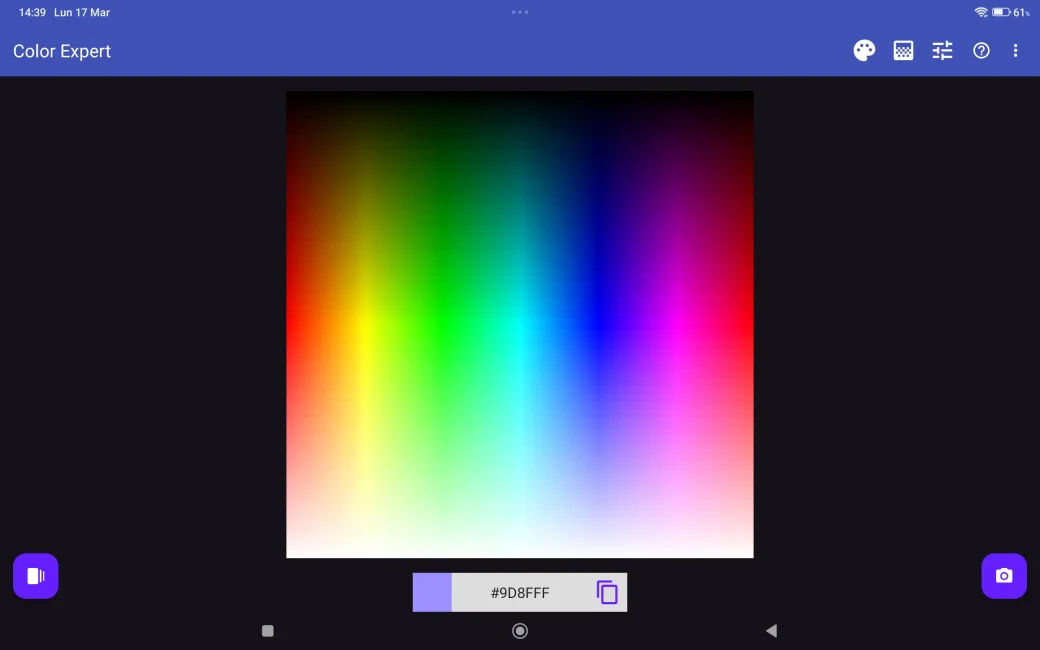
色空間を視覚化し、操作する
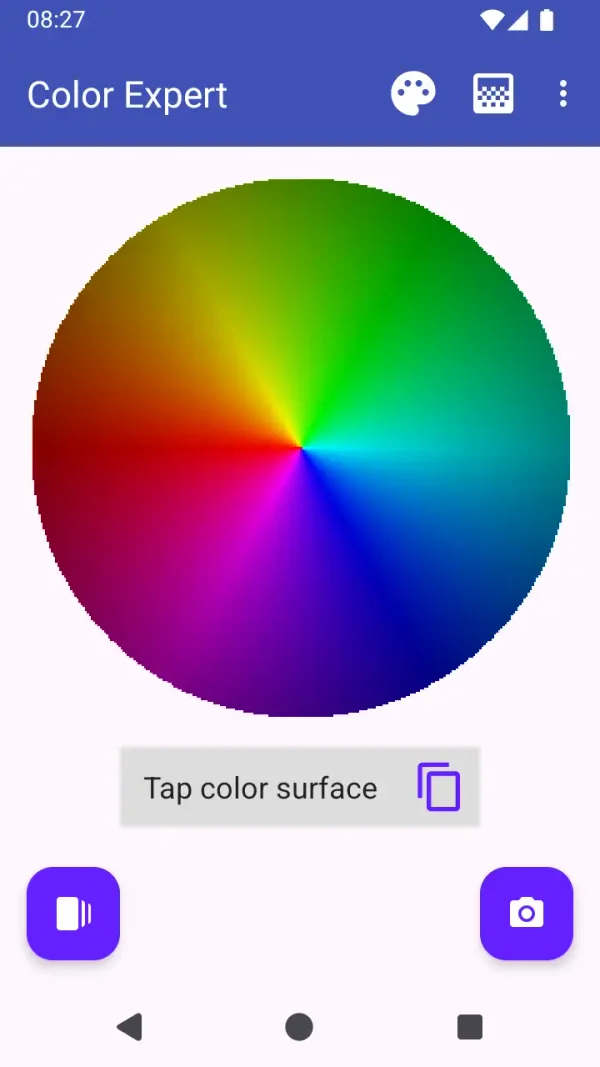
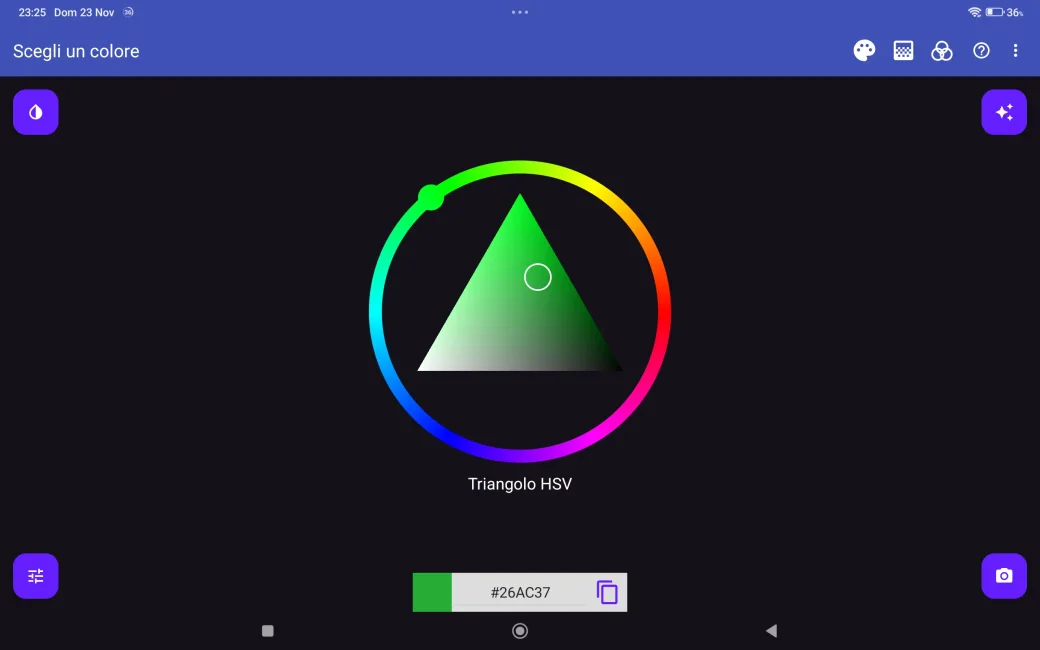
♦ HSLとHSVの探索:HSLとHSVの色空間を自由に探索し、インタラクティブな表示で色相のスペクトルを探求できます。
♦ タップで16進コード:色面をタップするだけで、16進数のカラーコード(#RRGGBB)を取得できます。
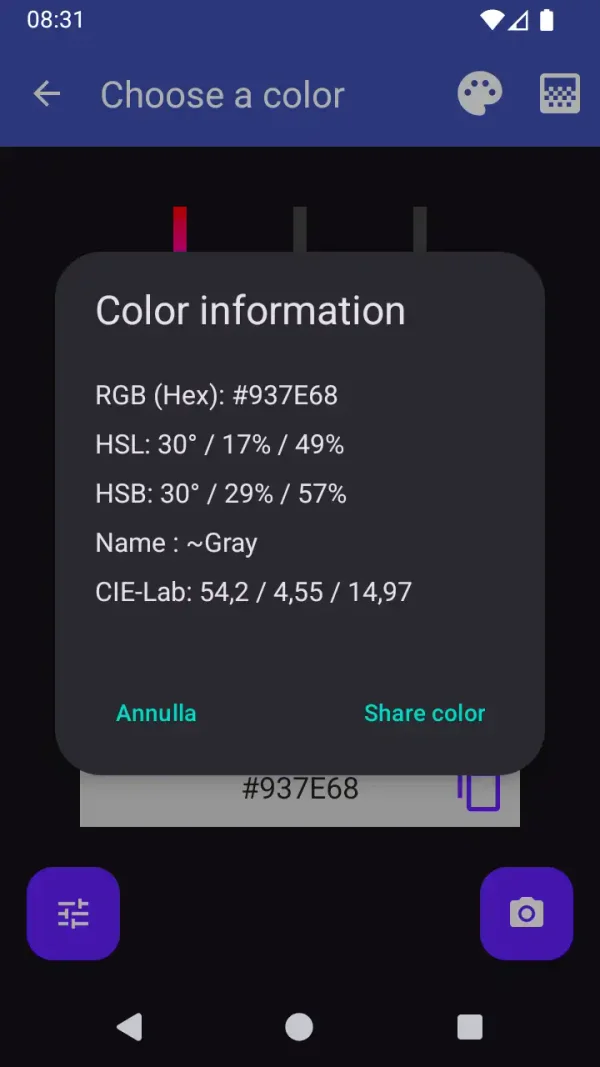
♦ 詳細な色情報:16進コードをタップすると、RGB、HSL、HSV/HSB、色名、CIE-Lab値などの色の詳細が表示されます。
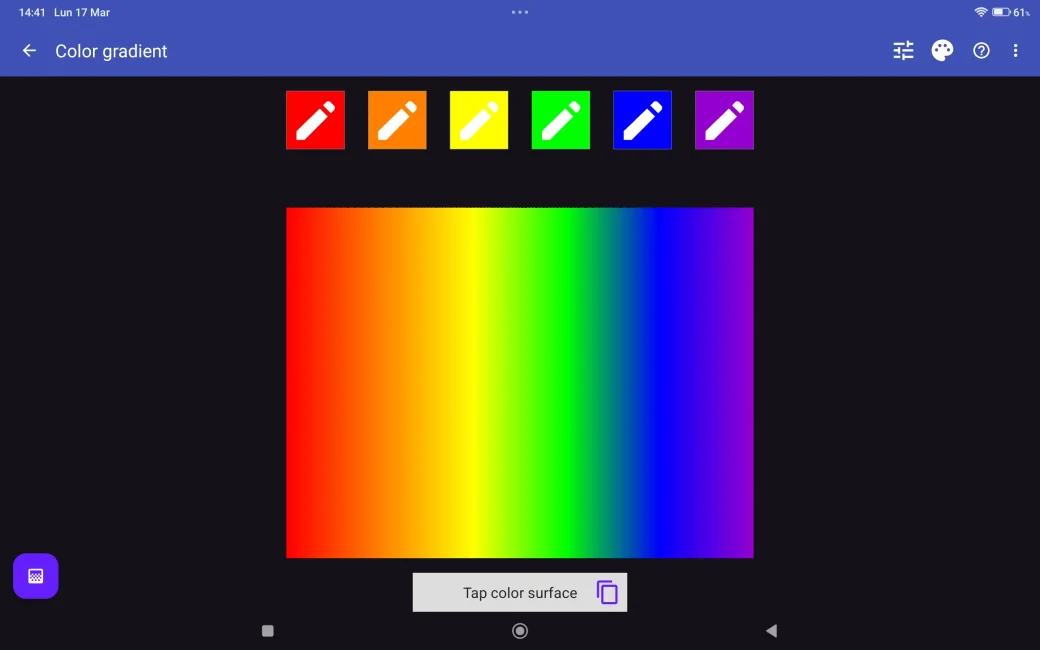
グラデーションの作成とカスタマイズ
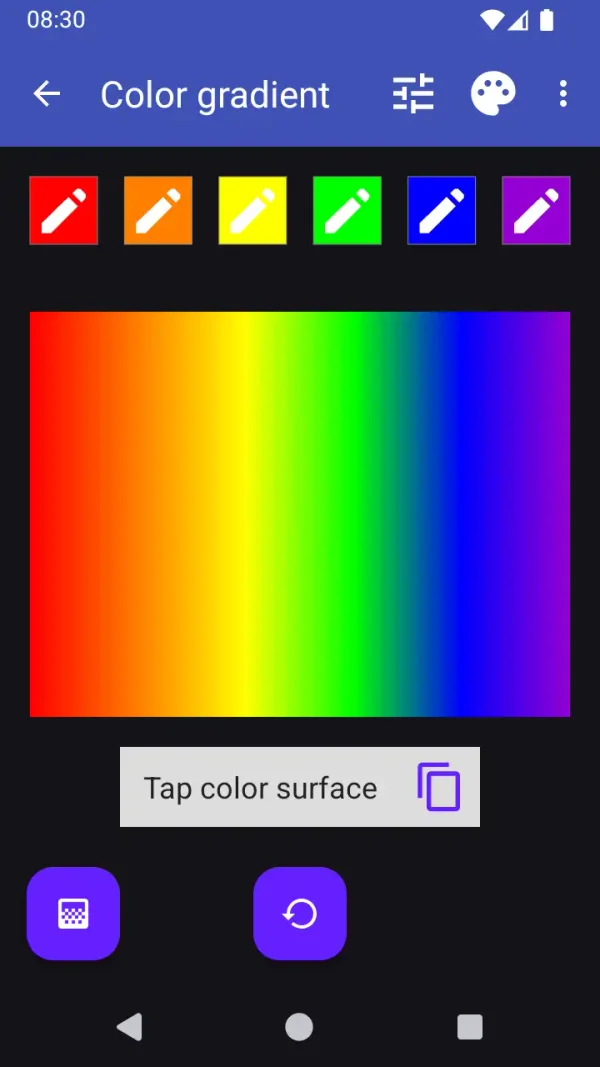
♦ ダイナミックグラデーションの視覚化:直感的な色鉛筆アイコンを使って、色の遷移を微調整し、グラデーションを簡単に視覚化してカスタマイズできます。
♦ タップで16進コードを表示:グラデーションをタップすると、16進数のカラーコードがすぐに表示されます。
♦ 詳細な色の詳細:16進コードをタップすると、包括的な色情報が表示されます。
カラーパレットの表示、作成、管理
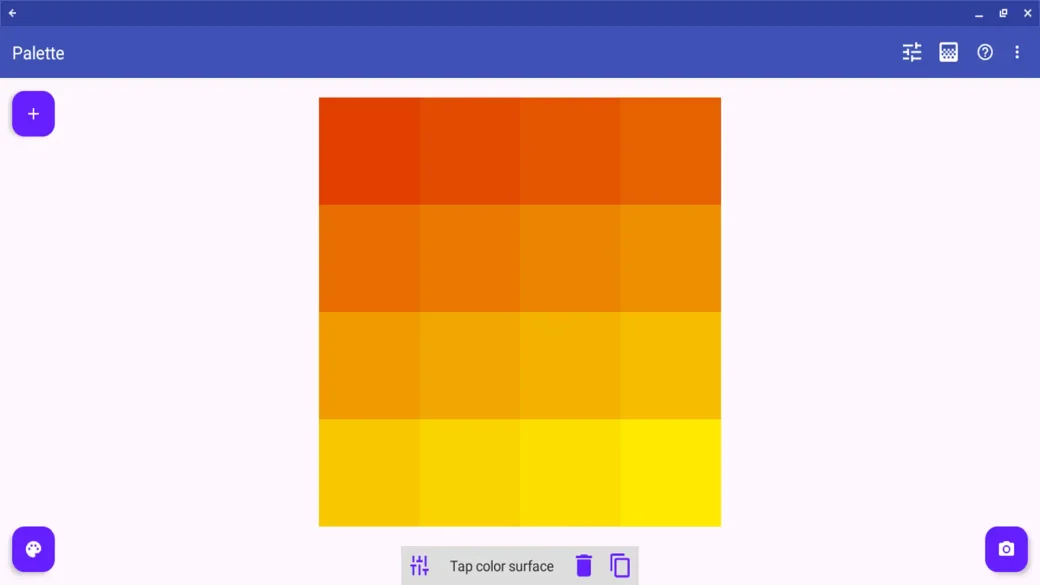
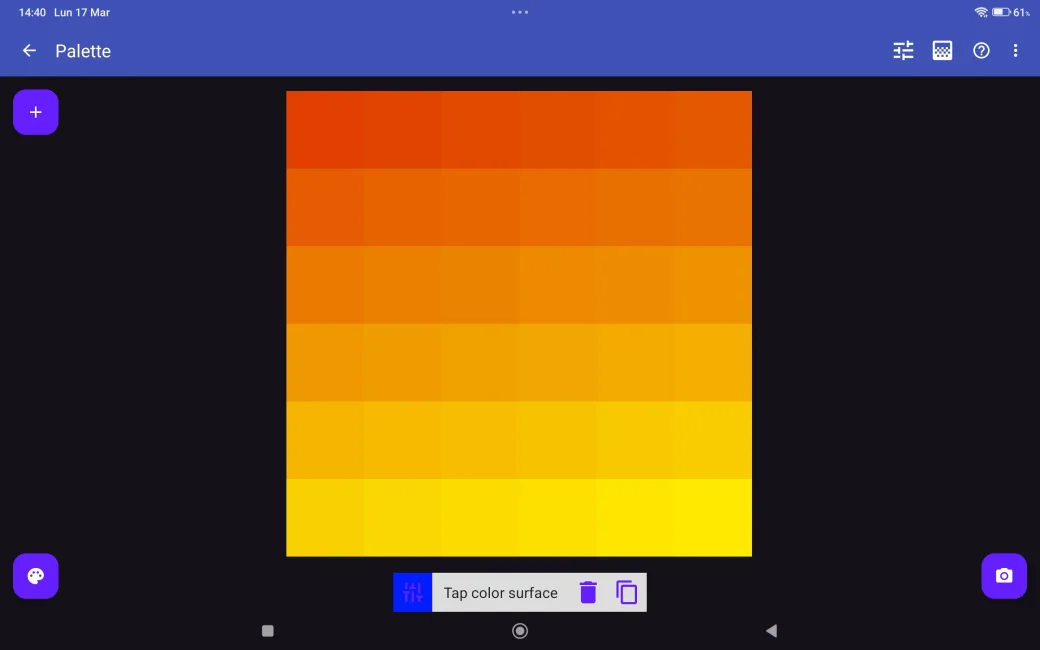
♦ パレットの探索とカスタマイズ:多様なカラーパレットを探索し、色をタップして変更することで、自分好みにカスタマイズできます。
♦ パレットの拡張と削除:「+」アイコンでパレットに新しい色を追加したり、ゴミ箱アイコンで不要な色を削除したりできます。
♦ ファイルベースのパレット管理:カスタムパレットを画像ファイルとして保存したり、メニューオプションから既存の画像からパレットを読み込んだりできます。
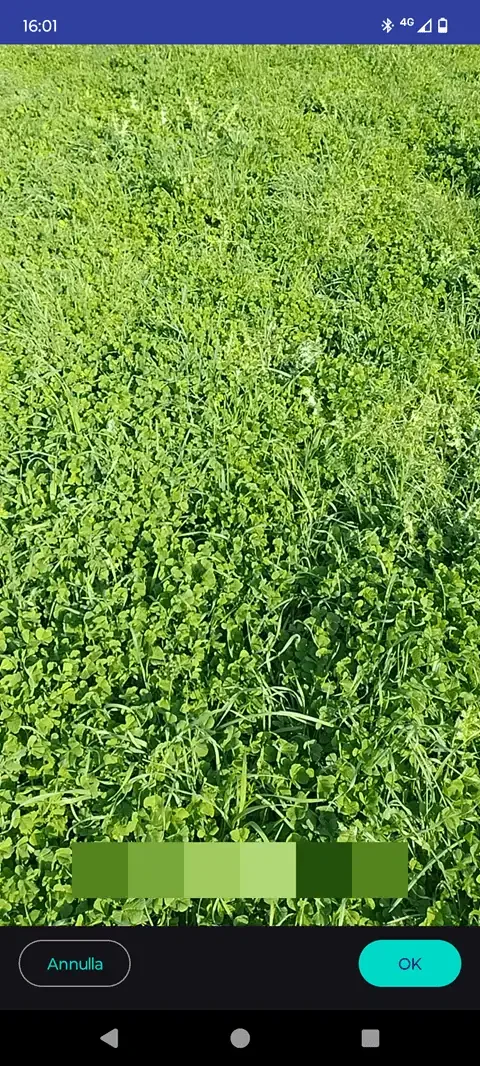
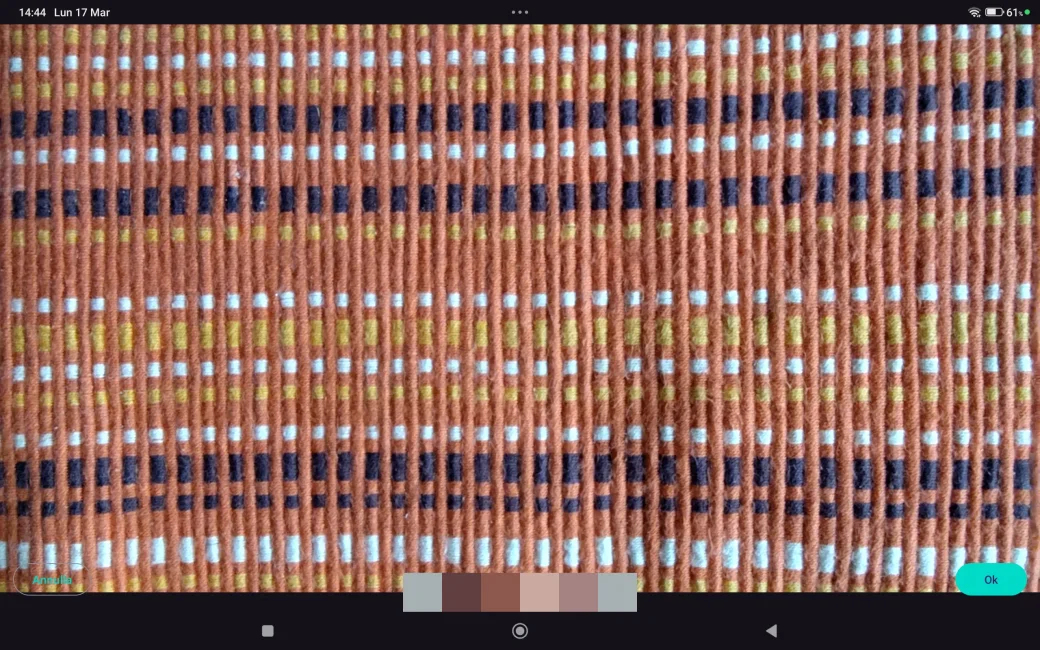
♦ ライブカメラパレット抽出:カメラアイコンを使って、周囲の環境から直接カラーパレットを抽出できます。
カラーチューザーで正確な色を選択
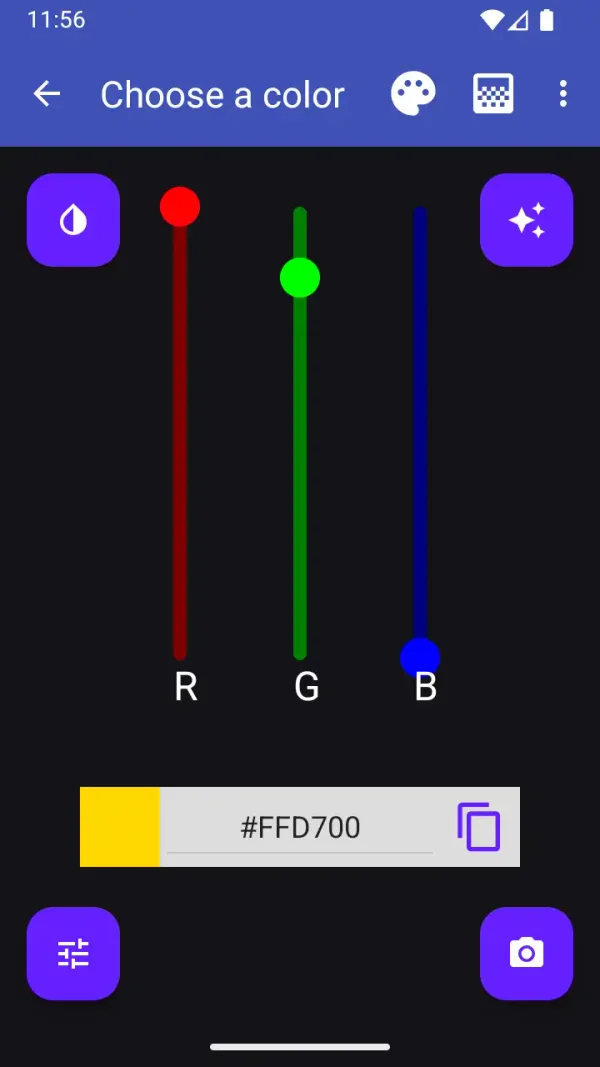
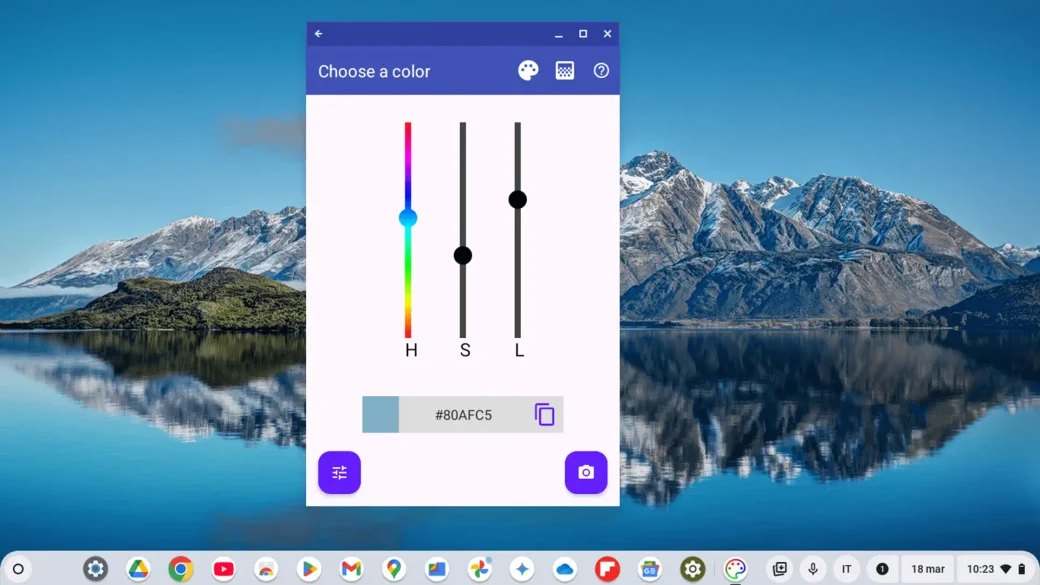
♦ 直感的なカラーコントロール:RGB、HSL、HSV/HSBのインタラクティブなスライダーと、カラーホイールと三角形を使ったカラーピッカーを使って、正確に色を選択できます。
♦ 詳細な色情報:16進コードをタップすると、詳細な色の詳細が表示されます。
♦ ライブカメラまたは画像ファイルから色を選択できます。
♦ 定義済みのHTMLカラーリストから色を選択できます。
♦ お好みの配色を使って、パレットやグラデーションを作成できます。
権限
このアプリケーションには以下の権限が必要です:
♢ カメラ - リアルタイムの色抽出のために画像をキャプチャします
♢ 外部ストレージへの書き込み (別名: Photos/Media/Files) - ファイルから色を抽出し、パレットとグラデーションをファイルに保存します
♢ インターネット - ソフトウェアエラーを報告します
原文を表示
Dive into the vibrant world of color with this all-in-one toolkit for exploring, manipulating, and understanding the nuances of color. This free app provides an intuitive and powerful platform to discover colors, completely free from any advertisements.
Visualize and Interact with Color Spaces
♦ HSL and HSV Exploration: Immerse yourself in the HSL and HSV color spaces; explore the full spectrum of hues with interactive display.
♦ Hex Code on Tap: Simply tap on the colored surface to obtain the hexadecimal color code (#RRGGBB).
♦ Detailed Color Information: Tap the hex code to unveil color details, including RGB, HSL, HSV/HSB, color names, and CIE-Lab values.
Craft and Customize Gradients
♦ Dynamic Gradient Visualization: Visualize and customize gradients with ease, using intuitive color pencil icons to fine-tune your color transitions.
♦ Hex Code on Tap: Tap the gradient to instantly display its hexadecimal color code.
♦ In-Depth Color Details: Tap the hex code for comprehensive color information.
View, Build and Manage Color Palettes
♦ Palette Exploration and Customization: Explore diverse color palettes and personalize them by tapping colors for modification.
♦ Palette Expansion and Deletion: Add new colors to your palette with the "+" icon or remove unwanted colors using the wastebasket icon.
♦ File-Based Palette Management: Save your custom palettes as image files or load palettes from existing images via the menu options.
♦ Live Camera Palette Extraction: Use the camera icon to extract color palettes directly from your surroundings.
Precise Color Selection with the Color Chooser
♦ Intuitive Color Controls: Select colors with precision using interactive sliders for RGB, HSL, HSV/HSB and color picker with color wheel and triangle.
♦ Detailed Color Information: Tap the hex code for a comprehensive color breakdown.
♦ Pick color from live camera or from image file.
♦ Select a color from the list of predefined HTML colors.
♦ Create palettes and gradients using a color scheme of your choice.
Permissions
This application requires the following permissions:
♢ CAMERA - to capture images for real-time color extraction
♢ WRITE_EXTERNAL_STORAGE (aka Photos/Media/Files) - to extract colors from files and save palettes and gradients to file
♢ INTERNET - to report software errors
データ セーフティ
このアプリが収集・共有するデータについて、LivioがGoogle Playで申告している内容です。
- 第三者と共有されるデータはありません詳しくは、デベロッパーが共有を申告する方法についての説明をご覧ください
- データは収集されません詳しくは、デベロッパーが収集を申告する方法についての説明をご覧ください
- Play ファミリー ポリシーの遵守に努めています
新機能
バージョン 1.6 · 2026/11/20
♦ lower memory usage
♦ quicker palette extraction
♦ improved user interface
♦ minor fixes
開発元の連絡先
- ウェブサイトthesaurus.altervista.org
- メールjava.lc.6@gmail.com
- プライバシーポリシーthesaurus.altervista.org
- 住所Italy
情報
- 提供元
- Google Commerce Ltd
- カテゴリ
- アート&デザイン
- バージョン
- 1.6
- 更新日
- 2026/11/20
- リリース
- 2025/5/22
- 必要条件
- Android 7.0以降
- 対象年齢
- 3 歳以上
- 価格
- 無料
- パッケージ名
- livio.colorize