Concepts: Sketch, Note, Draw
TopHatch, Inc.In-app purchases
- EveryoneAge rating
- Art & DesignCategory
- Oct 29, 2026Updated
- FreePrice
Links to the official Google Play listing of com.tophatch.concepts. Last checked on Nov 19, 2026.

Screenshots



About this app
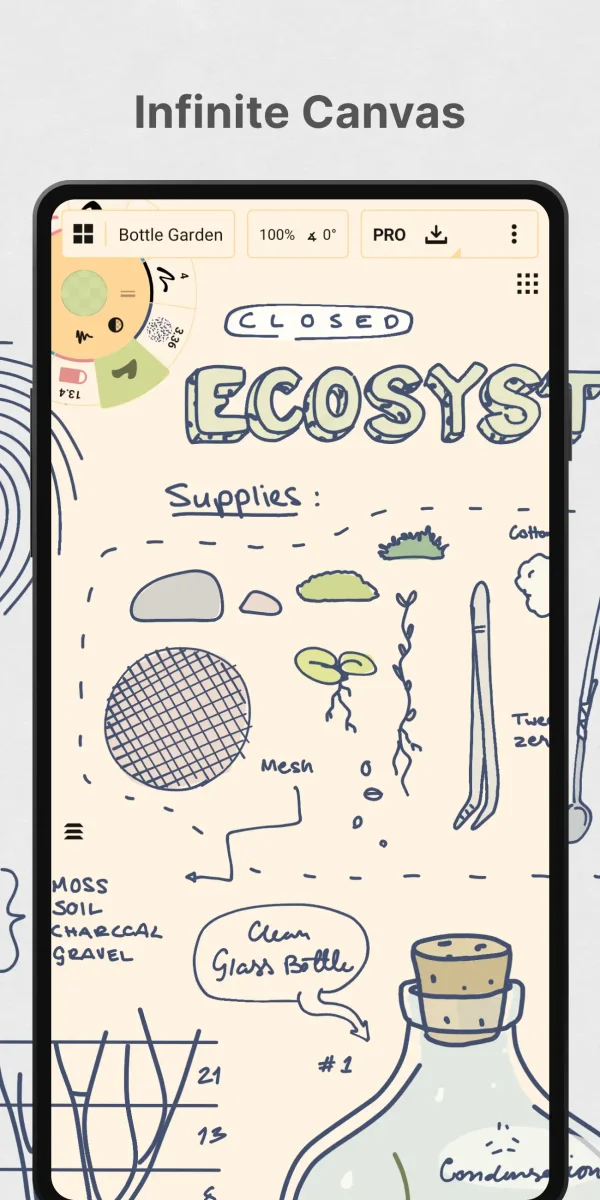
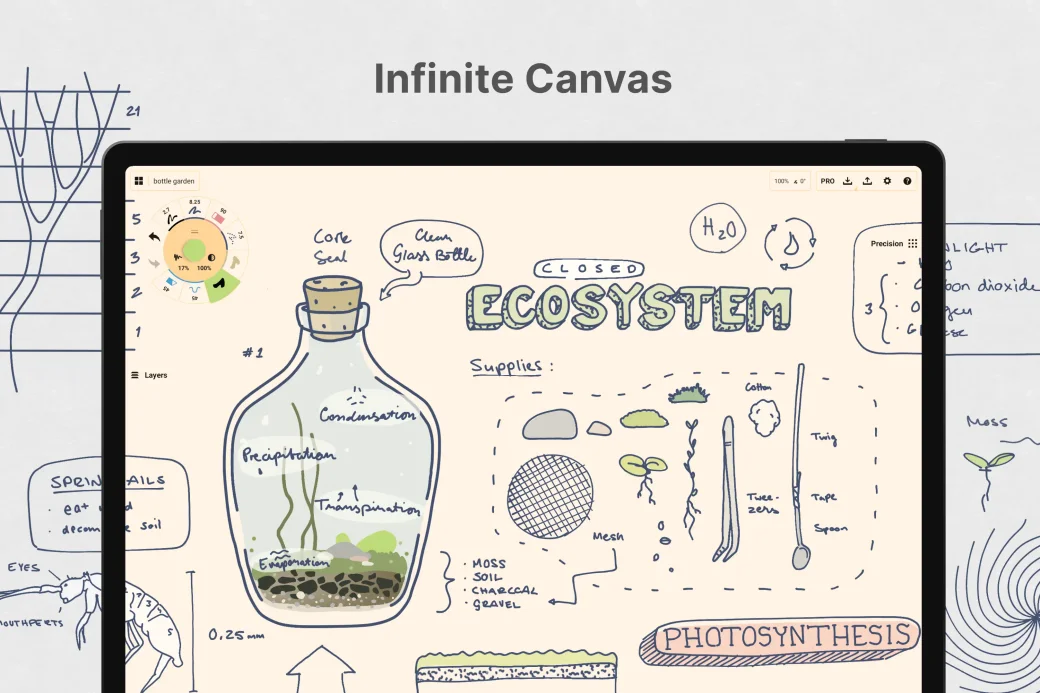
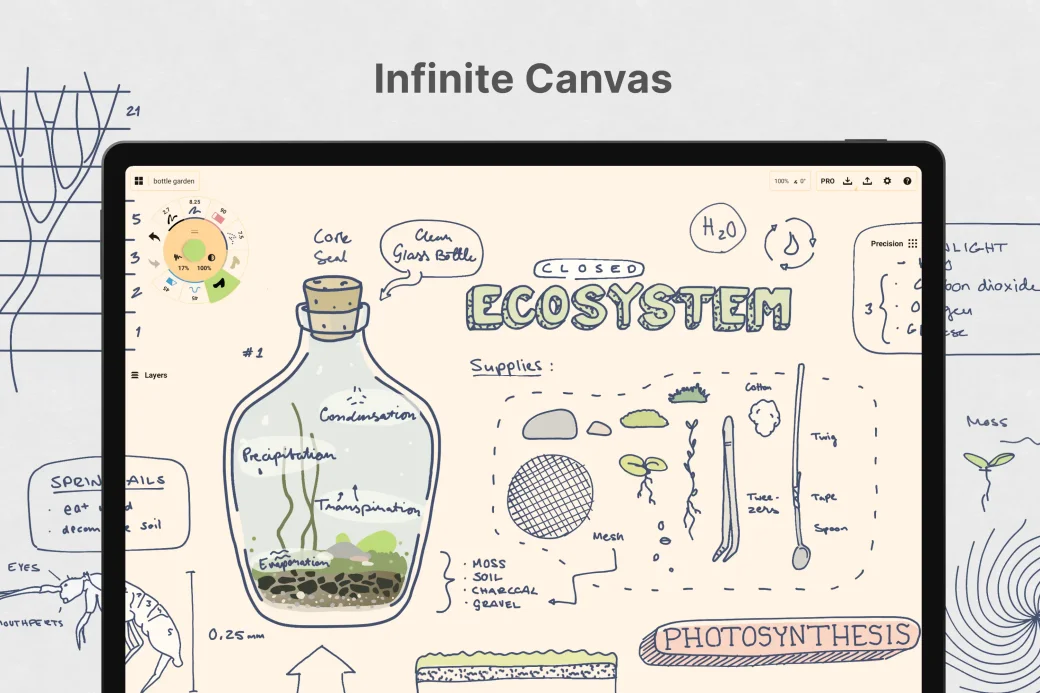
Sketch, plan, take notes and illustrate on an infinite canvas.
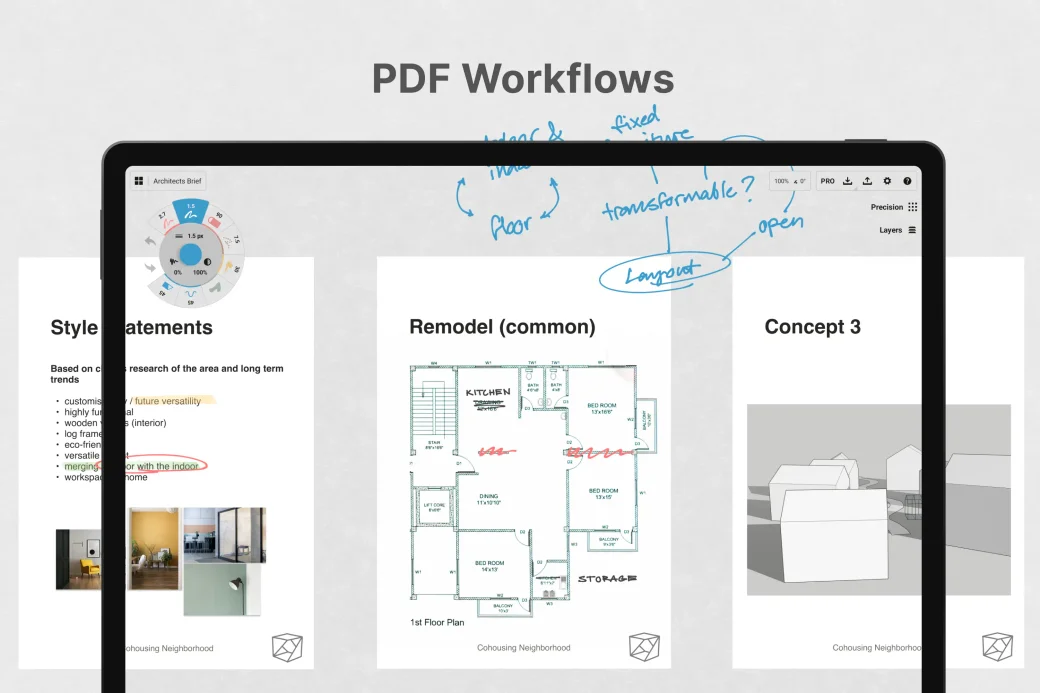
Think, plan & create – Concepts is a flexible vector-based creative workspace/sketchpad where you can take your ideas from concept to reality.
Concepts reimagines the ideation stage – offering a safe and dynamic workspace to explore your ideas, organize your thoughts, experiment with and iterate designs before sharing them with friends, clients and other apps.
With our infinite canvas, you can:
• sketch out plans and whiteboard ideas
• make notes, doodles, and mindmaps
• draw storyboards, product sketches and designs
Concepts is vector-based, making every stroke editable and scalable. With our Nudge, Slice and Select tools, you can easily change any element of your sketch without redrawing it. Concepts is optimized for the latest pen-enabled devices and Chrome OS™, making it fast, smooth and responsive.
Talented creators at Disney, Playstation, Philips, HP, Apple, Google, Unity and Illumination Entertainment use Concepts to develop and realize extraordinary ideas. Join us!
Concepts has:
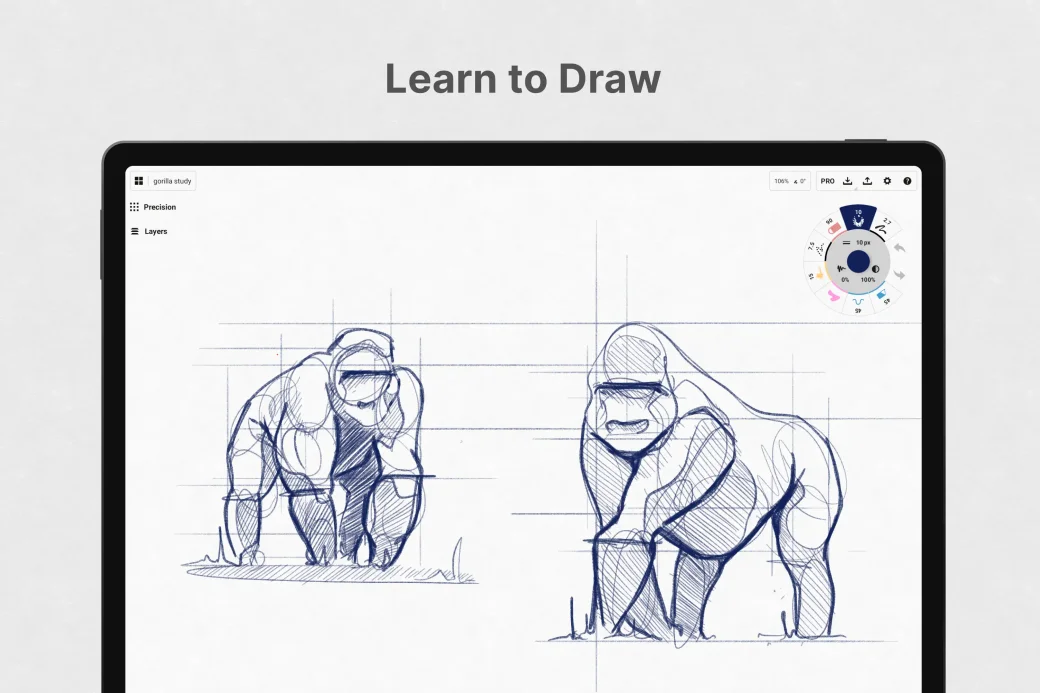
• realistic pencils, pens and brushes that respond to pressure, tilt and velocity with adjustable live smoothing
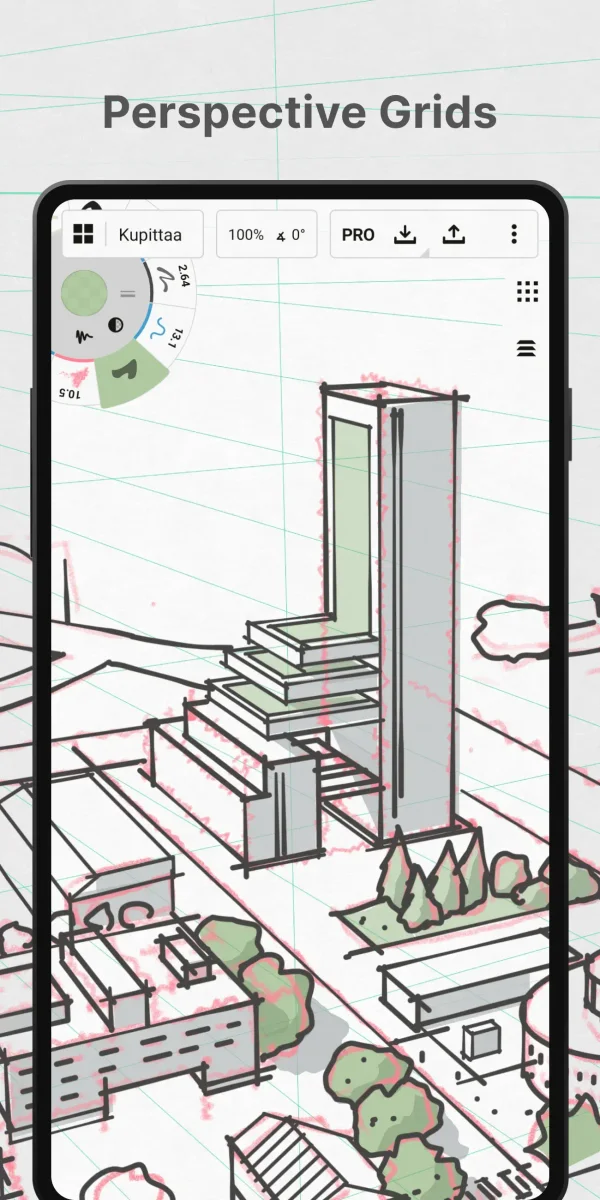
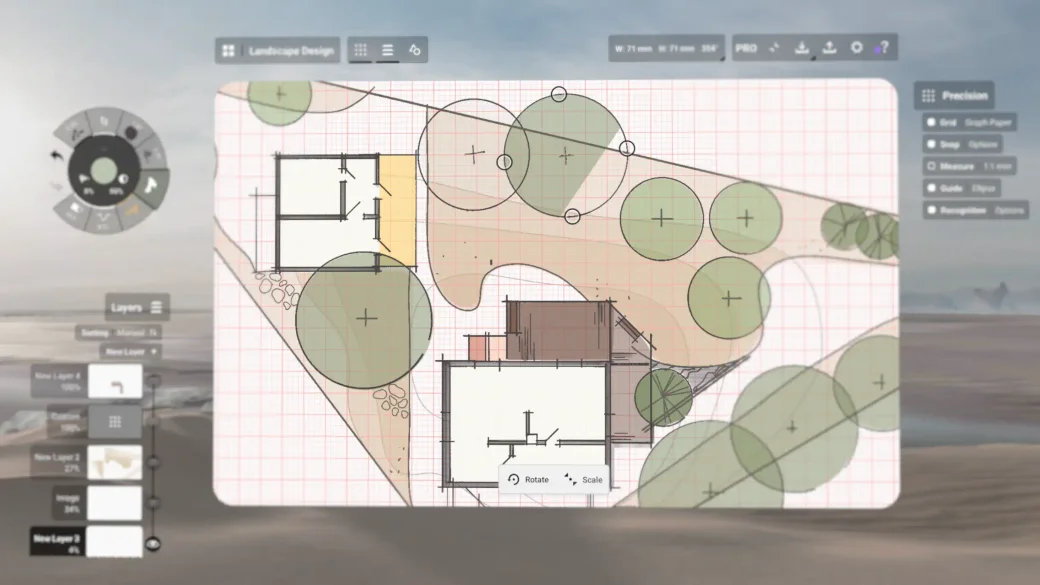
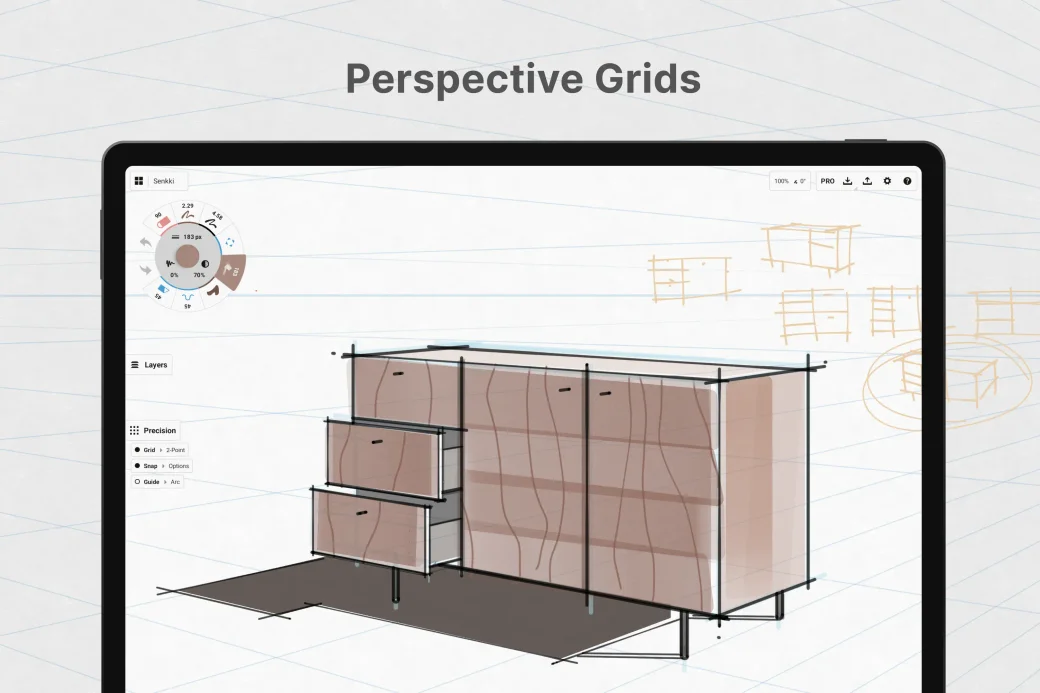
• an infinite canvas with many paper types and custom grids
• a tool wheel or bar you can customize with your favorite tools and presets
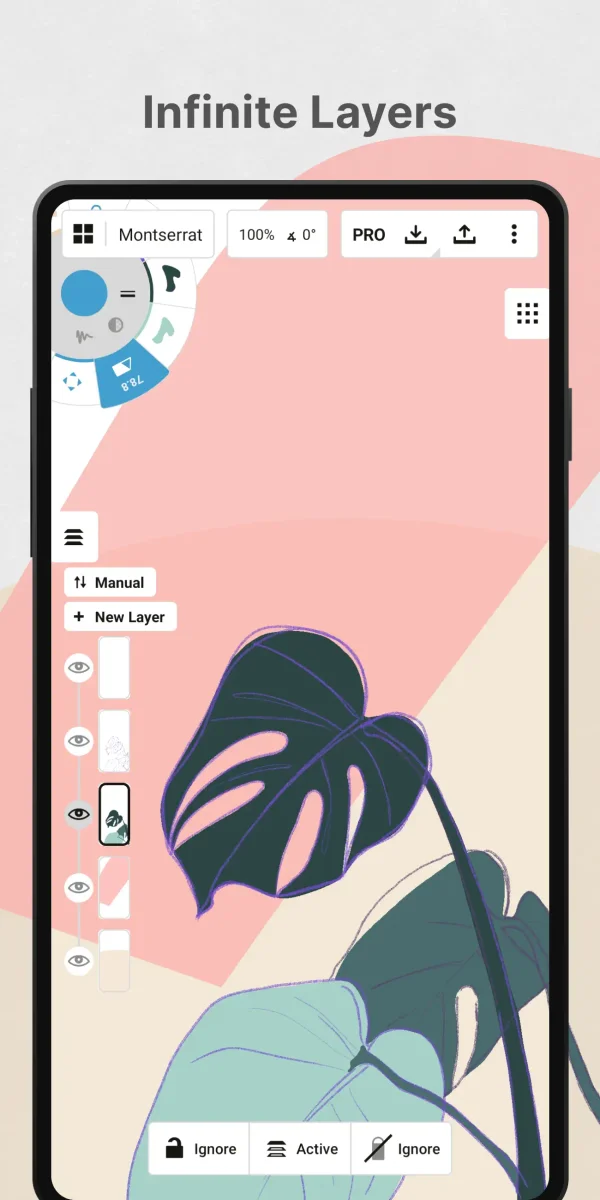
• an infinite layering system with automatic sorting & adjustable opacity
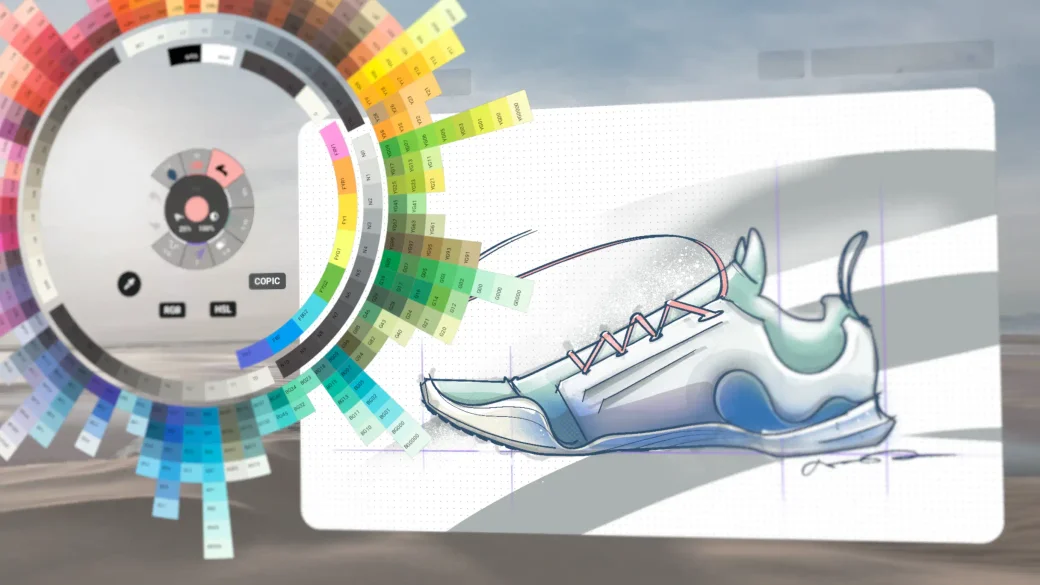
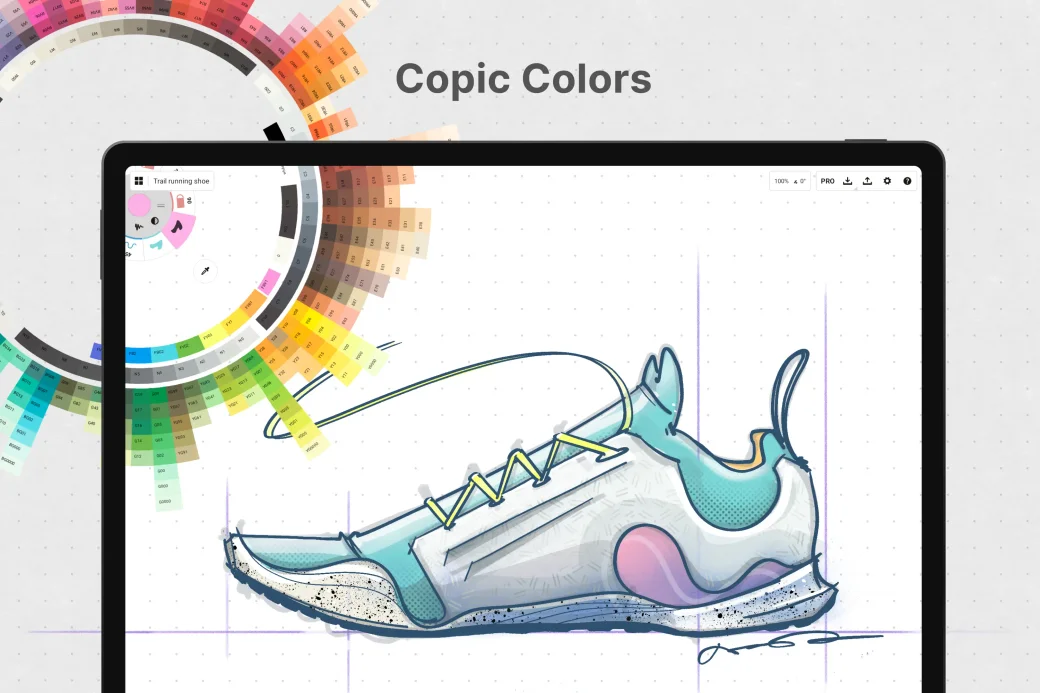
• HSL, RGB and COPIC color wheels to help you choose colors that look great together
• flexible vector-based sketching – move and adjust what you’ve drawn anytime by tool, color, size, smoothing and scale
With Concepts, you can:
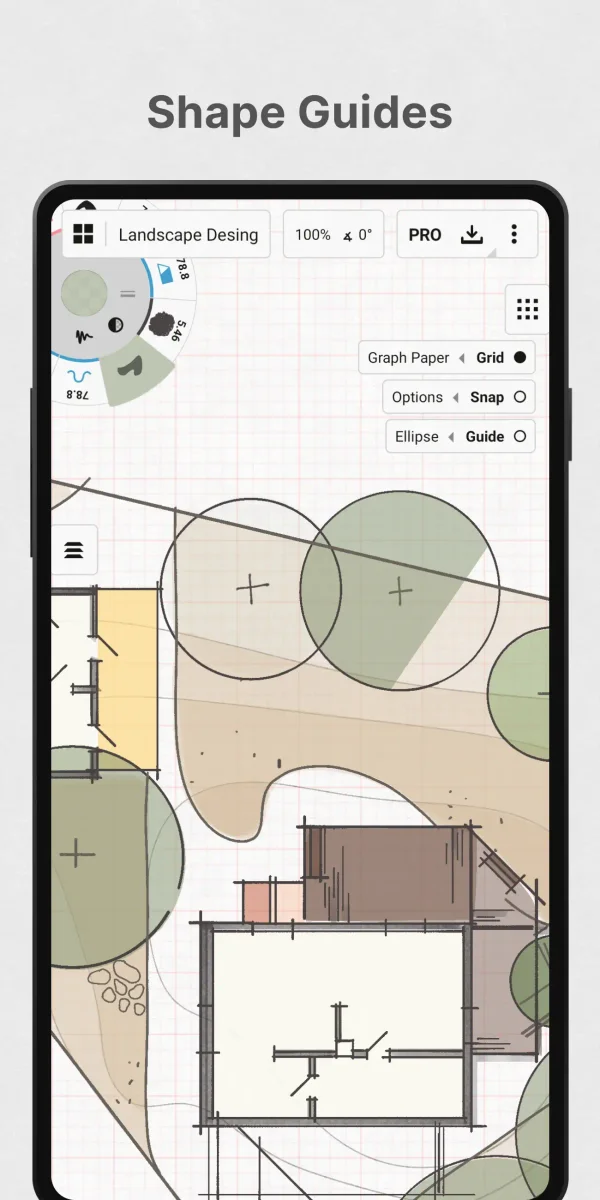
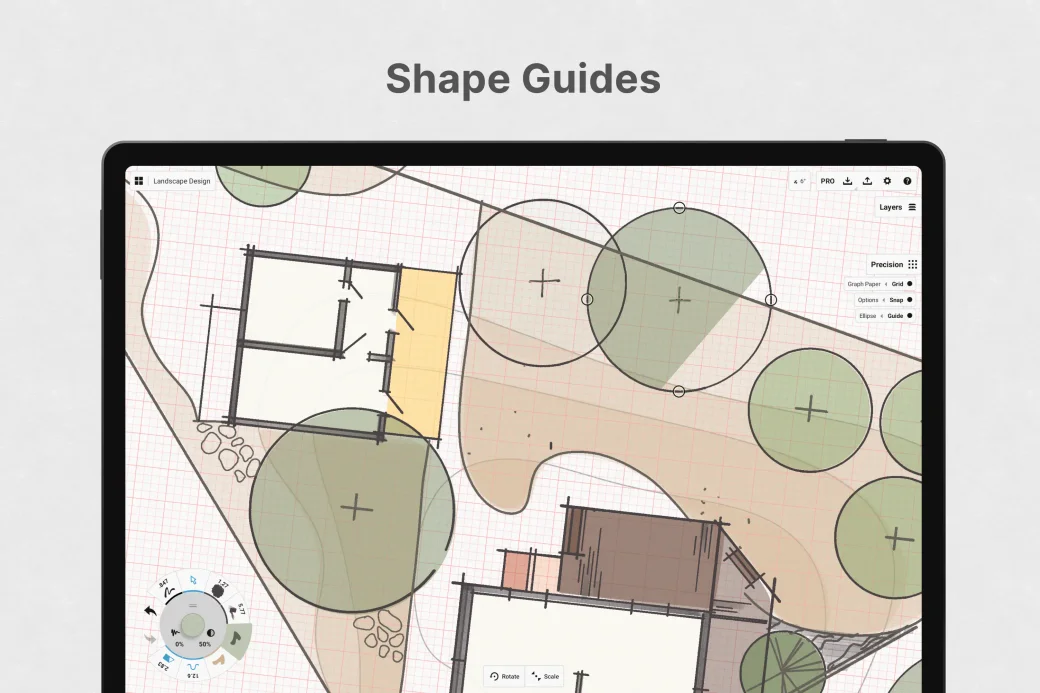
• draw with precision using shape guides, live snap and measurement for clean and accurate sketches
• personalize your canvas, tools, gestures, everything
• duplicate your work for easy iterations in the gallery and on canvas
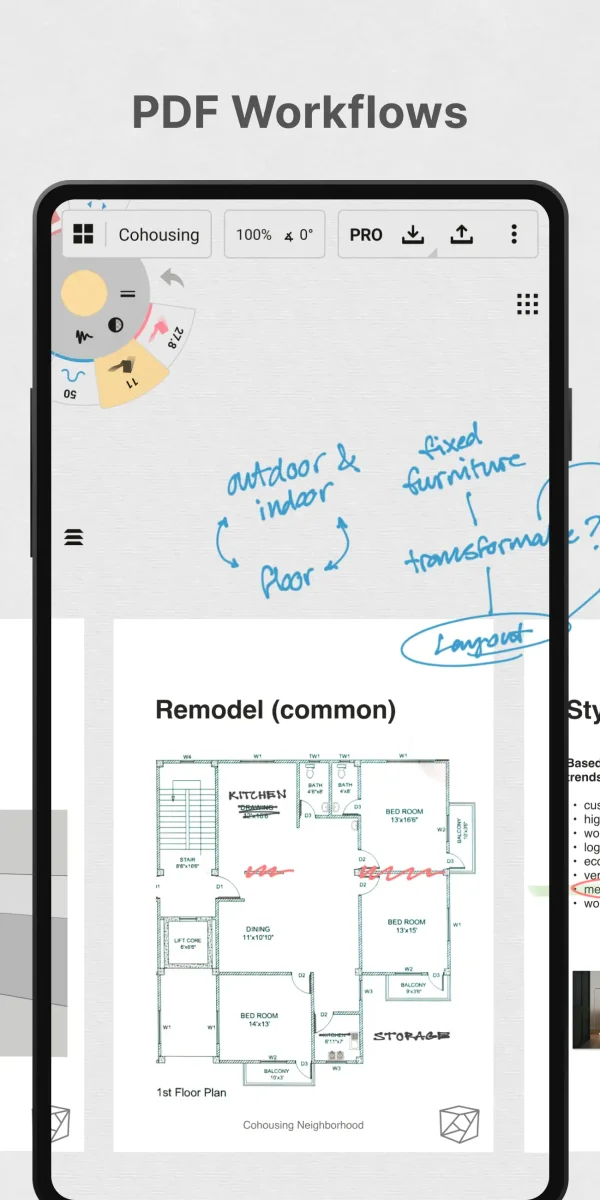
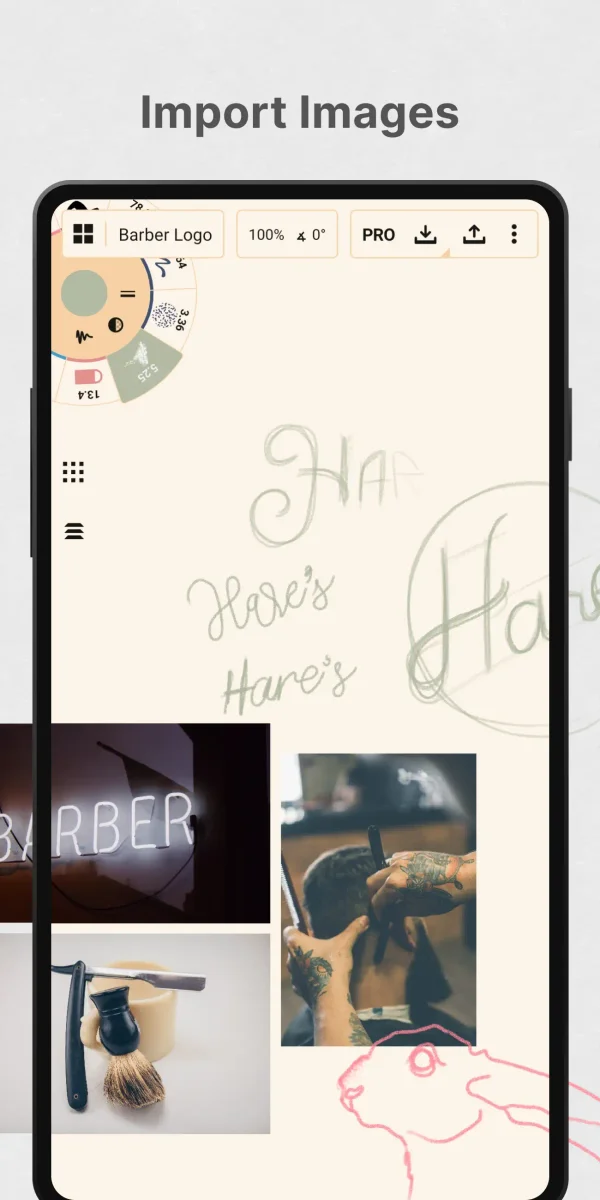
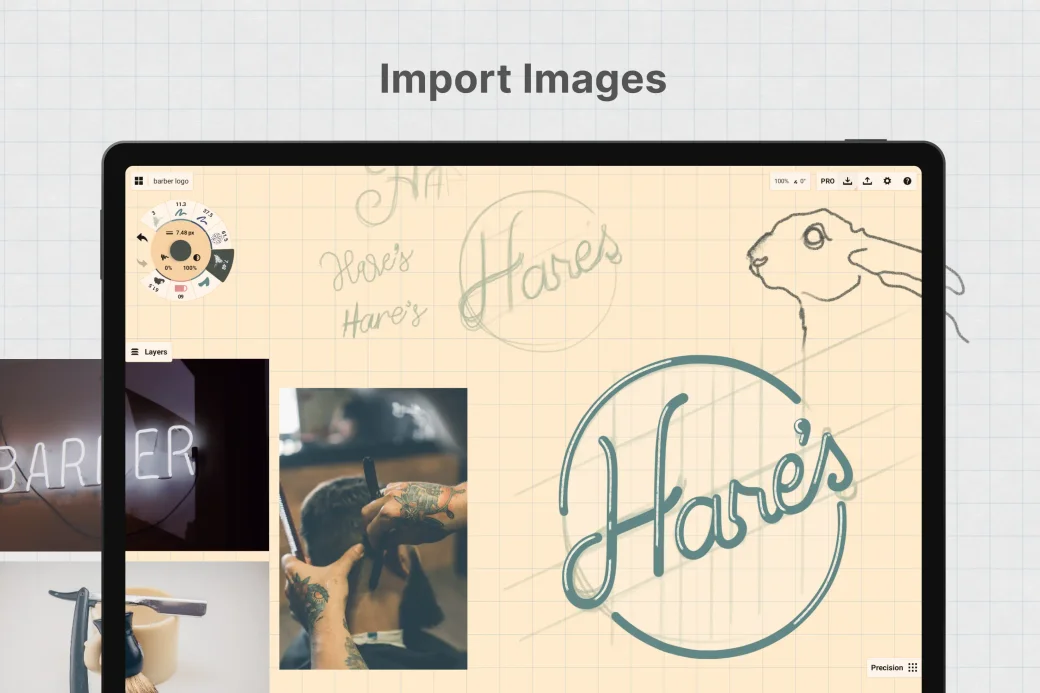
• drag+drop images straight onto the canvas as references or for tracing
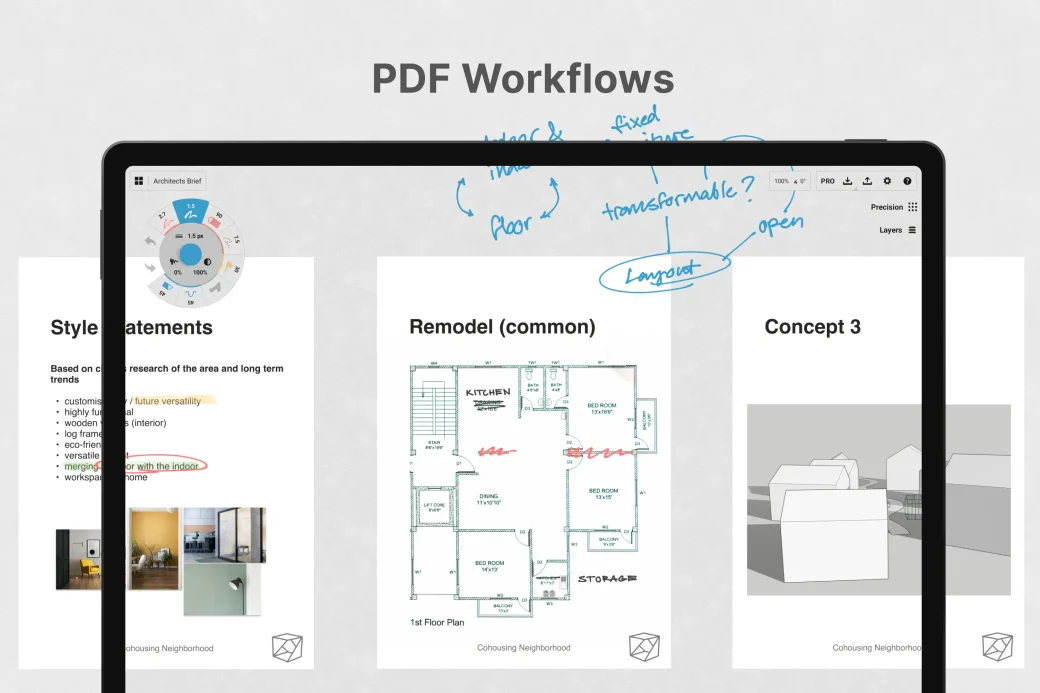
• export images, PDFs, and vectors for printing or fast feedback between friends and clients
FREE FEATURES
• Endless sketching on our infinite canvas
• A selection of paper, grid types & tools to get you started
• The full COPIC color spectrum + RGB and HSL color wheels
• Five layers
• Unlimited drawings
• JPG exports
PAID/PREMIUM FEATURES
Subscribe and master your creative potential:
• Access every library, service and feature, with new updates arriving all the time
• Unlocks everything across Android, ChromeOS, iOS and Windows
• TRY PREMIUM FREE FOR 7 DAYS
One-time-purchases:
• Buy the Essentials for life and unlock selection & editing tools, infinite layers, shape guides, custom grids, and exports to PNG / PSD / SVG / DXF.
• Pay for advanced features as you need them – professional brushes are sold separately
• Limited to the platform you purchase on.
Terms & Conditions:
• Monthly and yearly subscription payments are charged to your Google Play Account at the time of purchase.
• Your plan will renew automatically at the price shown within 24 hours after the billing period ends unless canceled beforehand.
• You can cancel or make changes to your subscription at any time in your Google Play Account settings.
We’re dedicated to quality and update our app frequently based on your feedback. Your experience matters to us. Chat with us in-app via Ask Us Anything, email us at concepts@tophatch.com, or find us anywhere with @ConceptsApp.
COPIC is the trademark of Too Corporation. Many thanks to Lasse Pekkala and Osama Elfar for the cover art!
Data safety
What TopHatch, Inc. declares on Google Play about the data this app collects and shares.
- No data shared with third partiesLearn more about how developers declare sharing
- This app may collect these data typesPersonal info, Financial info and 3 others
- Data is encrypted in transit
- You can request that data be deleted
What’s new
Version 2026.10.1 · Oct 29, 2026
2026.10 – Stability & maintenance
This release includes small improvements and general maintenance while we are working on upcoming features.
Read more at https://concepts.app/android/roadmap. If you appreciate what we're doing, send us feedback or leave a review!
Developer contact
- Websiteconcepts.app
- Emailsupport@concepts.app
- Privacy policyconcepts.app
- Address303 Twin Dolphin Dr Ste 600 Redwood City, CA 94065 United States
Information
- Offered by
- TopHatch, Inc.
- Category
- Art & Design
- Version
- 2026.10.1
- Updated
- Oct 29, 2026
- Released
- Nov 16, 2018
- Requires
- Android 8.0 or later
- Age rating
- Everyone
- Price
- Free
- In-app purchases
- $1.99 - $29.99 per item
- Package name
- com.tophatch.concepts
Similar apps
-
 Sketchbook
Art & Design
-
 Drawing Desk: Learn to Draw
Art & Design
-
 Magic Poser - Art Pose Tool
Art & Design
-
 DrawPlan: Floor Plan Maker AI
Productivity
-
 FlipaClip: Create 2D Animation
Art & Design
-
 Sketch Pro: Draw & Create Art
Art & Design
-
 PaperColor
Art & Design
-
 Planner 5D: AI Home Design
House & Home
-
 Tayasui Sketches
Art & Design
-
 Infinite Painter
Art & Design
-
 Jnotes: Note-Taking, AI, PDF
Productivity
-
 Noteshelf 3: AI Notes & PDF
Productivity