Concepts: Sketch, Note, Draw
TopHatch, Inc.Pembelian dalam aplikasi
- Rating 3+Batasan usia
- Seni & DesainKategori
- 29/10/2026Diperbarui
- GratisHarga
Tertaut ke halaman resmi com.tophatch.concepts di Google Play. Terakhir diperiksa pada 26/11/2026.

Tangkapan layar



Tentang aplikasi ini
Terjemahan otomatis oleh Google. Bahasa asli: Inggris (Amerika Serikat).
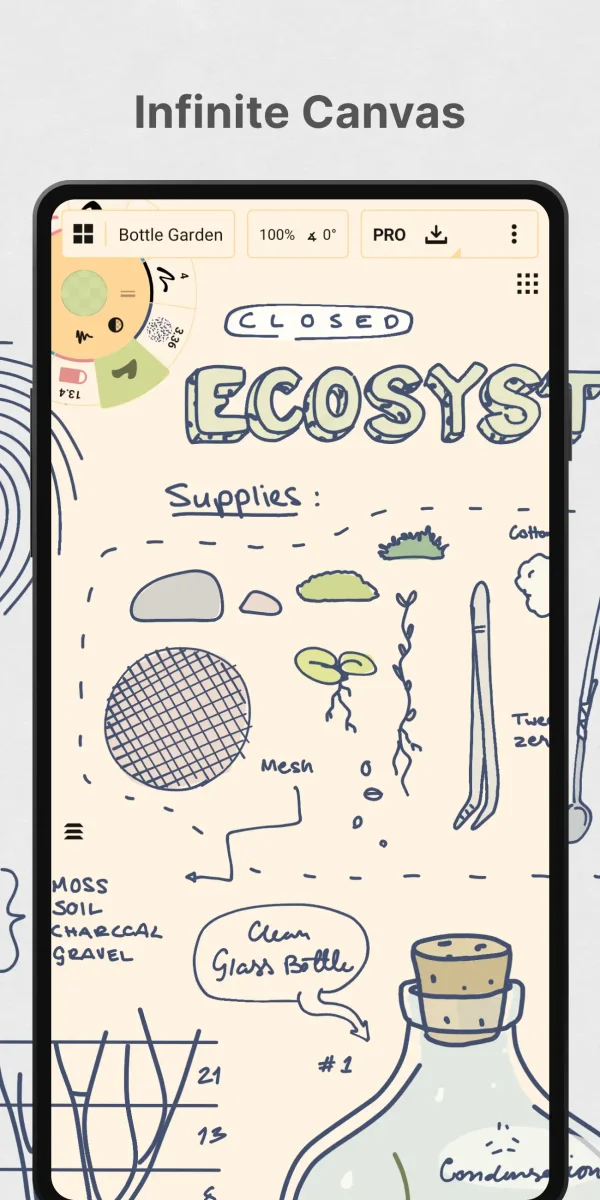
Tak Terbatas, Sketsa Fleksibel
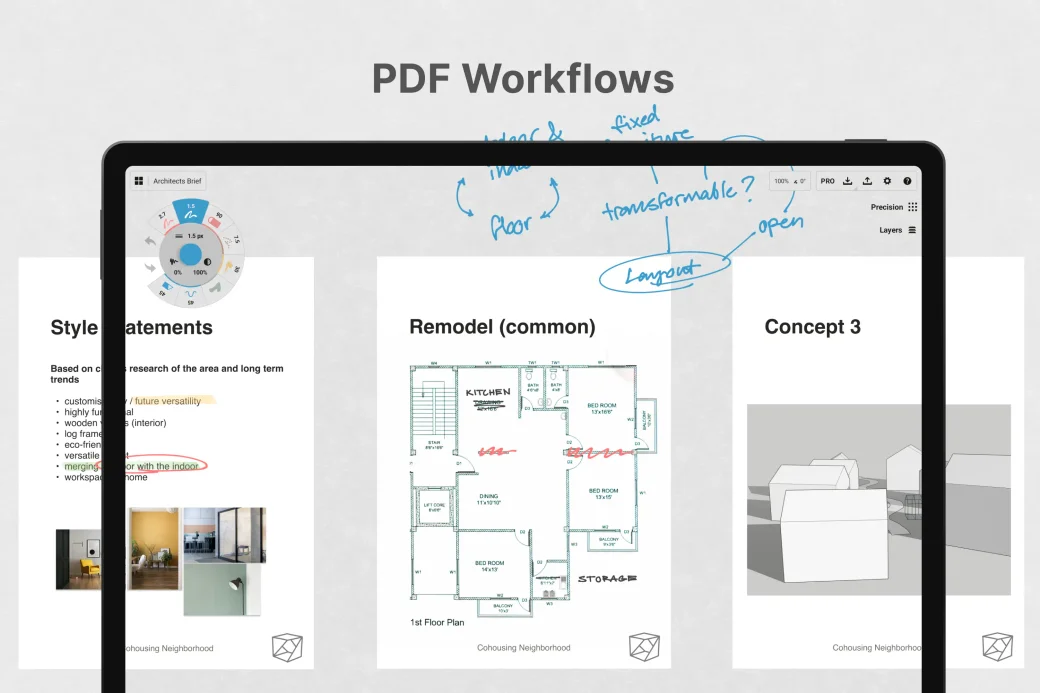
Berpikir, merencanakan & menciptakan – Concepts adalah ruang kerja/papan sketsa kreatif berbasis vektor yang fleksibel di mana Anda dapat mewujudkan ide-ide Anda dari konsep hingga kenyataan.
Concepts menata ulang tahap ideasi – menawarkan ruang kerja yang aman dan dinamis untuk mengeksplorasi ide-ide Anda, mengatur pikiran Anda, bereksperimen, dan mengulang desain sebelum membagikannya dengan teman, klien, dan aplikasi lain.
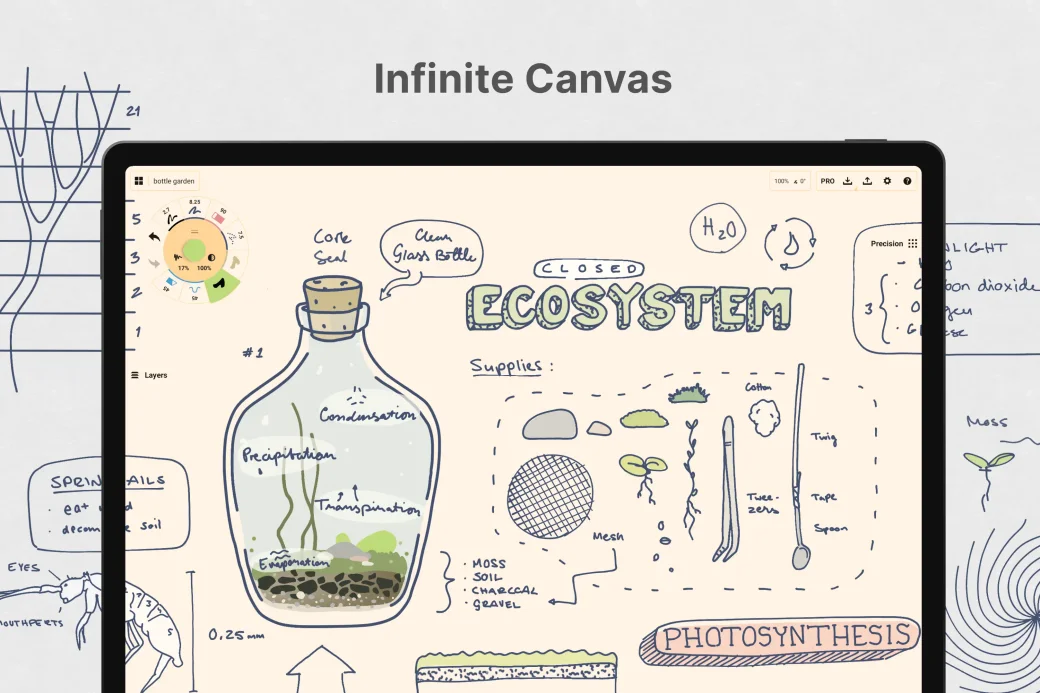
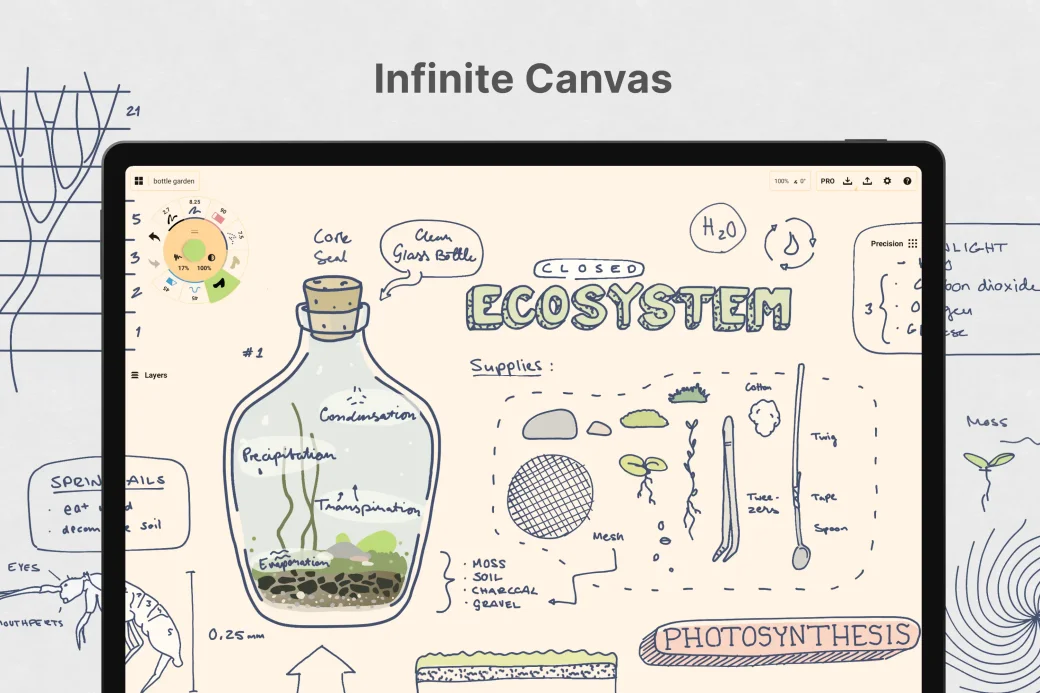
Dengan kanvas tak terbatas kami, Anda dapat:
• membuat sketsa rencana dan ide di papan tulis
• membuat catatan, coretan, dan peta pikiran
• menggambar storyboard, sketsa produk, dan desain
Concepts berbasis vektor, sehingga setiap goresan dapat diedit dan diskalakan. Dengan alat Nudge, Slice, dan Select kami, Anda dapat dengan mudah mengubah elemen apa pun dari sketsa Anda tanpa menggambarnya ulang. Concepts dioptimalkan untuk perangkat yang mendukung pena terbaru dan Chrome OS™, sehingga cepat, lancar, dan responsif.
Para kreator berbakat di Disney, Playstation, Philips, HP, Apple, Google, Unity, dan Illumination Entertainment menggunakan Concepts untuk mengembangkan dan mewujudkan ide-ide luar biasa. Bergabunglah bersama kami!
Concepts memiliki:
• pensil, pena, dan kuas realistis yang merespons tekanan, kemiringan, dan kecepatan dengan penghalusan langsung yang dapat disesuaikan
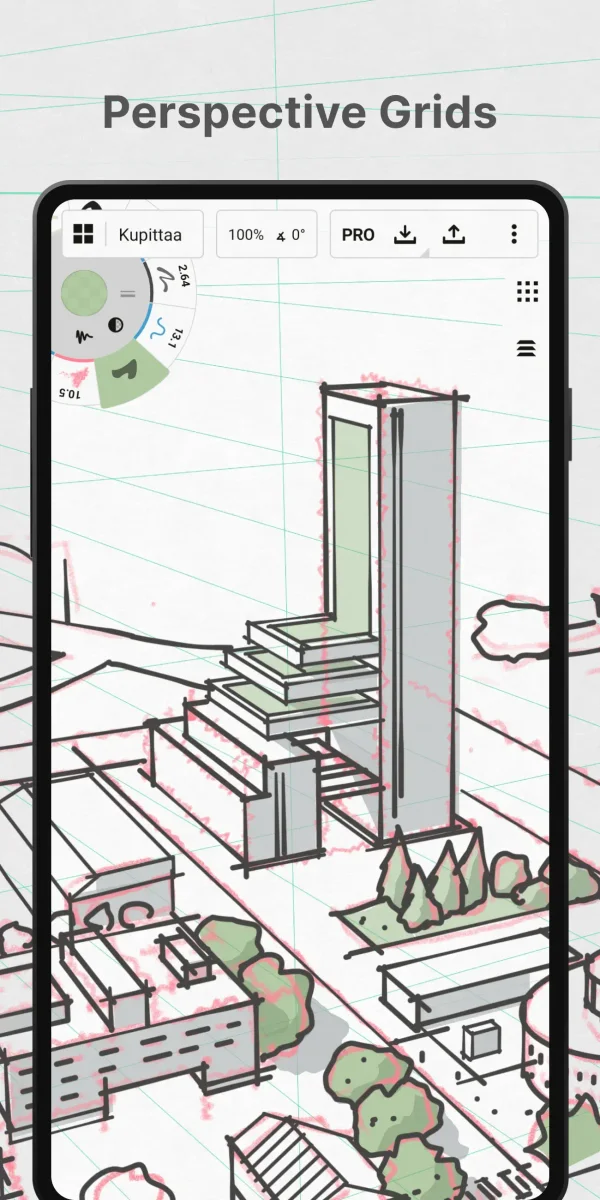
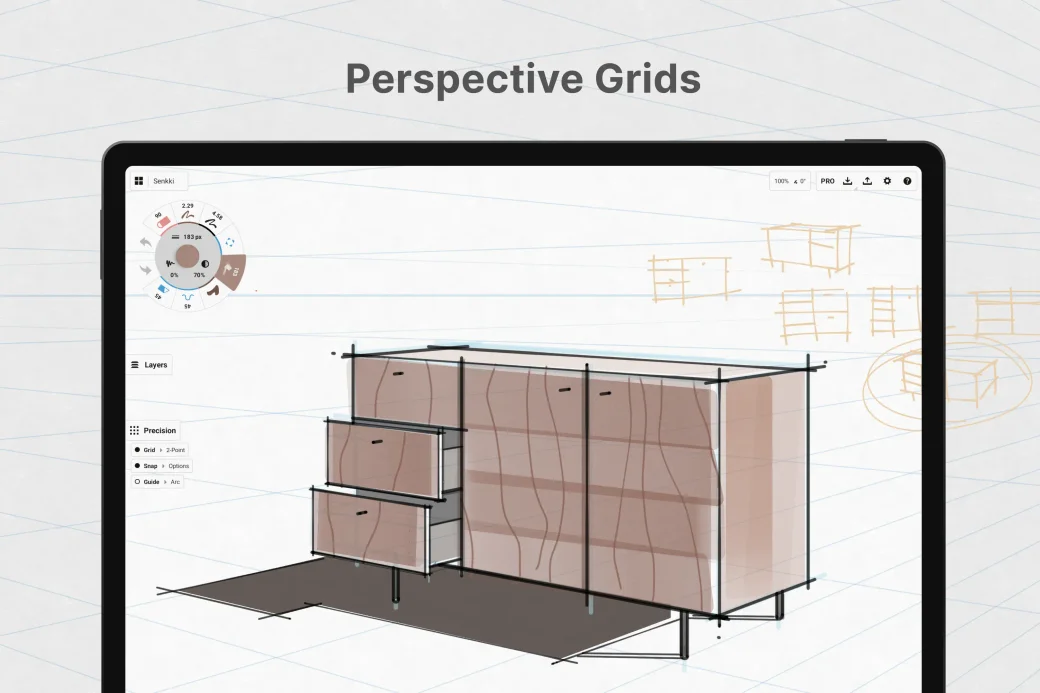
• kanvas tak terbatas dengan banyak jenis kertas dan grid khusus
• roda atau bilah alat yang dapat Anda sesuaikan dengan alat dan preset favorit Anda
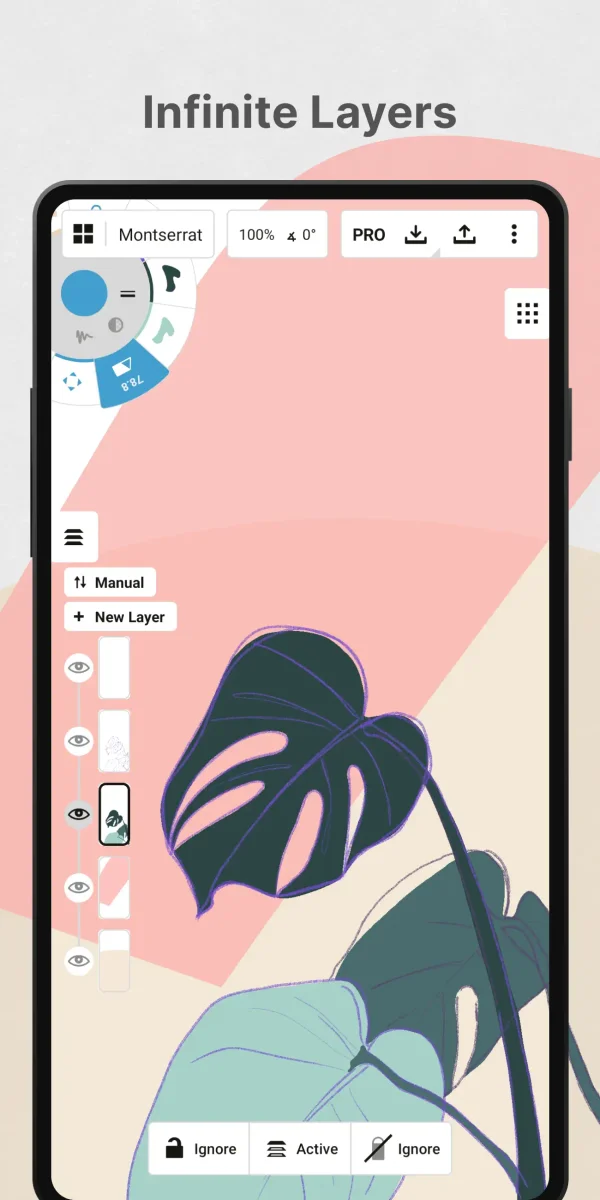
• sistem pelapisan tak terbatas dengan pengurutan otomatis & opasitas yang dapat disesuaikan
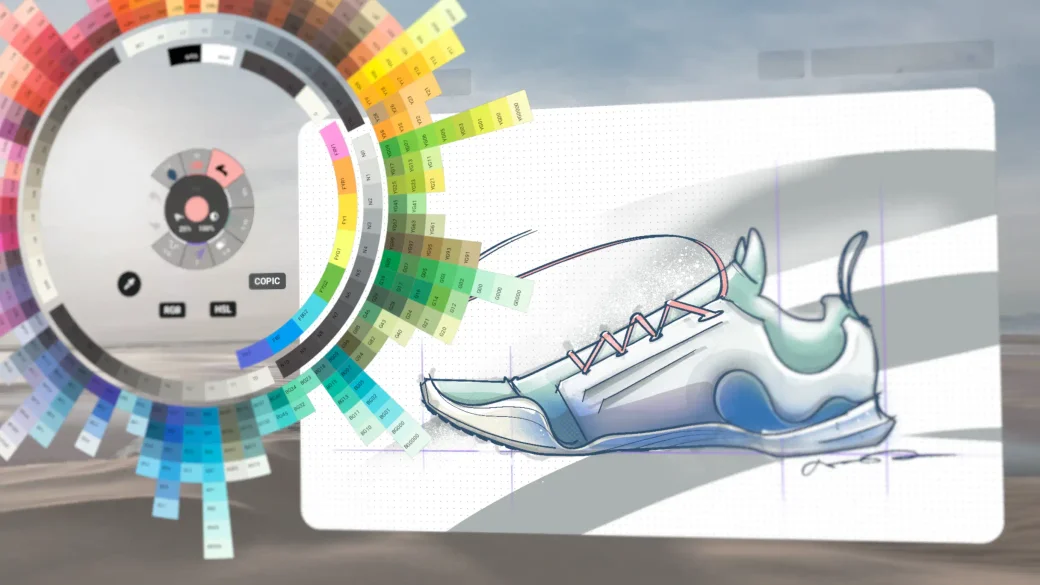
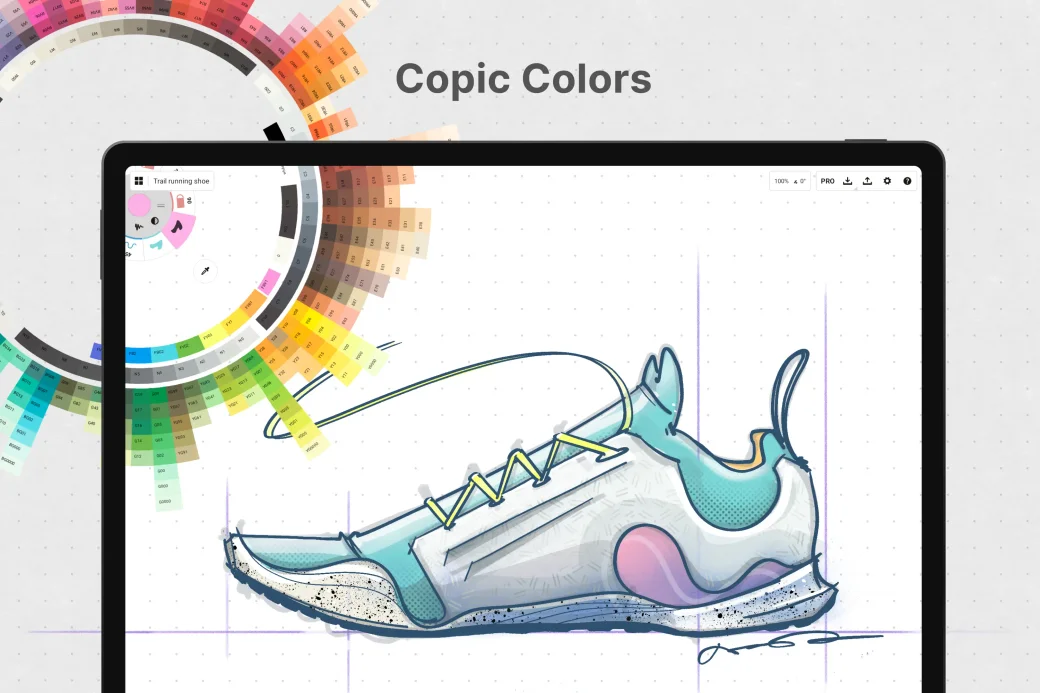
• roda warna HSL, RGB, dan COPIC untuk membantu Anda memilih warna yang tampak serasi
• sketsa berbasis vektor yang fleksibel – pindahkan dan sesuaikan apa yang telah Anda gambar kapan saja berdasarkan alat, warna, ukuran, penghalusan, dan skala
Dengan Concepts, Anda dapat:
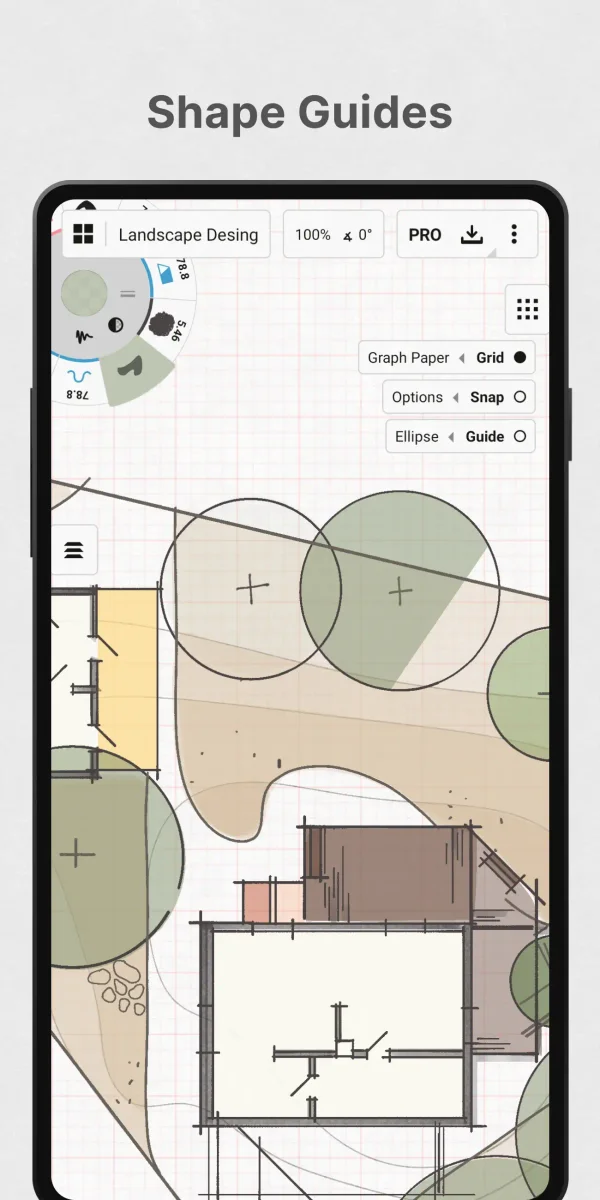
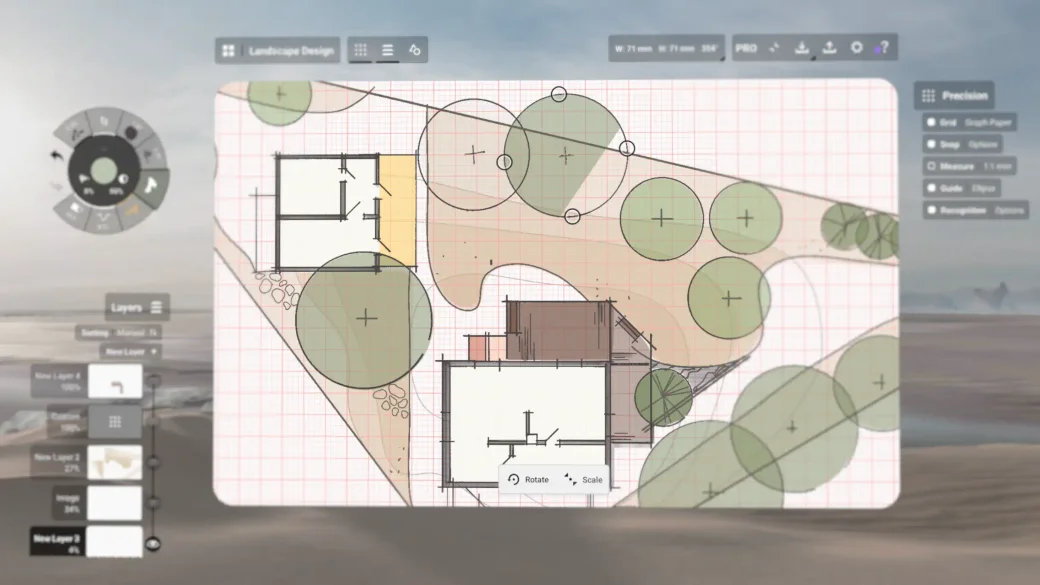
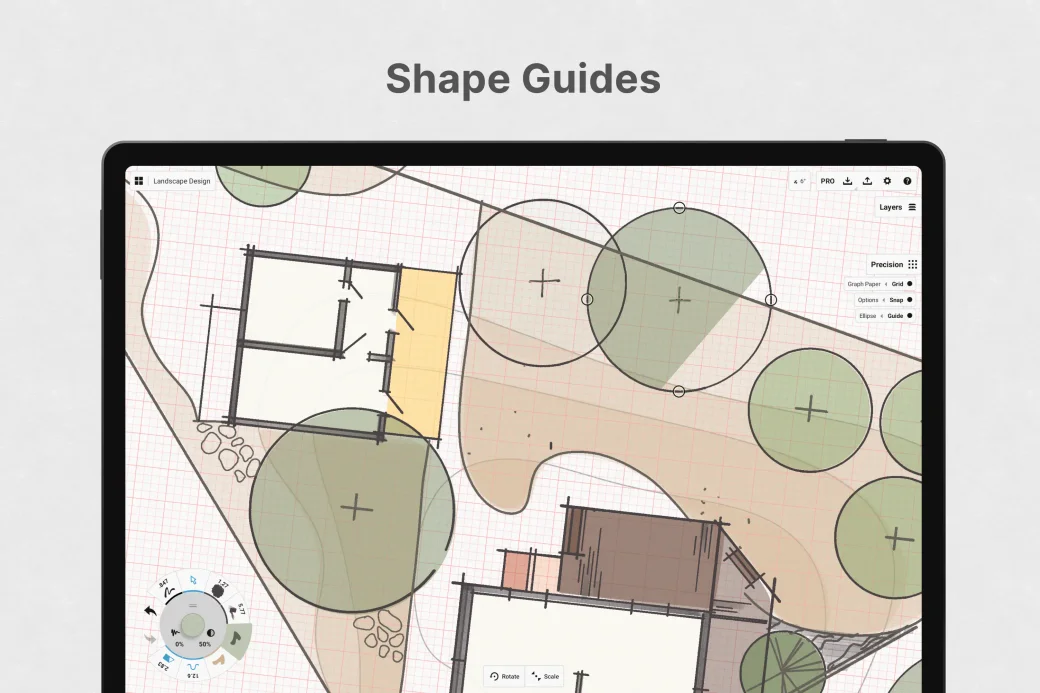
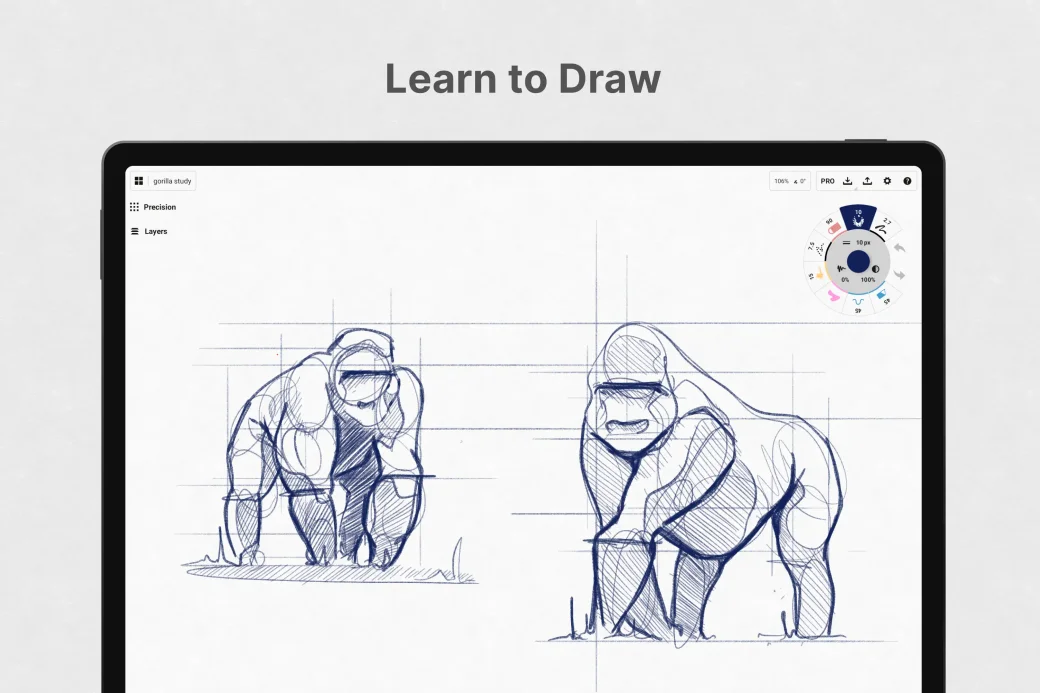
• menggambar dengan presisi menggunakan panduan bentuk, snap langsung, dan pengukuran untuk sketsa yang bersih dan akurat
• mempersonalisasi kanvas, alat, gestur, semuanya
• menduplikasi karya Anda untuk iterasi mudah di galeri dan di kanvas
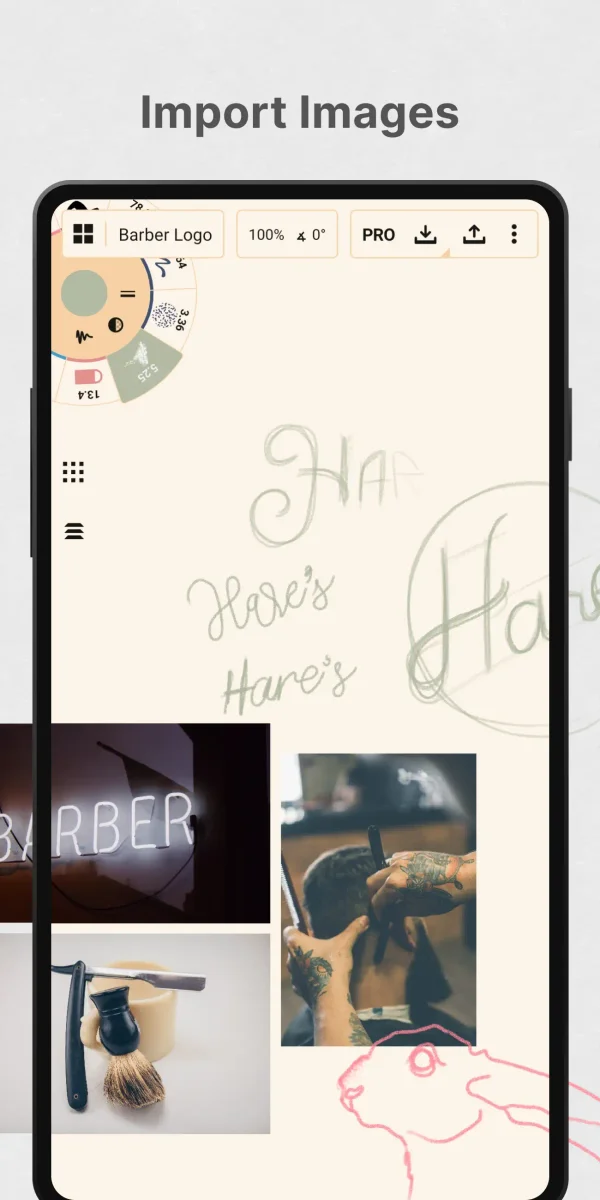
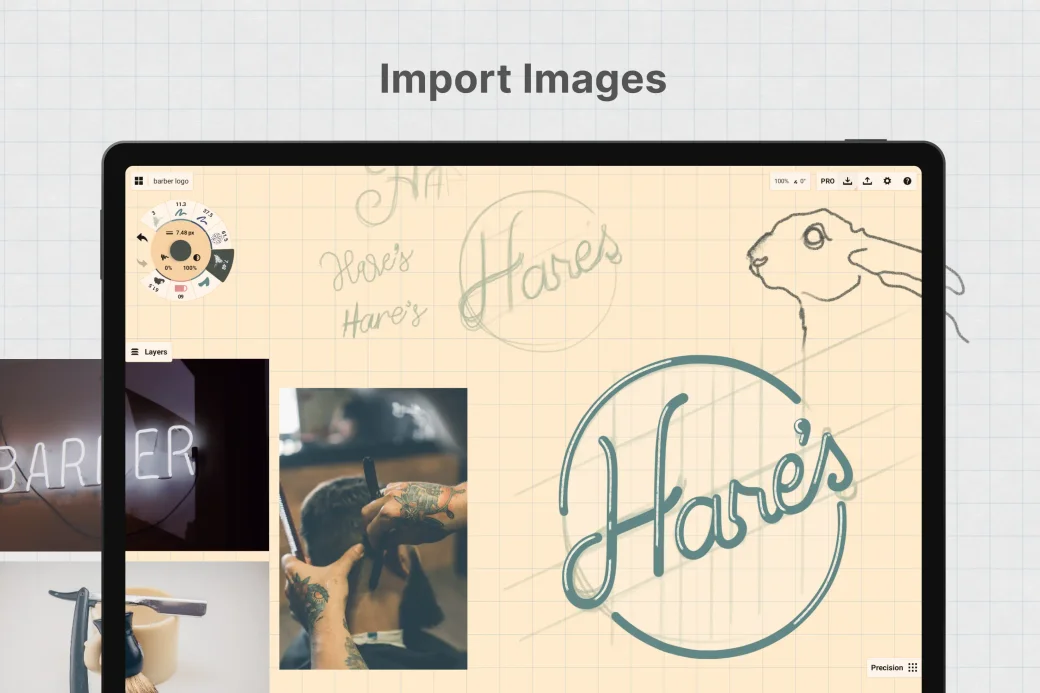
• seret dan lepas gambar langsung ke kanvas sebagai referensi atau untuk menjiplak
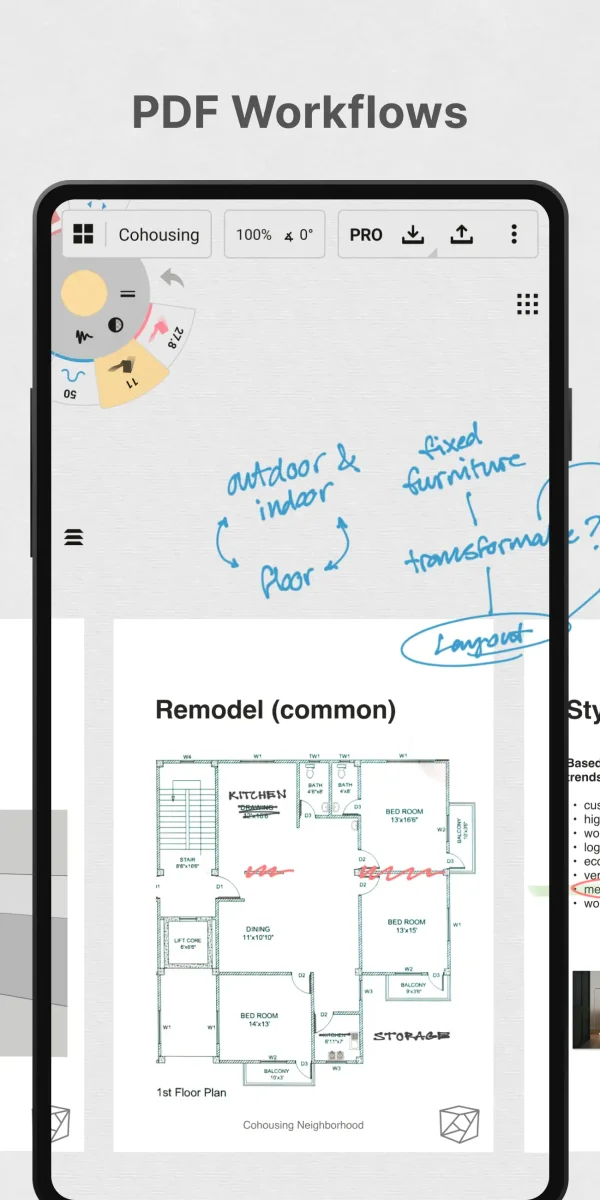
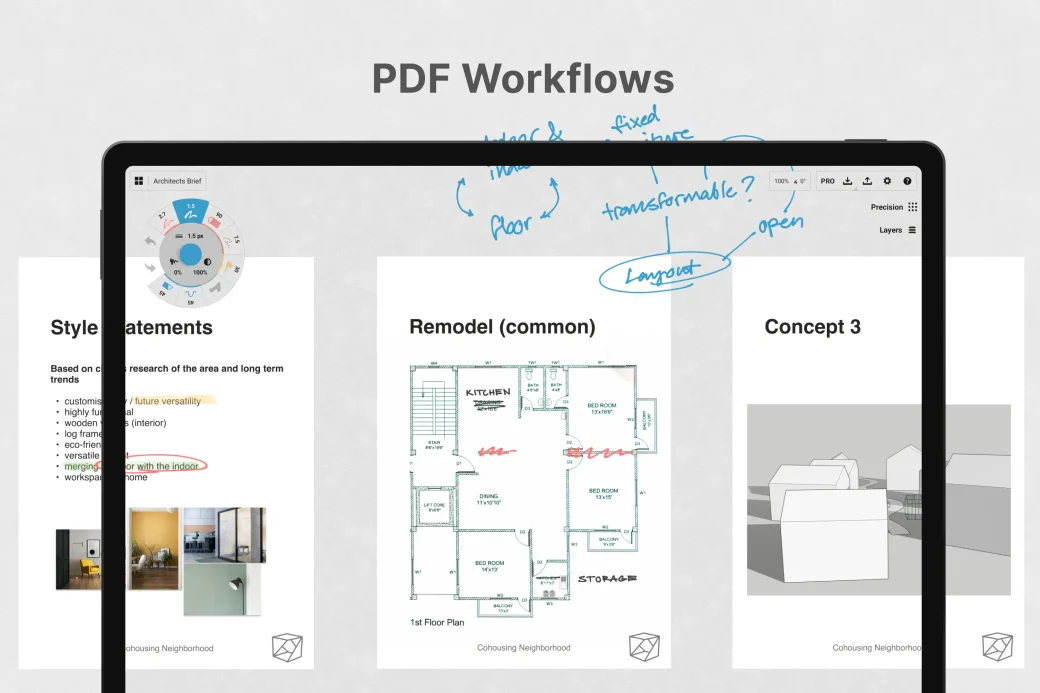
• mengekspor gambar, PDF, dan vektor untuk pencetakan atau umpan balik cepat antara teman dan klien
GRATIS FITUR
• Sketsa tanpa batas di kanvas tak terbatas kami
• Pilihan kertas, jenis grid & alat untuk memulai
• Spektrum warna COPIC lengkap + roda warna RGB dan HSL
• Lima lapisan
• Gambar tak terbatas
• Ekspor JPG
FITUR BERBAYAR/PREMIUM
Berlangganan dan kuasai potensi kreatif Anda:
• Akses setiap perpustakaan, layanan, dan fitur, dengan pembaruan baru yang selalu hadir
• Membuka semua fitur di Android, ChromeOS, iOS, dan Windows
• COBA PREMIUM GRATIS SELAMA 7 HARI
Pembelian satu kali:
• Beli Essentials seumur hidup dan buka alat seleksi & pengeditan, lapisan tak terbatas, panduan bentuk, grid khusus, dan ekspor ke PNG / PSD / SVG / DXF.
• Bayar untuk fitur lanjutan sesuai kebutuhan Anda – kuas profesional dijual terpisah
• Terbatas pada platform tempat Anda membeli.
Syarat & Ketentuan:
• Pembayaran langganan bulanan dan tahunan akan dibebankan ke Akun Google Play Anda pada saat pembelian.
• Paket Anda akan diperpanjang secara otomatis dengan harga yang tertera dalam waktu 24 jam setelah periode penagihan berakhir kecuali dibatalkan sebelumnya.
• Anda dapat membatalkan atau mengubah langganan Anda kapan saja di pengaturan Akun Google Play Anda.
Kami berkomitmen pada kualitas dan sering memperbarui aplikasi kami berdasarkan masukan Anda. Pengalaman Anda penting bagi kami. Hubungi kami melalui fitur Tanya Jawab di dalam aplikasi, kirim email ke concepts@tophatch.com, atau temukan kami di mana saja dengan @ConceptsApp.
COPIC adalah merek dagang dari Too Corporation. Terima kasih banyak kepada Lasse Pekkala dan Osama Elfar atas karya seni sampulnya!
Tampilkan teks asli
Think, plan & create – Concepts is a flexible vector-based creative workspace/sketchpad where you can take your ideas from concept to reality.
Concepts reimagines the ideation stage – offering a safe and dynamic workspace to explore your ideas, organize your thoughts, experiment with and iterate designs before sharing them with friends, clients and other apps.
With our infinite canvas, you can:
• sketch out plans and whiteboard ideas
• make notes, doodles, and mindmaps
• draw storyboards, product sketches and designs
Concepts is vector-based, making every stroke editable and scalable. With our Nudge, Slice and Select tools, you can easily change any element of your sketch without redrawing it. Concepts is optimized for the latest pen-enabled devices and Chrome OS™, making it fast, smooth and responsive.
Talented creators at Disney, Playstation, Philips, HP, Apple, Google, Unity and Illumination Entertainment use Concepts to develop and realize extraordinary ideas. Join us!
Concepts has:
• realistic pencils, pens and brushes that respond to pressure, tilt and velocity with adjustable live smoothing
• an infinite canvas with many paper types and custom grids
• a tool wheel or bar you can customize with your favorite tools and presets
• an infinite layering system with automatic sorting & adjustable opacity
• HSL, RGB and COPIC color wheels to help you choose colors that look great together
• flexible vector-based sketching – move and adjust what you’ve drawn anytime by tool, color, size, smoothing and scale
With Concepts, you can:
• draw with precision using shape guides, live snap and measurement for clean and accurate sketches
• personalize your canvas, tools, gestures, everything
• duplicate your work for easy iterations in the gallery and on canvas
• drag+drop images straight onto the canvas as references or for tracing
• export images, PDFs, and vectors for printing or fast feedback between friends and clients
FREE FEATURES
• Endless sketching on our infinite canvas
• A selection of paper, grid types & tools to get you started
• The full COPIC color spectrum + RGB and HSL color wheels
• Five layers
• Unlimited drawings
• JPG exports
PAID/PREMIUM FEATURES
Subscribe and master your creative potential:
• Access every library, service and feature, with new updates arriving all the time
• Unlocks everything across Android, ChromeOS, iOS and Windows
• TRY PREMIUM FREE FOR 7 DAYS
One-time-purchases:
• Buy the Essentials for life and unlock selection & editing tools, infinite layers, shape guides, custom grids, and exports to PNG / PSD / SVG / DXF.
• Pay for advanced features as you need them – professional brushes are sold separately
• Limited to the platform you purchase on.
Terms & Conditions:
• Monthly and yearly subscription payments are charged to your Google Play Account at the time of purchase.
• Your plan will renew automatically at the price shown within 24 hours after the billing period ends unless canceled beforehand.
• You can cancel or make changes to your subscription at any time in your Google Play Account settings.
We’re dedicated to quality and update our app frequently based on your feedback. Your experience matters to us. Chat with us in-app via Ask Us Anything, email us at concepts@tophatch.com, or find us anywhere with @ConceptsApp.
COPIC is the trademark of Too Corporation. Many thanks to Lasse Pekkala and Osama Elfar for the cover art!
Keamanan data
Yang dinyatakan TopHatch, Inc. di Google Play tentang data yang dikumpulkan dan dibagikan aplikasi ini.
- Tidak ada data yang dibagikan kepada pihak ketigaPelajari lebih lanjut cara developer menyatakan pembagian data
- Aplikasi ini dapat mengumpulkan jenis data berikutInfo pribadi, Info keuangan, dan 3 lainnya
- Data dienkripsi saat dalam pengiriman
- Anda dapat meminta agar data dihapus
Yang baru
Versi 2026.10.1 · 29/10/2026
2026.10 – Stability & maintenance
This release includes small improvements and general maintenance while we are working on upcoming features.
Read more at https://concepts.app/android/roadmap. If you appreciate what we're doing, send us feedback or leave a review!
Kontak pengembang
- Situs webconcepts.app
- Emailsupport@concepts.app
- Kebijakan Privasiconcepts.app
- Alamat303 Twin Dolphin Dr Ste 600 Redwood City, CA 94065 United States
Informasi
- Ditawarkan oleh
- TopHatch, Inc.
- Kategori
- Seni & Desain
- Versi
- 2026.10.1
- Diperbarui
- 29/10/2026
- Dirilis
- 16/11/2018
- Memerlukan
- Android 8.0 atau yang lebih baru
- Batasan usia
- Rating 3+
- Harga
- Gratis
- Pembelian dalam aplikasi
- Rp 28.000 - Rp 469.000 per item
- Nama paket
- com.tophatch.concepts
Aplikasi serupa
-
 Sketchbook
Seni & Desain
-
 Drawing Desk: Learn to Draw
Seni & Desain
-
 Magic Poser - Art Pose Tool
Seni & Desain
-
 DrawPlan: Pembuat Denah AI
Produktivitas
-
 FlipaClip: Buat Animasi 2D
Seni & Desain
-
 Sketch Pro: Cipta Seni Cat
Seni & Desain
-
 PaperColor
Seni & Desain
-
 Planner 5D: AI Home Design
Rumah & Griya
-
 Tayasui Sketches
Seni & Desain
-
 Infinite Painter
Seni & Desain
-
 Jnotes: Note-Taking, AI, PDF
Produktivitas
-
 Noteshelf 3: AI Notes & PDF
Produktivitas