Counter Widget
CELEST WatchesContains ads
- EveryoneAge rating
- ToolsCategory
- Jul 20, 2026Updated
- FreePrice
Links to the official Google Play listing of com.celestwatches.counterwidget. Last checked on Nov 24, 2026.

Screenshots

About this app
Minimal tap counter widget for your home screen. Count reps, tasks, pages...
Counter Widget — a minimal tap counter for your home screen.
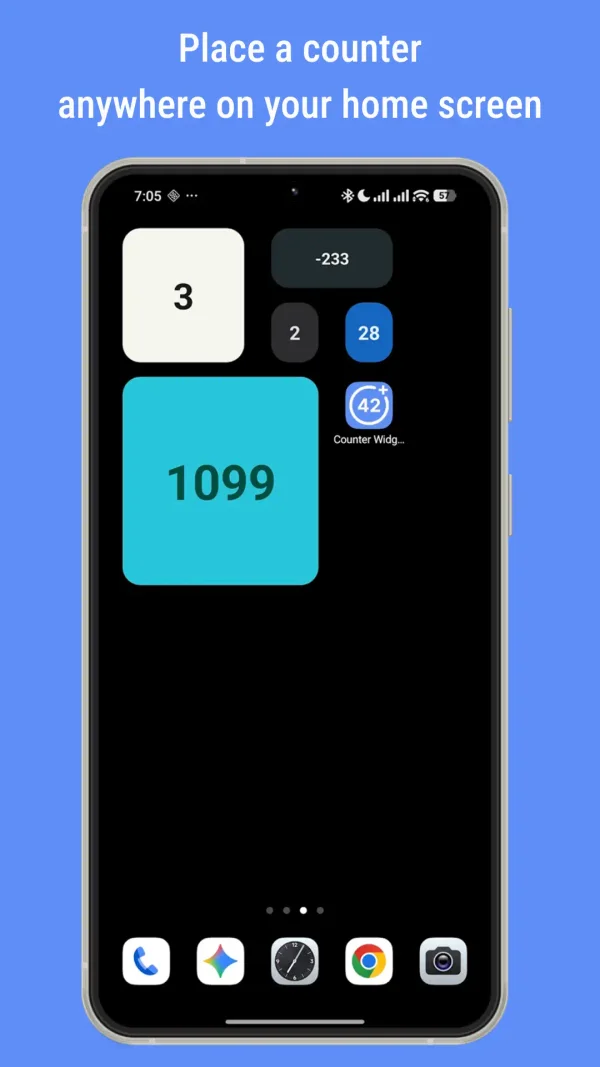
A home screen widget that counts. One tap increments the number by one. Place the widget anywhere on your home screen and tap it to count whatever you need to track.
** What you can count **
Counter Widget works for any kind of tally:
- Reps, sets, and laps during workouts
- Daily habits and streaks
- Pages read or chapters finished
- Cups of water, coffee, or other daily intake
- Inventory counts and tallies
- Anything else you want to track with a single tap
Each widget you place is independent, so you can track multiple things in parallel.
** How it works **
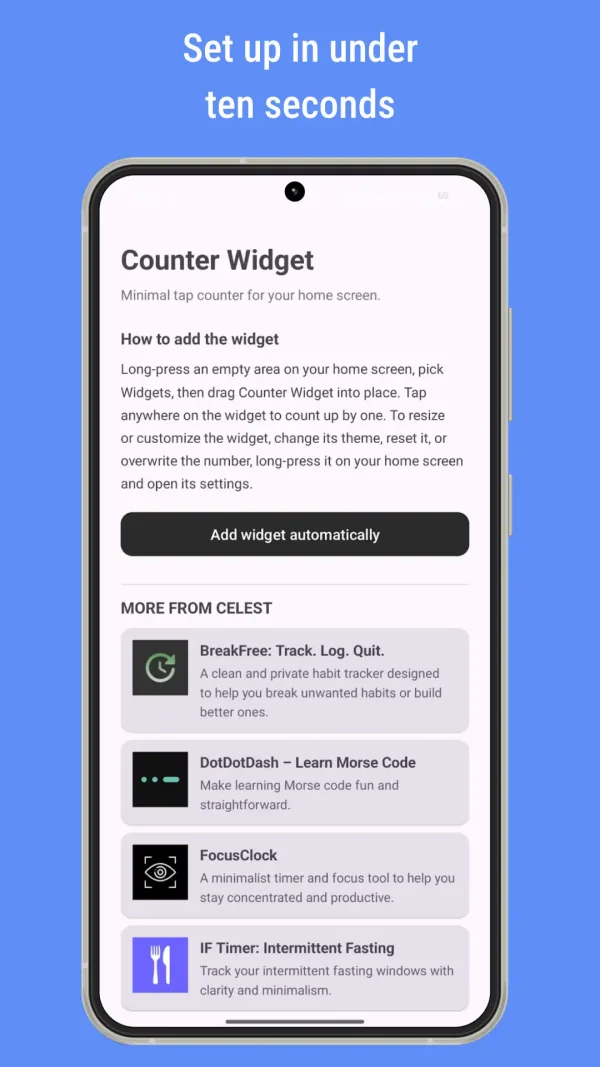
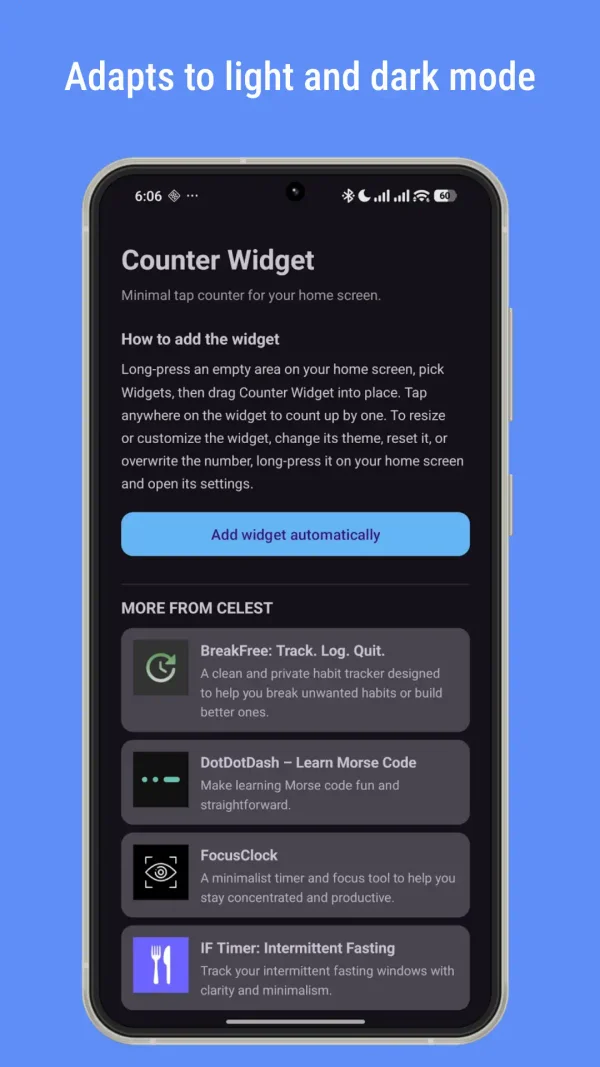
Long-press an empty area on your home screen, select Counter Widget from the widget picker, and drag it into place. Tap the widget to count up by one. When the widget is tall enough (2 cells or more), + and − controls appear so you can increment or decrement directly from the home screen.
To customize the widget, long-press it and open its settings. From there you can:
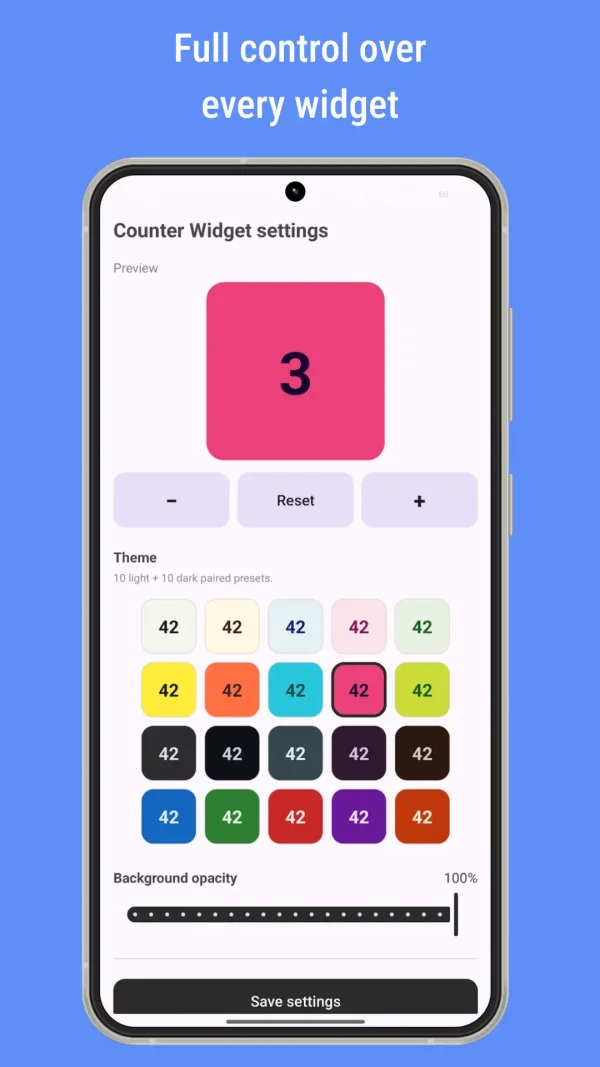
- Enter any specific number by tapping the counter in the preview
- Adjust the counter with + and − buttons, including press-and-hold for fast changes
- Reset the counter to zero with confirmation
- Choose from 20 color themes (muted, vibrant, light, and dark) or pick your own colors with a color wheel and brightness slider — you can also type an exact hex code
- Adjust background opacity from 0 % (fully transparent) to 100 %, in 5 % steps
The widget is resizable from 1×1 up to 4×4 cells. The number automatically scales to fit the size you choose.
** Privacy **
All data is stored locally on your device. No accounts, no cloud sync, no tracking, no analytics.
** Accessibility **
Counter Widget supports TalkBack, including spoken counter values and accessible labels on every interactive element. Theme names are announced during selection.
** About pricing **
Counter Widget has no in-app purchases and no subscriptions. The app includes a "More from CELEST" section showing other apps from CELEST Watches. If you find Counter Widget useful and want to explore the other apps, the option is there — it is not required.
** About the developer **
Counter Widget is developed by CELEST Watches, an independent developer publishing minimal Android apps and Wear OS watch faces.
Data safety
What CELEST Watches declares on Google Play about the data this app collects and shares.
- No data shared with third partiesLearn more about how developers declare sharing
- No data collectedLearn more about how developers declare collection
What’s new
Version 1.5.0 · Jul 20, 2026
The main app lists the added widgets for easy editing
Developer contact
- Websitecelest-watches.com
- Emailinfo@celest-watches.com
- Privacy policycelest-watches.com
- AddressBudapest ERZSEBET UTCA 32 04. 5 em. 28 a. 1041 Hungary
Information
- Offered by
- CELEST Watches
- Category
- Tools
- Version
- 1.5.0
- Updated
- Jul 20, 2026
- Released
- Apr 21, 2026
- Requires
- Android 11 or later
- Age rating
- Everyone
- Price
- Free
- Package name
- com.celestwatches.counterwidget