Custom AOD – OLED Wallpapers
Dhwani developerContains ads · In-app purchases
- EveryoneAge rating
- PersonalizationCategory
- Sep 10, 2026Updated
- FreePrice
Links to the official Google Play listing of com.somen.customaod. Last checked on Nov 21, 2026.
Screenshots
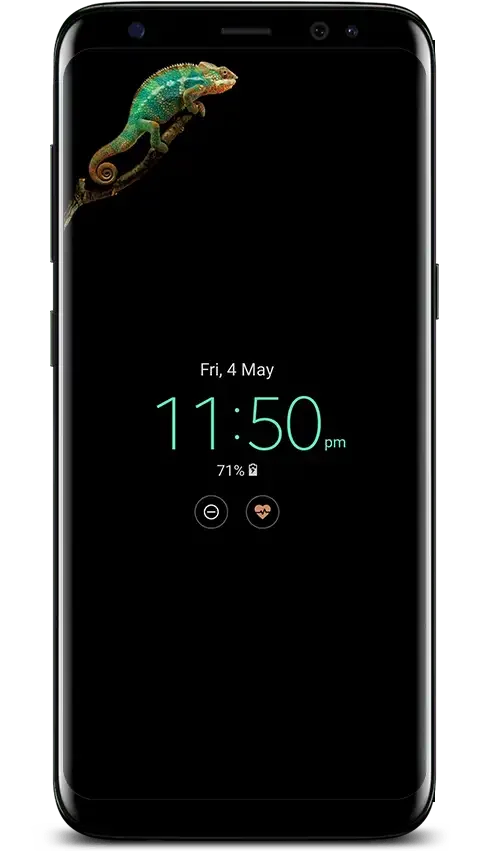
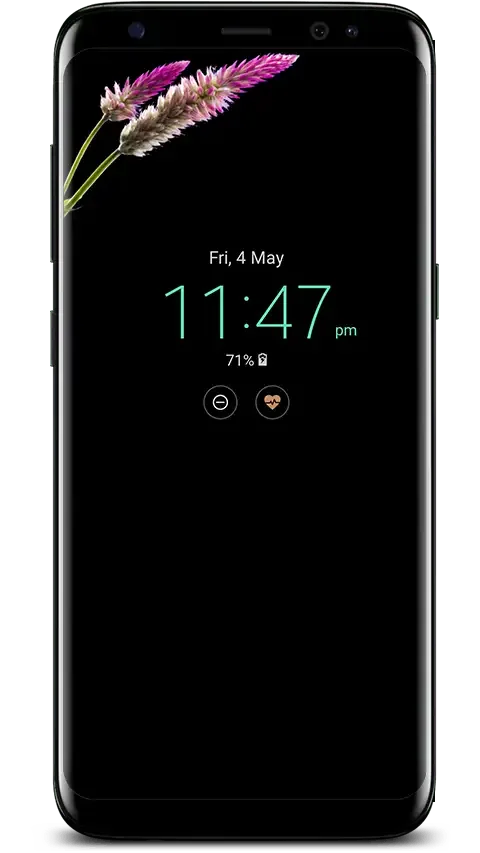
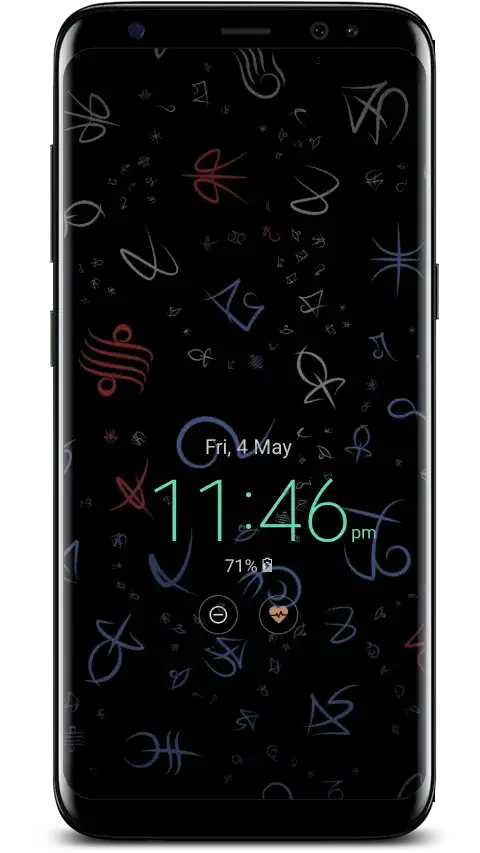
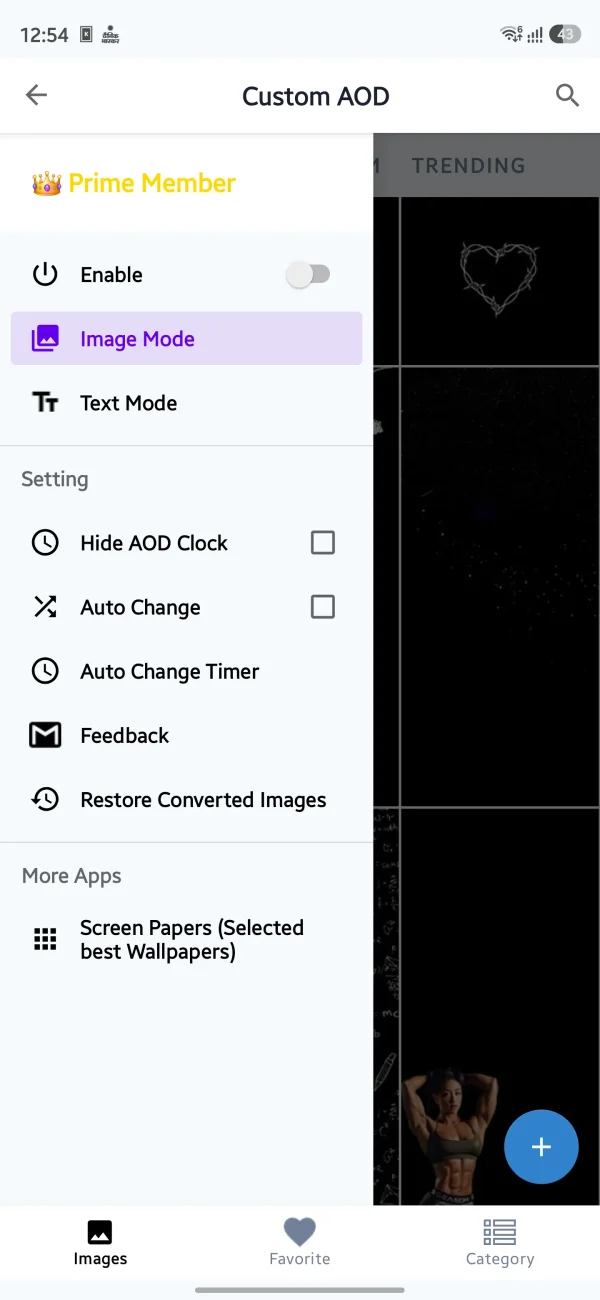
About this app
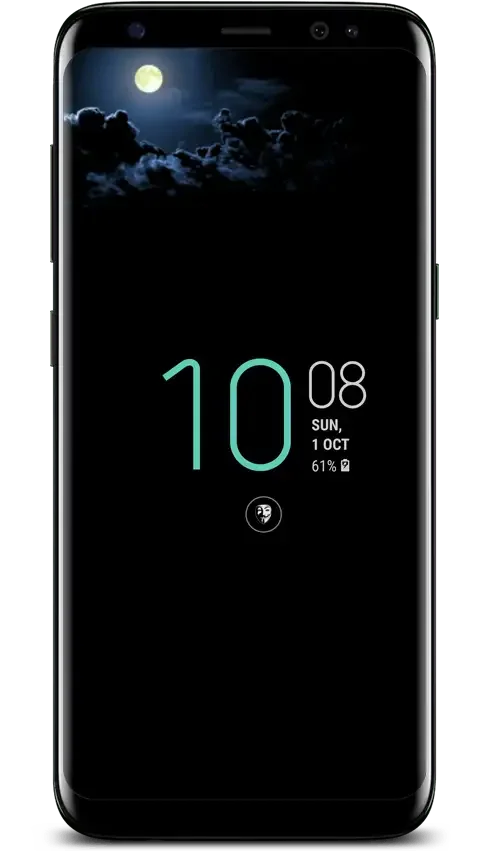
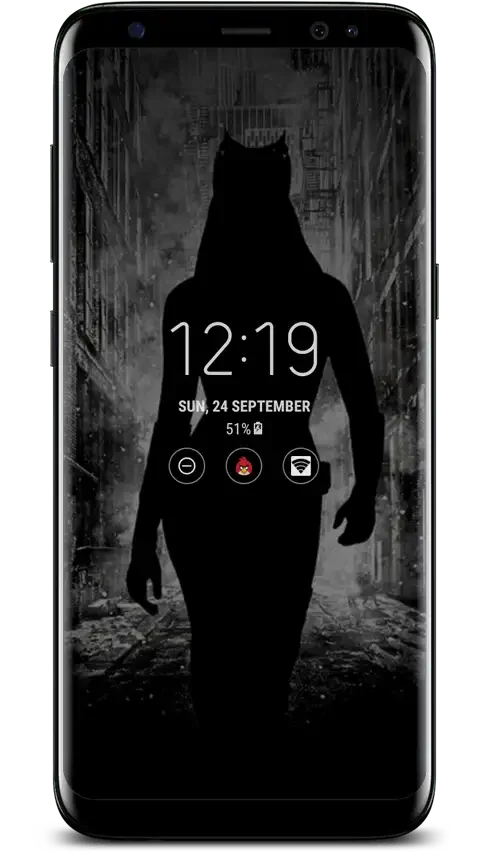
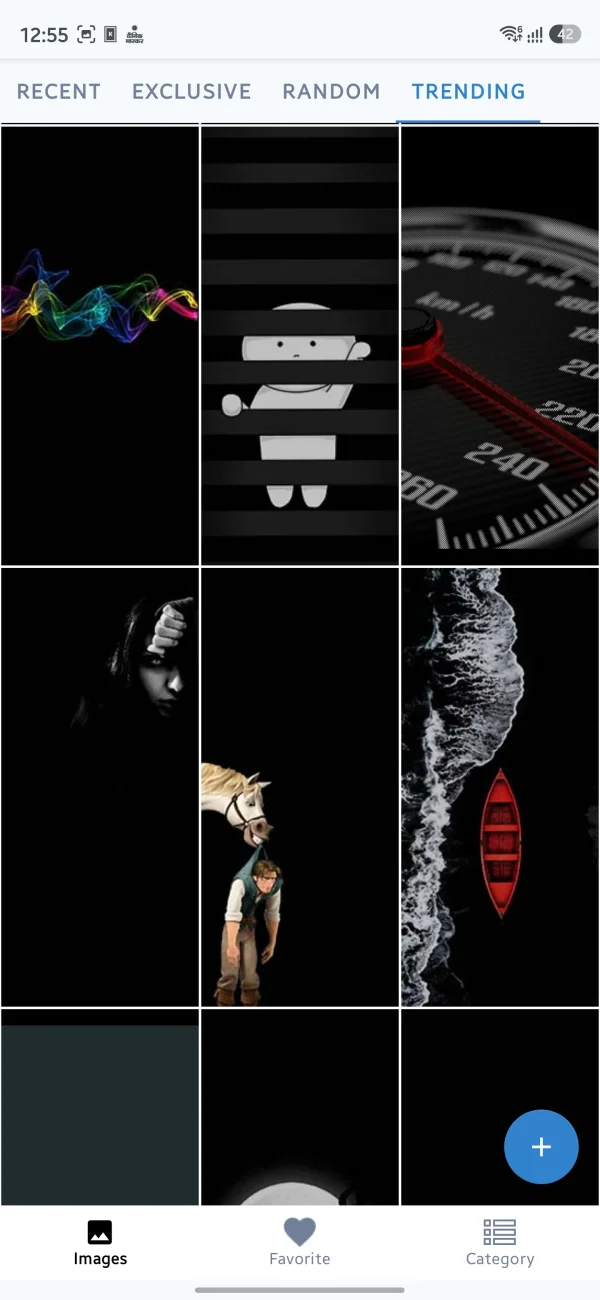
Images, text on OLED Always On/Ambient Display. Burn-in safe. 1000+ designs.
🖼️ Custom AOD — Set Any Image on Your Always On Display
Turn your boring default AOD into something personal. Custom AOD lets you
set any image, wallpaper, or photo on your OLED Always On Display screen —
with built-in burn-in protection so your screen stays safe.
Works on Samsung Galaxy, Google Pixel, OnePlus, and all Android phones with
Always On Display or Ambient Display.
━━━━━━━━━━━━━━━━━━━━━━
🔥 WHY CUSTOM AOD?
━━━━━━━━━━━━━━━━━━━━━━
✅ Burn-In Safe Technology
Every image is converted to a checkerboard (half-pixel) pattern that
protects your OLED screen from burn-in. Images also shift position
automatically so no single pixel stays lit too long.
✅ 1000+ Ready-Made AOD Images
Browse a growing collection of images designed specifically for OLED
Always On Displays — optimized for low battery usage and screen safety.
✅ Set Your Own Photo as AOD
Pick any image from your gallery. The app automatically converts it to
a burn-in safe half-pixel format.
✅ Auto Image Rotation
Set a timer and let your AOD shuffle through your favorite images
automatically — so your screen always looks fresh.
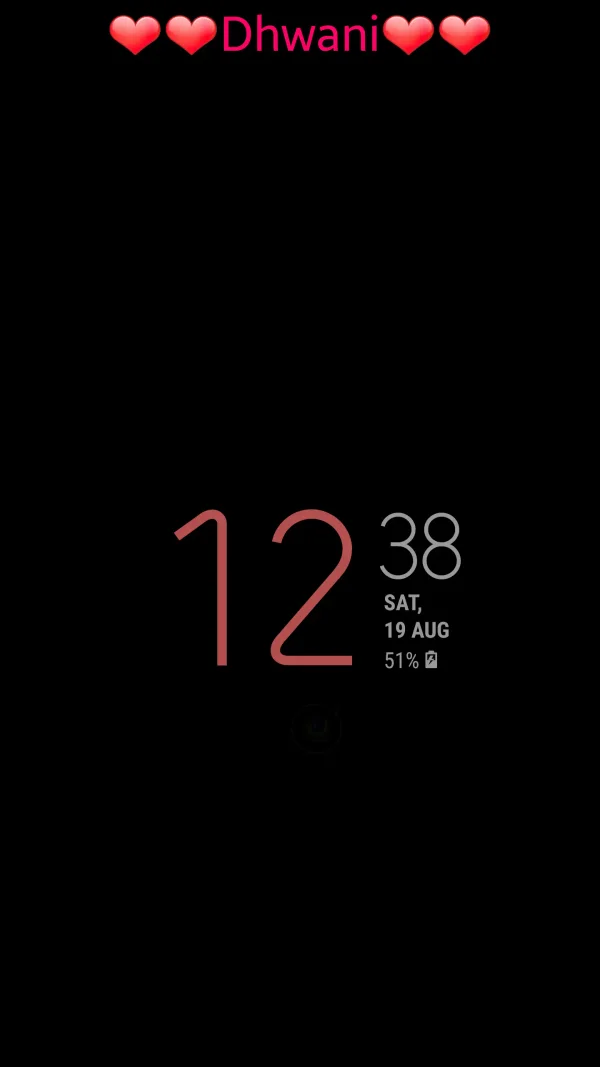
✅ Custom Text & Emoji on AOD
Add your own text, quotes, or mood emoji directly on your AOD screen.
Change font color. Text shifts position automatically to prevent burn-in.
✅ Free to Use
Watch a short, rewarded video to unlock any Prime image — completely free.
No purchase required to enjoy the app.
✅ No Data Collected
This app collects zero user data and shares nothing with third parties.
Your privacy is fully protected.
━━━━━━━━━━━━━━━━━━━━━━
📱 SUPPORTED DEVICES
━━━━━━━━━━━━━━━━━━━━━━
- Samsung Galaxy S series (S21, S22, S23, S24, S25 and beyond)
- Samsung Galaxy Z Fold & Z Flip series
- Samsung Galaxy A series (OLED models)
- Google Pixel (Ambient Display)
- OnePlus (Ambient Display)
- Any Android phone with Always On Display or Ambient Display
━━━━━━━━━━━━━━━━━━━━━━
👑 PRIME MEMBERSHIP
━━━━━━━━━━━━━━━━━━━━━━
Upgrade to Prime to remove all ads and get instant access to all images
without watching videos. One-time or subscription — your choice.
Free users can unlock any Prime image by watching a short rewarded video.
━━━━━━━━━━━━━━━━━━━━━━
⚙️ HOW IT WORKS
━━━━━━━━━━━━━━━━━━━━━━
Custom AOD uses Android's Accessibility Service to display your chosen
image on the Always On Display screen. This is the only way any third-party
app can draw on the AOD layer — no root required.
This app uses Accessibility Service only to display AOD overlays.
It does not read your screen content, keystrokes, or any personal data.
━━━━━━━━━━━━━━━━━━━━━━
📩 SUPPORT
━━━━━━━━━━━━━━━━━━━━━━
Having trouble? We respond to every email.
📧 dhvani303@gmail.com
🌐 dhwani.tech
Maintained since 2017 — 7 years of continuous updates.
Data safety
What Dhwani developer declares on Google Play about the data this app collects and shares.
- This app may share these data types with third partiesDevice or other IDs
- This app may collect these data typesPersonal info, Photos and videos and 3 others
- Data is encrypted in transit
- You can request that data be deleted
What’s new
Version 4.3 · Sep 10, 2026
Big Update
NEW — AOD Wallpaper Studio: cut a subject out of your photo, add text, and design your own always-on display.
NEW — Community designs: share what you make, and browse what others have shared.
NEW — My Images: everything you create, kept in one place.
NEW — Reminders and calendar events, shown right on your AOD.
Search now copes with typos and plurals, with suggested tags.
Plus many fixes, including dark mode throughout and a clearer first-time setup.
Developer contact
- Websitedhwani.tech
- Emaildhvani303@gmail.com
- Privacy policydhwani.tech
- AddressH.No. 1328 Sector 11 Panchkula, Haryana 134108 India
Information
- Offered by
- Dhwani developer
- Category
- Personalization
- Version
- 4.3
- Updated
- Sep 10, 2026
- Released
- Jul 22, 2017
- Requires
- Android 11 or later
- Age rating
- Everyone
- Price
- Free
- In-app purchases
- $0.99 - $9.49 per item
- Package name
- com.somen.customaod