Custom AOD – OLED Wallpapers
Dhwani developerEnthält Werbung · In-App-Käufe
- USK ab 0 JahrenAltersfreigabe
- PersonalisierungKategorie
- 10.09.2026Aktualisiert
- KostenlosPreis
Verlinkt auf den offiziellen Google Play-Eintrag von com.somen.customaod. Zuletzt geprüft am 21.11.2026.
Screenshots
Über diese App
Automatische Übersetzung von Google. Originalsprache: Englisch (Vereinigte Staaten).
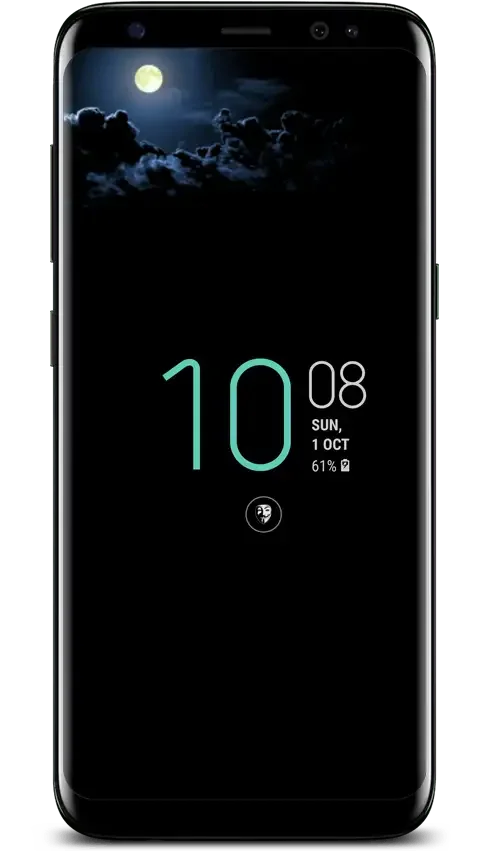
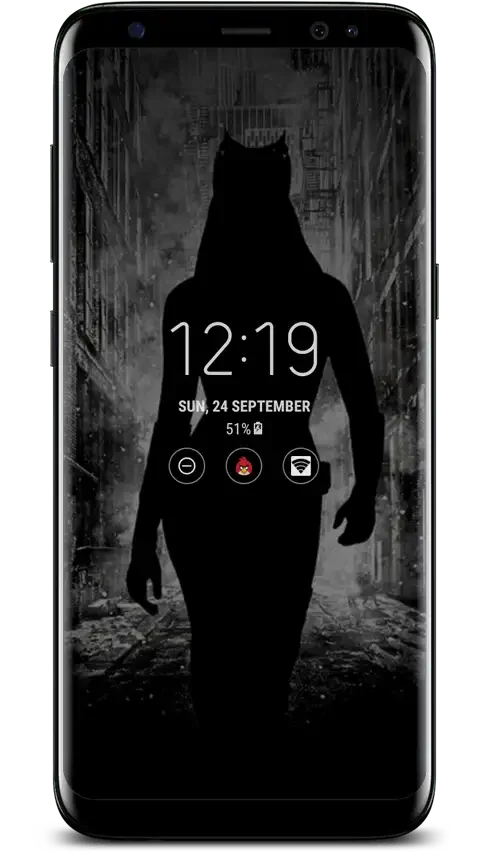
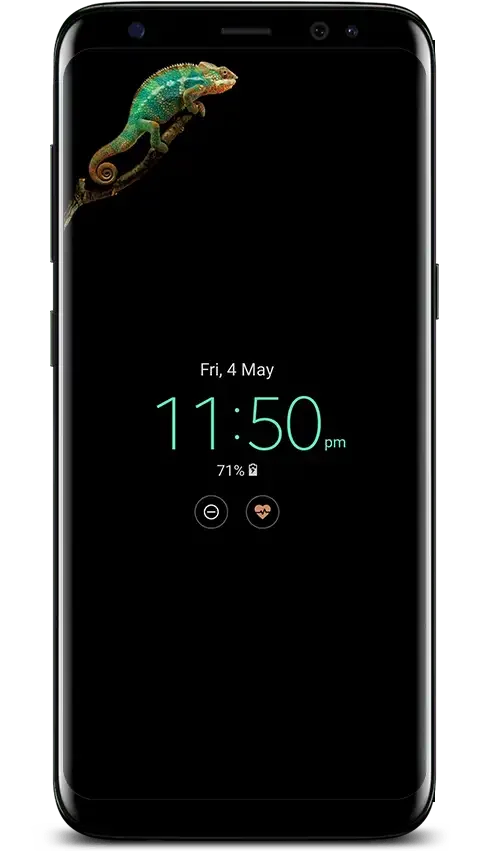
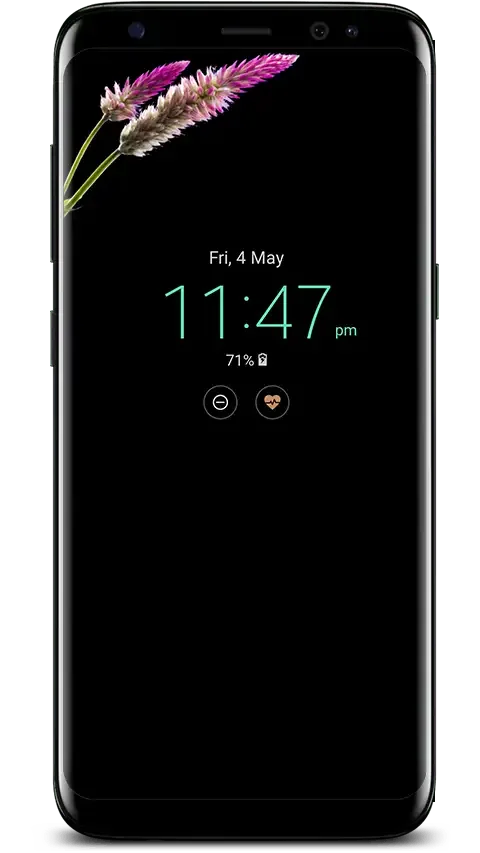
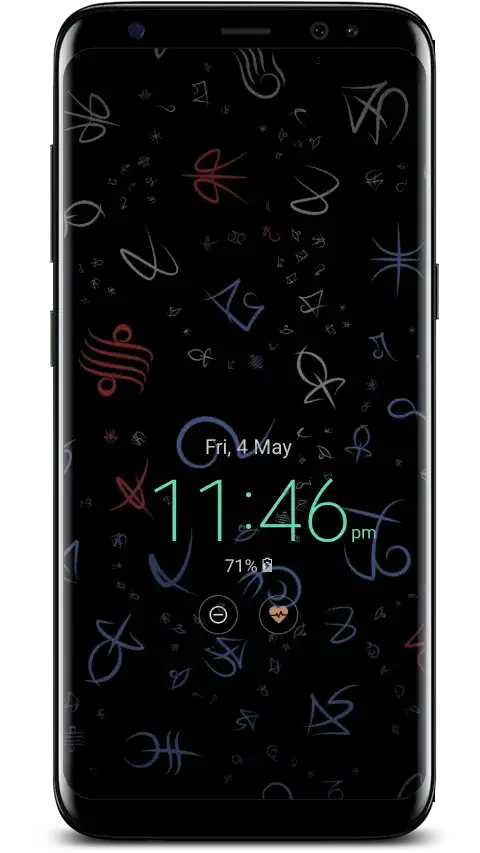
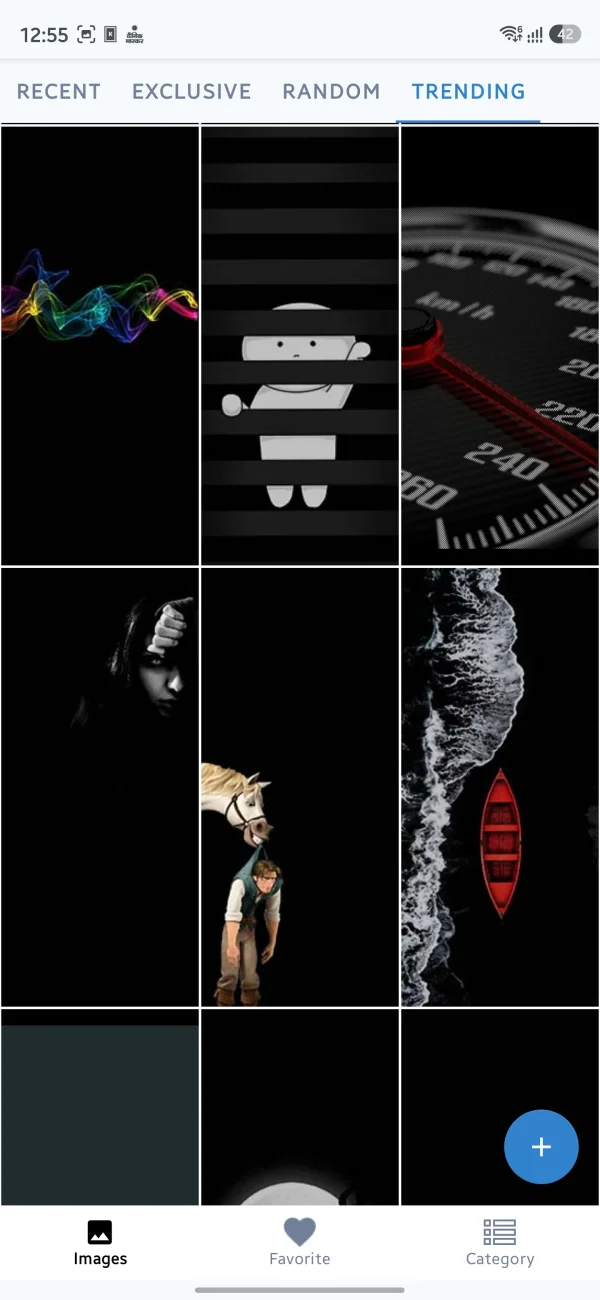
Bilder und Texte auf dem OLED-Always-On-/Ambient-Display. Einbrennsicher. Über 1000 Designs.
🖼️ Benutzerdefiniertes AOD – Jedes beliebige Bild auf Ihrem Always-On-Display
Verleihen Sie Ihrem standardmäßigen Always-On-Display eine persönliche Note. Mit dem benutzerdefinierten AOD können Sie
jedes beliebige Bild, Hintergrundbild oder Foto auf Ihrem OLED-Always-On-Display festlegen –
mit integriertem Einbrennschutz, damit Ihr Bildschirm optimal geschützt bleibt.
Funktioniert mit Samsung Galaxy, Google Pixel, OnePlus und allen Android-Smartphones mit
Always-On-Display oder Ambient Display.
━━━━━━━━━━━━━━━━━━━━━━
🔥 WARUM EIN BEDIENBARES AOD?
━━━━━━━━━━━━━━━━━━━━━━
✅ Schutz vor Einbrennen
Jedes Bild wird in ein Schachbrettmuster (Halbpixel) umgewandelt, das Ihren OLED-Bildschirm vor Einbrennen schützt. Die Bilder verschieben sich außerdem automatisch, sodass kein einzelnes Pixel zu lange leuchtet.
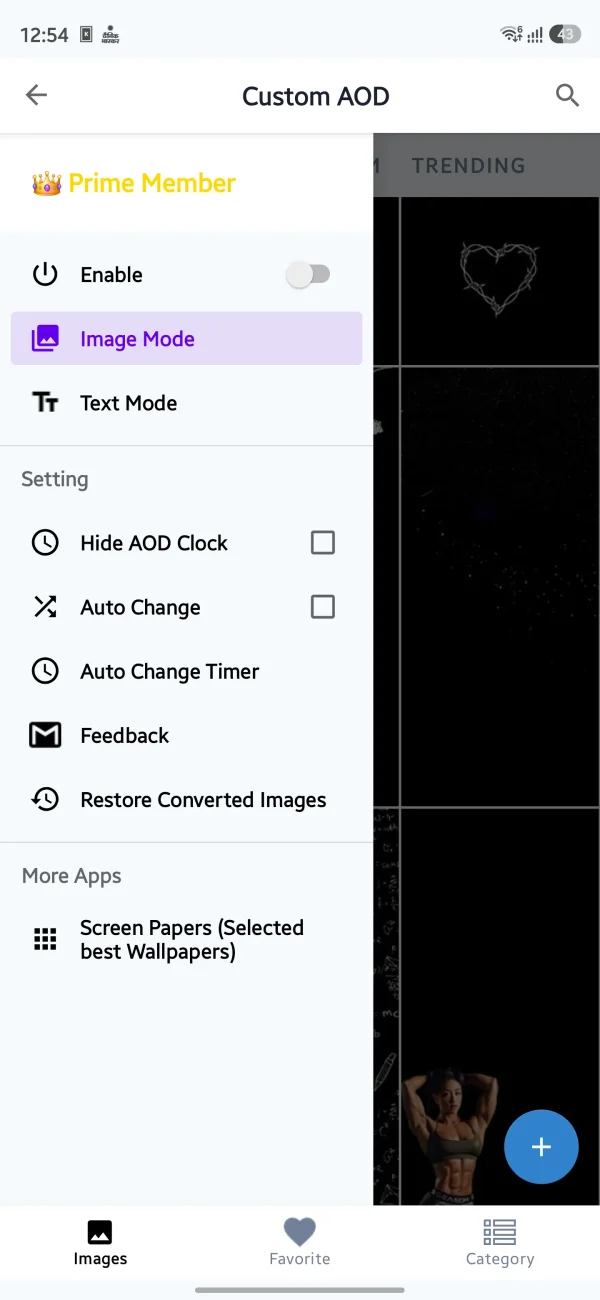
✅ Über 1000 vorgefertigte AOD-Bilder
Durchstöbern Sie eine stetig wachsende Sammlung von Bildern, die speziell für OLED-Always-On-Displays entwickelt wurden – optimiert für geringen Akkuverbrauch und Bildschirmsicherheit.
✅ Eigenes Foto als AOD festlegen
Wählen Sie ein beliebiges Bild aus Ihrer Galerie. Die App wandelt es automatisch in ein einbrennsicheres Halbpixel-Format um.
✅ Automatische Bildrotation
Stellen Sie einen Timer ein und lassen Sie Ihr Always-on-Display Ihre Lieblingsbilder automatisch wechseln – so sieht Ihr Bildschirm immer frisch aus.
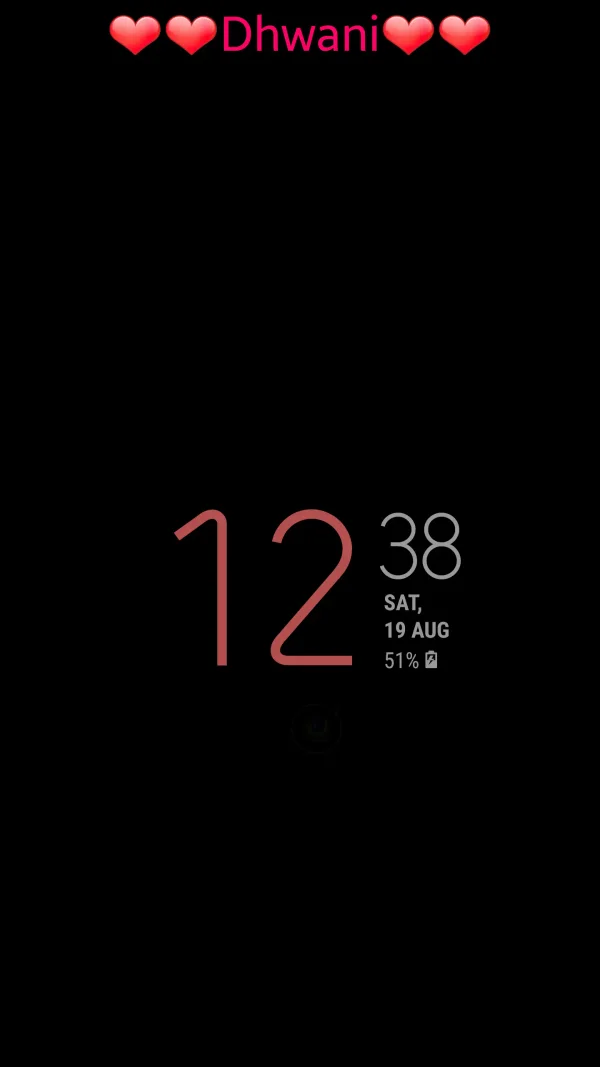
✅ Eigener Text & Emojis auf dem Always-on-Display
Fügen Sie Ihren eigenen Text, Zitate oder Stimmungs-Emojis direkt auf Ihrem Always-on-Display hinzu. Ändern Sie die Schriftfarbe. Der Text verschiebt seine Position automatisch, um ein Einbrennen zu verhindern.
✅ Kostenlose Nutzung
Sehen Sie sich ein kurzes Video an, um ein beliebiges Prime-Bild freizuschalten – völlig kostenlos. Für die Nutzung der App ist kein Kauf erforderlich.
✅ Keine Datenerfassung
Diese App erfasst keinerlei Nutzerdaten und gibt diese nicht an Dritte weiter. Ihre Privatsphäre ist vollständig geschützt.
━━━━━━━━━━━━━━━━━━━━━━
📱 Unterstützte Geräte
━━━━━━━━━━━━━━━━━━━━━━
- Samsung Galaxy S-Serie (S21, S22, S23, S24, S25 und neuer)
- Samsung Galaxy Z Fold & Z Flip-Serie
- Samsung Galaxy A-Serie (OLED-Modelle)
- Google Pixel (Ambient Display)
- OnePlus (Ambient Display)
- Alle Android-Smartphones mit Always-On-Display oder Ambient Display Anzeige
━━━━━━━━━━━━━━━━━━━━━━
👑 PRIME-MITGLIEDSCHAFT
━━━━━━━━━━━━━━━━━━━━━━
Werden Sie Prime-Mitglied und entfernen Sie alle Werbeanzeigen. Sie erhalten sofortigen Zugriff auf alle Bilder, ohne Videos ansehen zu müssen. Einmalzahlung oder Abonnement – Sie haben die Wahl.
Kostenlose Nutzer können jedes Prime-Bild freischalten, indem sie ein kurzes Belohnungsvideo ansehen.
━━━━━━━━━━━━━━━━━━━━━━
⚙️ SO FUNKTIONIERT ES
━━━━━━━━━━━━━━━━━━━━━━
Custom AOD nutzt den Bedienungshilfen-Dienst von Android, um Ihr ausgewähltes Bild auf dem Always-On-Display anzuzeigen. Dies ist die einzige Möglichkeit für Drittanbieter-Apps, auf der AOD-Ebene zu zeichnen – Root-Zugriff ist nicht erforderlich.
Diese App verwendet den Bedienungshilfen-Dienst ausschließlich zur Anzeige von AOD-Overlays. Sie liest weder Ihre Bildschirminhalte noch Ihre Tastatureingaben oder sonstige persönliche Daten.
━━━━━━━━━━━━━━━━━━━━━━
📩 SUPPORT
━━━━━━━━━━━━━━━━━━━━━━
Haben Sie Probleme? Wir beantworten jede E-Mail.
📧 dhvani303@gmail.com
🌐 dhwani.tech
Seit 2017 in Betrieb – 7 Jahre kontinuierliche Updates.
Originaltext anzeigen
🖼️ Custom AOD — Set Any Image on Your Always On Display
Turn your boring default AOD into something personal. Custom AOD lets you
set any image, wallpaper, or photo on your OLED Always On Display screen —
with built-in burn-in protection so your screen stays safe.
Works on Samsung Galaxy, Google Pixel, OnePlus, and all Android phones with
Always On Display or Ambient Display.
━━━━━━━━━━━━━━━━━━━━━━
🔥 WHY CUSTOM AOD?
━━━━━━━━━━━━━━━━━━━━━━
✅ Burn-In Safe Technology
Every image is converted to a checkerboard (half-pixel) pattern that
protects your OLED screen from burn-in. Images also shift position
automatically so no single pixel stays lit too long.
✅ 1000+ Ready-Made AOD Images
Browse a growing collection of images designed specifically for OLED
Always On Displays — optimized for low battery usage and screen safety.
✅ Set Your Own Photo as AOD
Pick any image from your gallery. The app automatically converts it to
a burn-in safe half-pixel format.
✅ Auto Image Rotation
Set a timer and let your AOD shuffle through your favorite images
automatically — so your screen always looks fresh.
✅ Custom Text & Emoji on AOD
Add your own text, quotes, or mood emoji directly on your AOD screen.
Change font color. Text shifts position automatically to prevent burn-in.
✅ Free to Use
Watch a short, rewarded video to unlock any Prime image — completely free.
No purchase required to enjoy the app.
✅ No Data Collected
This app collects zero user data and shares nothing with third parties.
Your privacy is fully protected.
━━━━━━━━━━━━━━━━━━━━━━
📱 SUPPORTED DEVICES
━━━━━━━━━━━━━━━━━━━━━━
- Samsung Galaxy S series (S21, S22, S23, S24, S25 and beyond)
- Samsung Galaxy Z Fold & Z Flip series
- Samsung Galaxy A series (OLED models)
- Google Pixel (Ambient Display)
- OnePlus (Ambient Display)
- Any Android phone with Always On Display or Ambient Display
━━━━━━━━━━━━━━━━━━━━━━
👑 PRIME MEMBERSHIP
━━━━━━━━━━━━━━━━━━━━━━
Upgrade to Prime to remove all ads and get instant access to all images
without watching videos. One-time or subscription — your choice.
Free users can unlock any Prime image by watching a short rewarded video.
━━━━━━━━━━━━━━━━━━━━━━
⚙️ HOW IT WORKS
━━━━━━━━━━━━━━━━━━━━━━
Custom AOD uses Android's Accessibility Service to display your chosen
image on the Always On Display screen. This is the only way any third-party
app can draw on the AOD layer — no root required.
This app uses Accessibility Service only to display AOD overlays.
It does not read your screen content, keystrokes, or any personal data.
━━━━━━━━━━━━━━━━━━━━━━
📩 SUPPORT
━━━━━━━━━━━━━━━━━━━━━━
Having trouble? We respond to every email.
📧 dhvani303@gmail.com
🌐 dhwani.tech
Maintained since 2017 — 7 years of continuous updates.
Datensicherheit
Was Dhwani developer bei Google Play zu den Daten angibt, die diese App erfasst und weitergibt.
- Diese App kann die folgenden Datentypen an Dritte weitergebenInstallierte Apps
- Diese App kann die folgenden Datentypen erhebenPersonenbezogene Daten, Fotos und Videos und 3 weitere
- Daten werden bei der Übertragung verschlüsselt
- Du kannst das Löschen der Daten beantragen
Neue Funktionen
Version 4.3 · 10.09.2026
Big Update
NEW — AOD Wallpaper Studio: cut a subject out of your photo, add text, and design your own always-on display.
NEW — Community designs: share what you make, and browse what others have shared.
NEW — My Images: everything you create, kept in one place.
NEW — Reminders and calendar events, shown right on your AOD.
Search now copes with typos and plurals, with suggested tags.
Plus many fixes, including dark mode throughout and a clearer first-time setup.
Kontakt zum Entwickler
- Websitedhwani.tech
- E-Maildhvani303@gmail.com
- Datenschutzerklärungdhwani.tech
- AdresseH.No. 1328 Sector 11 Panchkula, Haryana 134108 India
Informationen
- Angeboten von
- Dhwani developer
- Kategorie
- Personalisierung
- Version
- 4.3
- Aktualisiert
- 10.09.2026
- Veröffentlicht
- 22.07.2017
- Erfordert
- Android 11 oder höher
- Altersfreigabe
- USK ab 0 Jahren
- Preis
- Kostenlos
- In-App-Käufe
- 0,79 €–9,49 € bei Abrechnung über Google Play
- Paketname
- com.somen.customaod