CuteCat WF by HuskyDEV
HuskyDev- EveryoneAge rating
- PersonalizationCategory
- Aug 19, 2025Updated
- FreePrice
Links to the official Google Play listing of huskydev.android.watchface.cutecatfree. Last checked on Nov 26, 2026.
Screenshots
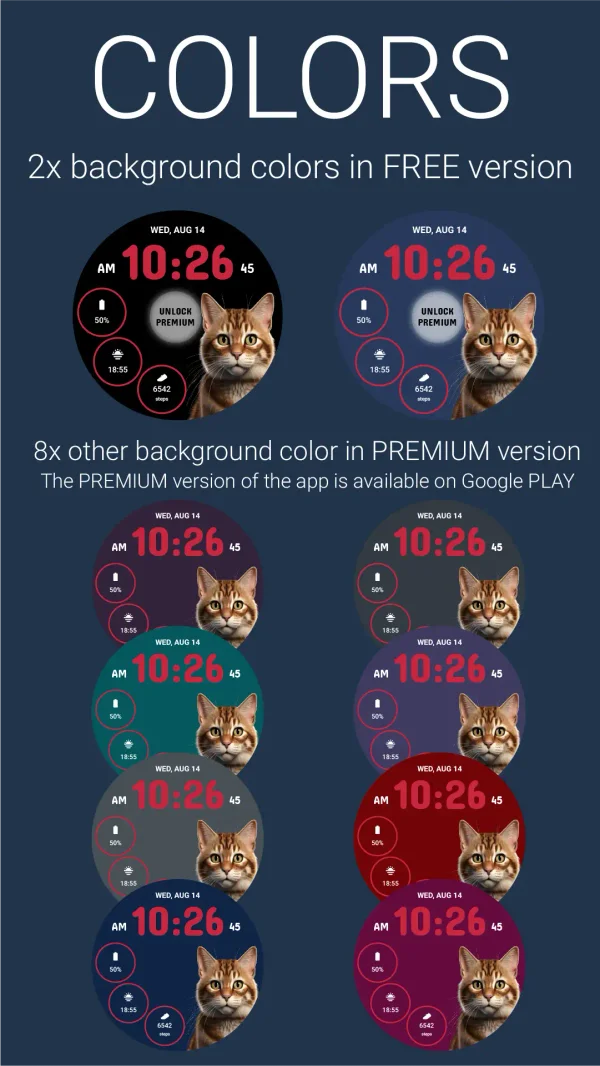
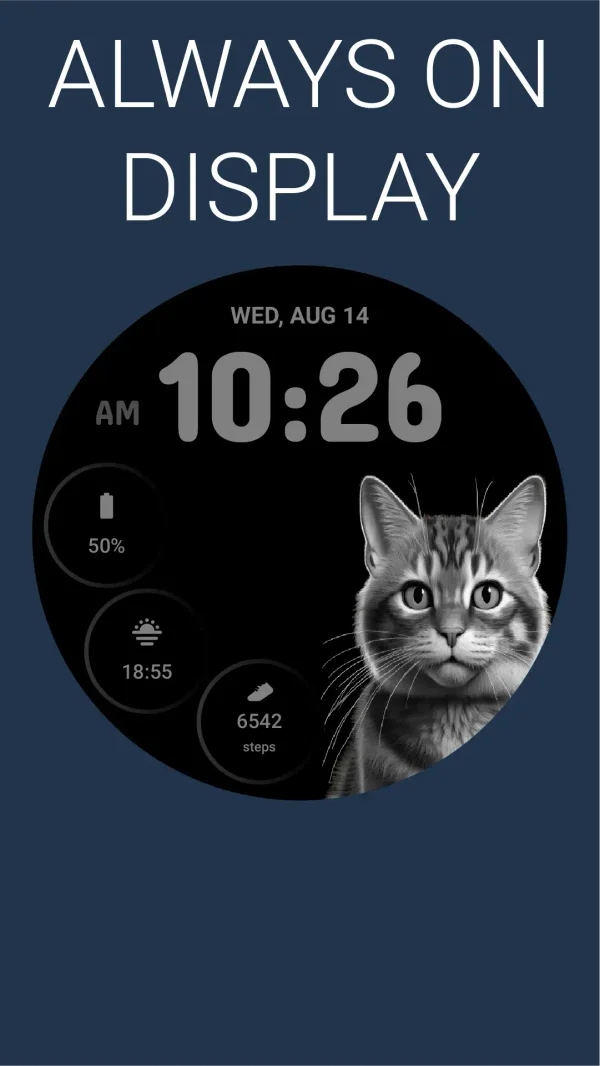
About this app
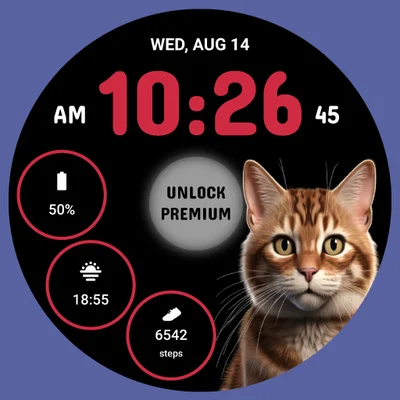
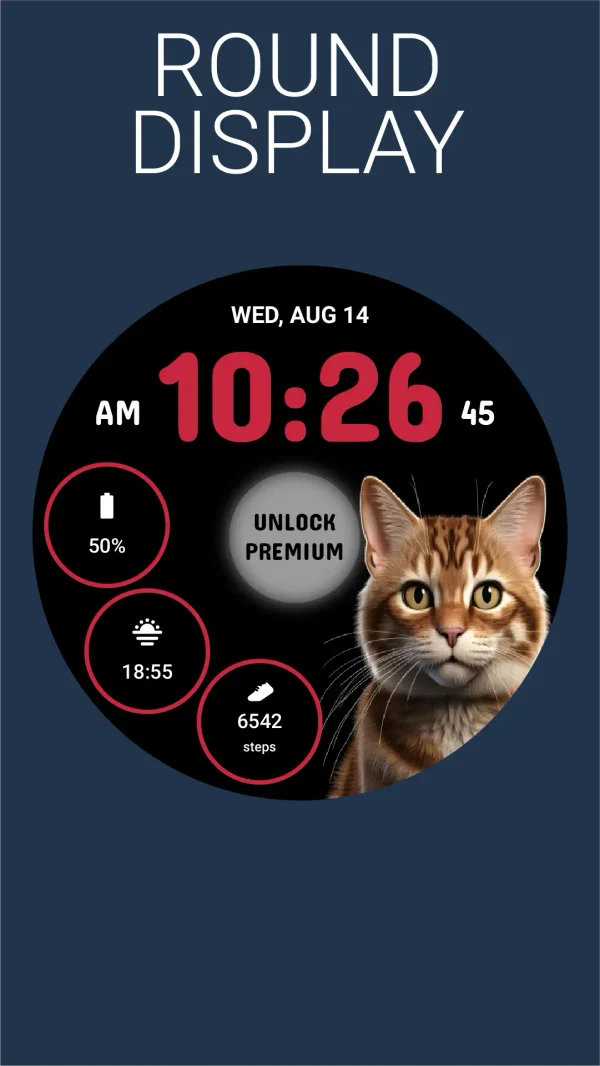
An nice looking watch face with cute cats powered by Watch Face Format
The CuteCat Watch Face is fully compatible with Wear OS 3, Wear OS 4 and Wear OS 5 and it uses Watch Face Format technology
This is a free version of the CuteCat watch face that allows you to try out free options and check how it looks on your watch.
So you can check whether you like it or not.
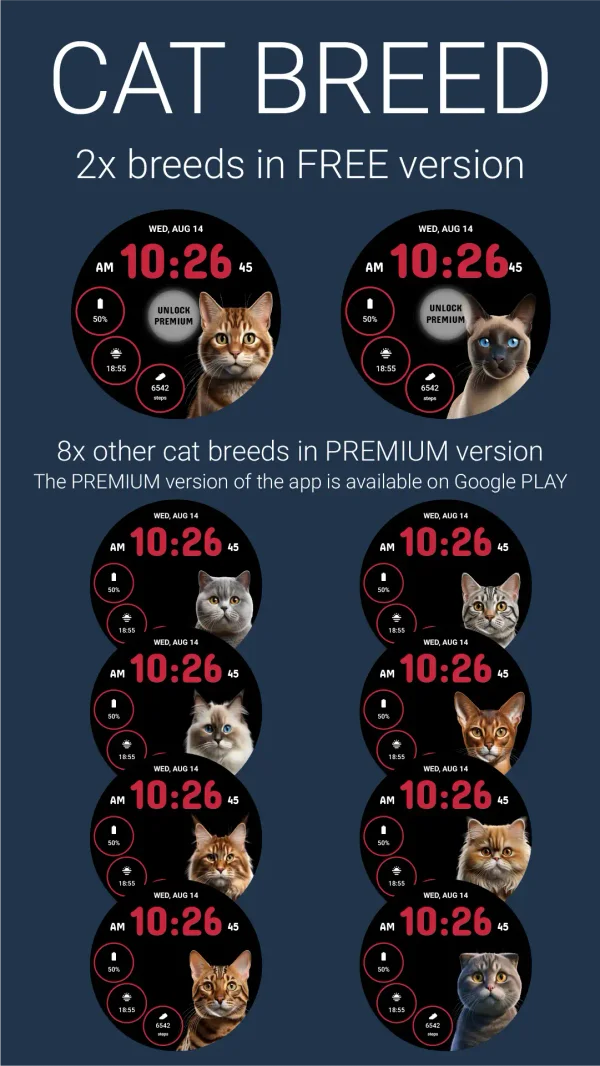
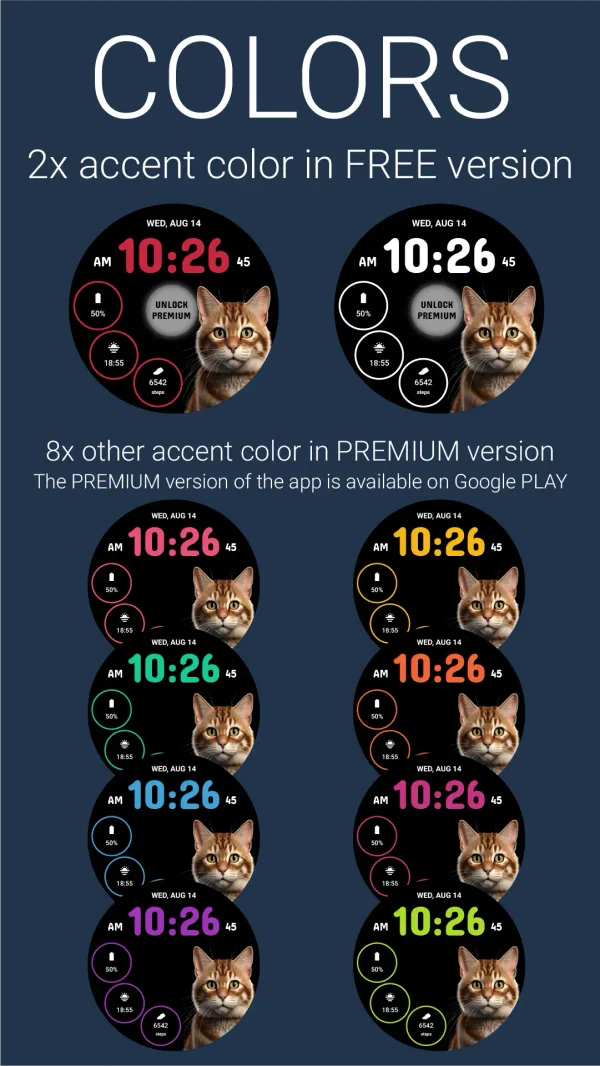
To explore all the customizations and options of the watch face, you can find the full version of this watch face on the Google Play store.
It can be easily accessed by opening the phone app or tapping the "UNLOCK Premium" button on the watch face, then you will be redirected to the CuteCat Premium WF on the Google Play store.
CUSTOMIZATION an OPTIONS
• Long press the center point to open customization settings
• 2x Background color
• 2x Accent color
• 2x Cat breed
• Am/Pm support
• 3x Complications (predefined by battery, steps, sunrise/sunset)
The phone app can be installed to help install the watch face on your Wear OS device. To install the watch face on your Wear OS device, you can also select your watch from the install drop-down menu in the Google Play Store.
Data safety
What HuskyDev declares on Google Play about the data this app collects and shares.
- No data shared with third partiesLearn more about how developers declare sharing
- No data collectedLearn more about how developers declare collection
What’s new
Version 1.01 · Aug 19, 2025
Update to SDK 34 and SDK 35
Developer contact
- Emailhuskydevcz@gmail.com
- Privacy policymediation-project-d483b.web.app
- AddressWeberova 1534/14 405 02 Děčín Czechia
Information
- Offered by
- HuskyDev
- Category
- Personalization
- Version
- 1.01
- Updated
- Aug 19, 2025
- Released
- Aug 16, 2024
- Age rating
- Everyone
- Price
- Free
- Package name
- huskydev.android.watchface.cutecatfree
Similar apps
-
 Blue Eyes - Watch Face
Personalization
-
 Cat "Marseille"
Personalization
-
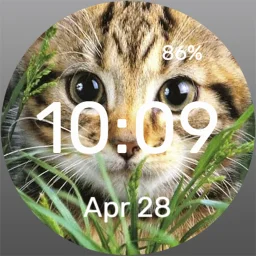 Kitty - Watch Face
Personalization
-
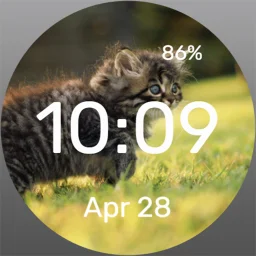 Interested Kitty - Watch Face
Personalization
-
 Tiny Cat: Cute Watch Face
Personalization
-
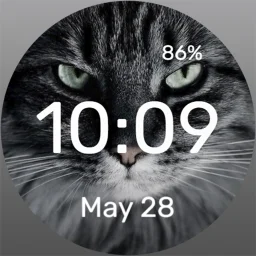 I Am Danger - Watch Face
Personalization
-
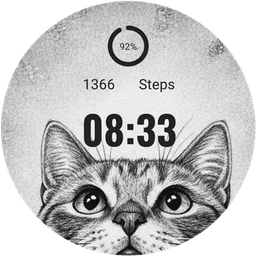 Stellar Paws
Personalization
-
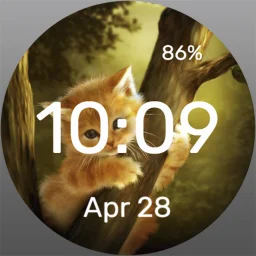 Poor Ginger - Watch Face
Personalization
-
 Photo Watch Face - Wear OS 6+
Personalization
-
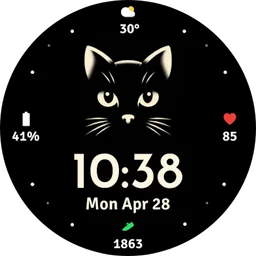 EXD162: Animal Face Time
Personalization
-
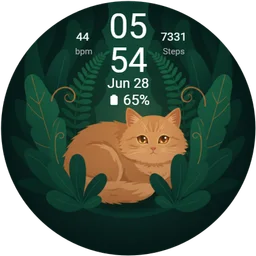 Felvra
Personalization
-
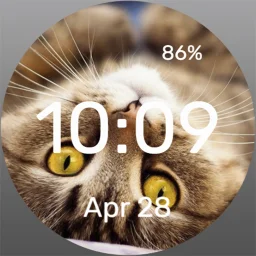 Kotofey - Watch Face
Personalization