CuteCat WF by HuskyDEV
HuskyDev- USK ab 0 JahrenAltersfreigabe
- PersonalisierungKategorie
- 19.08.2025Aktualisiert
- KostenlosPreis
Verlinkt auf den offiziellen Google Play-Eintrag von huskydev.android.watchface.cutecatfree. Zuletzt geprüft am 26.11.2026.
Screenshots
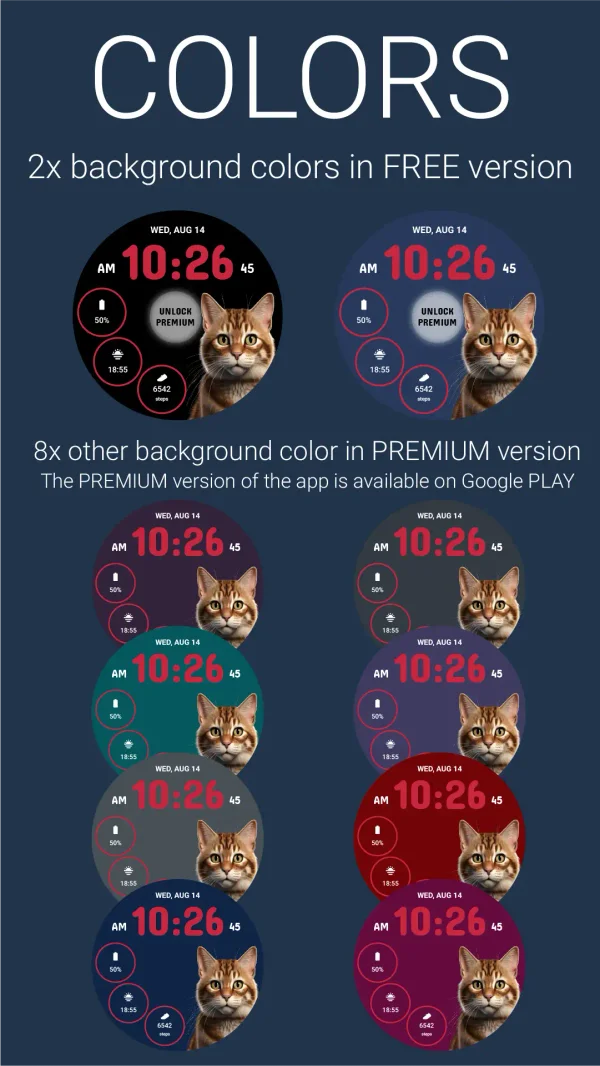
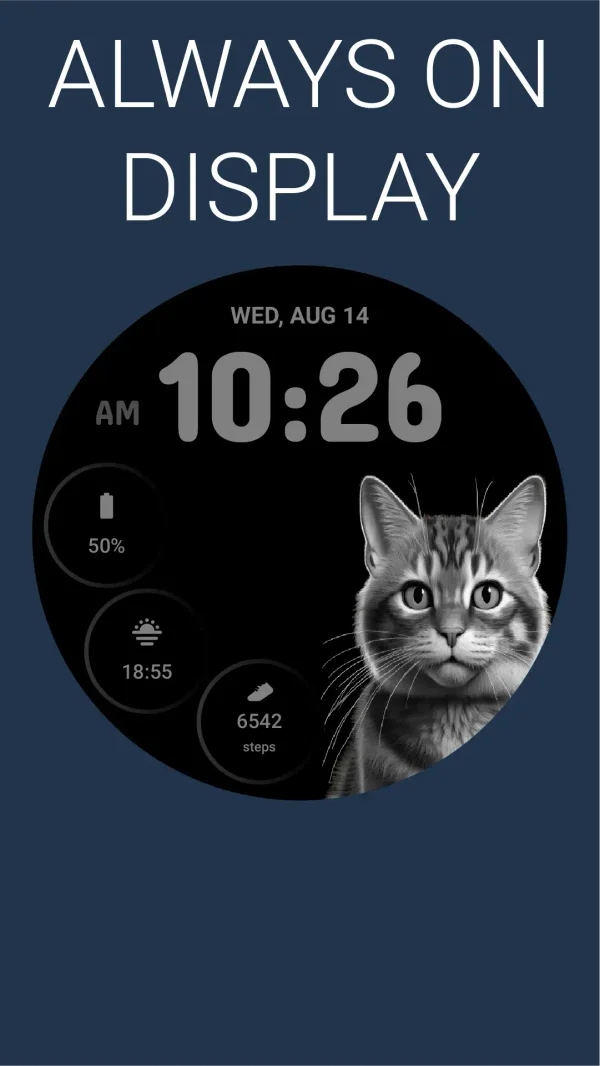
Über diese App
Automatische Übersetzung von Google. Originalsprache: Englisch (Vereinigte Staaten).
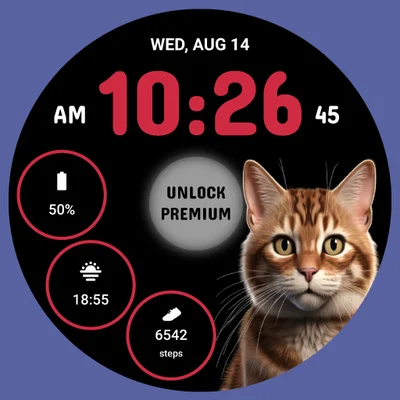
Ein gut aussehendes Zifferblatt mit süßen Katzen, unterstützt von Watch Face Format
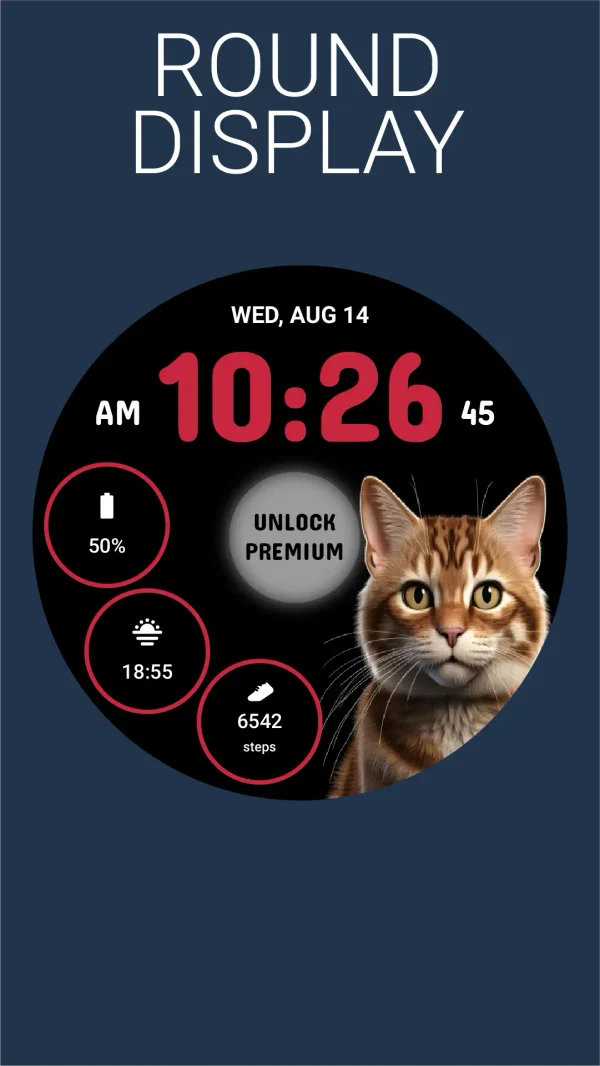
Das CuteCat Watch Face ist vollständig kompatibel mit Wear OS 3, Wear OS 4 und Wear OS 5 und nutzt die Watch Face Format-Technologie
Dies ist eine kostenlose Version des CuteCat-Zifferblatts, mit der Sie kostenlose Optionen ausprobieren und überprüfen können, wie es auf Ihrer Uhr aussieht.
So können Sie prüfen, ob es Ihnen gefällt oder nicht.
Um alle Anpassungen und Optionen des Zifferblatts zu erkunden, finden Sie die Vollversion dieses Zifferblatts im Google Play Store.
Sie können einfach darauf zugreifen, indem Sie die Telefon-App öffnen oder auf die Schaltfläche „UNLOCK Premium“ auf dem Zifferblatt tippen. Anschließend werden Sie zum CuteCat Premium WF im Google Play Store weitergeleitet.
ANPASSUNG und OPTIONEN
• Drücken Sie lange auf den Mittelpunkt, um die Anpassungseinstellungen zu öffnen
• 2x Hintergrundfarbe
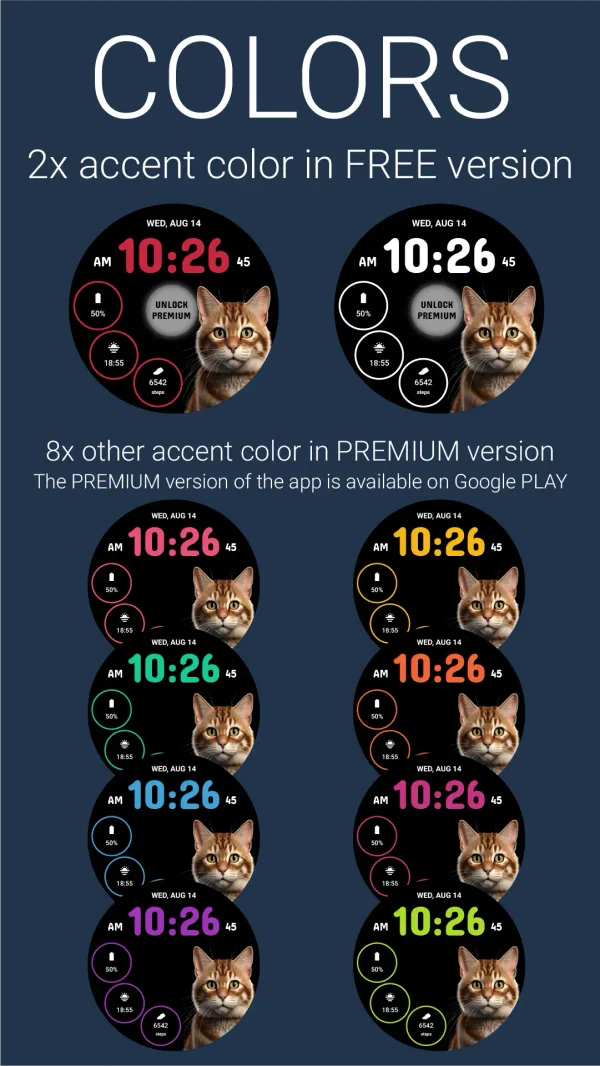
• 2x Akzentfarbe
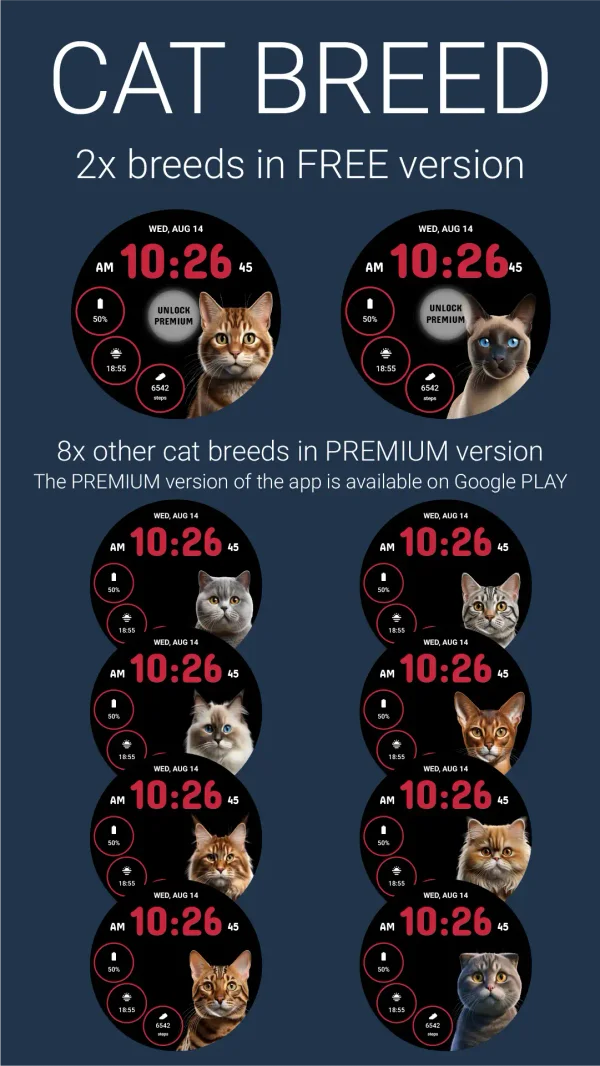
• 2x Katzenrasse
• Unterstützung vormittags/mittags
• 3x Komplikationen (vordefiniert durch Batterie, Schritte, Sonnenaufgang/Sonnenuntergang)
Die Telefon-App kann installiert werden, um die Installation des Zifferblatts auf Ihrem Wear OS-Gerät zu unterstützen. Um das Zifferblatt auf Ihrem Wear OS-Gerät zu installieren, können Sie Ihre Uhr auch aus dem Installations-Dropdown-Menü im Google Play Store auswählen.
Originaltext anzeigen
The CuteCat Watch Face is fully compatible with Wear OS 3, Wear OS 4 and Wear OS 5 and it uses Watch Face Format technology
This is a free version of the CuteCat watch face that allows you to try out free options and check how it looks on your watch.
So you can check whether you like it or not.
To explore all the customizations and options of the watch face, you can find the full version of this watch face on the Google Play store.
It can be easily accessed by opening the phone app or tapping the "UNLOCK Premium" button on the watch face, then you will be redirected to the CuteCat Premium WF on the Google Play store.
CUSTOMIZATION an OPTIONS
• Long press the center point to open customization settings
• 2x Background color
• 2x Accent color
• 2x Cat breed
• Am/Pm support
• 3x Complications (predefined by battery, steps, sunrise/sunset)
The phone app can be installed to help install the watch face on your Wear OS device. To install the watch face on your Wear OS device, you can also select your watch from the install drop-down menu in the Google Play Store.
Datensicherheit
Was HuskyDev bei Google Play zu den Daten angibt, die diese App erfasst und weitergibt.
- Keine Daten werden mit Drittunternehmen oder -organisationen geteiltWeitere Informationen dazu, wie Entwickler Angaben zur Weitergabe von Daten machen
- Keine Daten erhobenWeitere Informationen dazu, wie Entwickler Angaben zur Datenerhebung machen
Neue Funktionen
Version 1.01 · 19.08.2025
Update to SDK 34 and SDK 35
Kontakt zum Entwickler
- E-Mailhuskydevcz@gmail.com
- Datenschutzerklärungmediation-project-d483b.web.app
- AdresseWeberova 1534/14 405 02 Děčín Czechia
Informationen
- Angeboten von
- HuskyDev
- Kategorie
- Personalisierung
- Version
- 1.01
- Aktualisiert
- 19.08.2025
- Veröffentlicht
- 16.08.2024
- Altersfreigabe
- USK ab 0 Jahren
- Preis
- Kostenlos
- Paketname
- huskydev.android.watchface.cutecatfree
Ähnliche Apps
-
 Kotofey - Watch Face
Personalisierung
-
 Blue Eyes - Watch Face
Personalisierung
-
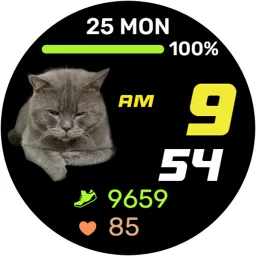 Cat "Marseille"
Personalisierung
-
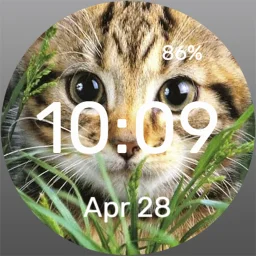 Kitty - Watch Face
Personalisierung
-
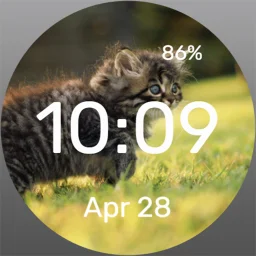 Interested Kitty - Watch Face
Personalisierung
-
 Tiny Cat: Cute Watch Face
Personalisierung
-
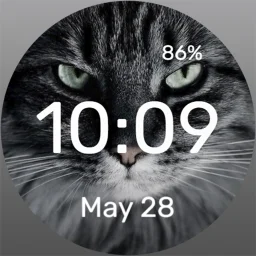 I Am Danger - Watch Face
Personalisierung
-
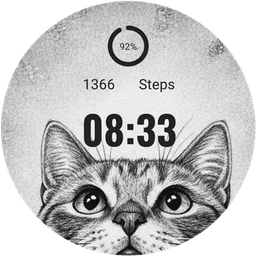 Stellar Paws
Personalisierung
-
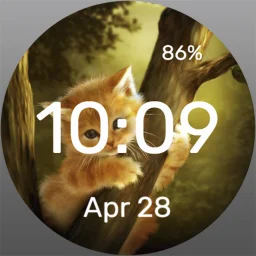 Poor Ginger - Watch Face
Personalisierung
-
 Photo Watch Face - Wear OS 6+
Personalisierung
-
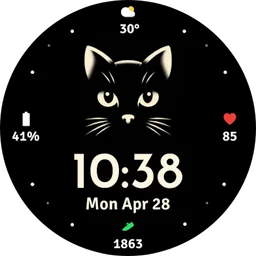 EXD162: Animal Face Time
Personalisierung
-
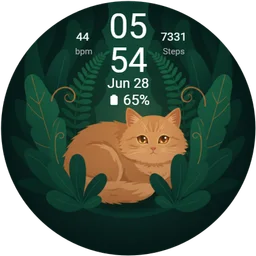 Felvra
Personalisierung