Daily Board
Samsung Electronics Co., Ltd.- EveryoneAge rating
- LifestyleCategory
- Aug 5, 2026Updated
- FreePrice
Links to the official Google Play listing of com.samsung.android.homemode. Last checked on Nov 21, 2026.

Screenshots


About this app
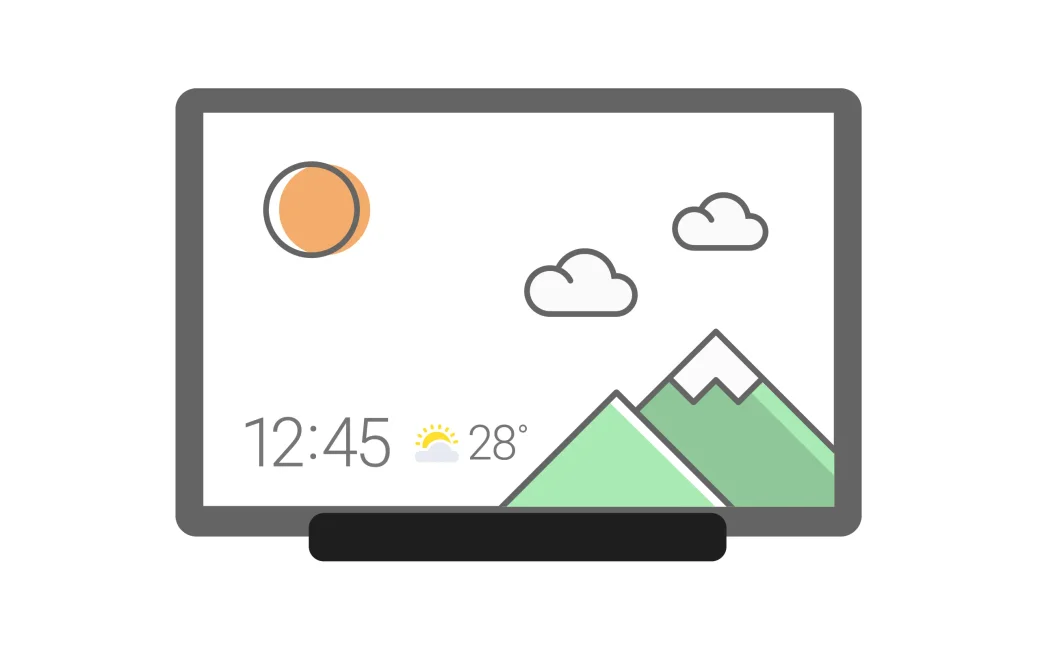
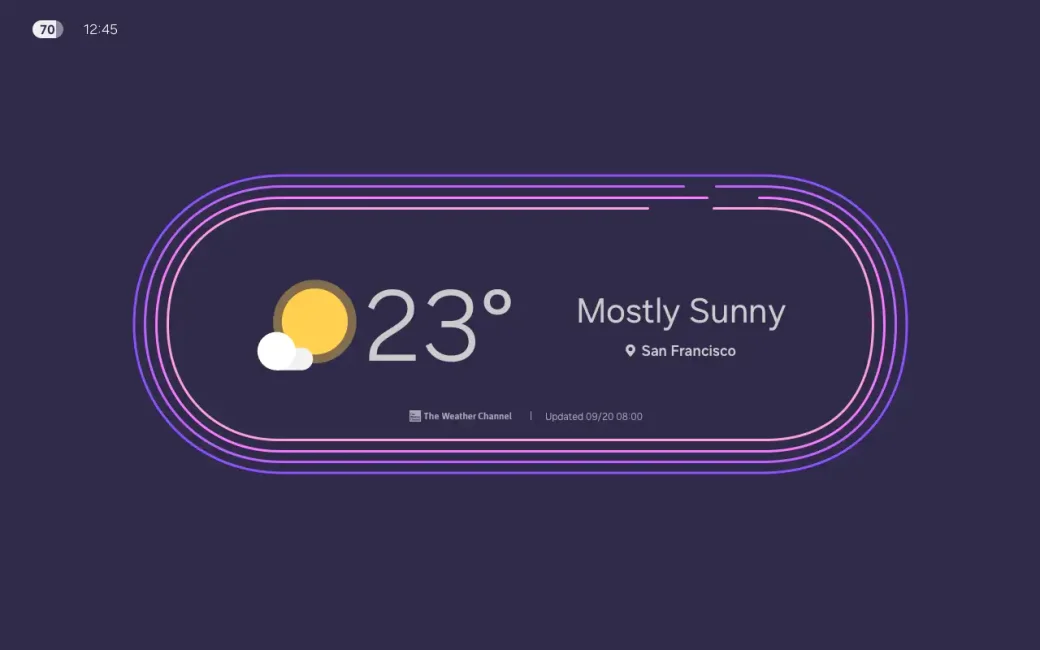
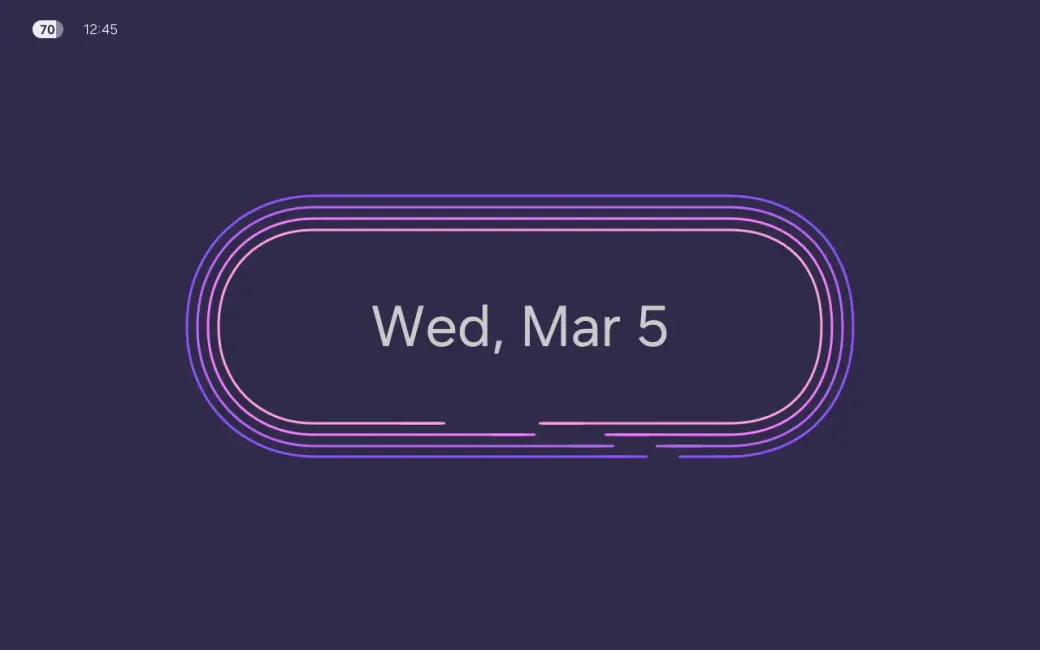
Always displays the time, weather, calendar, and a variety of images.
When charging the tablet, Daily Board gives you access to information that you will find useful in your daily life, as well as photos at all times.
A night theme is also available to help you prevent night glare.
▷ Time, Weather, Calendar
• We tried to make them recognizable even from a distance and highlight their refined beauty.
• Set and use the layout in your desired shape.
▷ Photo Slide Show
• You can always view albums created in Samsung Gallery on the Daily Board.
• You can view photos shared by your friends and family by integrating Samsung Experience Service.
• Add images such as your favorite painting, and use it as your very own decorative piece.
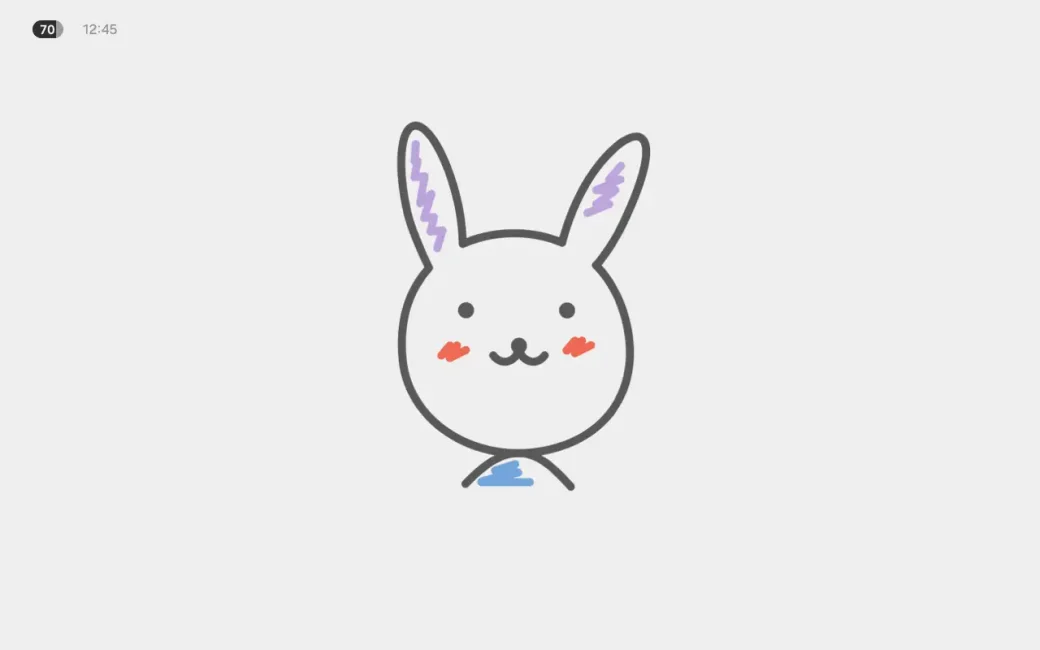
▷ Memo Board
• You can post a to-do list, memos for your family, drawings your child made on the Daily Board, and family members can easily check them at all times.
• Live memo mode presents your memos with an animated view.
(You can switch modes at the bottom-right section of the Memo Board screen.)
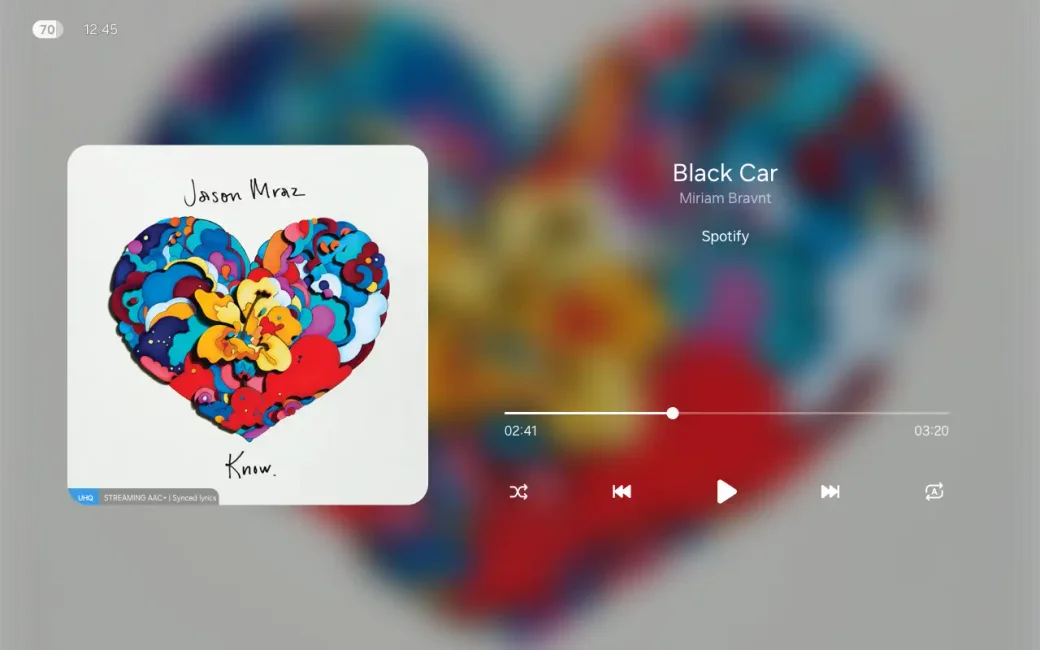
▷ Music Controller
• Control music from the Daily Board. (Play/Pause/Skip)
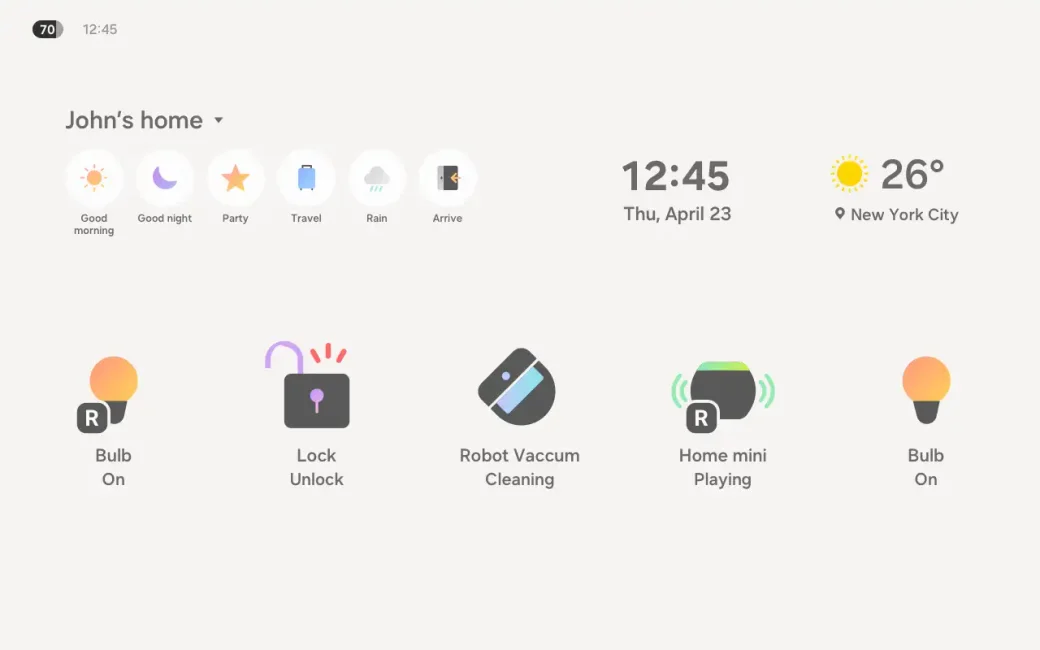
▷ SmartThings
• SmartThings board was added to Daily Board.
• You can check at a glance the status of the devices registered with SmartThings and control them easily and conveniently.
※
- When connecting to the USB charger, you can tap a quick launch icon for Daily Board displayed on the navigation bar to launch it.
(Available only when the navigation bar style is set to “Navigation buttons.”. )
- The Daily Board app requires permission for notifications.
It can be set in the path below.
• Settings > Apps > Daily Board > Permissions
Data safety
What Samsung Electronics Co., Ltd. declares on Google Play about the data this app collects and shares.
- No data shared with third partiesLearn more about how developers declare sharing
- No data collectedLearn more about how developers declare collection
What’s new
Aug 5, 2026
▷ Bug Fix
Developer contact
- Websitesamsung.com
- Emailnoreply.sec@samsung.com
- Privacy policysamsung.com
- Address대한민국 16677 경기도 수원시 영통구 삼성로 129 (매탄동)
Information
- Offered by
- Samsung Electronics Co., Ltd.
- Category
- Lifestyle
- Updated
- Aug 5, 2026
- Released
- Aug 9, 2018
- Age rating
- Everyone
- Price
- Free
- Package name
- com.samsung.android.homemode