Daily Board
Samsung Electronics Co., Ltd.- 3 歳以上対象年齢
- ライフスタイルカテゴリ
- 2026/8/5更新日
- 無料価格
com.samsung.android.homemodeのGoogle Play公式ページにリンクしています。最終確認:2026/11/21。

スクリーンショット


このアプリについて
Googleによる英語 (アメリカ合衆国)からの自動翻訳です。
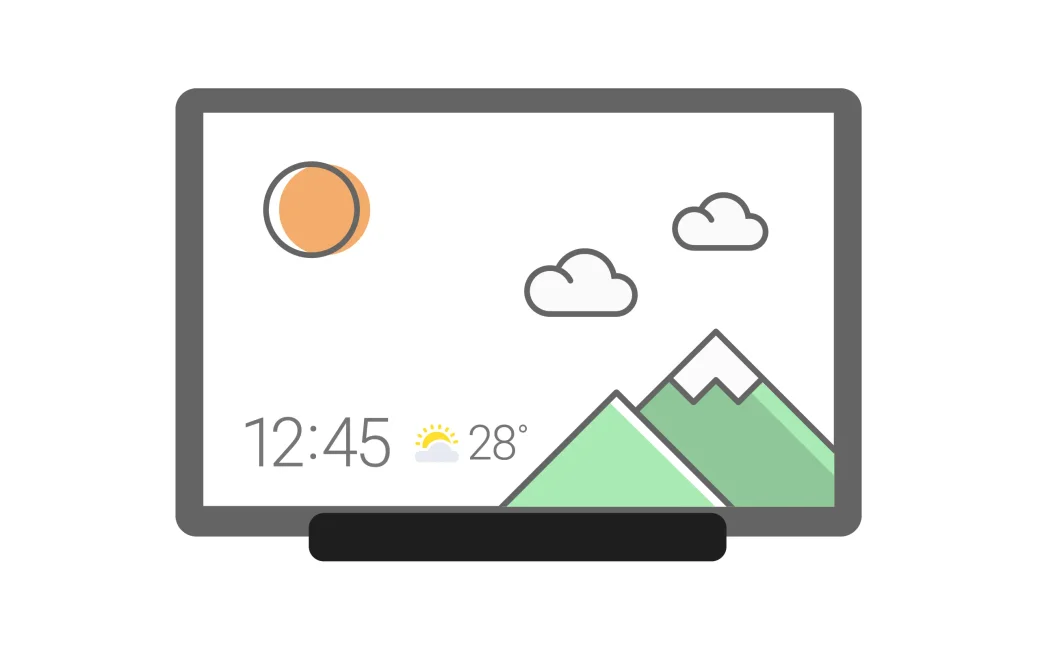
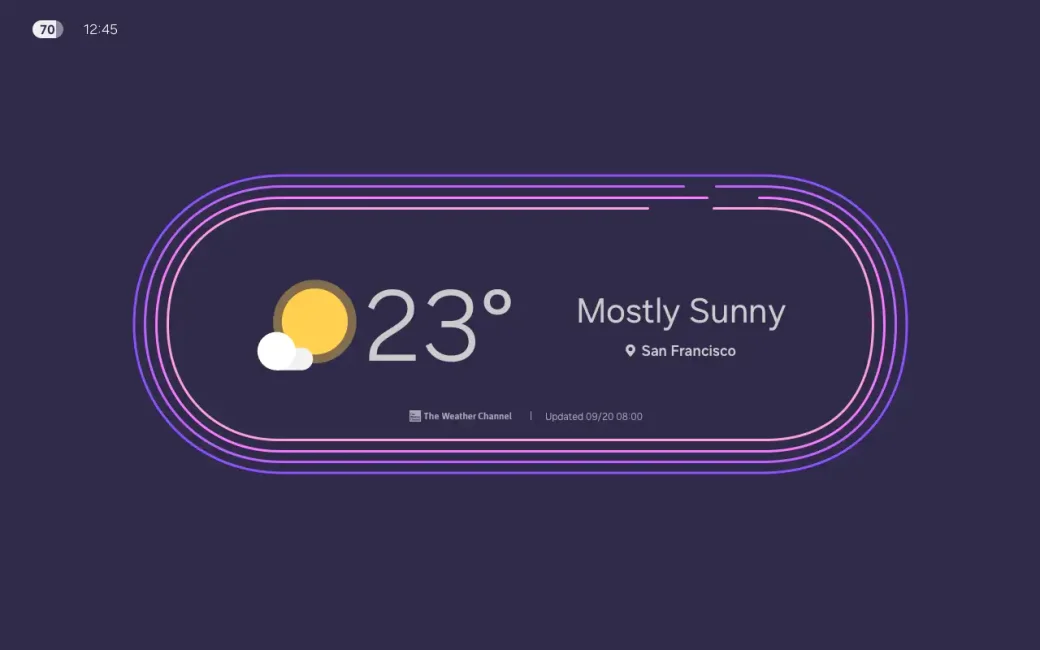
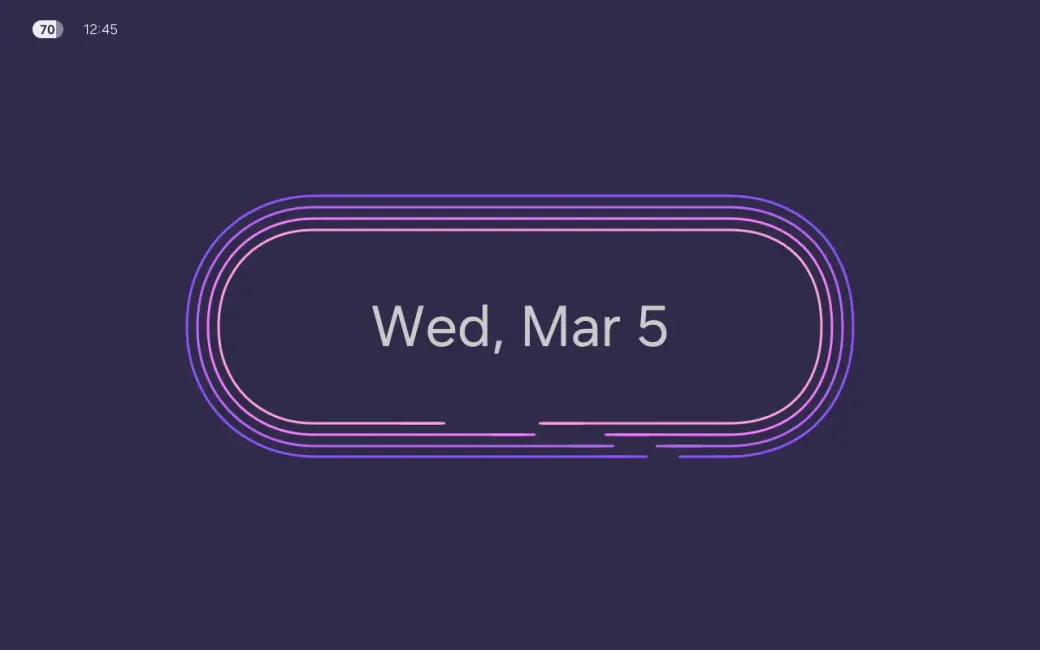
時間、天気、カレンダー、およびさまざまな画像を常に表示します。
タブレットを充電している間、デイリーボードでは、日常生活に役立つ情報や写真にいつでもアクセスできます。
夜間の画面の眩しさを軽減するナイトテーマも利用可能です。
▷ 時刻、天気、カレンダー
• 遠くからでも見やすく、洗練された美しさを際立たせるよう工夫しました。
• レイアウトをお好みの形に設定して使用できます。
▷ フォトスライドショー
• Samsungギャラリーで作成したアルバムをデイリーボードでいつでも閲覧できます。
• Samsung Experience Serviceと連携することで、友人や家族が共有した写真を見ることができます。
• お気に入りの絵画などの画像を追加して、自分だけのデコレーションとして活用できます。
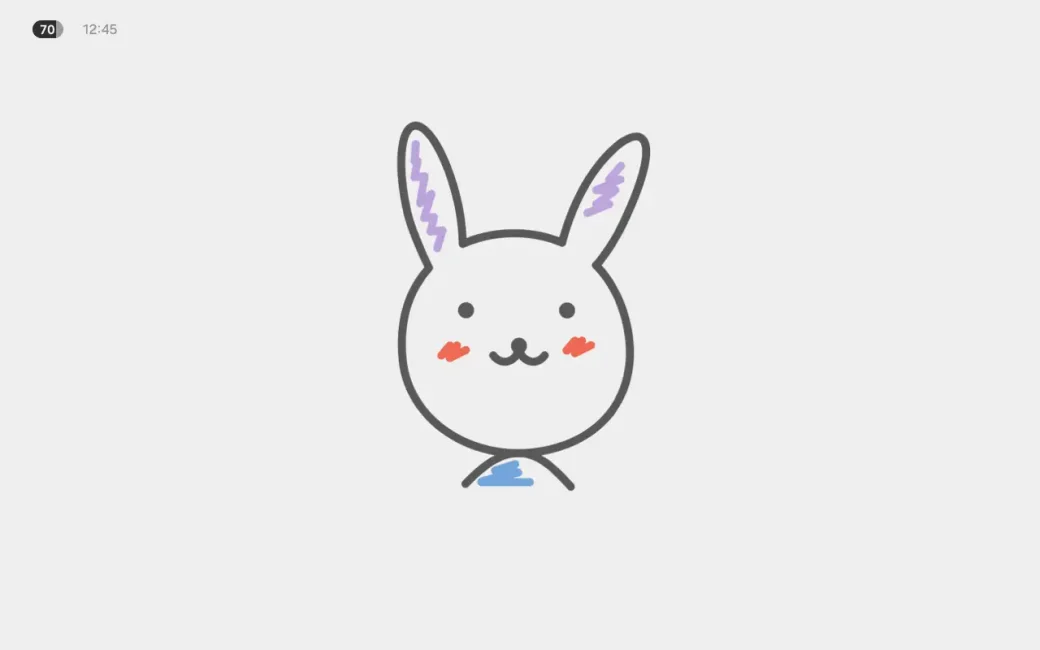
▷ メモボード
• デイリーボードにToDoリスト、家族へのメモ、お子様の絵などを投稿でき、家族はいつでも簡単に確認できます。
• ライブメモモードでは、メモがアニメーションで表示されます。
(メモボード画面の右下部分でモードを切り替えることができます。)
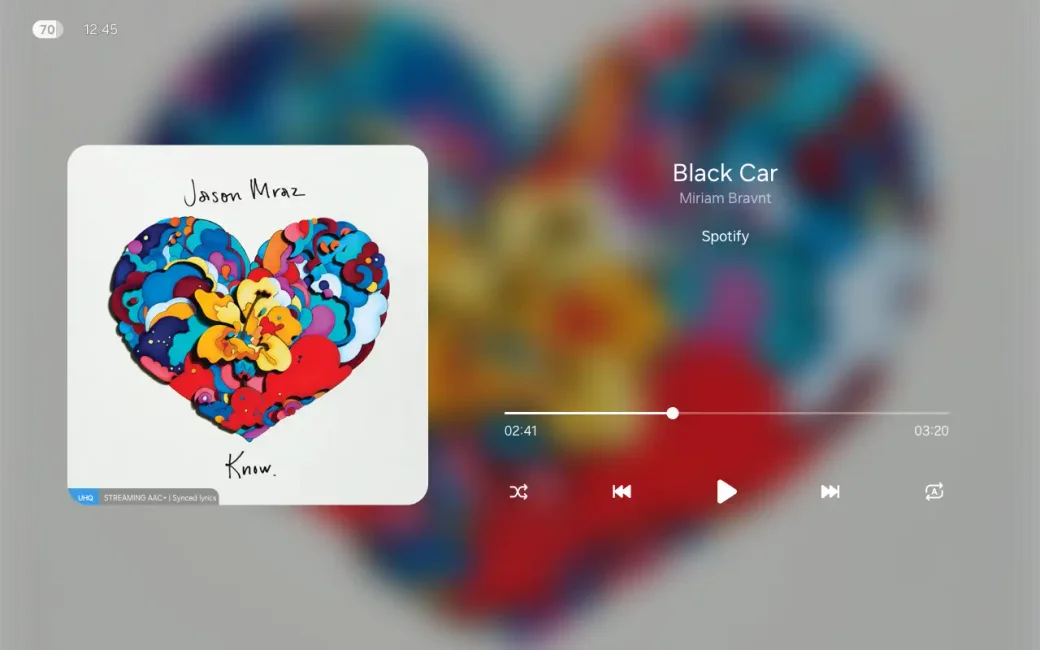
▷ ミュージックコントローラー
• デイリーボードから音楽を操作できます。(再生/一時停止/スキップ)
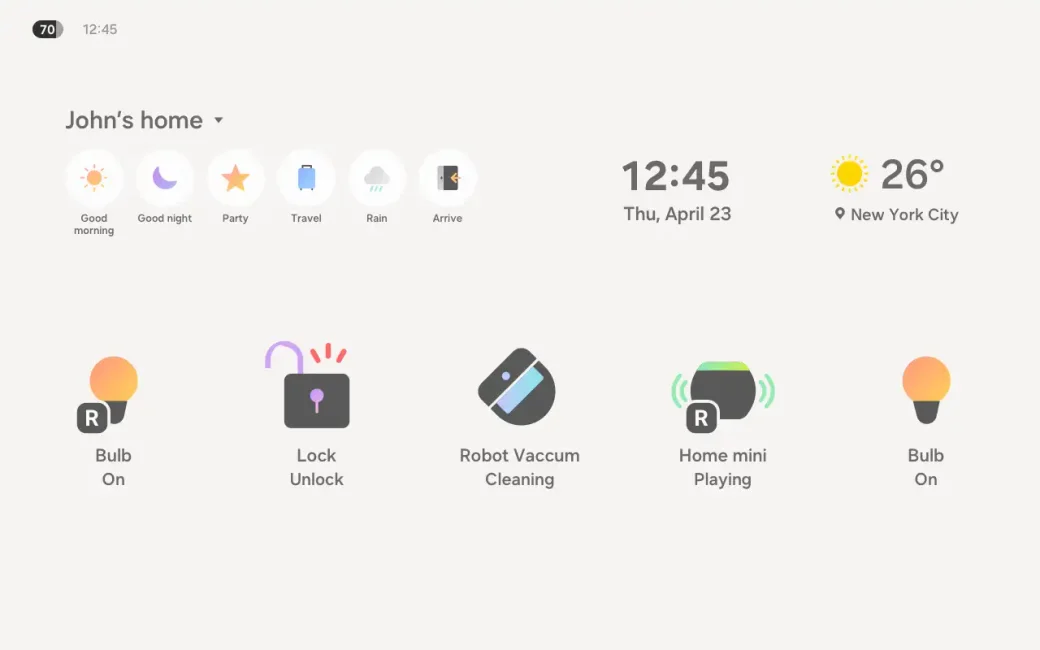
▷ SmartThings
• デイリーボードにSmartThingsボードが追加されました。
• SmartThingsに登録されているデバイスの状態を一目で確認し、簡単かつ便利に操作できます。
※- USB充電器に接続すると、ナビゲーションバーに表示されるデイリーボードのクイック起動アイコンをタップして起動できます。
(ナビゲーションバーのスタイルが「ナビゲーションボタン」に設定されている場合のみ利用可能です。)
- デイリーボードアプリは通知の権限を必要とします。
以下のパスで設定できます。
• 設定 > アプリ > デイリーボード > 権限
原文を表示
When charging the tablet, Daily Board gives you access to information that you will find useful in your daily life, as well as photos at all times.
A night theme is also available to help you prevent night glare.
▷ Time, Weather, Calendar
• We tried to make them recognizable even from a distance and highlight their refined beauty.
• Set and use the layout in your desired shape.
▷ Photo Slide Show
• You can always view albums created in Samsung Gallery on the Daily Board.
• You can view photos shared by your friends and family by integrating Samsung Experience Service.
• Add images such as your favorite painting, and use it as your very own decorative piece.
▷ Memo Board
• You can post a to-do list, memos for your family, drawings your child made on the Daily Board, and family members can easily check them at all times.
• Live memo mode presents your memos with an animated view.
(You can switch modes at the bottom-right section of the Memo Board screen.)
▷ Music Controller
• Control music from the Daily Board. (Play/Pause/Skip)
▷ SmartThings
• SmartThings board was added to Daily Board.
• You can check at a glance the status of the devices registered with SmartThings and control them easily and conveniently.
※
- When connecting to the USB charger, you can tap a quick launch icon for Daily Board displayed on the navigation bar to launch it.
(Available only when the navigation bar style is set to “Navigation buttons.”. )
- The Daily Board app requires permission for notifications.
It can be set in the path below.
• Settings > Apps > Daily Board > Permissions
データ セーフティ
このアプリが収集・共有するデータについて、Samsung Electronics Co., Ltd.がGoogle Playで申告している内容です。
- 第三者と共有されるデータはありません詳しくは、デベロッパーが共有を申告する方法についての説明をご覧ください
- データは収集されません詳しくは、デベロッパーが収集を申告する方法についての説明をご覧ください
新機能
2026/8/5
▷ Bug Fix
開発元の連絡先
- ウェブサイトsamsung.com
- メールnoreply.sec@samsung.com
- プライバシーポリシーsamsung.com
- 住所대한민국 16677 경기도 수원시 영통구 삼성로 129 (매탄동)
情報
- 提供元
- Samsung Electronics Co., Ltd.
- カテゴリ
- ライフスタイル
- 更新日
- 2026/8/5
- リリース
- 2018/8/9
- 対象年齢
- 3 歳以上
- 価格
- 無料
- パッケージ名
- com.samsung.android.homemode